
Software testing is critical in assessing the quality of apps, testers oftentimes have to deal with limited resources when it comes to creating tests, as well as repetitively creating tests for all feature coverage. These factors lead to a significant reduction in both the speed of development and efficiency in the testing process.
GitHub Copilot has been identified as an option that could help alleviate this situation by simplifying the development of automated testing by decreasing the amount of repetitive work when building tests while also providing AI assistance so that the accuracy of testing coverage is improved. This means that test engineers will be able to work more effectively without compromising the quality of the software being tested.
What Is GitHub Copilot?
If you don’t know what GitHub Copilot is, congratulations. You have been living a peaceful, AI free life. Unfortunately, that peace is about to be disturbed.
GitHub Copilot is the teammate who starts coding while you are still explaining the problem. You type half a comment, it confidently finishes the function like it wrote the specification. Not always right, rarely humble, but somehow already in everyone’s workflow.
Setting Up GitHub Copilot
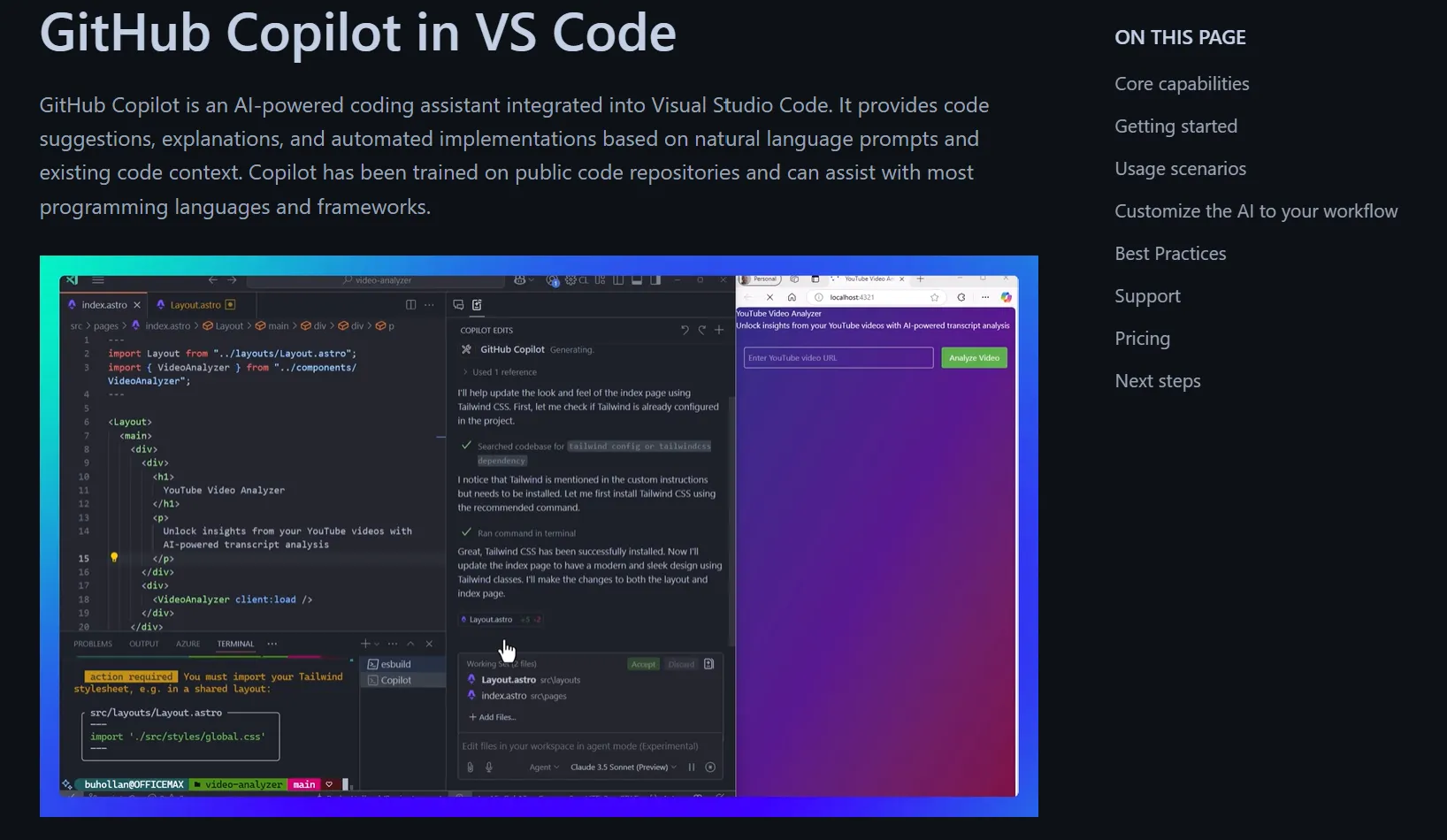
Before using Copilot for testing, you need to install and enable it in your IDE.
GitHub Copilot is available for popular editors like Visual Studio Code and JetBrains IDEs. Install it from your IDE’s marketplace by searching for “GitHub Copilot” and connect your GitHub account during setup.
Once enabled, Copilot starts suggesting code inline as you type or write comments.
Why Testers Use Copilot (and Where It Stops Helping)
Testers generally use Copilot to write unit tests and general-purpose boilerplate code; these do not require extensive knowledge of a company’s production environment, the real usage of the application or its users are not typically required for this type of work. Therefore, they use Copilot to create repetitive code such as creating the setup, creating the assertion and creating the test structure.
However, where Copilot does not perform well is in cases where the application behaviour is dependent on how it is functioning in real time. Additionally, since the Copilot technology does not record run-time data, it lacks the capability to capture live network traffic, or any service interactions – therefore, it is not a suitable tool to use for real-time testing of APIs, integrations, and end-to-end testing. In addition, since the Copilot does not create realistic test data that mimics production, it is not a reliable choice for these types of tests.
As such, tests created through the Copilot tool should always be considered as a starting point for further validation and refinement. As a general trend, many teams have moved towards using tools designed specifically for executing and validating APIs, integrations, and E2E workloads – examples include Keploy (for behavioural driven API testing), Postman (for validating API workflows), and Playwright (for validating E2E testing of browser-based applications).
How to Use Copilot for Testing (The Right Way)
GitHub Copilot works best when used for unit tests and local test code, where the logic is isolated, small, and predictable. When used correctly, it speeds up test creation without taking control away from the developer.
Below is a clear, step-by-step way to use Copilot effectively in your testing workflow.
1. Start with the code you want to test
Begin by opening the exact function or class you want to write tests for. Focus on one unit of logic at a time instead of trying to test multiple things together. Clear scope helps Copilot understand the context and generate more relevant test suggestions.
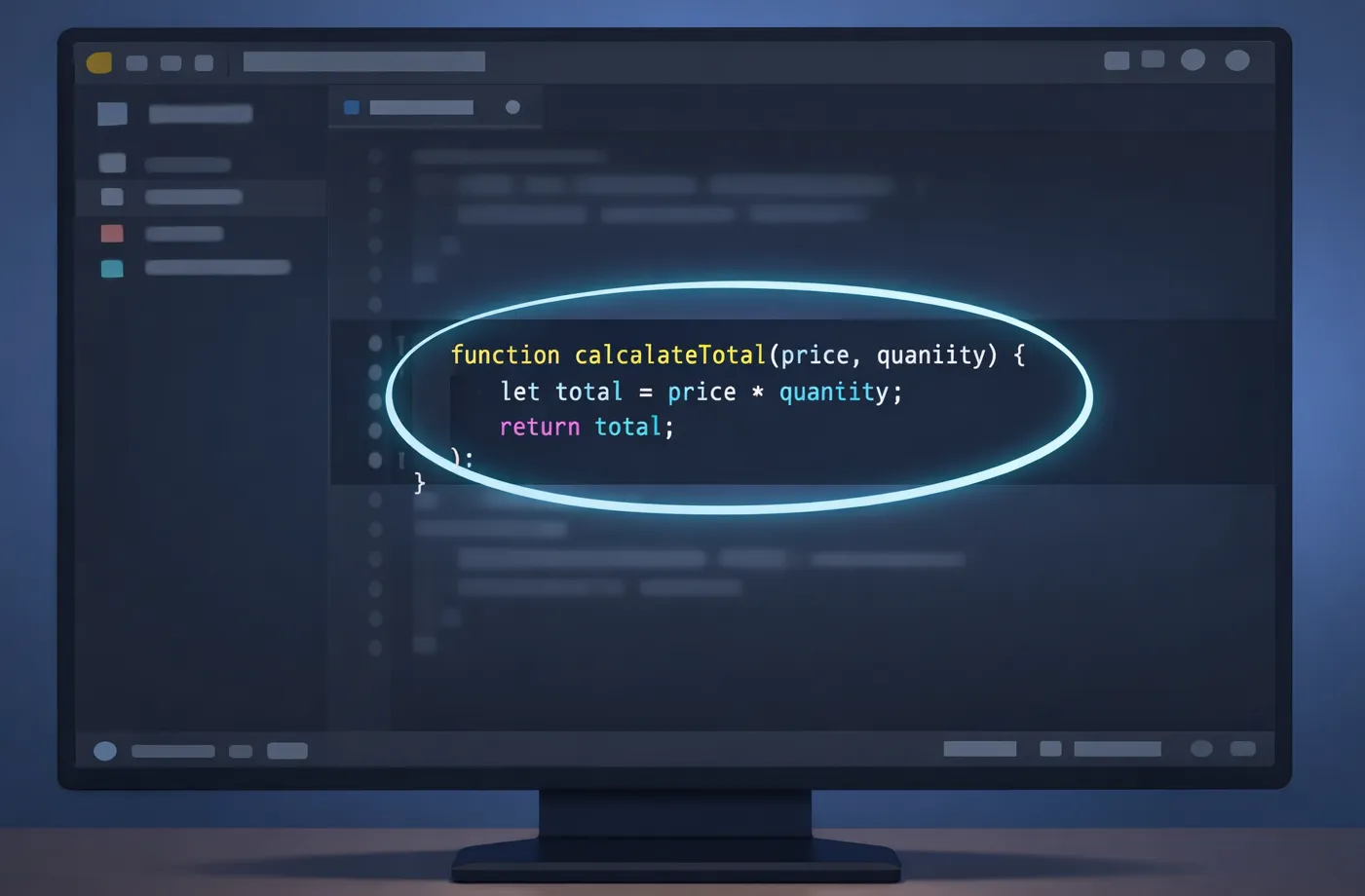
The better you understand the code, the better the tests will be.
2. Create a dedicated test file
Always write tests in a separate file instead of mixing them with production code. Create a test file using your preferred testing framework such as Jest, PyTest, or JUnit.
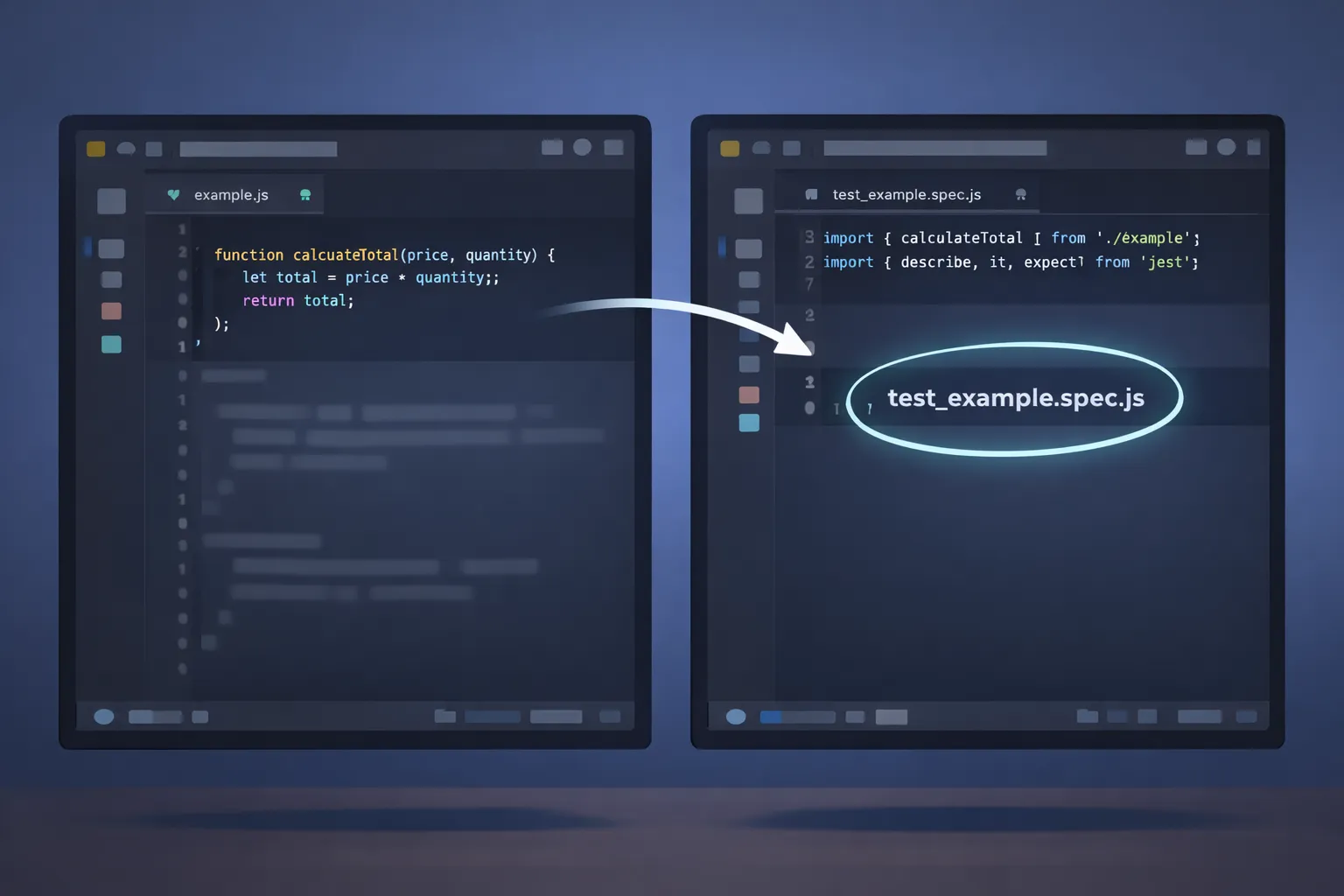
Keeping tests separate makes your codebase cleaner, easier to maintain, and simpler to scale as your project grows.
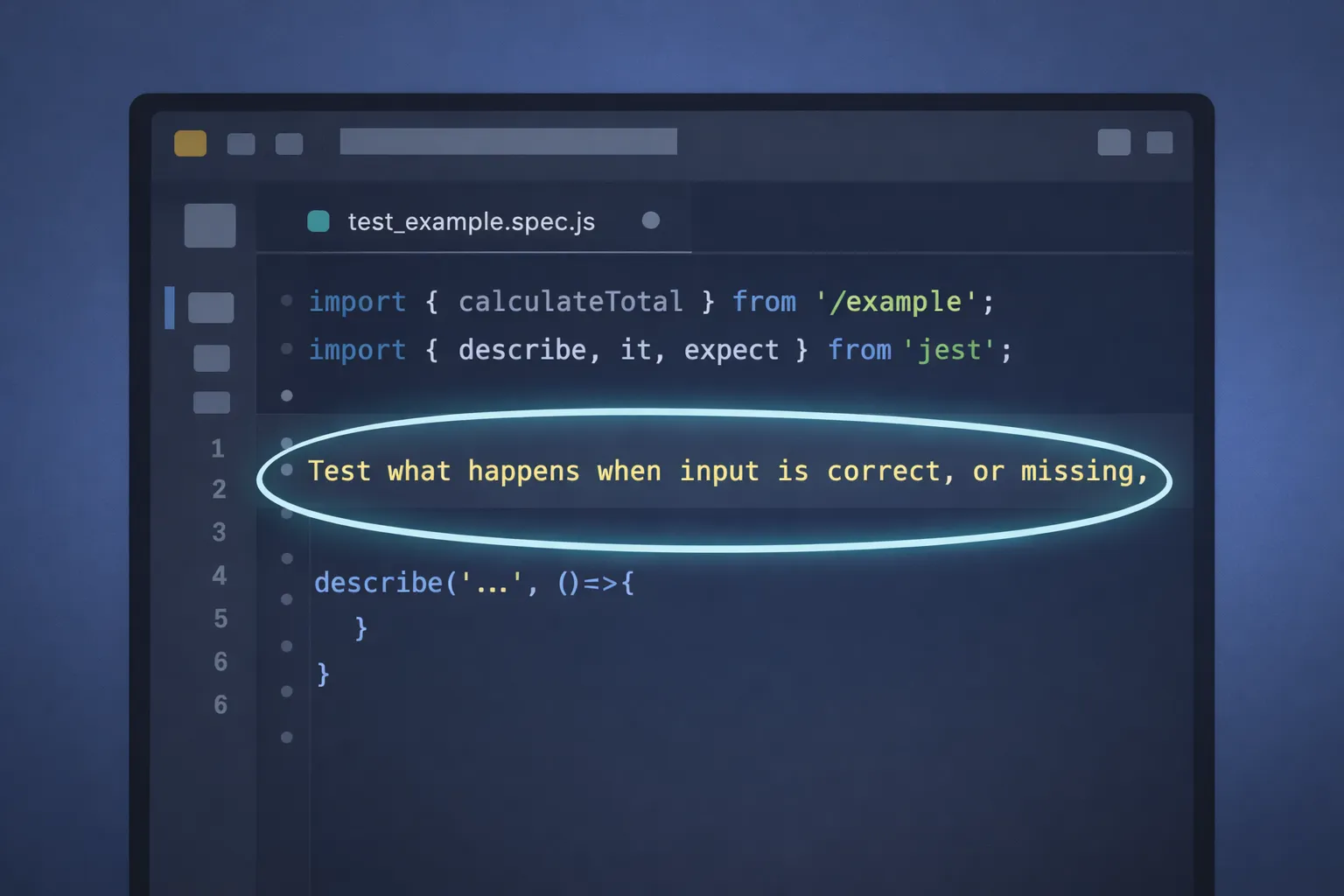
3. Describe what should be tested
Before writing any test code, add a short and clear comment explaining what the test should cover. This may include:
-
Expected behavior for valid inputs
-
How errors should be handled
-
Edge cases and unusual scenarios
This comment acts as instructions for Copilot and helps it generate more accurate and useful test cases.
4. Let Copilot generate a draft
With the comment in place, allow Copilot to suggest test code. It will typically generate test cases, assertions, and basic setup automatically.
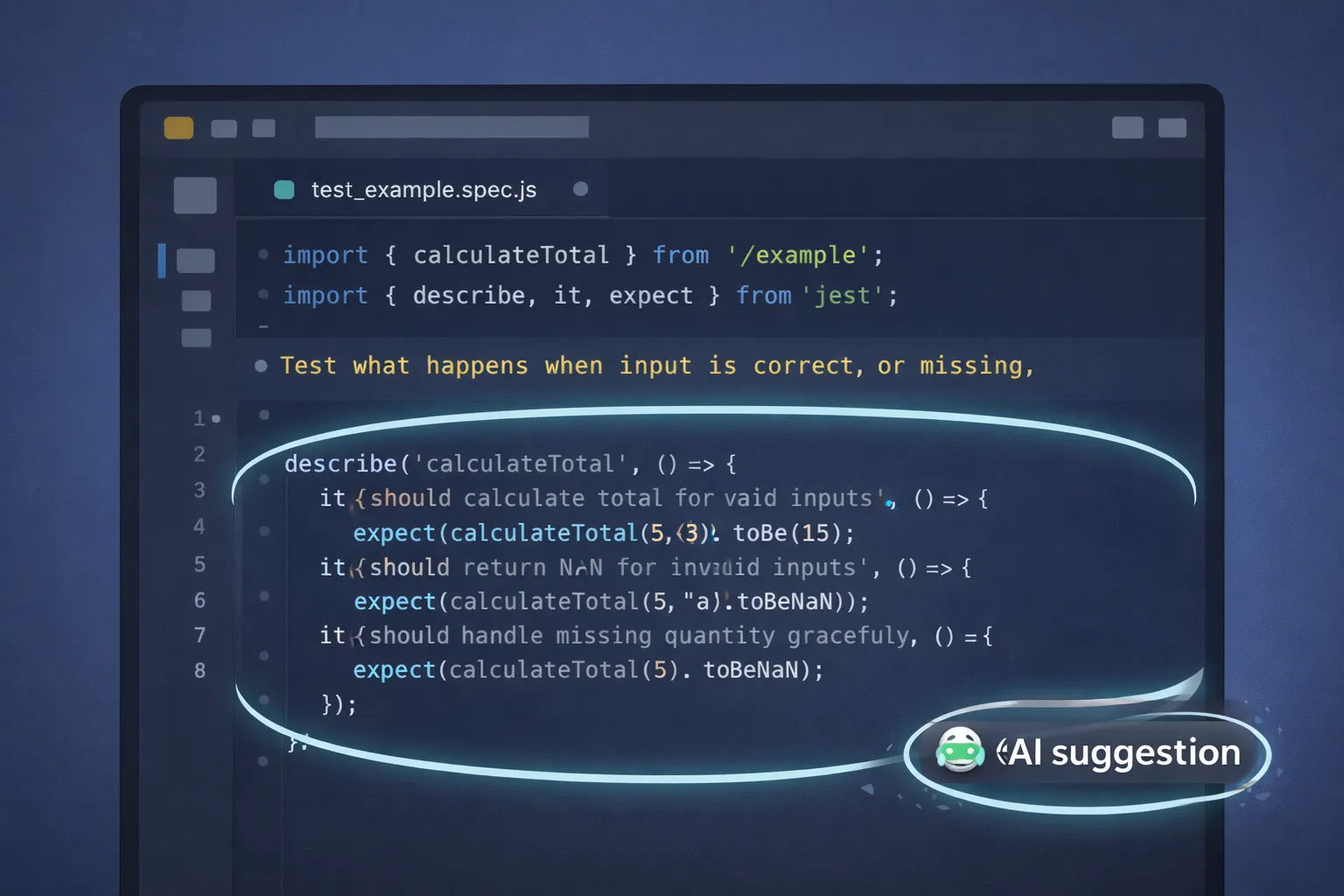
Treat these suggestions as a draft. Copilot is good at handling repetitive patterns, but it does not fully understand your business logic.
5. Review and refine the output
Carefully review the generated tests before accepting them. Adjust assertions, add missing edge cases, and remove incorrect assumptions. Make sure the tests reflect real requirements and not just syntactically correct code.
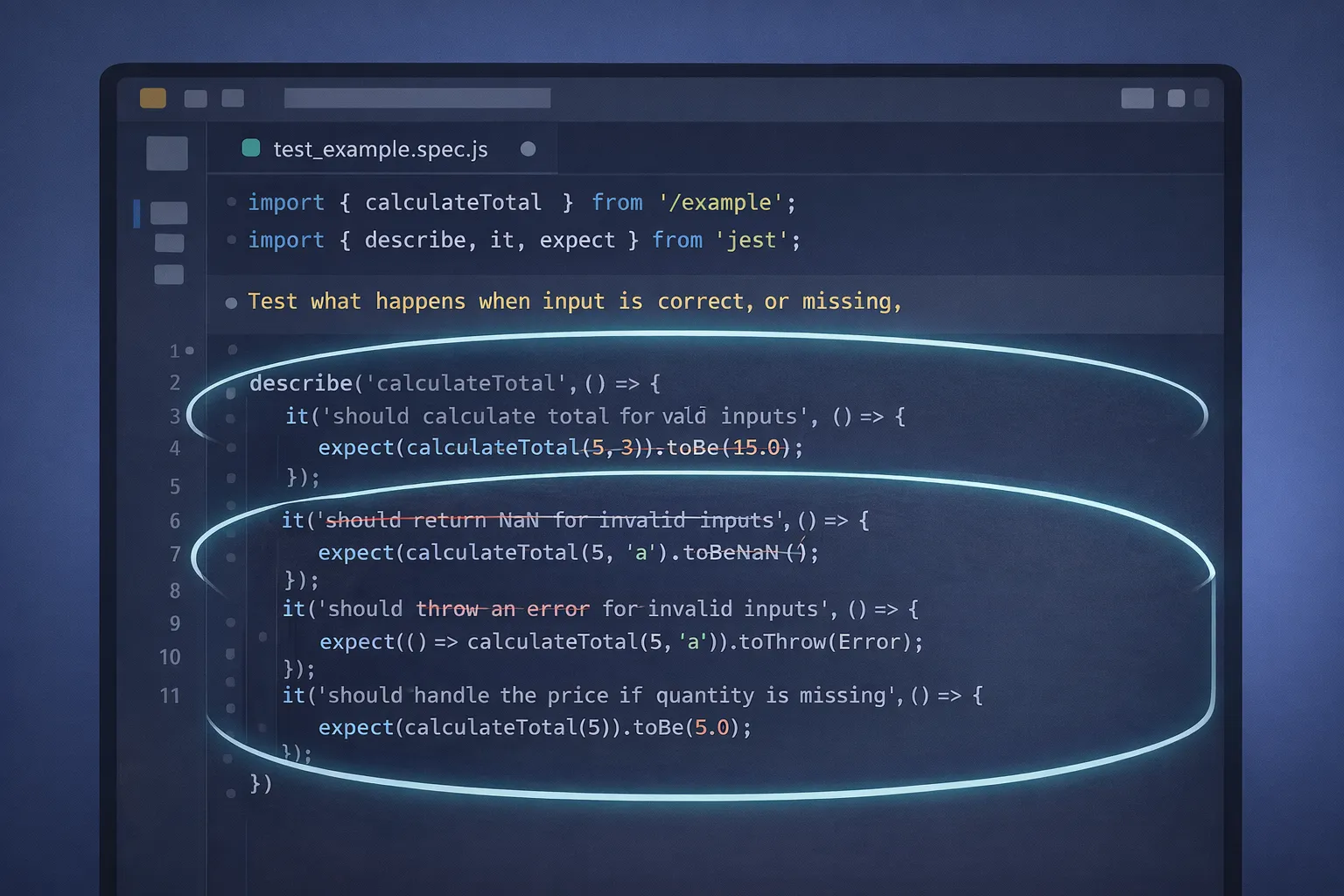
This step is critical for maintaining test accuracy and reliability.
Copilot helps reduce repetitive test-writing work, but deciding what to test and what matters is still a human responsibility. Used correctly, it improves productivity while keeping test quality firmly under the developer’s control.
Why Copilot Breaks Down for Integration, API, and E2E Testing
Once Testing Moves Beyond So-Called Isolated Logic, You Can See Where Copilot Fails
API & Integration Testing
API and integration tests depend on:
-
Real request–response behavior
-
Environment-specific configurations
-
Interactions between multiple services
-
Data flowing across system boundaries
Copilot does not see any of this. It generates test code based purely on static source code and comments, which often leads to:
-
Assumed responses
-
Over-mocked dependencies
-
Missing edge cases caused by real traffic
-
Tests that pass locally but fail in real environments
This makes Copilot unsuitable as a primary tool for API or integration testing.
End-to-End (E2E) Testing
E2E testing simulates real user workflows across the entire system. While Copilot can generate basic Playwright or Selenium syntax, it cannot:
-
Observe real user behavior
-
Handle dynamic UI states reliably
-
Manage test data lifecycles
-
Detect flaky behavior caused by timing or environment differences
As a result, Copilot-generated E2E tests often look correct but fail to provide confidence.
Prompting Copilot Effectively (Where It Still Helps)
When using Copilot, prompts should stay focused on structure, not behavior.
Some good examples of effective prompts include:
-
“Write unit tests for this functionn”
-
“Create a test setup with Jest”
-
“Write assertions for this output”
Bad examples of ineffective prompts include:
-
“Test the API realistically”
-
“Create E2E tests that simulate production behavior”
-
“Simulate real life user traffic”
The clearer and tighter the prompt’s scope, the better Copilot’s results will be.
Where Dedicated Testing Tools Fit In
While unit testing can be performed using simple test cases, teams that perform other types of tests generally use some form of dedicated testing tool to help run their tests based on actual execution versus an assumption.
-
Many organisations use Postman as the main tool for defining and executing workflows with their APIs. Playwright is a popular tool for testing E2E functionality on a browser level using real user interactions.
-
Keploy was developed specifically for API and integration testing by analyzing actual traffic sent to an application and creating test scripts based upon that application’s behaviour.
The key difference between these tools and Copilot is that they use runtime data instead of static assumptions when carrying out testing.
Why Copilot Alone Is Not Enough for Reliable Testing
Copilot accelerates test writing, but speed alone doesn’t create confidence
Because it does not observe runtime behavior, Copilot-generated tests often:
-
Miss production-only issues
-
Fail to reflect real data patterns
-
Break when environments change
-
Pass even when the system behavior is incorrect
Keploy addresses this gap by generating tests directly from real API executions. Instead of guessing how an API should behave, it captures real traffic, creates mocks automatically, and replays those tests consistently across environments and CI pipelines.
This makes it possible to:
-
Detect regressions early
-
Avoid flaky, assumption-based tests
-
Maintain confidence as systems evolve
Conclusion
GitHub Copilot is excellent at what it’s designed for: speeding up local coding and unit test creation. It removes repetitive work and helps testers move faster—but it does not replace real testing.
Reliable test automation requires visibility into how systems behave in the real world. For API, integration, and end-to-end testing, tools that work with actual execution and data are essential. When Copilot is used alongside runtime-aware tools like Keploy, testers get both productivity and confidence—without relying on assumptions.
FAQs
Can GitHub Copilot automate the testing process from start to finish?
GitHub Copilot does not have the ability to automate the entire testing process from start to finish, as it generates test code much more quickly than manually entering the code, and because it doesn’t observe the actual execution of code with real data, GitHub Copilot cannot automate end-to-end testing on the code base.
What types of tests does Copilot generate?
Copilot will generate unit tests, rudimentary integration test code, and examples of rudimentary end-to-end test codes. These automatically generated test codes will still require amendments and review by developers before being employed in production.
Why do Copilot-generated tests miss real-world issues?
Copilot works from static code context and comments. It does not see real user inputs, API traffic, or environment-specific behavior.
What tools can be used to ensure that runtime performance is reliable and consistent?
The most reliable way of ensuring the reliability and consistency of runtime performance is through a test that captures the application’s real behavior during the execution of requests. Some tools are designed to capture real-time request-and-response traffic for this purpose.
Is Copilot well-suited for deployment pipelines (CI/CD) in a typical software development workflow?
While Copilot is suited to helping developers create test codes and test code used in the development and deployment of pipelines, it does not have a strong enough foundation to validate and help prevent any inconsistent tests (flaky tests) during those pipelines.

Leave a Reply