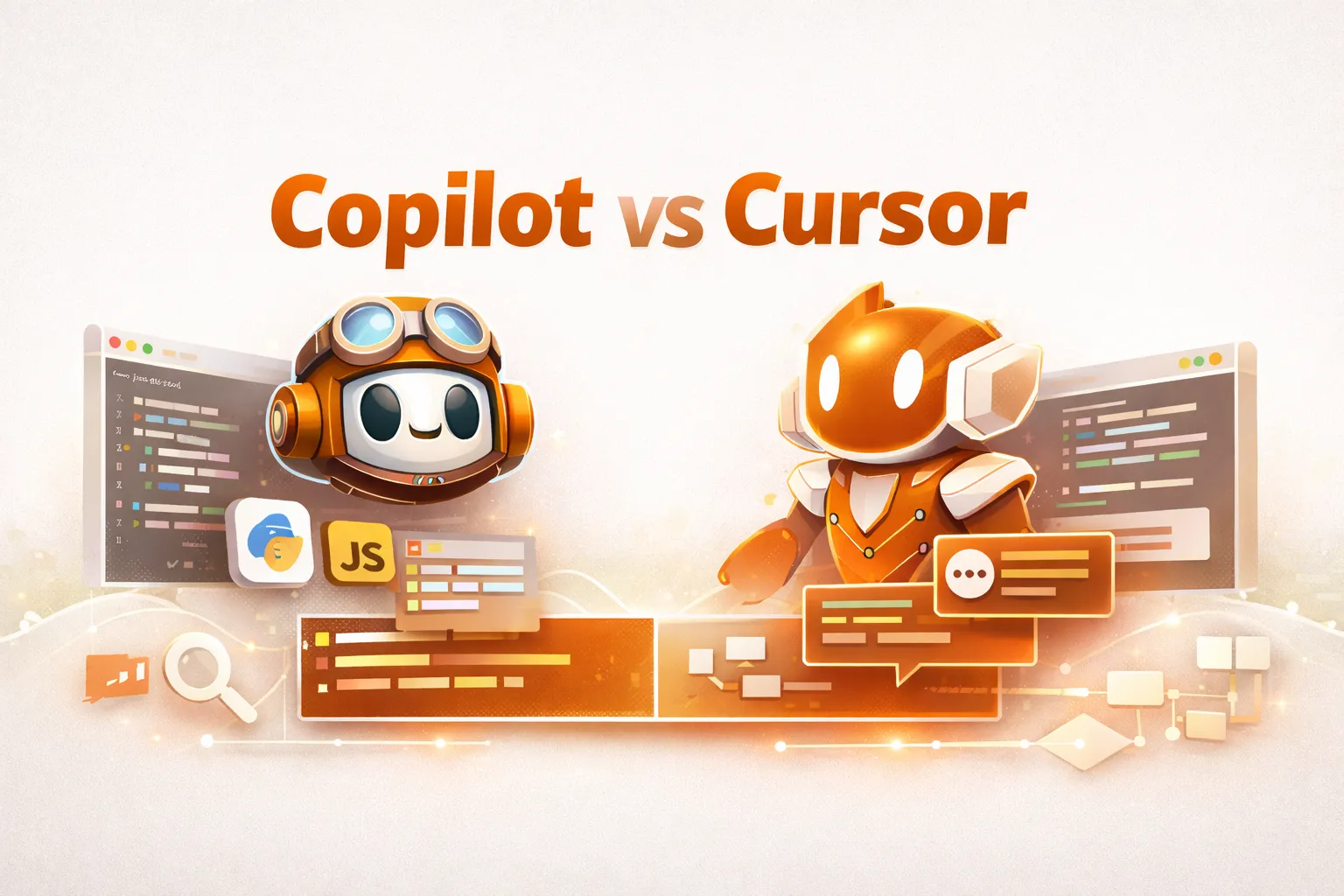
Coding with artificial intelligence is not just a nice-to-have; AI applications in computer programming are becoming integral to modern computer programming workflows. Presently, two primary applications dominate the discussions in this area: GitHub Copilot and Cursor AI.
While both applications provide faster coding times and fewer bugs, fewer bugs, and smarter code, they offer such features in extremely different ways.
Therefore, to assist you in determining which application best suits your programming needs, we will compare GitHub Copilot vs Cursor according to features, pricing, real-world examples, and programming workflows.
What Is GitHub Copilot?

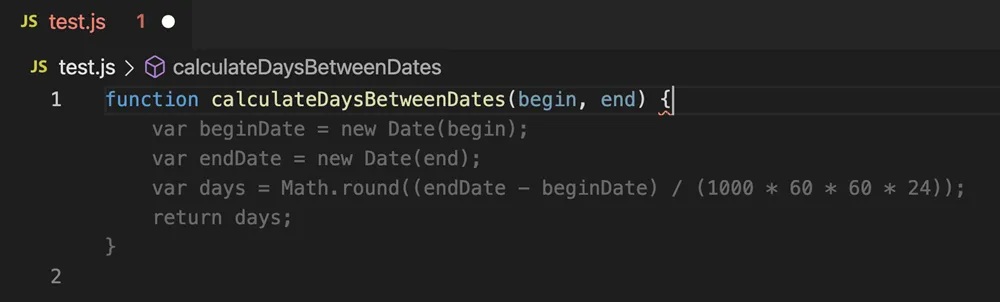
GitHub Copilot, an artificial intelligence-based coding assistant, provides real-time suggestions as you write code in an IDE (such Visual Studio Code or JetBrains). It offers:
-
Immediate on-screen [inline] code completions from the start of your typing along with suggested completion based on previous code writes.
-
Automatically generates functions and boilerplate code based on written comments.
-
Provides chat-based assistance through the IDE directly with the editor [your IDE].
-
Provides close integration with GitHub repository.
GitHub Copilot’s strength is providing users with instant completion of predictions.
What Is Cursor AI?

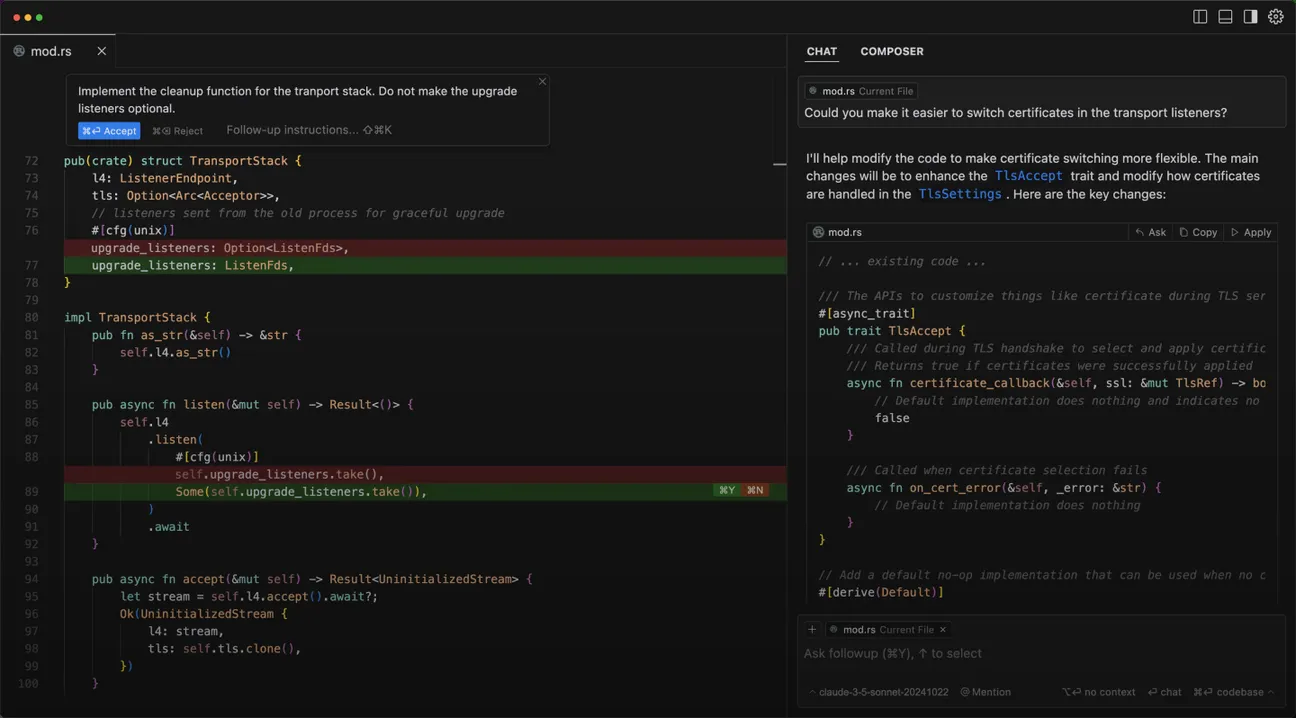
Cursor is a complete AI-based code editor built upon VSCode and provides a text-based programming interface. Instead of providing only predictions on lines to complete, Cursor provides additional features that enable users to:
-
Make multi-line and multi-file edits utilizing plain written English.
-
Ask questions regarding all files of a user’s total codebase.
-
Refactoring of code through one enter database.
-
Execute agent-style work in order to make larger case changes.
Cursor excels with providing a complete set of tools for developers of all levels working indirectly with large code and making regular changes to programs.
Copilot vs Cursor: High-Level Comparison
| Category | GitHub Copilot | Cursor AI |
|---|---|---|
| Core approach | Inline AI autocomplete | Natural-language code editor |
| IDE support | VS Code, JetBrains | Standalone editor (VS Code-based) |
| Codebase awareness | File-level (improving with chat) | Project-wide |
| Best at | Speed & autocomplete | Refactoring & context |
| Learning curve | Low | Medium |
Feature-by-Feature Comparison
1. Code Autocompletion
Copilot excels at predictive typing. As you write code or comments, it instantly suggests the next logical block.
python
# User types:
def calculate_discount(price, discount):

# Copilot suggests:
    return price - (price * discount / 100)
Why Copilot wins here:
-
Extremely fast suggestions
-
Great for repetitive or boilerplate code
-
Minimal interruption to flow
Cursor also supports suggestions, but this isn’t its primary strength.
2. Natural Language Editing
Cursor’s standout feature is editing code with English instructions.
python
# Original code
items = []
for x in range(10):
    items.append(x * 2)

# Cursor prompt:
# "Convert this into a list comprehension"

# Result
items = [x * 2 for x in range(10)]
Why Cursor wins here:
-
Multi-line transformations
-
Clear before/after edits
-
Excellent for refactoring
Codebase Understanding & Context
Copilot
-
Primarily focuses on the current file
-
Context improves when using Copilot Chat
-
Best for local, incremental changes
Cursor
-
Indexes the entire project
-
Answers questions like:
“Where is this function used?”
“Why does this API return 401 errors?” -
Ideal for navigating unfamiliar repositories
AI Chat & Agent Capabilities
| Capability | Copilot | Cursor |
|---|---|---|
| Inline chat | Yes | Yes |
| Project-wide queries | Limited | Strong |
| Automated refactors | Partial | Strong |
| Task-based agents | Emerging | Mature |
Cursor behaves more like a junior developer agent, while Copilot acts like a real-time assistant.
Pricing Comparison
| Plan | GitHub Copilot | Cursor AI |
|---|---|---|
| Individual | ~$10/month | ~$20/month |
| Team / Business | ~$19/user/month | Varies |
| Free option | Limited | Trial only |
| Cost verdict | More affordable | More powerful |
Real-World Coding Examples
Example 1: API Boilerplate Generation (Copilot)
js
// Create a simple Express server with JSON support
Copilot generates:
import express from "express";

const app = express();
app.use(express.json());

app.get("/", (req, res) => {
  res.send("API running");
});

app.listen(3000, () => console.log("Server started"));
Example 2: Async Refactor Using Cursor
js
// Original
function fetchData(url) {
  return fetch(url).then(r => r.json());
}
Cursor prompt:
“Convert this function to async/await with error handling”
Result:
js
async function fetchData(url) {
  try {
    const res = await fetch(url);
    return await res.json();
  } catch (error) {
    console.error(error);
  }
}
Pros and Cons
GitHub Copilot – Pros
-
Lightning-fast suggestions
-
Easy onboarding
-
Works inside existing IDEs
-
Lower cost
GitHub Copilot – Cons
-
Limited deep refactoring
-
Less awareness of full codebase
Cursor AI – Pros
-
Strong project-wide context
-
Best-in-class refactoring
-
Natural language programming
-
Powerful agent workflows
Cursor AI – Cons
-
Higher price
-
Requires switching editors
Which Tool Is Better for Your Workflow?
| Use Case | Recommended Tool |
|---|---|
| Daily coding & autocomplete | Copilot |
| Large codebase refactors | Cursor |
| Learning a new repository | Cursor |
| Fast iteration & boilerplate | Copilot |
| AI-driven code navigation | Cursor |
Copilot vs Cursor: Final Verdict
A single winner doesn’t exist within copilot vs cursor, however there are some great contenders to help out various different types of developers.
GitHub Copilot would suit you if the below apply:
-
You want fast sugguestions inline.
-
You want a familiar IDE.
-
You want a more lightweight assitant.
Cursor would suit you if the below apply:
-
You work with large or legacy coded bases.
-
Natural language refactorings are desired.
-
You view AI as your coding partner.
Many experienced developers use both: Copilot for speed and Cursor for smarts.
FAQs
Is Cursor better than Copilot?
Cursor is better for refactoring and understanding large projects. Copilot is better for fast, inline coding.
Can I use Copilot and Cursor together?
Yes. Many developers use Copilot in VS Code and Cursor for deeper refactors.
Which is better for beginners?
Copilot, its autocomplete is simpler and less disruptive.

Leave a Reply