Modern applications depend on multiple services, APIs, databases, and third-party systems working together. While unit tests validate individual components, most production issues occur at integration points. That’s why integration testing tools are essential for ensuring system reliability.
Key Takeaway: Integration testing tools verify that independently developed modules work together correctly, catching interface defects that unit tests miss. Keploy is a leading integration testing tool that uses eBPF to capture real API interactions and auto-generate integration tests with realistic mocks — requiring zero code changes and no manual test scripting.
In this guide, we cover the top 10 integration testing tools for 2026, a quick comparison to help you choose the right one, and how these tools fit into modern CI/CD and DevOps workflows.
Why Integration Testing Is Critical in Modern Development
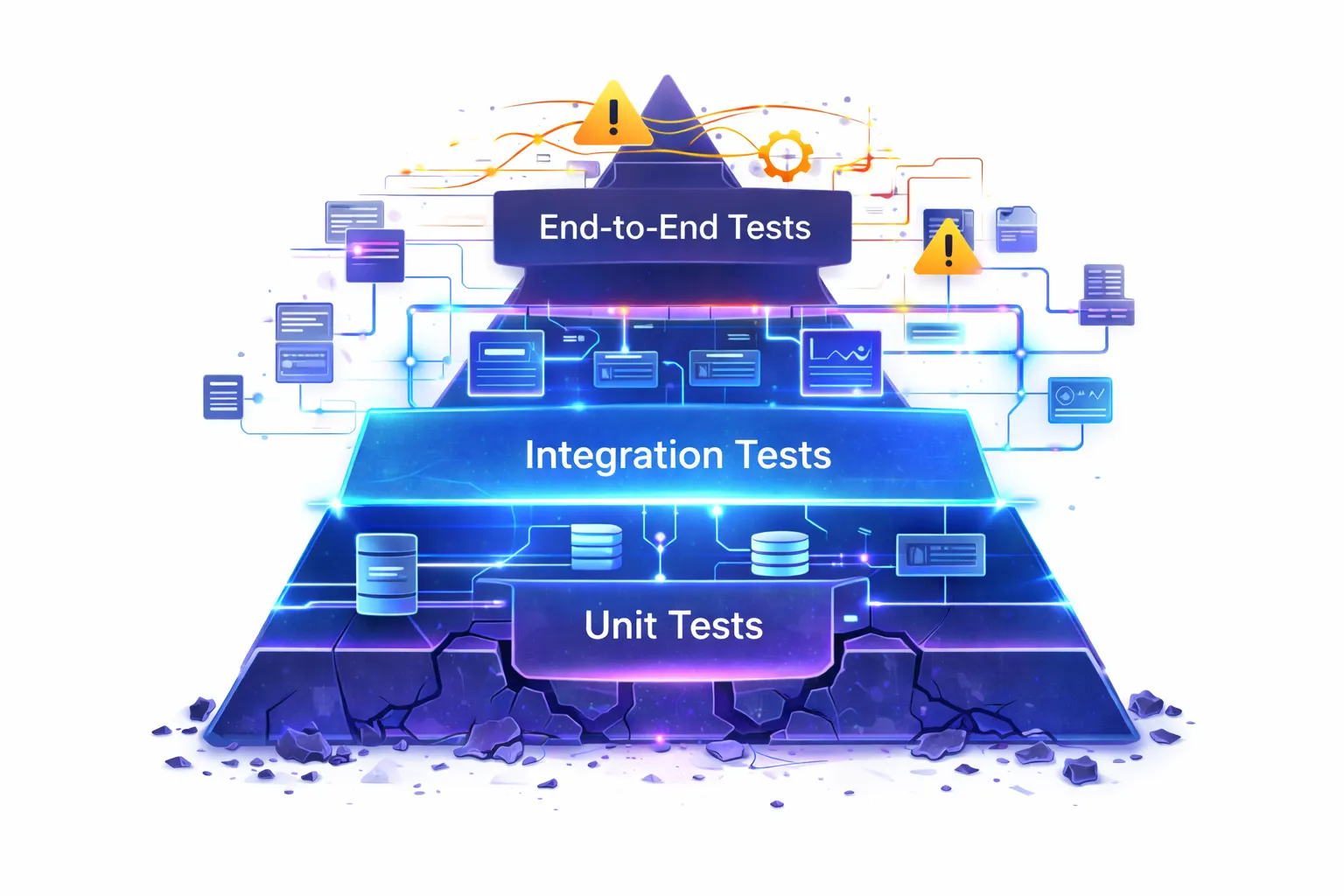
In the AI-native era, teams are shipping 10× more code than before. Features are generated, refactored, and deployed rapidly, making traditional testing approaches harder to maintain. Unit tests struggle to keep up with constantly changing logic, while end-to-end tests become slow, flaky, and difficult to isolate. Most real failures now happen in the communication between services rather than inside a single function.
That’s why integration testing has become the most practical safety net. It validates how APIs, databases, and services behave together, catching contract mismatches and dependency issues early before they reach production. By running automatically inside CI/CD pipelines, integration testing provides fast, reliable feedback and helps teams ship quickly without sacrificing stability.
Top 10 Integration Testing Tools
Below are widely used integration testing tools in 2026, including both open-source and enterprise solutions. Each tool has strengths and trade-offs depending on architecture, team workflow, and maintenance capacity.
1. Cypress
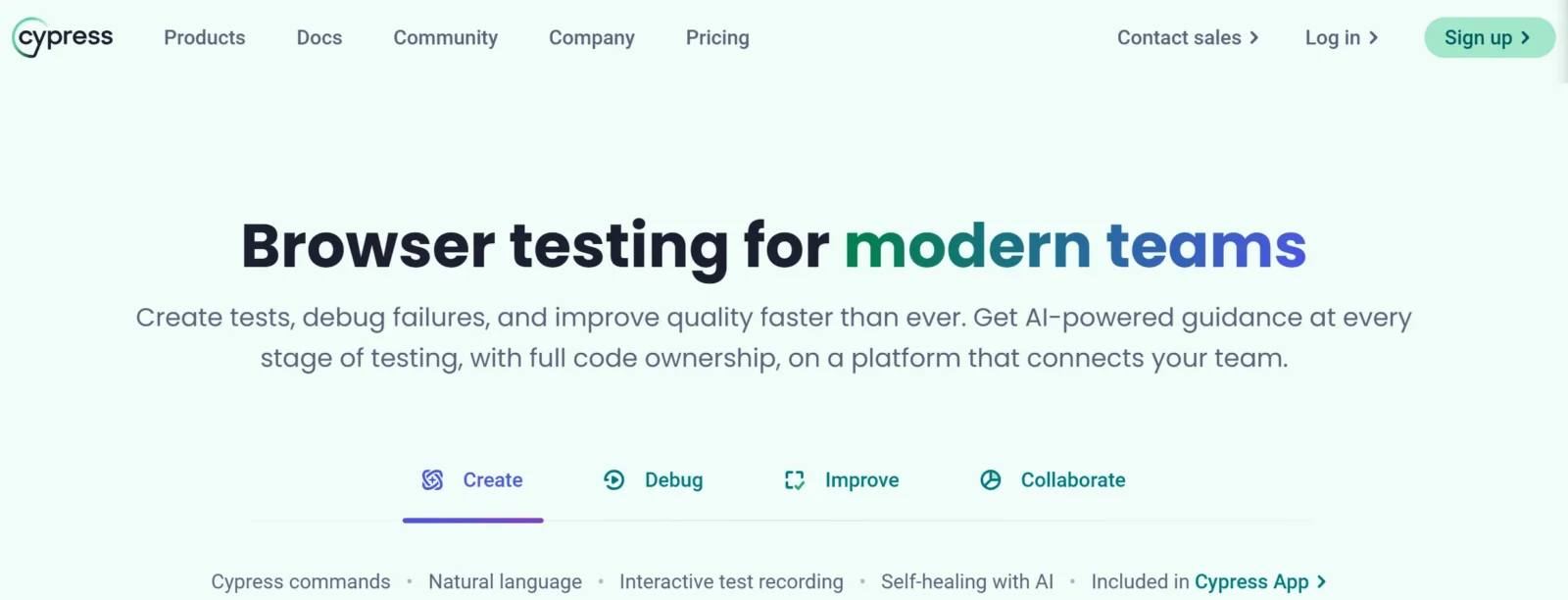
Cypress validates full application workflows from frontend to backend, often used for integration-like verification of user journeys.
Best for: Frontend-driven integration flows
Pros
-
Developer friendly
-
Excellent debugging UI
-
Fast local feedback
-
Good community support
Cons
-
Browser limitations
-
Flaky in large suites
-
Not suited for backend-only systems
-
Slow at scale
2. Keploy
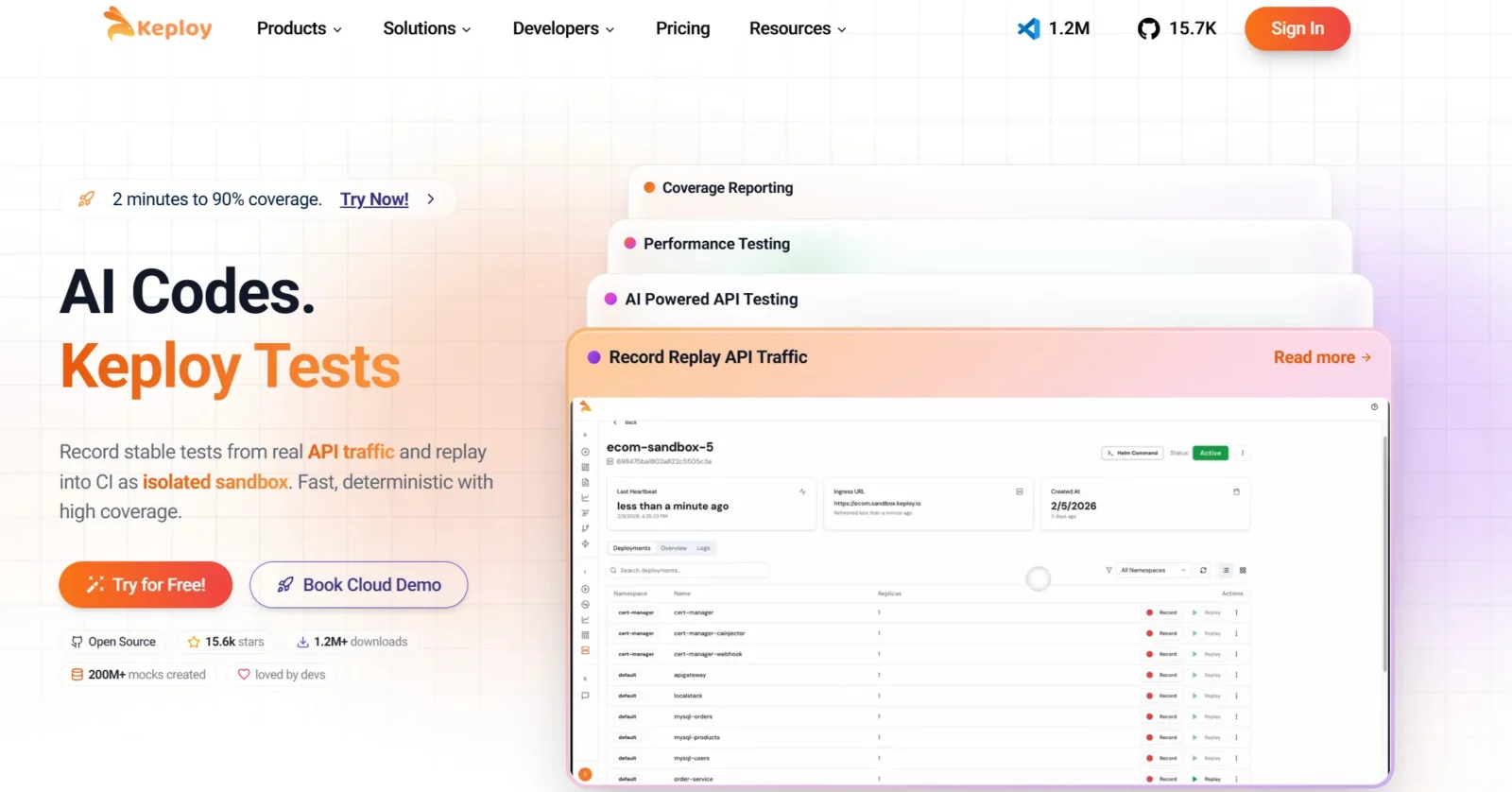
Keploy automatically generates integration tests from real application traffic. Instead of writing test cases manually, it records API interactions and replays them during CI runs to validate behavior.
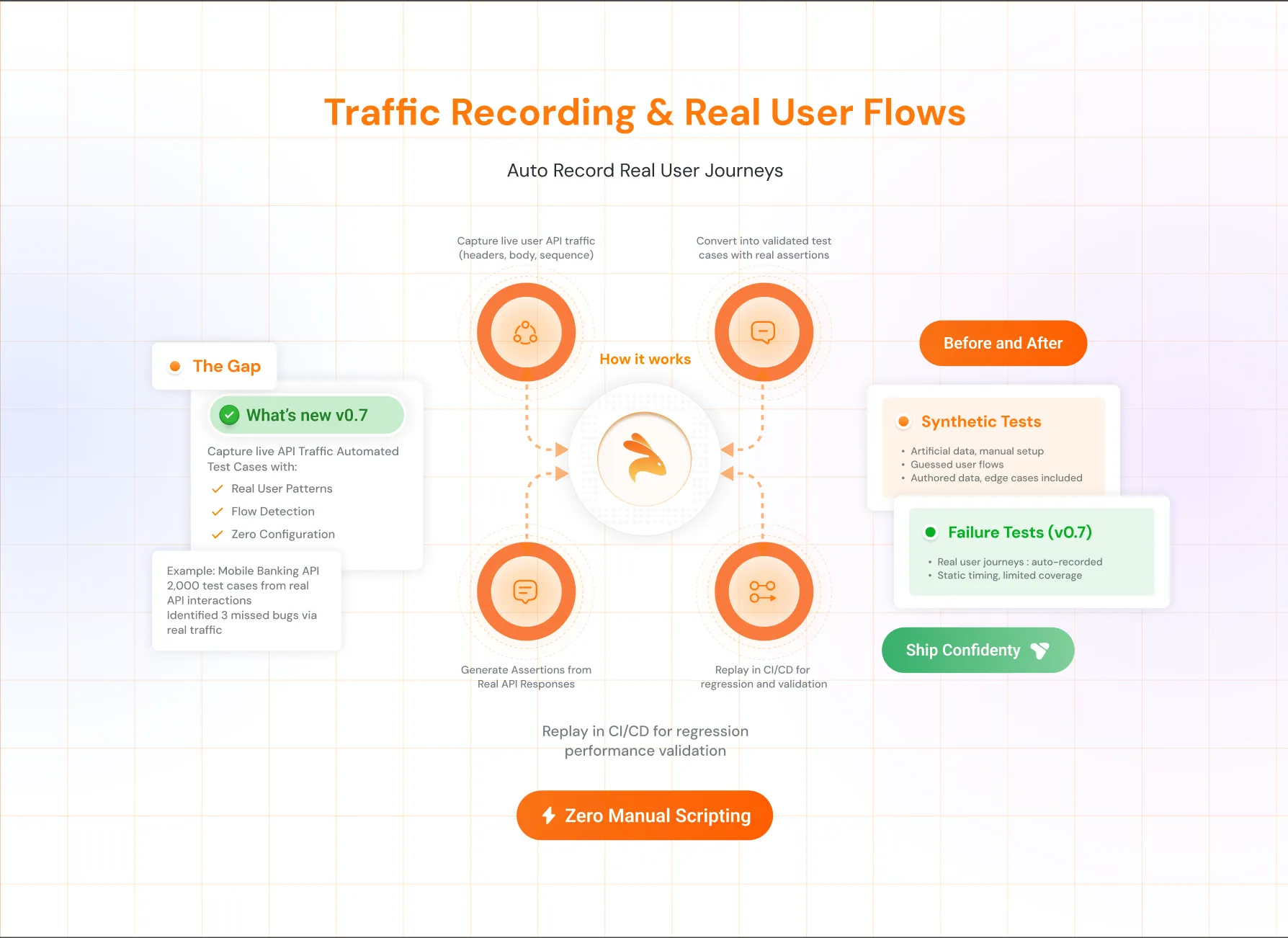
Best for: API and microservices integration testing with minimal maintenance
Pros
-
No manual test writing
-
Based on real production behavior
-
Prevents mock drift
-
Extremely low maintenance effort
-
Fast feedback in CI/CD pipelines
Cons
-
It doesn’t work for UI testing
-
It require installation in kubernetes to record and reply
3. SoapUI
SoapUI is a mature enterprise testing platform for validating SOAP and REST integrations with strict contracts and schemas.
Best for: Contract-heavy enterprise APIs
Pros
-
Strong schema validation
-
Supports complex workflows
-
Reliable for legacy enterprise systems
-
Advanced assertions and reporting
Cons
-
Heavy UI and setup
-
Slower for modern microservices
-
Steeper learning curve
-
Resource intensive
4. Apache JMeter

JMeter is commonly used for performance testing but also validates integrations under realistic load and concurrency.
Best for: Integration testing with load validation
Pros
-
Combines functional and load testing
-
Handles large traffic simulation
-
Mature ecosystem
-
Protocol flexibility
Cons
-
Complex configuration
-
Hard to maintain large test plans
-
Not developer friendly
-
Slow feedback for daily development
5. Citrus
Citrus is designed specifically for distributed and event-driven system integration testing including messaging queues and asynchronous workflows.
Best for: Message-based architectures and enterprise integrations
Pros
-
Built for service communication testing
-
Supports async systems and queues
-
Good for complex enterprise workflows
-
Highly customizable
Cons
-
Requires Java knowledge
-
Verbose configuration
-
Smaller community
-
Higher setup effort
6. Selenium

Selenium primarily automates browsers but is widely used to verify frontend-to-backend integrations through real user flows.
Best for: UI-to-backend integration validation
Pros
-
Real user behavior validation
-
Large ecosystem
-
Cross-browser coverage
-
Industry standard
Cons
-
Flaky tests
-
Slow execution
-
Hard debugging
-
Expensive maintenance
7. Playwright

Playwright provides reliable browser automation with better stability and parallel execution compared to older UI testing tools.
Best for: Modern web application integrations
Pros
-
Faster and more stable than Selenium
-
Parallel execution
-
Network interception
-
Modern developer experience
Cons
-
Still UI-dependent testing
-
Infrastructure heavy in CI
-
Requires scripting effort
-
Not isolated service testing
8. Postman
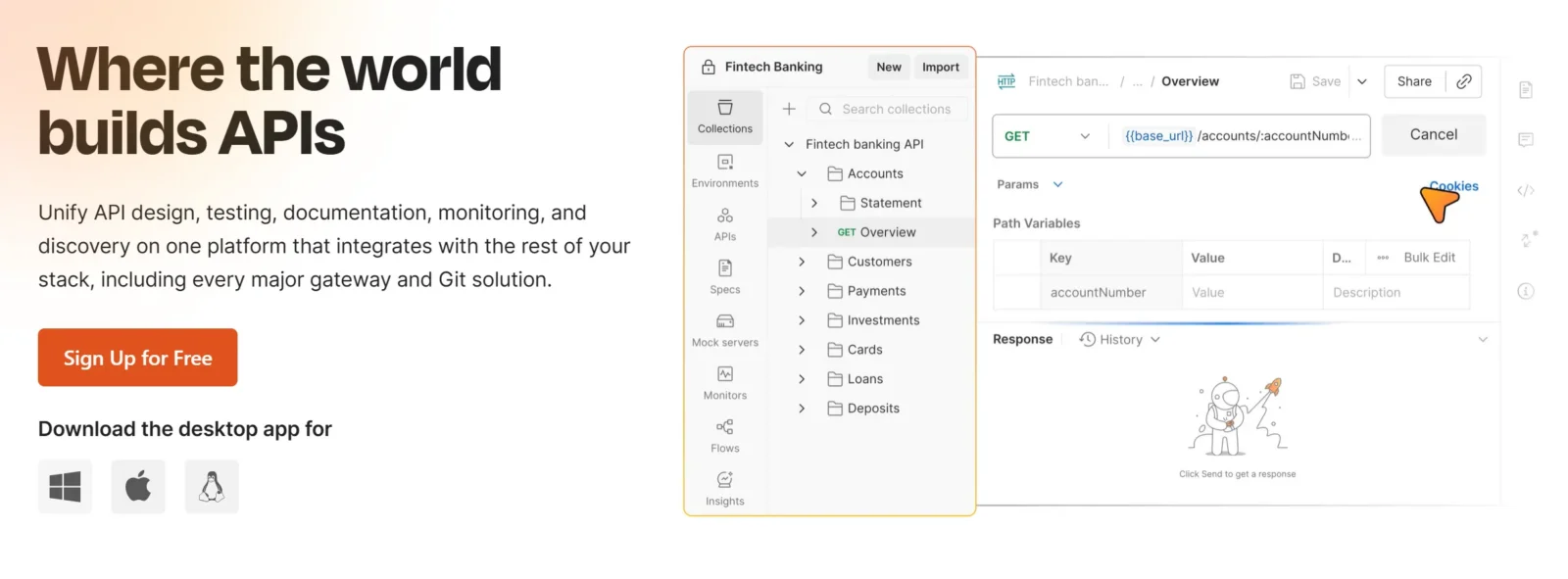
Postman is one of the most popular tools for API integration testing. Teams create collections that simulate chained API calls and validate real service workflows across environments.
Best for: API workflow and request-response integration testing
Pros
-
Very easy to start with
-
Strong API debugging and visualization
-
Environment and collection sharing
-
Good CI/CD support via Newman
Cons
-
Tests become hard to maintain at scale
-
Manual scripting still required
-
Not ideal for large microservice systems
-
Limited validation of real production behavior
9. PyTest
PyTest can run integration tests by connecting to real services, databases, and APIs inside test environments.
Best for: Backend integration testing in Python projects
Pros
-
Flexible and powerful assertions
-
Lightweight
-
Good plugin ecosystem
-
Works well in CI
Cons
-
Requires manual test writing
-
Environment setup heavy
-
Hard to scale across services
-
Maintenance grows quickly
10. Jest
Jest supports integration testing in JavaScript and Node.js ecosystems by validating interactions across modules and services.
Best for: Node.js service integrations
Pros
-
Fast execution
-
Snapshot testing
-
Simple setup
-
Strong JS ecosystem support
Cons
-
Not designed for distributed systems
-
Requires mocks frequently
-
Limited real integration coverage
-
Maintenance increases over time
Integration Testing Tools Comparison Table
This table provides a quick test management tools integration comparison and feature overview to help teams choose the right tool.
| Tool | Primary Focus | Auto Scripting | Auto Test Data Generation | Best Use Case |
|---|---|---|---|---|
| Postman | API workflows | Yes | Manual / environment variables | Service-to-service API testing |
| Keploy | API & microservices | Yes (auto-generated tests) | Automatic from real traffic | Record-replay integration testing with sandbox environment |
| SoapUI | SOAP & REST APIs | Yes | Data sources & parameterization | Enterprise API validation |
| Apache JMeter | APIs & backend | Yes | CSV & external datasets | Integration + load testing |
| Citrus | Distributed systems | Yes | Structured test datasets | Messaging & event-driven systems |
| Selenium | UI automation | Yes | Manual or fixtures | UI-backend integration |
| Playwright | Web automation | Yes | Fixtures & mocks | Modern web integrations |
| Cypress | Frontend flows | Yes | Fixtures & stubs | UI-centric integrations |
| PyTest | Backend services | Yes | Fixtures & factories | Python service integrations |
| Jest | JS services | Yes | Mocks & test data setup | Node.js integration testing |
Integration Testing in CI/CD and DevOps
Integration testing is most effective when it’s automated and embedded directly into CI/CD pipelines. These tools are typically triggered after code merges or deployments to ensure integrations remain stable.
Key benefits of CI/CD-driven integration testing include:
-
Early detection of integration issues before production
-
Faster feedback loops for developers and QA teams
Many organizations also align integration testing with security and compliance workflows. This makes devops tools automated compliance testing integration an important practice, ensuring APIs and service interactions remain secure and compliant throughout the delivery lifecycle.
How to Choose the Right Integration Testing Tool
When selecting an integration testing tool, consider:
1. Your system architecture (APIs, microservices, UI)
Backend services and APIs often require validation of real service interactions, where tools like Keploy are commonly used. UI-centric applications typically rely on browser-level validation using tools such as Cypress, while event-driven or messaging systems are better suited to frameworks like Citrus that support asynchronous communication.
2. CI/CD pipeline maturity
Pick tools that fit naturally into your delivery process. Fast, lightweight checks work well for every commit, while heavier validation suites may be better suited for nightly or pre-release stages.
3. Test maintenance effort
Some tools require frequent updates whenever APIs or UI flows change, while others focus on validating behavior with less scripting. Consider how often your application changes and how much maintenance overhead your team can realistically handle.
4. Reporting and traceability needs
Large teams or regulated environments may require detailed logs and traceability, whereas smaller teams often prioritize quick feedback over extensive reporting.
Avoid choosing tools based only on popularity. The right choice depends on how well the tool fits your architecture, workflow, and long-term scalability needs.
Conclusion
Modern applications rely heavily on multiple services and APIs working together, which makes integration testing critical for identifying issues that unit tests often miss. Testing integrations early helps teams avoid costly failures and maintain system reliability.
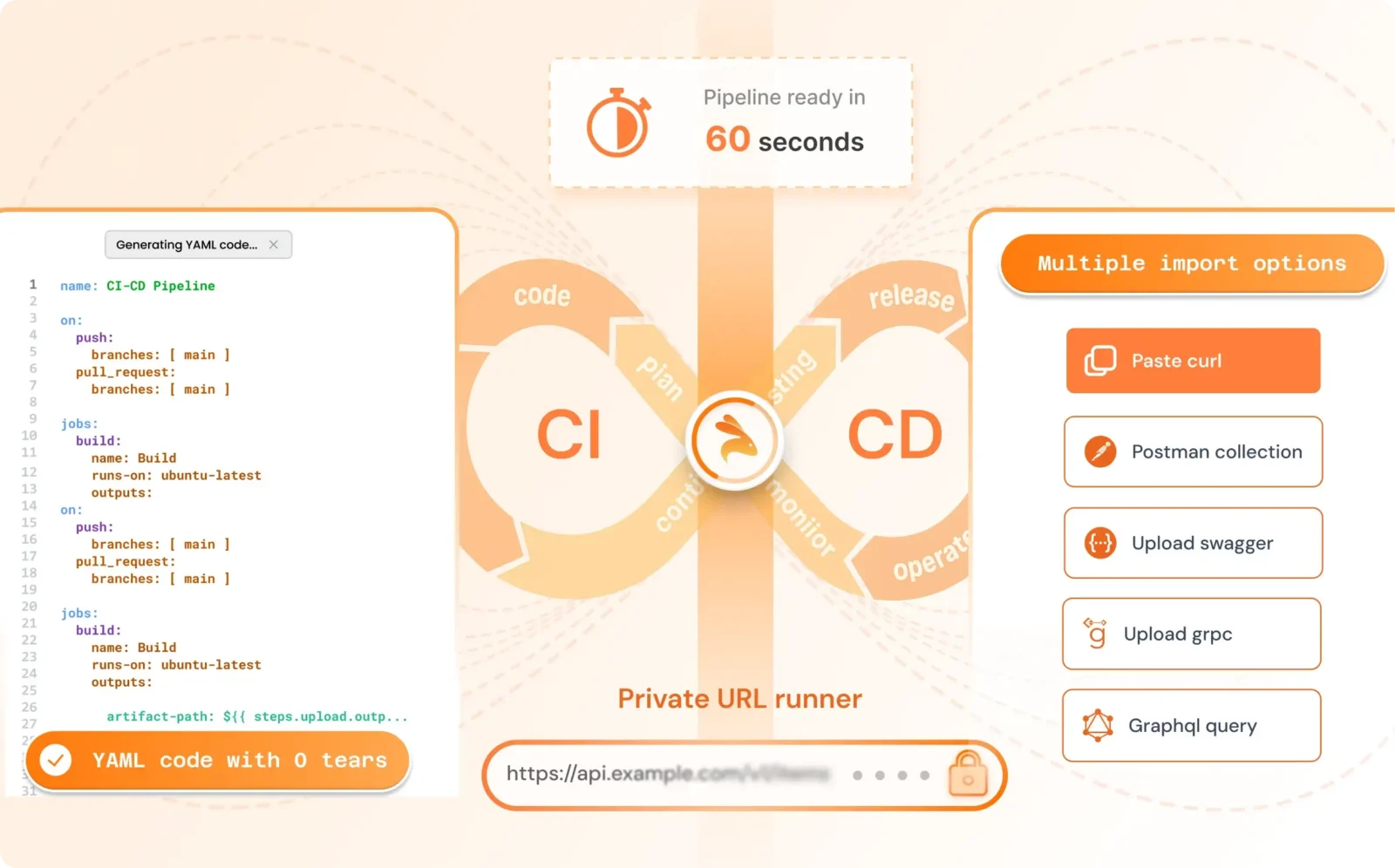
By using the right integration testing tools and integrating them into CI/CD pipelines, teams can automate validation, speed up releases, and deliver stable software. Selecting tools that align with your architecture and workflows ensures long-term scalability and quality.
Frequently Asked Questions (FAQ)
What are integration testing tools?
Integration testing tools help verify that different components of an application—such as services, APIs, and databases – work together correctly after being combined.
How are integration tests different from unit tests?
Unit tests validate individual components in isolation, while integration tests focus on interactions between multiple components.
Can integration testing tools be used in CI/CD pipelines?
Yes. Most modern integration testing tools support automation and can be easily integrated into CI/CD pipelines.
Are integration testing tools only for microservices?
No. While they are essential for microservices, integration testing tools are also valuable for monolithic applications, APIs, and hybrid systems.

Leave a Reply