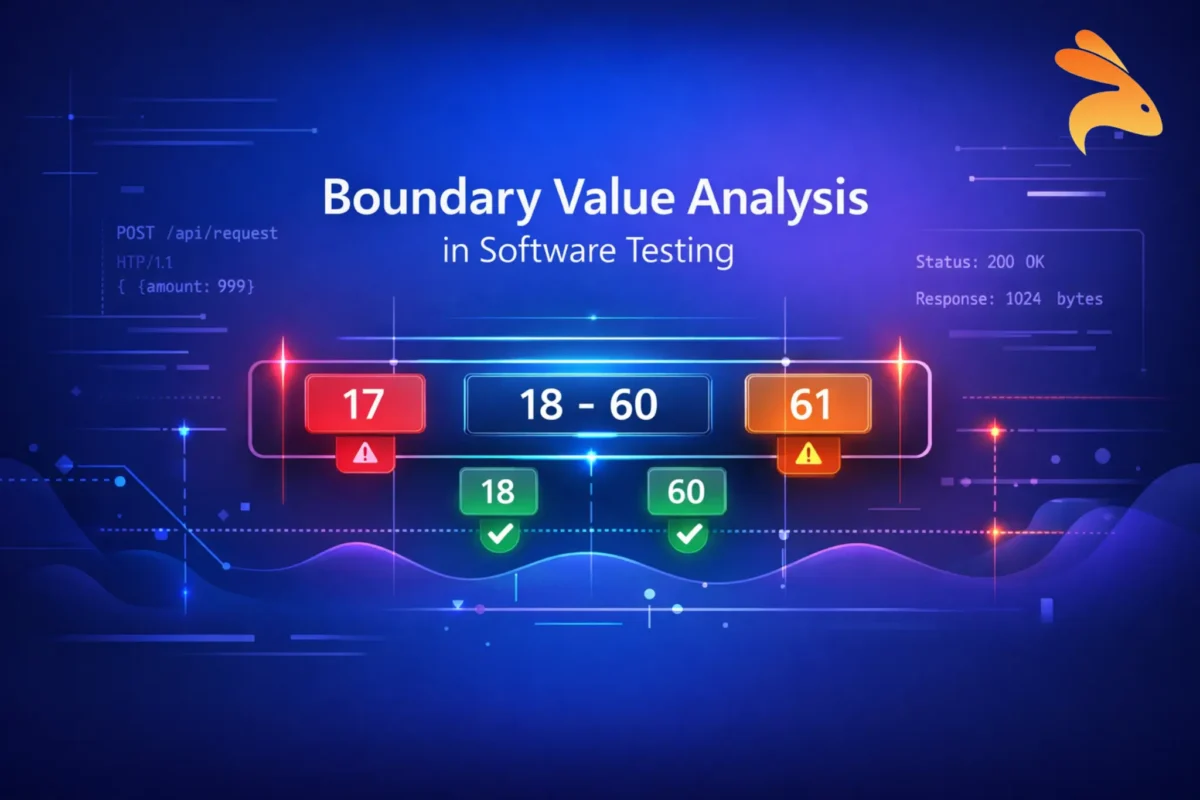
Modern applications fail in the smallest places – a login field that accepts 257 characters instead of 256, an API that crashes when quantity becomes 0, or a payment system that allows transactions just $1 above the allowed limit. These are not complex logic failures. They are boundary failures.
This is where Boundary Value Analysis (BVA) becomes one of the most powerful test case design techniques in software testing.
In this complete guide, you’ll learn:
-
What Boundary Value Analysis is
-
Why most defects occur at boundaries
-
Step-by-step test case design
-
Types of BVA
-
BVA in API and backend testing
-
How to automate boundary testing in CI/CD
-
Common mistakes and interview questions
Let’s dive deep.
What is Boundary Value Analysis?
Boundary Value Analysis (BVA) is a black-box testing technique that focuses on testing values at the edge (boundaries) of input ranges, where defects are most likely to occur.
Instead of testing every possible input value, BVA targets:
-
Minimum value
-
Just above minimum
-
Maximum value
-
Just below maximum
-
Just outside boundaries
Because statistically, most bugs happen at limits.
Why Boundary Testing is Important
Developers often define ranges like:
-
Age: 18–60
-
Password length: 8–20 characters
-
File upload: Max 5MB
-
Quantity: 1–100
Errors typically occur when:
-
Validation logic uses incorrect operators (
<vs<=) -
Off-by-one mistakes happen
-
Edge conditions are poorly handled
-
Data types overflow
Boundary defects can lead to:
-
Application crashes
-
Security vulnerabilities
-
Financial miscalculations
-
Data corruption
That’s why boundary testing delivers high defect detection with fewer test cases.
Core Concepts of Boundary Value Analysis
1. Input Domain
Every field that has a range creates an input domain.
Example:\
Age field → Valid range: 18 to 60
2. Valid and Invalid Boundaries
For range 18–60:
-
Valid boundaries → 18, 60
-
Just inside → 19, 59
-
Just outside → 17, 61
3. Just Inside and Just Outside Logic
| Scenario | Value | Expected Result |
|---|---|---|
| Lower Boundary | 18 | Accepted |
| Just Below | 17 | Rejected |
| Just Above Lower | 19 | Accepted |
| Upper Boundary | 60 | Accepted |
| Just Above | 61 | Rejected |
| Just Below Upper | 59 | Accepted |
Testing these 6 values gives maximum coverage with minimal effort.
Step-by-Step: Designing Test Cases Using Boundary Value Analysis
Let’s apply BVA to a real example.
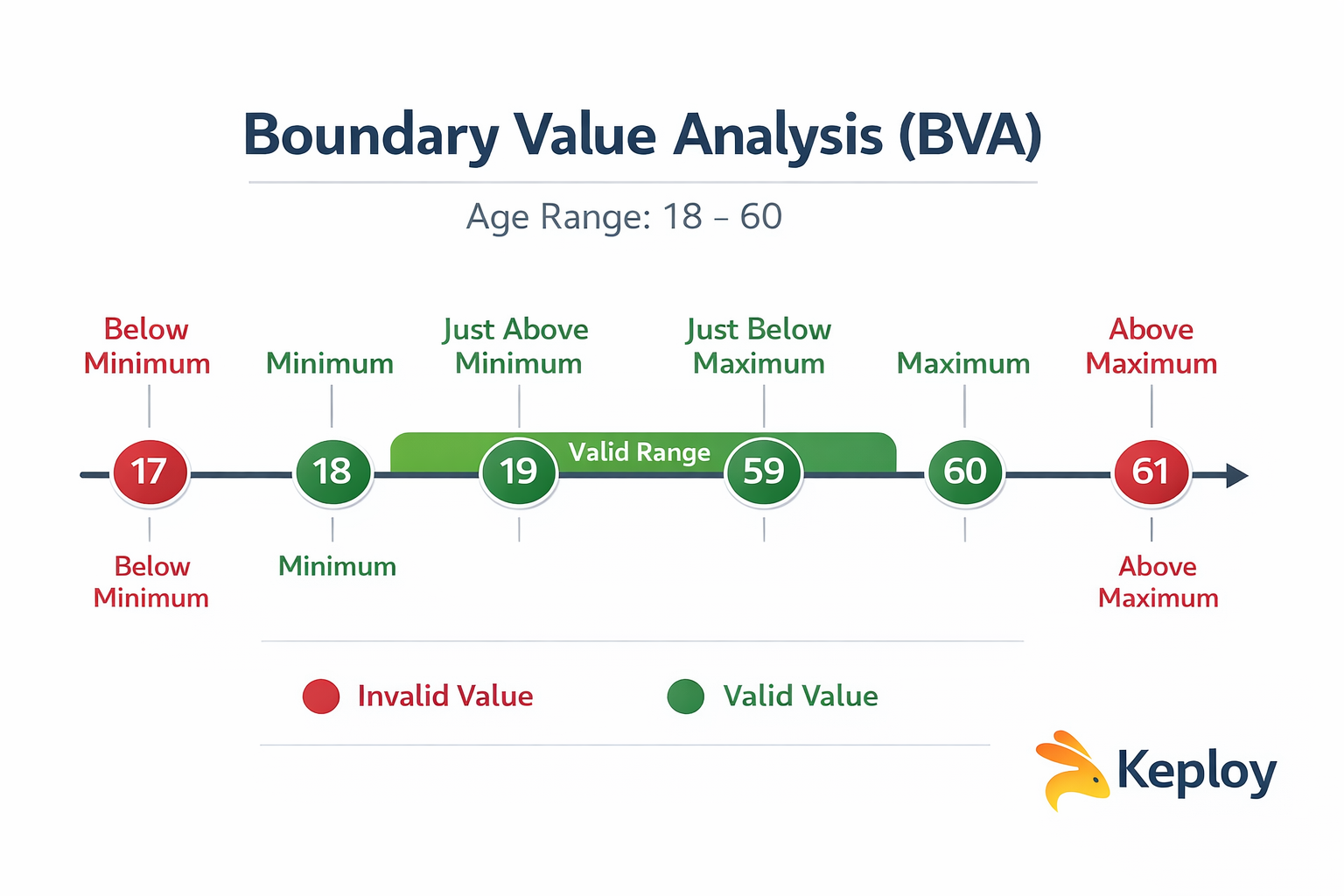
Example 1: Age Field (18–60)
Step 1: Identify Input Variable
Age
Step 2: Define Valid Range
18 to 60
Step 3: Identify Boundary Values
-
17 (Below Min)
-
18 (Min)
-
19 (Min+1)
-
59 (Max-1)
-
60 (Max)
-
61 (Above Max)
Step 4: Create Test Cases
| Test Case | Input | Expected Result |
|---|---|---|
| TC1 | 17 | Error |
| TC2 | 18 | Success |
| TC3 | 19 | Success |
| TC4 | 59 | Success |
| TC5 | 60 | Success |
| TC6 | 61 | Error |
Only 6 test cases instead of testing all 43 possible values.
Types of Boundary Value Analysis
1. Normal Boundary Value Analysis
Tests only valid boundaries.
For 18–60:
- 18, 19, 59, 60
Does not include invalid values.
2. Robust Boundary Value Analysis
Includes invalid boundaries as well.
For 18–60:
- 17, 18, 19, 59, 60, 61
This is more practical and recommended.
3. Worst-Case Boundary Value Analysis
Used when multiple input variables exist.
Example:\
Age: 18–60\
Salary: 20,000–100,000
Worst-case BVA tests combinations of all boundaries.
This increases test count significantly but catches integration-level defects.
Boundary Value Analysis vs Equivalence Partitioning
These two techniques are often used together.
| Feature | Boundary Value Analysis | Equivalence Partitioning |
|---|---|---|
| Focus | Edge values | Value groups |
| Risk coverage | High | Moderate |
| Test case count | Slightly higher | Lower |
| Best for | Range validation | Logical grouping |
Example:
Equivalence Partitioning:
-
Valid group (18–60)
-
Invalid group (<18, >60)
Boundary Value Analysis:
- 17, 18, 19, 59, 60, 61
BVA is more precise for detecting boundary defects.
Real-World Use Cases of Boundary Value Analysis
1. Banking Systems
-
Daily transaction limit
-
Withdrawal limit
-
Interest rate boundaries
2. E-Commerce Applications
-
Cart quantity (1–100)
-
Discount percentage (0–50%)
-
Coupon expiry date
3. API Rate Limiting
-
Max 1000 requests per minute
-
Testing 999, 1000, 1001 requests
4. File Upload Systems
-
Max 5MB file
-
Testing 4.99MB, 5MB, 5.01MB
5. Password Validation
-
Min 8 characters
-
Max 20 characters
Boundary failures in such systems can directly impact revenue and security.
Boundary Value Analysis in API Testing
Modern applications are API-driven. Boundaries matter even more here.
Example: API Payload Validation
json
{
  "quantity": 1-100
}
Boundary Test Cases:
-
0 → Should fail
-
1 → Should pass
-
2 → Should pass
-
99 → Should pass
-
100 → Should pass
-
101 → Should fail
Example: File Size API
Upload endpoint limit: 5MB
Test:
-
4.99MB
-
5MB
-
5.01MB
Backend systems often crash due to improper boundary handling.
Automating Boundary Value Analysis in CI/CD
Manual boundary testing works initially. But in modern DevOps pipelines, automation is essential.
1. Data-Driven Testing
Parameterized tests can automatically run boundary values.
Example in pseudo-code:
python
test_values = [17,18,19,59,60,61]
for value in test_values:
    validate_age(value)
2. API Automation with Keploy
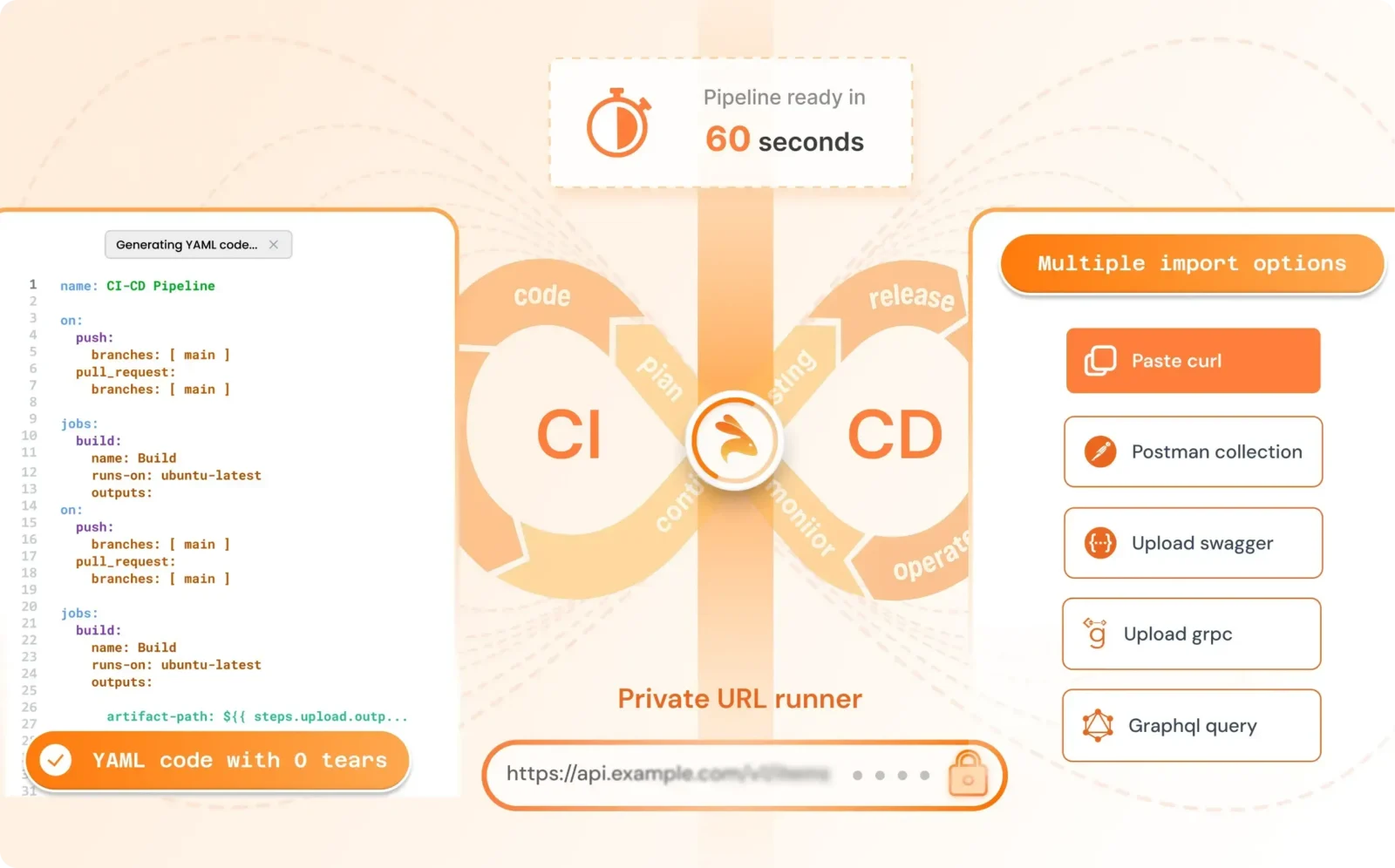
Tools like Keploy help capture real API traffic and auto-generate test cases. This ensures:
-
Real-world boundary coverage
-
Detection of hidden edge conditions
-
Faster regression testing
Instead of manually writing boundary tests, you can:
-
Record production traffic
-
Generate test cases
-
Replay in CI pipeline
-
Detect edge-case failures instantly
This is especially powerful for:
-
Microservices
-
Distributed systems
-
Backend validation logic
3. Contract Testing
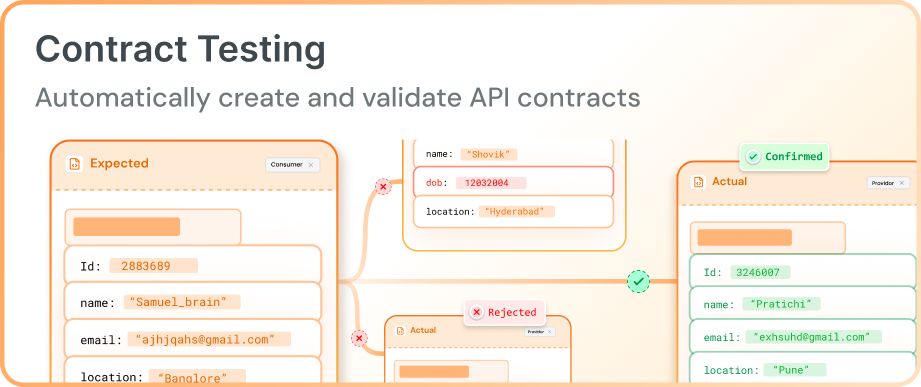
Contract testing helps validate boundary conditions directly in API schemas.
-
API contracts can define minimum and maximum limits, string lengths, and numeric ranges.
-
If a request violates these limits (e.g., sending
0for a field that allows1–100), the request fails automatically. -
Running contract tests in CI/CD ensures APIs always follow defined boundaries and prevents breaking changes between services.
Common Mistakes in Boundary Value Analysis
-
Testing only valid boundaries
-
Ignoring negative values
-
Forgetting string length boundaries
-
Missing database constraints
-
Overlooking system limits (memory, threads)
Boundary testing should consider:
-
UI validation
-
Backend validation
-
Database constraints
-
API schema
Best Practices for Applying Boundary Value Analysis
-
Always include invalid boundaries
-
Test both UI and API layers
-
Automate boundary scenarios
-
Combine with equivalence partitioning
-
Validate database constraints
-
Monitor production failures for missed boundaries
Limitations of Boundary Value Analysis
-
Works only for range-based inputs
-
Not suitable for complex logical conditions
-
May miss defects inside range
That’s why it should be combined with:
-
Equivalence Partitioning
-
Decision Table Testing
-
State Transition Testing
Final Thoughts
Boundary Value Analysis is simple in theory but extremely powerful in practice. By focusing on edge cases, testers can uncover critical defects early in the development cycle.
In modern API-driven architectures, boundary issues can cause system crashes, data inconsistencies, and revenue loss. That’s why combining Boundary Value Analysis with automated testing tools like Keploy ensures strong edge coverage in CI/CD pipelines.
If you’re serious about building resilient backend systems, Boundary Value Analysis should be part of your core testing strategy.
FAQ on Boundary Value Analysis
1. What is Boundary Value Analysis?\
A test case design technique focusing on input edge values where defects are likely.
2. Why do most bugs occur at boundaries?\
Because developers often mishandle edge logic and comparison operators.
3. Difference between BVA and Equivalence Partitioning?\
BVA tests edges; Equivalence Partitioning tests groups.
4. What is Robust BVA?\
It includes invalid boundary values.
5. How do you apply BVA in API testing?\
By validating payload ranges, response limits, rate limits, and numeric fields.

Leave a Reply