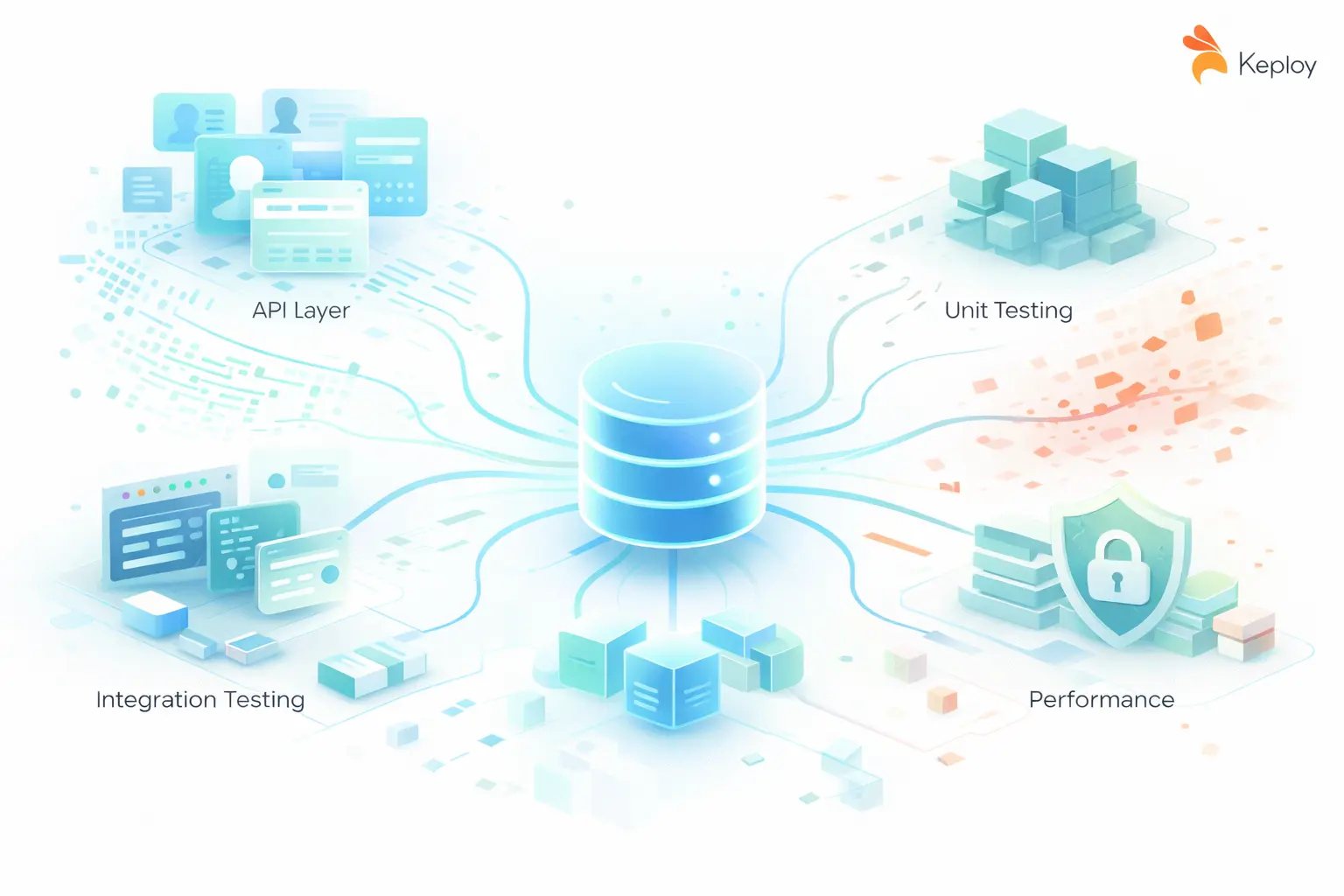
Test data management is what separates teams that ship confidently from teams that debug mysterious CI failures at 2 AM. If your staging environment has a six-month-old copy of your production database that "nobody touched," you already have a TDM problem — you just haven’t named it yet.
Bad test data wastes a significant portion of testing time on prep work alone: hunting for the right seed, waiting for a shared database to free up, or chasing a test failure that turned out to be a data problem dressed up as a code problem.
What Is Test Data Management?
Test data management (TDM) is the process of planning, creating, storing, and maintaining the datasets used across software testing activities throughout the SDLC.
The goal is simple: right data → right format → right test → right time.
Test data is any input value used to validate application behavior — from a username/password pair on a login form to a million-row dataset stress-testing a payment pipeline. TDM is the discipline that ensures your tests always have access to that data, securely and on demand.
It spans multiple teams — QA engineers, data engineers, DevOps — and it touches compliance, security, and release velocity all at once.
Why Test Data Management Matters
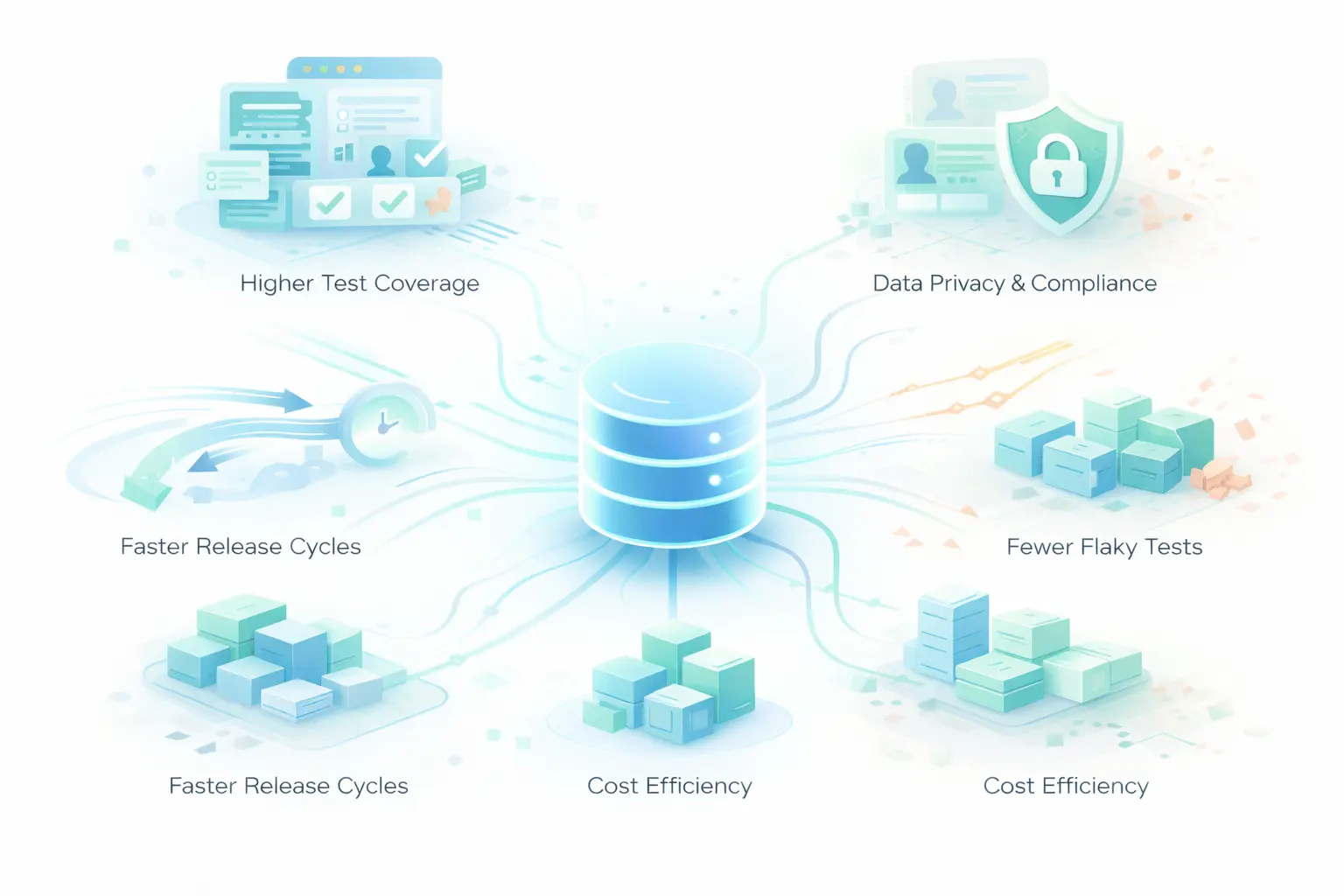
1. Higher Test Coverage
Diverse data = more scenarios tested. A registration form alone needs valid inputs, invalid formats, boundary values, duplicate entries, and special characters to be properly covered. Without organized TDM, most of those scenarios go untested.
2. Data Privacy and Compliance
GDPR, HIPAA, CCPA, and SOC 2 all have explicit rules about where personal data can live. A production snapshot sitting in your staging environment — even "temporarily" — is a potential violation. Proper TDM with masking and anonymization is your first line of defense.
3. Faster Release Cycles
Teams without TDM wait. They wait for the DBA to restore data, wait for a colleague to finish with the shared test DB, wait for someone to manually create the right user state. TDM eliminates that wait by making test data a managed, on-demand asset.
4. Fewer Flaky Tests
Data inconsistency is one of the top causes of non-deterministic test failures. Two engineers running tests simultaneously on a shared mutable database will step on each other’s data. Isolated, reproducible test data environments fix this.
5. Cost Efficiency
Uncontrolled test data sprawl means duplicate storage, redundant infrastructure, and expensive licensing for oversized test databases. A deliberate TDM strategy trims all of that.
Types of Test Data
Not all test data serves the same purpose. Here’s a breakdown of the types your team needs — and when to use each:
| Type | What It Is | When to Use |
|---|---|---|
| Positive / Valid Data | Inputs that pass all validations | Happy-path testing, smoke tests |
| Negative / Invalid Data | Inputs that should be rejected | Error handling, validation logic |
| Boundary / Edge-Case Data | Values at the exact limits of accepted ranges | Off-by-one detection, encoding edge cases |
| Synthetic Data | Artificially generated, no real user records | Compliance-sensitive environments, scale testing |
| Production-Representative Data | Masked or subsetted real data | Realistic integration testing, data pipelines |
| Performance / Load Data | High-volume records for throughput testing | Load tests, DB query optimization |
| Security Test Data | SQL injection strings, malformed payloads | Penetration testing, OWASP coverage |
Most teams at an early stage only use positive and negative data. Maturing your TDM practice means deliberately covering boundary, performance, and security data types too.
Test Data Management Lifecycle
TDM isn’t a one time setup — it’s a lifecycle that runs alongside your development cycle.
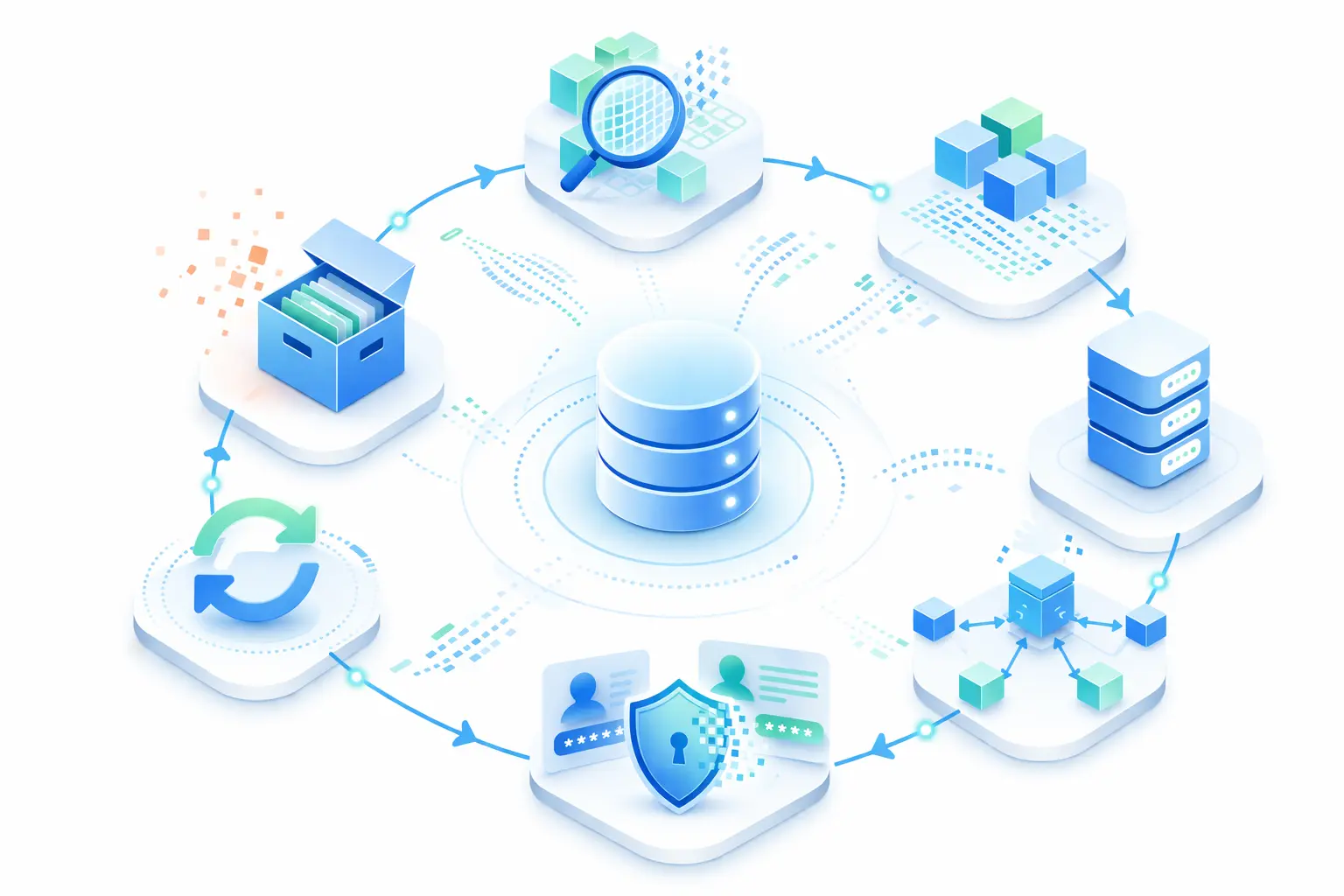
Stage 1: Requirement Analysis
Before creating any data, understand what a test actually needs. What entity states? What relationships? What volume? Skipping this step leads to bloated, misaligned datasets.
Stage 2: Data Design and Creation
Create data through one of four methods: manual authoring, factory libraries (Faker, Factory Boy), production cloning, or automated generation via tools like Keploy. The method depends on your maturity level and compliance requirements.
Stage 3: Data Storage
Store test data in a central, versioned repository — not scattered across individual engineers’ local setups or forgotten S3 buckets. Tag data by environment, version, and sensitivity level.
Stage 4: Data Provisioning
Make data available to the right test at the right time. This is where automation matters most. Manual provisioning doesn’t scale past a small team. Provisioning should be automated and triggered as part of test execution, ensuring each test gets isolated and ready to use data on demand.
Stage 5: Data Masking and Anonymization
Before any real data touches a non production environment, mask it. That means replacing PII with realistic but fake equivalents such as converting real names and emails into valid looking dummy values, while anonymization removes or irreversibly transforms identifiers such as hashing user IDs or tokenizing sensitive fields. Simply deleting fields is not enough since it breaks referential integrity.
Stage 6: Data Refresh and Maintenance
Test data goes stale. Schemas change. Production distributions shift. Build a refresh cadence into your pipeline so your test data stays accurate and relevant.
Stage 7: Data Archival and Cleanup
Old data accumulates fast. Set expiry policies, archive what’s needed for audit trails, and delete what isn’t. Orphaned records in shared environments are a compliance liability and a flakiness source.
TDM Strategies: Which Approach Fits Your Team?
1. Using Production Data (with Masking)
Copy production data, anonymize the sensitive fields, and restore it to a test environment.
-
Pros: Realistic, naturally covers edge cases
-
Cons: Compliance risk if masking is incomplete, slow to provision, data goes stale fast
-
Best for: Mature teams with strong data governance and automation around the masking pipeline
Companies like Airbnb and Stripe invest heavily in their data masking pipelines because the realism payoff is high but only when compliance guardrails are strong.
2. Data Subsetting
Instead of copying the full production database, extract a meaningful representative slice that maintains relational integrity.
-
Pros: Smaller footprint, lower storage and licensing costs, faster to provision
-
Cons: Requires careful selection to maintain coverage; relationships can break if subsetting is naive
-
Best for: Teams that need production-representative data but can’t clone the full DB
3. Synthetic Data Generation
Generate data programmatically using libraries like Faker or Factory Boy, or through AI-assisted tools.
-
Pros: No PII risk, infinitely scalable, fully controlled distributions
-
Cons: May not reflect real-world edge cases naturally; requires schema awareness to stay accurate
-
Best for: Regulated industries, teams building GDPR-compliant pipelines, and unit/integration testing at scale
4. Record and Replay (API Traffic Capture)
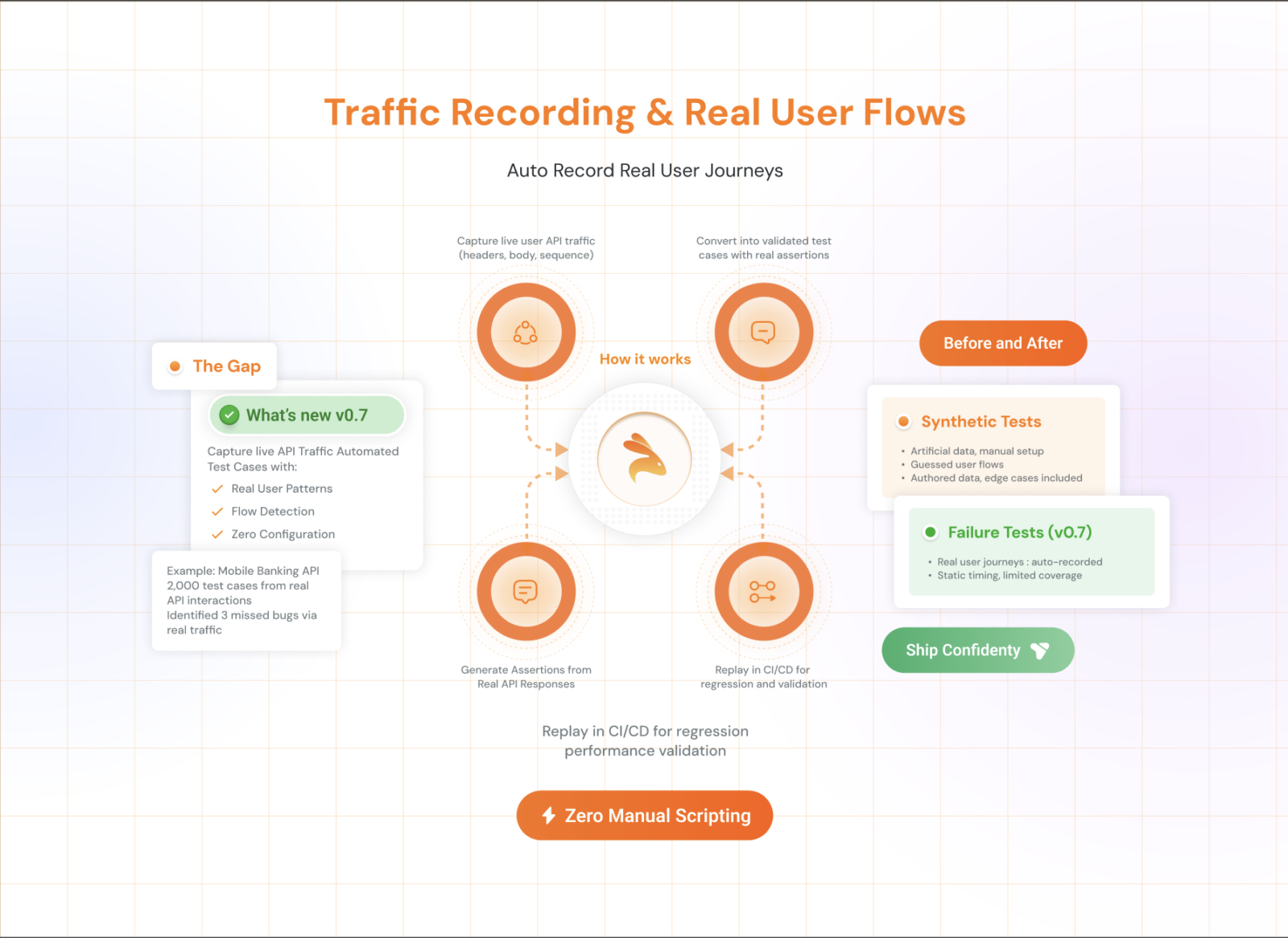
Capture real API requests and responses in production or staging, then replay them as deterministic test inputs with mocked dependencies.
-
Pros: Realistic without requiring production database access, automatically covers real usage patterns
-
Cons: Requires traffic capture infrastructure; sensitive data in payloads still needs masking
-
Best for: API heavy applications, microservices testing, teams that want realistic data without manual creation
This is exactly what Keploy is built for. It records live API traffic and automatically converts it into test cases with mocked data — eliminating the "where do I get realistic test data?" problem at the source, without any manual seeding or masking pipeline for API-layer tests.
TDM Maturity Model: Where Does Your Team Stand?
| Stage | What You Are Doing | Primary Problem | When It Breaks |
|---|---|---|---|
| Stage 0 Hardcoded Data | Inline constants or JSON files in test code | Limited coverage breaks on schema changes | Small teams |
| Stage 1 Seeded Data | Manual scripts or basic synthetic data generation | Shared state causes test conflicts | Growing teams |
| Stage 2 Managed Data | Masked or subsetted production like data | Data becomes stale compliance risk | Scaling systems |
| Stage 3 Automated Data | On demand isolated and realistic test data | Requires initial setup effort | Large teams |
For teams aiming to reach Stage 3, tools like Keploy help automate test data generation by capturing real API traffic and converting it into reusable test cases with realistic data.
Common TDM Challenges and How to Fix Them
| Challenge | Impact | Fix |
|---|---|---|
| Data silos across systems | Incomplete test coverage | Centralized, version-controlled TDM repository |
| PII in test environments | GDPR/HIPAA violations | Automated masking before provisioning |
| Shared mutable test databases | Flaky, polluted tests | Per-branch or per-test isolated environments |
| Stale test data | False positives, missed regressions | Automated refresh pipelines tied to schema changes |
| Manual data prep overhead | Slow test cycles | Record-replay tools, automated generation |
| Schema drift from production | Broken fixtures and factories | Version-controlled seed scripts synced with migrations |
Test Data Management Best Practices
Follow these to build a TDM practice that actually holds up at scale:
-
Automate provisioning Manual data setup doesn’t scale past a small team. If creating test data requires a runbook, it will be skipped.
-
Never use raw production data in non production environments. Ever. Mask first, then provision.
-
Version-control your test data alongside your application code. Data drift is as dangerous as code drift.
-
Use a central repository with role-based access controls. Not every engineer needs access to every dataset.
-
Mask early, mask completely. Partial masking is still a breach. Audit your masking scripts regularly.
-
Design for reusability. Parameterized, modular data sets reduce duplication and maintenance cost.
-
Clean up after tests. Don’t leave orphaned records in shared environments. Add teardown steps to your test lifecycle.
-
Monitor data freshness. Set expiry policies. If test data is older than your last major schema migration, it’s probably wrong.
Test Data Management Tools
Test data management tools vary based on team maturity and use case. Instead of focusing on specific tools, it is more useful to understand the capabilities you need:
-
Synthetic data generation for early stage testing
-
Data masking and anonymization for compliance
-
Data subsetting for large databases
-
Automated data provisioning for scalable testing
-
Record and replay for API driven systems
For API heavy applications, Keploy provides a different approach by capturing real API traffic and converting it into test cases with realistic test data. This removes the need for manual data creation and reduces dependency on separate data pipelines.
How Keploy Approaches Test Data Management
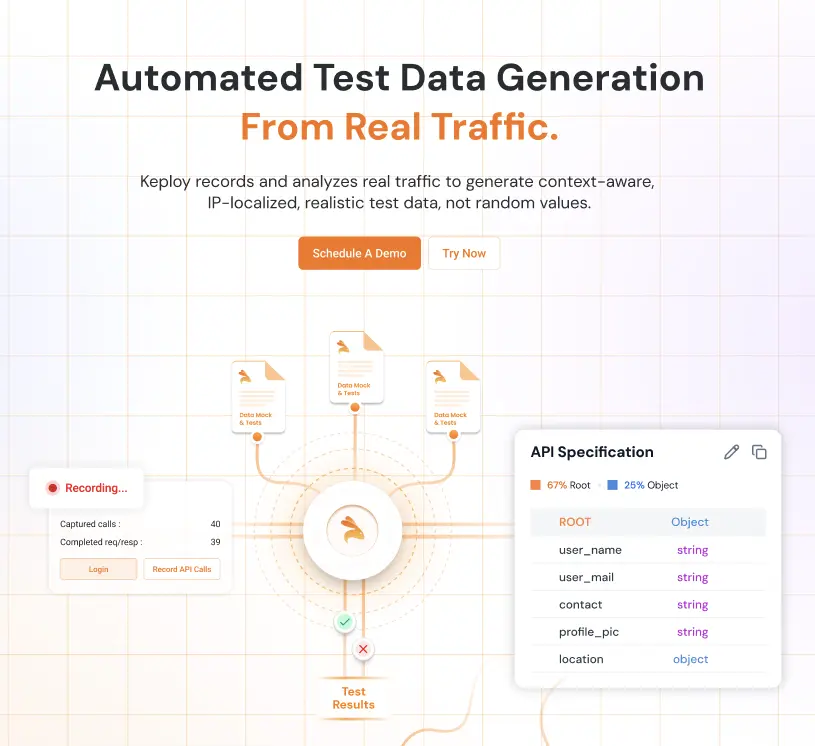
Keploy takes a record-and-replay approach that sidesteps many of the hardest TDM problems:
-
Capture real API traffic from your running application automatically
-
Convert traffic into test cases with realistic, production-representative payloads
-
Mock external dependencies (DBs, third-party APIs) so tests run deterministically without shared infrastructure
-
No manual seeding or masking pipelines required for API-layer tests
-
Works with Go, Java, Node.js, and Python out of the box
For teams tired of manually crafting test data or managing fragile seed scripts, this is a fundamentally different starting point. You get realistic test data by definition — because it came from real traffic.
Explore Keploy’s documentation to see how it integrates with your existing CI/CD pipeline.
Conclusion
Test data management is not optional — it is the infrastructure that your test quality runs on. Teams that treat it as an afterthought spend their time debugging data problems disguised as code problems, managing compliance incidents that should not have happened, and wondering why their test suite does not catch regressions.
The solution is to take an incremental approach by identifying key gaps, applying the right strategy, and automating test data so it is always reliable and available when needed.
If you are testing APIs, start with Keploy. If you are managing large relational databases, focus on data subsetting and masking strategies. If you are early stage, start with simple synthetic data generation approaches to build your foundation.
The goal is not perfection on day one. It is making test data a managed and reliable asset instead of an accident, one step at a time.
FAQs on Test Data Management
Q1. What is test data management? Test data management (TDM) is the process of creating, storing, and maintaining data used in software testing. It ensures teams have the right data, in the right format, at the right time — without exposing sensitive user information.
Q2. What is the difference between data masking and synthetic data generation? Data masking takes real data and obscures sensitive fields (names, emails, card numbers) while keeping the structure intact. Synthetic data generation creates entirely artificial data from scratch. Masking is faster to set up; synthetic data is safer for compliance-heavy environments like healthcare and finance.
Q3. How does test data management help with GDPR and HIPAA compliance? TDM prevents raw production data from entering test environments. Through masking and anonymization, it ensures personally identifiable information (PII) is never exposed to unauthorized teams — keeping you compliant with GDPR, HIPAA, CCPA, and SOC 2 by design.
Q4. What causes flaky tests and how does TDM fix it? Flaky tests are often data problems in disguise — shared databases, stale records, or tests that depend on a specific state left by another test. TDM fixes this by isolating test data per run, so every test starts from a clean, predictable state.
Q5. When should a team use record-and-replay instead of manual test data creation? Use record-and-replay when you’re testing APIs and want realistic, production-representative data without building seed scripts manually. Tools like Keploy capture live API traffic and convert it into test cases with mocked data automatically — cutting data prep time to near zero.

Leave a Reply