Author: Alok Kumar
-
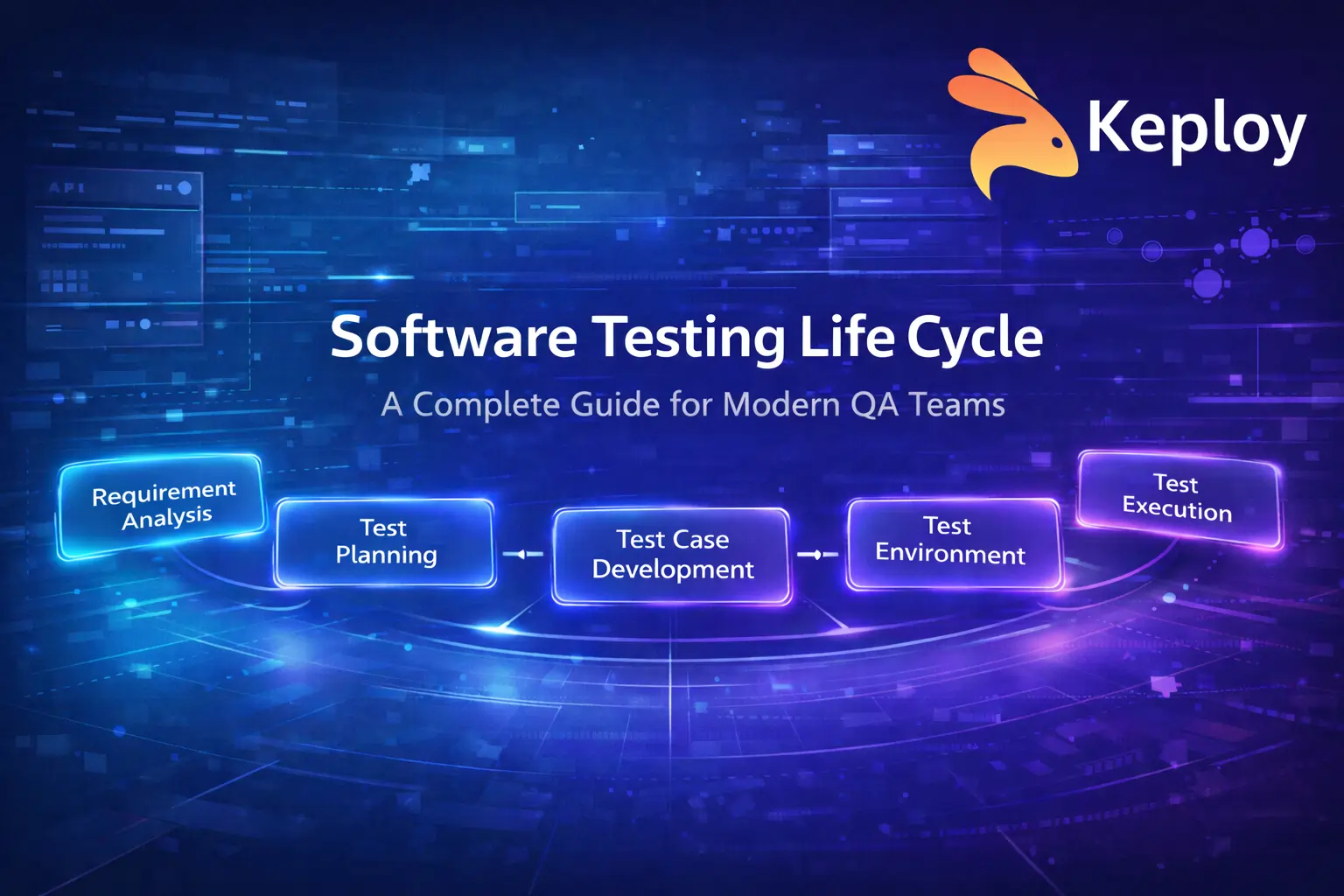
Software Testing Life Cycle A Complete Guide for Modern QA Teams
Modern software teams ship faster than ever. Releases are frequent, systems are increasingly distributed, and testing environments can be unstable. At the same time, maintaining large sets of manual and automated tests becomes difficult as applications grow. Without a structured approach, testing quickly becomes reactive instead of strategic. This is where the Software Testing Life…
-
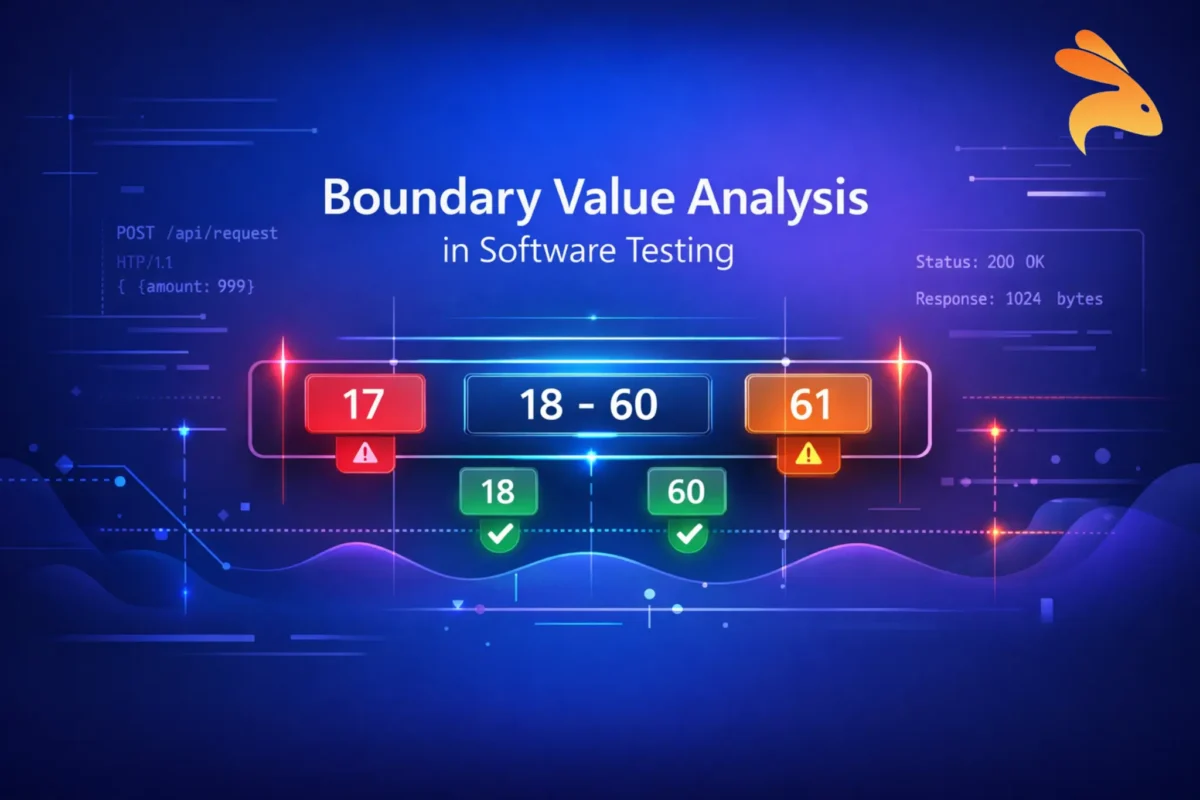
Boundary Value Analysis (BVA) in Software Testing
Modern applications fail in the smallest places – a login field that accepts 257 characters instead of 256, an API that crashes when quantity becomes 0, or a payment system that allows transactions just $1 above the allowed limit. These are not complex logic failures. They are boundary failures. This is where Boundary Value Analysis…
-

Top 10 Tools for Integration Testing in 2026
Modern applications depend on multiple services, APIs, databases, and third-party systems working together. While unit tests validate individual components, most production issues occur at integration points. That’s why integration testing tools are essential for ensuring system reliability. In this guide, we cover the top 10 integration testing tools for 2026, a quick comparison to help…
-

Security Testing Explained: Protecting Modern Applications and APIs
Security testing helps identify weaknesses in software before attackers can exploit them. It protects sensitive data, ensures system stability, and controls user access. With web, mobile, and API-based applications growing rapidly, security threats are increasing. Security testing helps teams detect risks early, prevent breaches, and meet compliance standards. In this guide, you will learn what…
-

Copilot vs Cursor: A Complete AI Coding Assistant Comparison
Coding with artificial intelligence is not just a nice-to-have; AI applications in computer programming are becoming integral to modern computer programming workflows. Presently, two primary applications dominate the discussions in this area: GitHub Copilot and Cursor AI. While both applications provide faster coding times and fewer bugs, fewer bugs, and smarter code, they offer such…
-

How to Use Copilot in Software Testing: A Practical Guide for Testers
Software testing is critical in assessing the quality of apps, testers oftentimes have to deal with limited resources when it comes to creating tests, as well as repetitively creating tests for all feature coverage. These factors lead to a significant reduction in both the speed of development and efficiency in the testing process. GitHub Copilot…
-
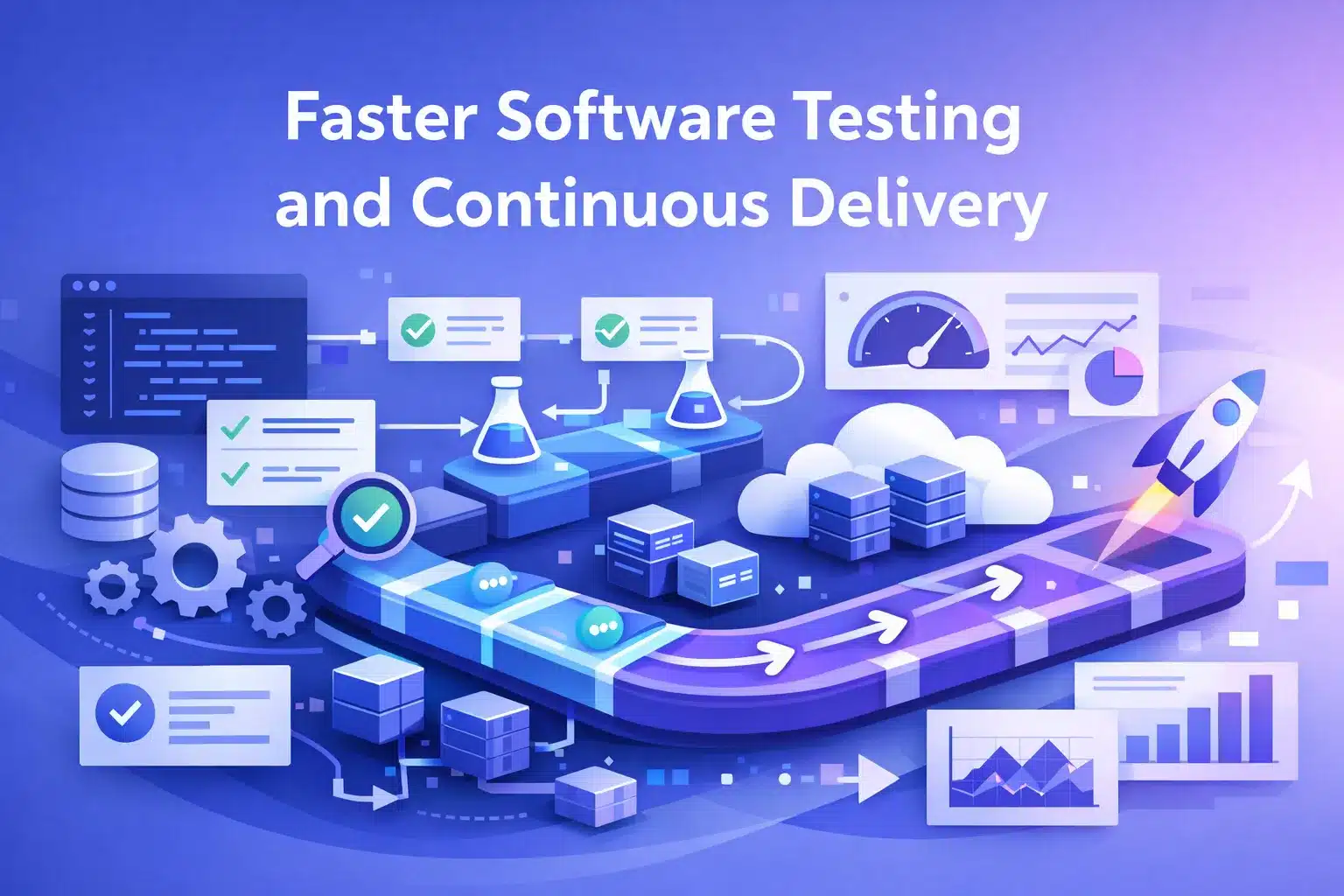
Faster Testing: How Modern Teams Ship High-Quality Software Quickly
Software teams today are challenged to provide high quality releases at a much faster pace than ever before. As software development cycles become shorter, user expectations continue to increase and products become more complicated, testing becomes a bottleneck in the overall delivery process. Rather than reducing testing, the goal is to evolve testing to be…
-
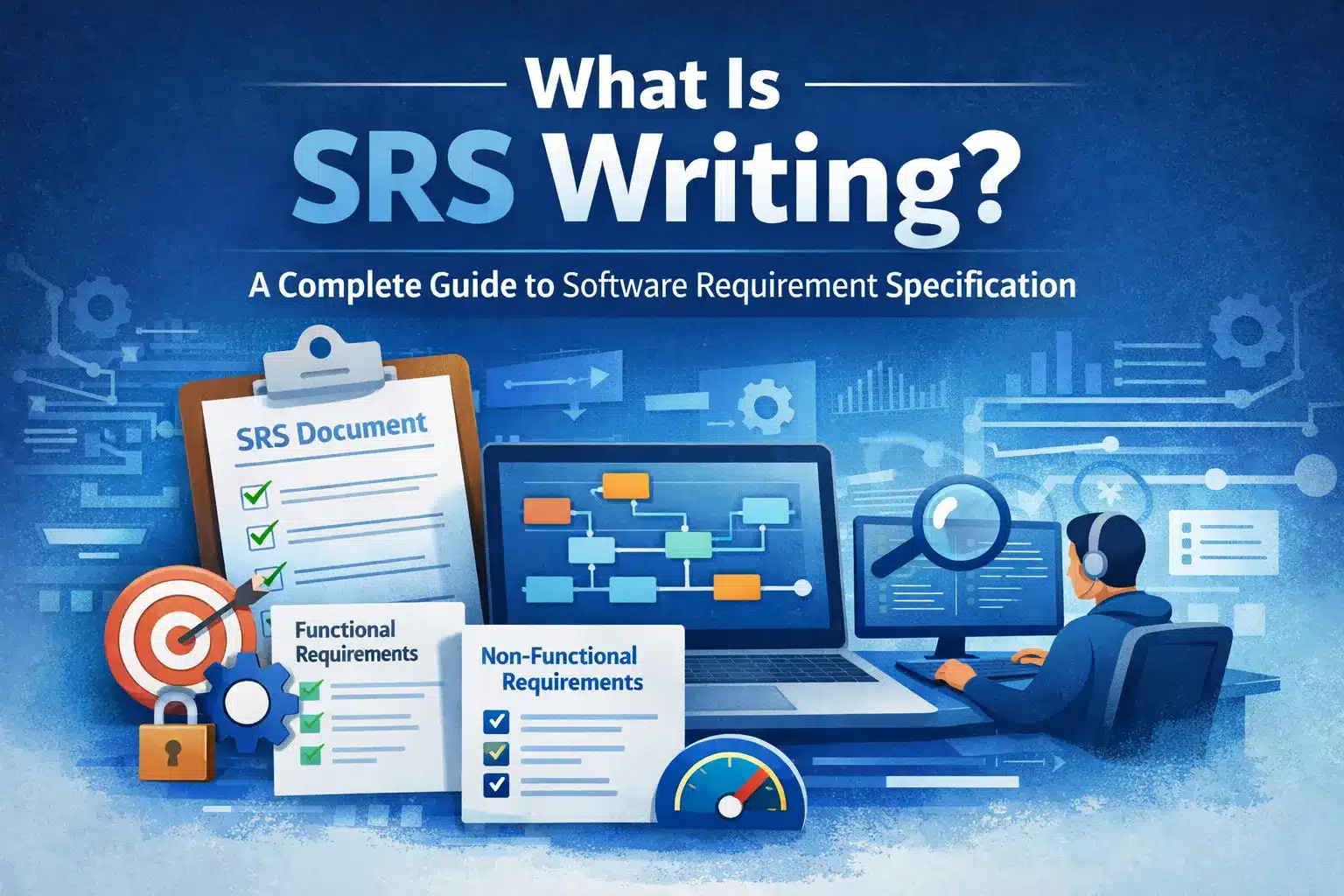
What Is SRS Writing: A Complete Guide to Software Requirement Specification
A Software Requirements Specification (SRS) is a detailed document that defines how a software system should behave, what features it must include, and the constraints under which it operates, before development begins. In simple terms, an SRS acts as a single source of truth for everyone involved in building the software. SRS is a documented…
-

What Is Beta Testing? Process, Types, Benefits, and Best Practices
Today’s software ecosystem consists of various devices, integrations, and user environments. The same application can have different behaviours in each environment, regardless if it had passed through unit, integration and system testing stages. Therefore, beta-testing is necessary. Beta testing is the bridge between an internal QA team and a company publicly launching its application. It…
-
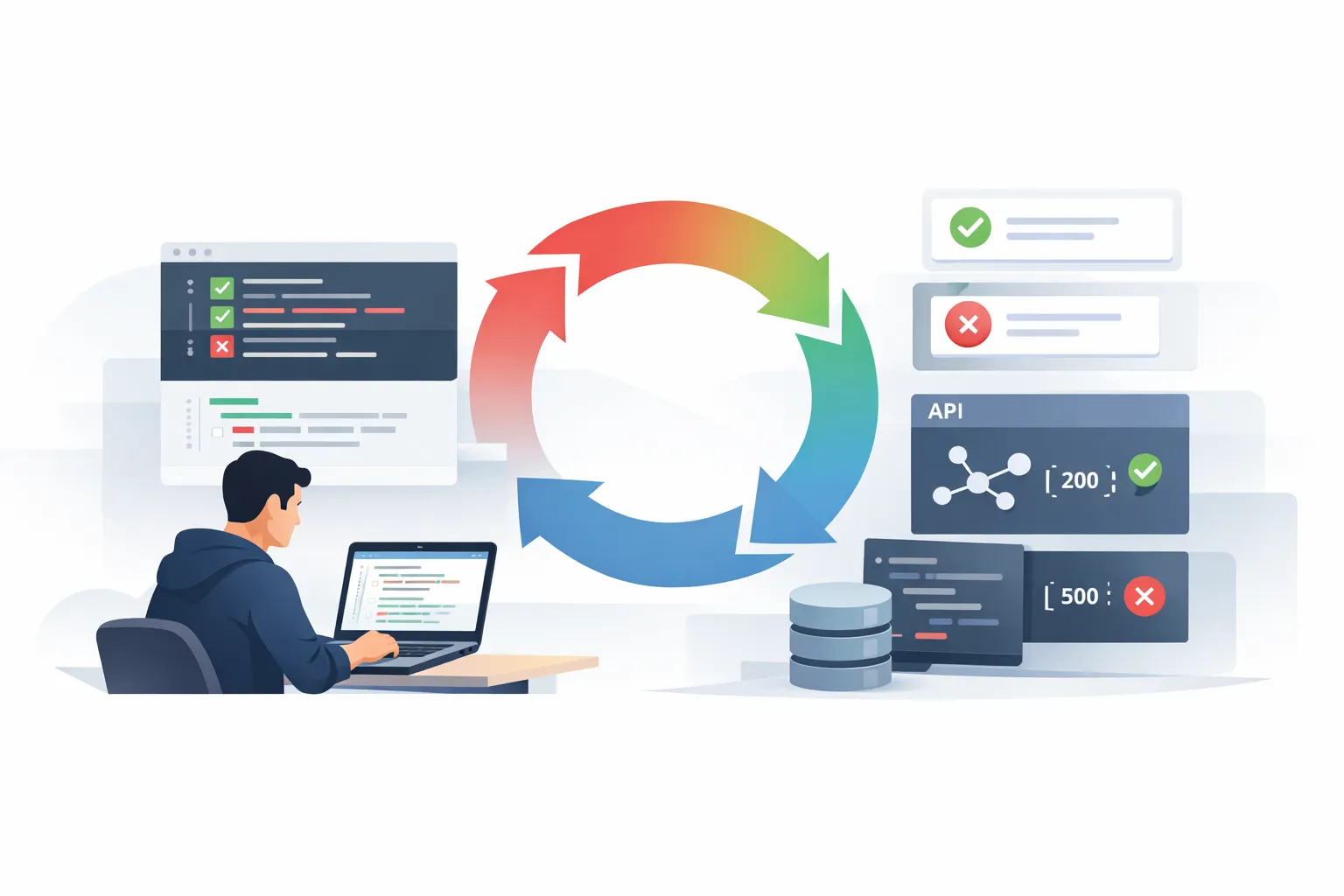
What Is TDD? A Complete Guide to Test Driven Development
Modern software development moves fast. Delivering bug free code is no longer just a goal. It is a requirement. But how do you ensure your code works before you even finish writing it? The answer is TDD, or Test Driven Development. In this guide, we will answer what is TDD, explore how it transforms the…