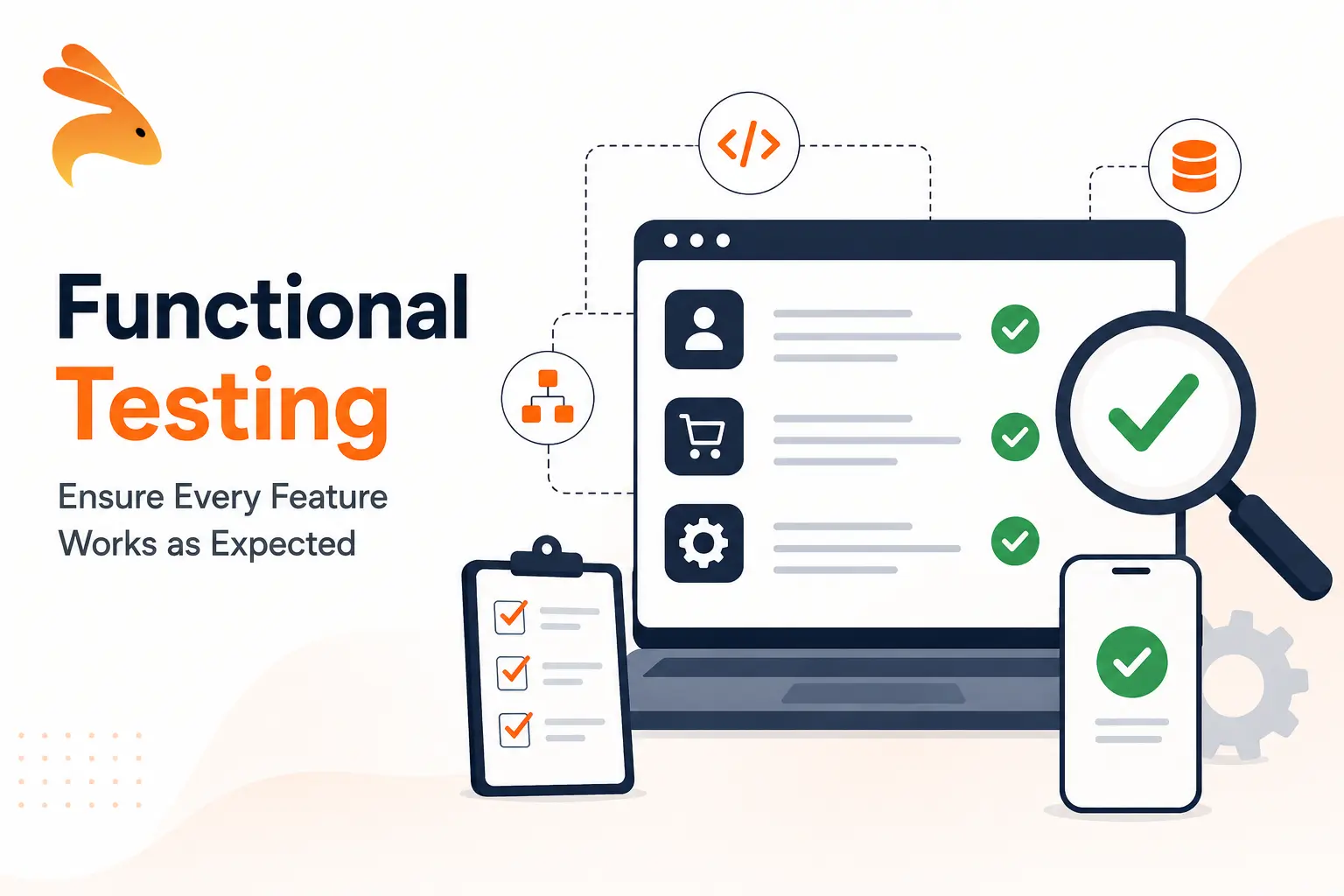
Functional testing is a software testing method that checks whether each feature of an application works according to its requirements. Testers give the software inputs, compare the actual outputs with the expected ones, and confirm that user workflows behave correctly, without looking at the internal code.
Unlike performance or load testing, functional testing focuses only on what the system does, not how fast or stable it is under pressure. This guide covers the types of functional testing, when to run it, how to do it step by step, real examples, the tools teams use and how to automate it.
What is functional testing?
Functional testing verifies that a software application does what its requirements say it should. Each test feeds the application an input, such as a button click, a form submission or an API request, and checks that the output matches the expected result. It is primarily a black box testing approach: the tester validates behavior without examining the source code.
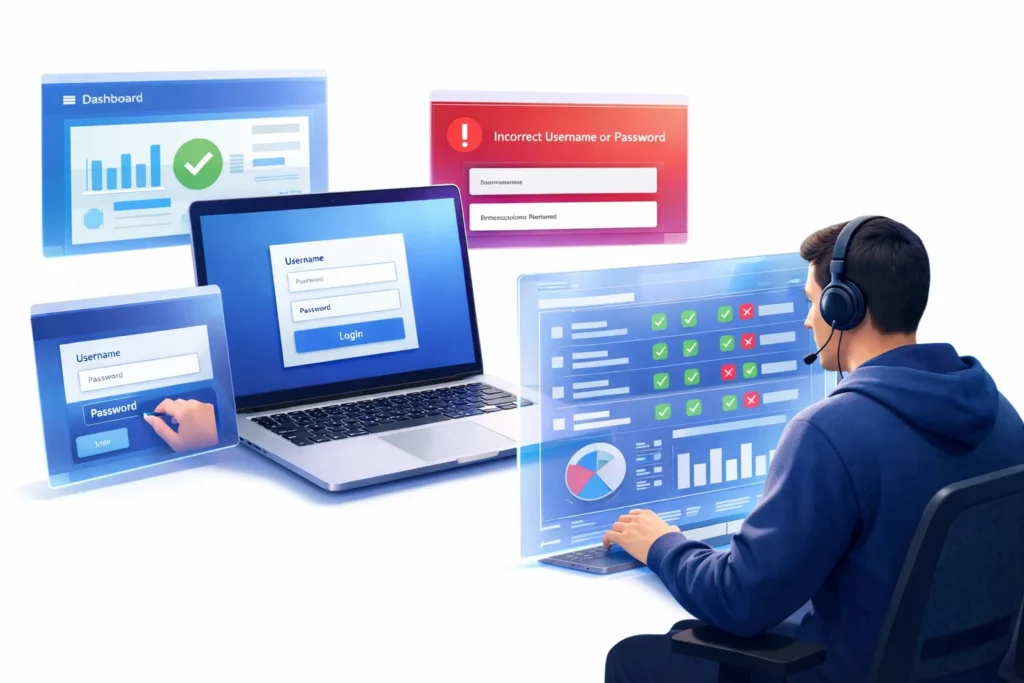
For example, when you test a login feature, functional testing confirms that:
- The user can enter a username and password.
- Correct credentials grant access to the account.
- Wrong credentials show a clear error message.
- A locked account cannot log in, even with the right password.
If every scenario behaves as expected, the login feature passes. If any one of them fails, the feature does not meet its requirements and goes back to the developers.
Why is functional testing important?
Functional testing protects the one thing users care about most: whether the product works. Its main benefits are:
- User satisfaction: features behave the way users expect, which leads to a smoother experience and fewer support tickets.
- Reliability: checking each function builds confidence that the software will not break in production, where failures cost revenue and trust.
- Requirement coverage: every requirement is mapped to at least one test, so nothing the business asked for is missed.
- Early defect detection: bugs found during functional testing are far cheaper to fix than bugs found by customers.
- Safe releases: a passing functional test suite gives teams the confidence to ship changes quickly.
When should you perform functional testing?
Functional testing is not a single phase at the end of a project. It runs at several points in the software development lifecycle:
- After requirements are defined: turn each requirement into test scenarios before any code is written. For example, if a banking app must let users transfer money between accounts, write the transfer test cases up front.
- During development: developers check individual functions as they build them, mostly through unit tests. For example, a login form is tested to confirm it validates input and sends the right credentials to the server.
- After development: run the full functional suite against the complete feature set to confirm every requirement works end to end.
- Before release: re-run existing tests to make sure new code has not broken features that already worked. This is where functional testing overlaps with regression testing.
- After updates or bug fixes: confirm the fix works and that the rest of the flow, such as the full checkout process after a payment bug fix, still behaves correctly.
In teams that ship continuously, most of these checks run automatically in the CI pipeline on every pull request.
Types of functional testing
Functional testing is an umbrella term. Each type below checks functionality at a different level or stage.
Unit testing
Unit testing checks individual functions, methods or classes in isolation. Developers write these tests early, and they run in milliseconds. To see how the two compare in detail, read our guide to unit testing vs functional testing.
Integration testing
Integration testing checks that separate components, such as a service and its database, work together correctly. Functional and integration testing overlap more than most teams expect, so see integration testing vs functional testing for a side-by-side comparison.
System testing
System testing verifies the complete, integrated application against its functional requirements in an environment close to production. Read system testing vs integration testing to see where one ends and the other begins.
Smoke testing
Smoke testing is a quick check that the most important features of a new build work at all, such as whether the app starts and users can log in. If the smoke test fails, the build is rejected before deeper testing begins.
Sanity testing
Sanity testing is a narrow check after a small change or bug fix, confirming that the specific area that changed now works. Smoke testing is broad and shallow, while sanity testing is narrow and focused.
Regression testing
Regression testing re-runs existing functional tests after code changes to make sure features that worked before still work. It is the type of functional testing that benefits most from automation.
API functional testing
API functional testing sends requests to API endpoints and checks the status codes, response bodies and side effects against the API contract. Because most application logic sits behind APIs, it catches many bugs before they ever reach the UI. Learn more in our guide to API functional testing.
End-to-end testing
End-to-end testing follows a complete user journey through every layer of the application, for example from signing up to placing and paying for an order.
User acceptance testing
User acceptance testing is usually the final stage, where real users or the client confirm the software meets their business needs before release. Read more about acceptance testing and how it differs from functional testing.
What do you test in functional testing?
Functional tests cover every part of the application that a user or another system interacts with:
- User interface: buttons, menus, navigation and on-screen messages behave correctly.
- APIs: endpoints return the right data, status codes and errors for valid and invalid requests.
- Forms and data entry: fields accept valid input, reject invalid input and show helpful validation messages.
- Business logic: calculations, rules and workflows, such as discounts, taxes or approval steps, produce the right results.
- Database operations: records are created, read, updated and deleted correctly, and data stays consistent.
- Integrations: payments, emails, notifications and third-party services are triggered and handled correctly.
How to perform functional testing
Functional testing follows a simple, structured process:
- Understand the requirements: read the requirement documents, user stories, acceptance criteria or SRS document to learn exactly what each feature should do.
- Identify test scenarios: list the user actions and conditions to check for each feature, including positive paths, negative paths and edge cases.
- Write test cases: for each scenario, record a test ID, the feature under test, preconditions, steps, test data and the expected result. Our guide to writing test cases covers this in depth.
- Prepare test data and the environment: set up an environment that closely resembles production, including data, configuration, network settings and dependent services.
- Execute the tests: run each test manually or through automation and compare the actual result with the expected result.
- Log defects: when a test fails, record a defect with the steps to reproduce, the expected and actual results, screenshots or logs, and the environment details.
- Retest and run regression tests: once a fix is in, re-run the failed tests and the wider regression suite to confirm nothing else broke.
Functional testing examples
Here are common functional testing examples, each with the behavior a tester verifies:
- Login: valid credentials open the account, invalid credentials show an error, and repeated failures lock the account.
- E-commerce checkout: users can add items to the cart, apply a valid coupon, pay and receive an order confirmation email.
- Form validation: a sign-up form rejects an invalid email address and a password that does not meet the rules.
- API order creation: a POST request to /orders with a valid body returns 201 and the new order ID, while a request with a missing field returns 400 with a clear error.
- Money transfer: transferring funds between two accounts debits one, credits the other and shows the transaction in both histories.
- Cross-browser behavior: an e-learning platform’s video player, quizzes and progress tracking work the same in Chrome, Firefox, Safari and Edge.
- Flash sale traffic: during a sale, users can still log in, add items and check out while thousands of others do the same.
A single functional test case for the checkout example could look like this:
| Field | Value |
|---|---|
| Test ID | TC-CHK-004 |
| Feature | Checkout with coupon |
| Preconditions | User is logged in and has one item in the cart |
| Steps | 1. Open the cart. 2. Enter coupon SAVE10. 3. Click Pay with a valid test card. |
| Test data | Coupon SAVE10 (10% off), test card 4242 4242 4242 4242 |
| Expected result | Total drops by 10%, payment succeeds and an order confirmation page and email appear |
For a ready-made format, see our test case template.
Functional testing vs non-functional testing
Functional testing checks what the software does. Non-functional testing checks how well it does it.
| Aspect | Functional testing | Non-functional testing |
|---|---|---|
| Question it answers | Does the feature work as required? | How well does the system perform? |
| Focus | Features, inputs, outputs and workflows | Performance, security, reliability, usability and scalability |
| Based on | Functional requirements and user stories | Non-functional requirements such as response time or uptime targets |
| Examples | Login, checkout, form validation, API responses | Load testing, stress testing, security testing, usability testing |
| Execution | Manual or automated | Usually automated with specialist tools |
Both are needed: a checkout that works but takes 20 seconds fails users just as much as one that is fast but charges the wrong amount. The requirements behind each type are explained in our guide to functional and non-functional requirements.
Functional testing vs unit testing
Unit testing checks one small piece of code in isolation and is written by developers who know the code. Functional testing checks a whole feature or user flow against the requirements and treats the code as a black box. Unit tests are faster and pinpoint the exact broken function, while functional tests catch problems between components that unit tests cannot see. Most teams need both. Our unit testing vs functional testing guide includes a full comparison table.
Manual vs automated functional testing
Manual functional testing works best where human judgment matters, such as exploratory testing, new features that are still changing, and checks on look and feel. It is slow, hard to repeat exactly and prone to human error at scale.
Automated functional testing works best for repetitive checks that must run on every change, such as regression suites, API tests and smoke tests in the CI pipeline. Automation gives fast, consistent feedback, but traditional test scripts take time to write and break whenever the application changes.
A practical approach is to automate stable, high-value flows and keep manual testing for exploration and usability. For a deeper comparison, read manual vs automation testing.
How Keploy automates functional testing
The hardest part of automating functional tests is writing and maintaining them. Keploy removes most of that work for APIs and backend services.
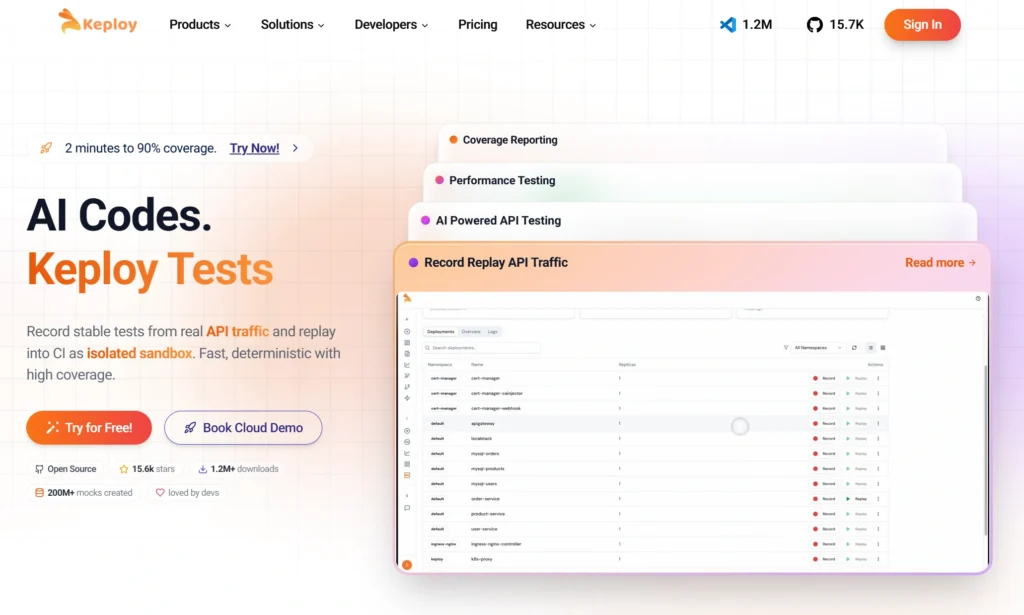
- Record real traffic: Keploy captures the real API calls your application handles, along with the calls it makes to databases and third-party services.
- Generate tests and mocks: each captured interaction becomes a functional test case with the expected response, and every dependency call becomes a mock, so no hand-written scripts or stubs are needed.
- Replay in CI: the tests replay against new builds and flag any change in behavior, which makes them a ready-made regression suite.
- Keep tests current: when the API changes on purpose, you re-record instead of rewriting scripts by hand.
Because the tests come from real usage, they cover the paths users actually take, including edge cases that are easy to miss when writing tests by hand. Try Keploy API testing to generate functional tests for your APIs automatically.
Functional testing tools
Different tools suit different layers of the application:
- Keploy: open-source API and integration testing tool that generates functional and regression tests from real traffic, with automatic mocks for dependencies.
- Selenium: the long-standing standard for automating web browser interactions and end-to-end functional tests of web apps.
- Playwright: a modern browser automation framework with fast, reliable tests across Chromium, Firefox and WebKit.
- Cypress: a developer-friendly framework for testing web applications that run in the browser.
- Postman: a popular tool for manually exploring and scripting API tests. See how it compares in Keploy vs Postman.
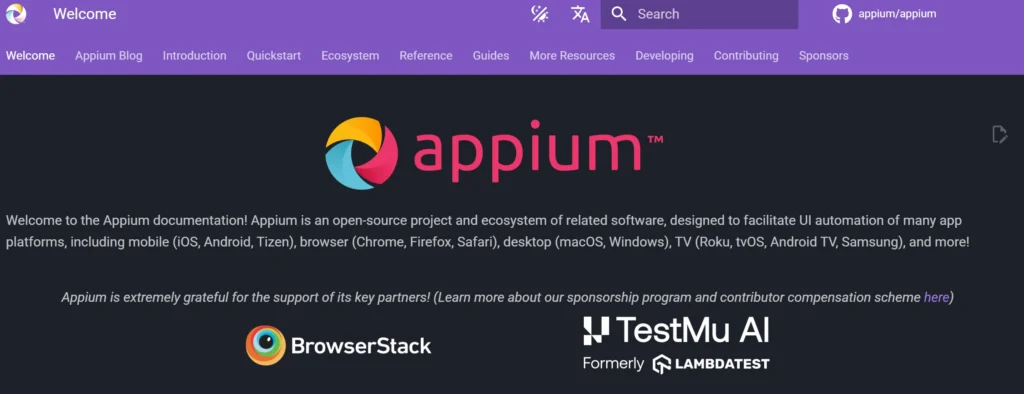
- Appium: cross-platform automation for native, hybrid and mobile web apps on Android and iOS. More options are covered in our list of mobile functional testing tools.
- UFT One: a commercial tool for functional and regression testing of desktop, web and enterprise applications. Read our UFT testing guide.
- Katalon Studio: a low-code platform for web, API, mobile and desktop testing.
For help choosing between them, see our guide to functional testing software.
Challenges in functional testing
- Complex scenarios: large applications have more paths and edge cases than any team can test by hand.
- Frequent changes: every UI or API change can break existing test scripts, so maintenance grows with the product.
- Test data: tests depend on specific data, and missing or inconsistent data causes false failures.
- Environment drift: a test environment that differs from production lets bugs slip through or creates failures that are not real.
- Flaky tests: timing issues, network delays and shared state make some tests pass and fail at random, which erodes trust in the suite.
- Third-party dependencies: payment gateways and external APIs can be slow, rate-limited or unavailable in test environments.
Best practices for functional testing
- Start from requirements: trace every test case back to a requirement or user story so coverage gaps are visible.
- Prioritize by risk: test the flows that would hurt users or revenue most if they broke, such as login, payments and data saving.
- Cover negative paths: test invalid input, missing data and error states, not just the happy path.
- Keep tests in version control: store test scripts and test data alongside the application code so they change together.
- Manage test data deliberately: use known, resettable data sets and avoid tests that depend on each other.
- Mock unstable dependencies: replace slow or unreliable third-party services with mocks so failures point to real bugs.
- Run tests in CI: run smoke and API functional tests on every pull request and the full regression suite before release.
- Automate the repetitive, explore the rest: automate stable flows and keep manual testing for exploration and usability.
Conclusion
Functional testing confirms that every feature of your application does what users and the business need it to do. By working from clear requirements, writing focused test cases, covering the main types from unit to acceptance testing and automating the repetitive checks, teams catch defects early and release with confidence. If your application is built on APIs, generating functional tests from real traffic with Keploy is one of the fastest ways to get there.
FAQs
What is functional testing?
Functional testing verifies that a software application works according to its specified requirements by testing its features, inputs, outputs and user workflows.
What is the difference between functional testing and non-functional testing?
Functional testing validates what the application does, while non-functional testing evaluates how well it performs, including speed, security, scalability and usability.
What is the difference between functional testing and UAT?
Functional testing checks that each feature works as specified and is usually done by QA teams and developers. User acceptance testing (UAT) is done by real users or the client to confirm the software meets business needs before release.
What is an example of functional testing?
A common example is testing an online checkout to verify that users can add products to the cart, apply a coupon, pay and receive an order confirmation.
What are the types of functional testing?
The main types are unit testing, integration testing, system testing, smoke testing, sanity testing, regression testing, API testing, end-to-end testing and user acceptance testing.
Can functional testing be automated?
Yes. Regression, API and smoke tests are the best candidates for automation, while exploratory and usability checks are usually done manually. Tools like Keploy can generate automated API functional tests from real traffic.
What are the best tools for functional testing?
Popular functional testing tools include Keploy, Selenium, Playwright, Cypress, Postman, Appium, UFT One and Katalon Studio. The right choice depends on whether you are testing APIs, web UIs or mobile apps.
Why is functional testing important?
Functional testing finds defects early, confirms features work as expected, improves software quality and gives teams the confidence to release changes quickly.

Leave a Reply