Automated testing plays a critical role in modern software development, helping teams ensure reliability, speed, and confidence in every release. Over the years, a wide range of testing tools have emerged, each solving different problems in the testing lifecycle.
Tools such as Katalon Studio, Selenium, Keploy, Ranorex, TestComplete, and Apache JMeter are commonly used across teams depending on their requirements, skill sets, and system architecture.
Katalon Studio is often chosen by teams looking for an integrated, low-code automation platform that supports web, API, mobile, and desktop testing from a single interface.
What Exactly is Katalon Studio?
Katalon Studio is an automation testing platform designed to simplify the process of creating, executing, and managing automated tests. It aims to reduce the overhead typically associated with setting up test automation frameworks from scratch.
Under the hood, Katalon Studio is built on top of Selenium and Appium. However, instead of requiring users to manually configure drivers, frameworks, and dependencies, Katalon packages these components into a single desktop application with a graphical interface.
Let’s say a tester is so tired of writing lots of lines of code just to automate basic test scenarios. This is where Katalon Studio helps. It is an all-in-one automation testing platform that is designed to make your life simpler by offering a detailed suite of testing capabilities without requiring you to be a coding master.
Katalon Studio was initially released as a free tool and later expanded to include Enterprise offerings and the Katalon Runtime Engine to support larger teams and CI/CD use cases.
Why Teams Use Katalon Studio
- Seamless Integration with Existing Workflows
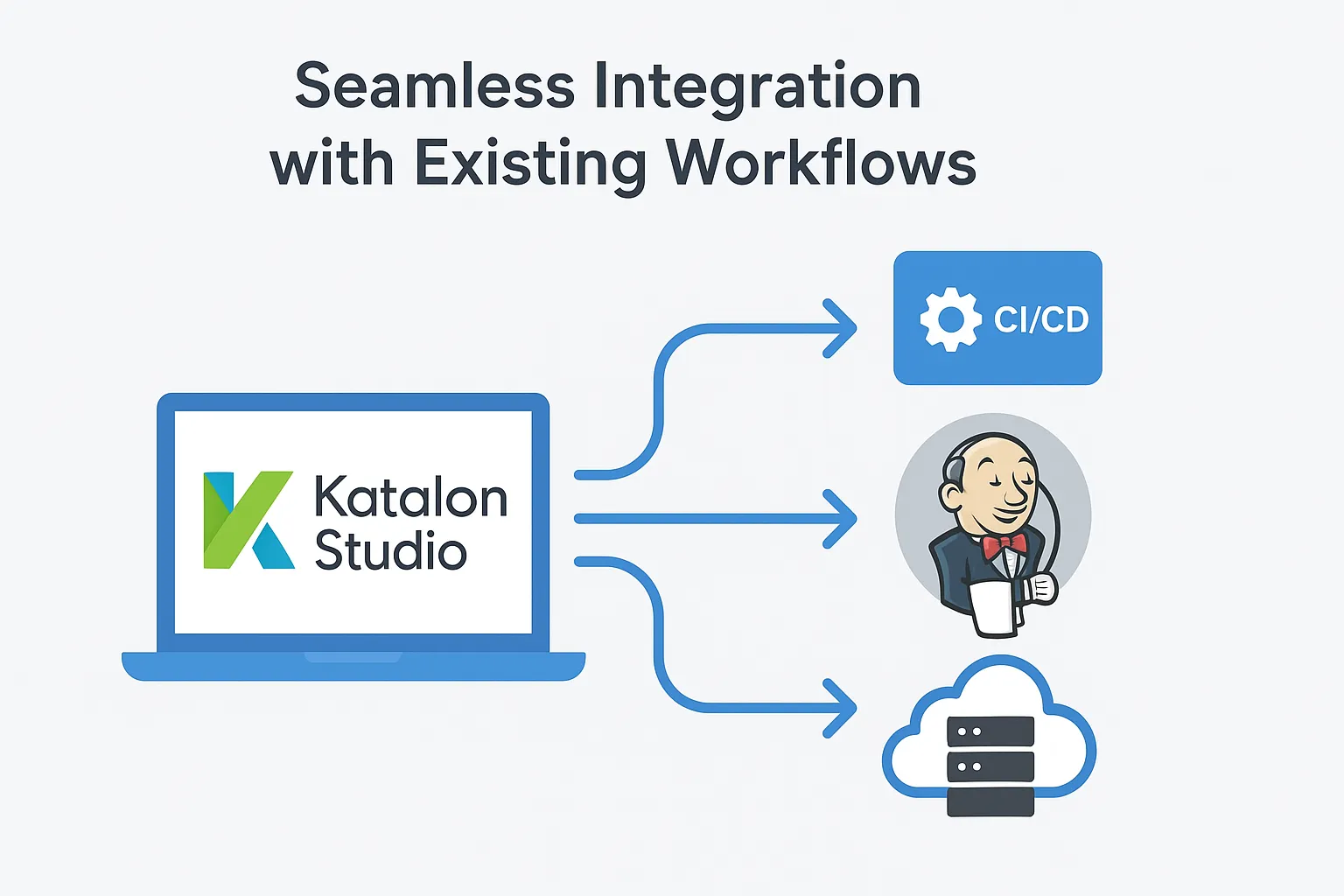
One feature I really appreciate is how well Katalon Studio integrates with CI/CD pipelines and workflows. Lots of time, it is frustrating to find a great testing tool that integrates well with your Jenkins setup or fit into your DevOps workflow. And luckily, it handles this very smoothly. You can easily integrate it into your CI process without any unnecessary complications.
- User-Friendly Dashboard
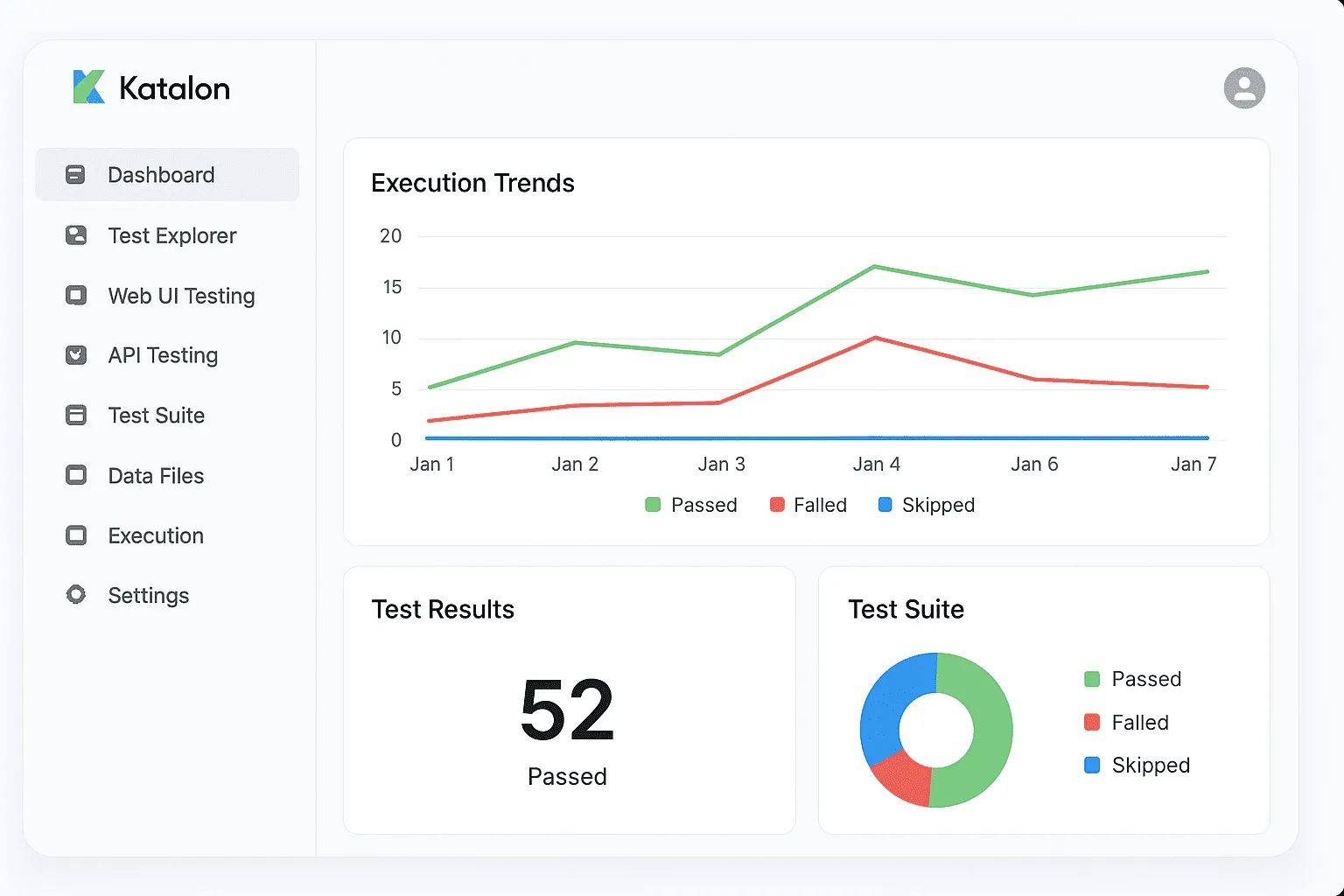
I have seen people reporting about testing tools UI lots of times, but I genuinely feel that Katalon Studio’s analytics dashboard is good. You receive clear insights into the text execution results, detailed reports that you can share with your stakeholders.
- Versatile Testing Capabilities
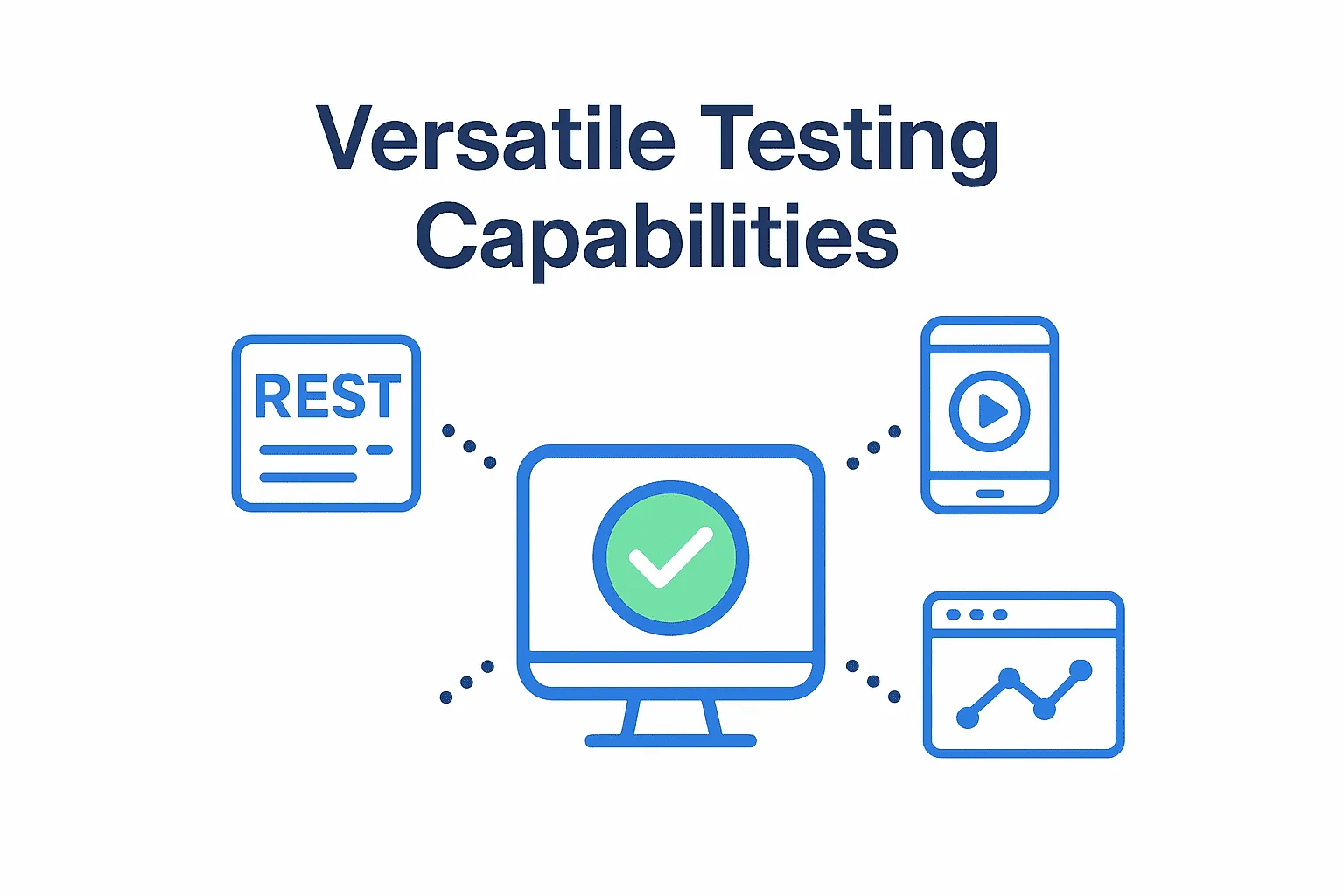
The thing that I find most practical about Katalon Studio is its ability to handle various testing scenarios. Whether you have to test a REST API, validate a mobile app workflow, or run regression tests on a web application, It covers all of these things. This versatility reduces the need for switching tool for the separate work and also minimises the headache for managing the different tools for different parts.
- Gentle Learning Curve
Katalon has a decent documentation and learning resources which help you to get started with it and also tell you how to use it.
- Numerous Integrations
The tool connects seamlessly with popular development and testing tools like JIRA, qTest, Git, and various CI/CD platforms. This integration allows you to integrate it into your existing ecosystem rather than having to rebuild everything around a new tool.
Limitations to Consider
Honestly, we have to be real at some point, right. So, lets see what is not great with it:-
1. Limited Flexibility for Advanced Customization
While Katalon’s abstraction simplifies test creation, it can limit flexibility for teams that require deep customization or prefer full control over their test framework architecture.
Smaller Community Compared to Open-Source Tools
Compared to long-established open-source tools like Selenium, Katalon’s community ecosystem is relatively smaller. This may result in fewer community-driven plugins and online troubleshooting resources.
- Proprietary Platform
Katalon Studio is not open source. Although a free tier exists, advanced features are tied to commercial plans. This may be a consideration for organizations that prioritize open-source tooling.
-
Performance at Scale
Some users have reported performance challenges when running large or complex test suites, particularly in long-running UI or mobile test executions.
What Can You Do with Katalon Studio?
1. API Testing
Katalon Studio is good at handling REST and SOAP API testing. You can create requests, validate responses, and also chain API calls together easily. The user interface simplifies the setup of authentication, management of different data formats and verification of API behaviour.
2. Web Application Testing
I think this is where Katalon Studio is good at. Its web testing capabilities are robust, which provides excellent support for modern web technologies. You can record user interactions, create data-driven tests, and manage dynamic elements effectively.
3. Mobile Testing
Katalon Studio also supports testing for both IOS and Android platforms. As the initial setup for the mobile testing can be a bit more complex, but once it is configured or set up, you can run tests on real devices with issues.
4. Additional Features Worth Mentioning
Yeah, some features need to be mentioned. Katalon Analytics offers cloud-based reporting and test management, enhancing your testing process. Also, Katalon Recorder is a browser extension that allows you to record web interactions.
How to Test Your APIs Without Writing Any Code
In this blog, we’re talking about Katalon. Katalon is well known for UI testing, right? But what about automated API testing without writing any code? Let’s say you want to test your REST APIs how do you check whether they’re working correctly? Typically, we write test cases manually and verify the responses using assertions, right?
That’s fine for small projects, but what if there are so many APIs? How do you test them all? And what about the edge cases for the APIs?
Why worry when Keploy is here for API testing? Keploy provides you with a platform to create API test cases without writing any code or interacting with any SDKs. You heard it right the Keploy API Testing platform gives you API test cases that work for your application, including edge case scenarios too.
Curious about how it works? All you have to provide is:
-
cURL commands or a Postman collection
-
An OpenAPI schema
-
Your application URL (localhost also works)
Keploy will automatically create your API test cases and verify the test cases by running them against your application. In the end, you’ll have test cases that work for your application, and you can also run API testing in your CI/CD pipeline.
This is how the dashboard would look like.
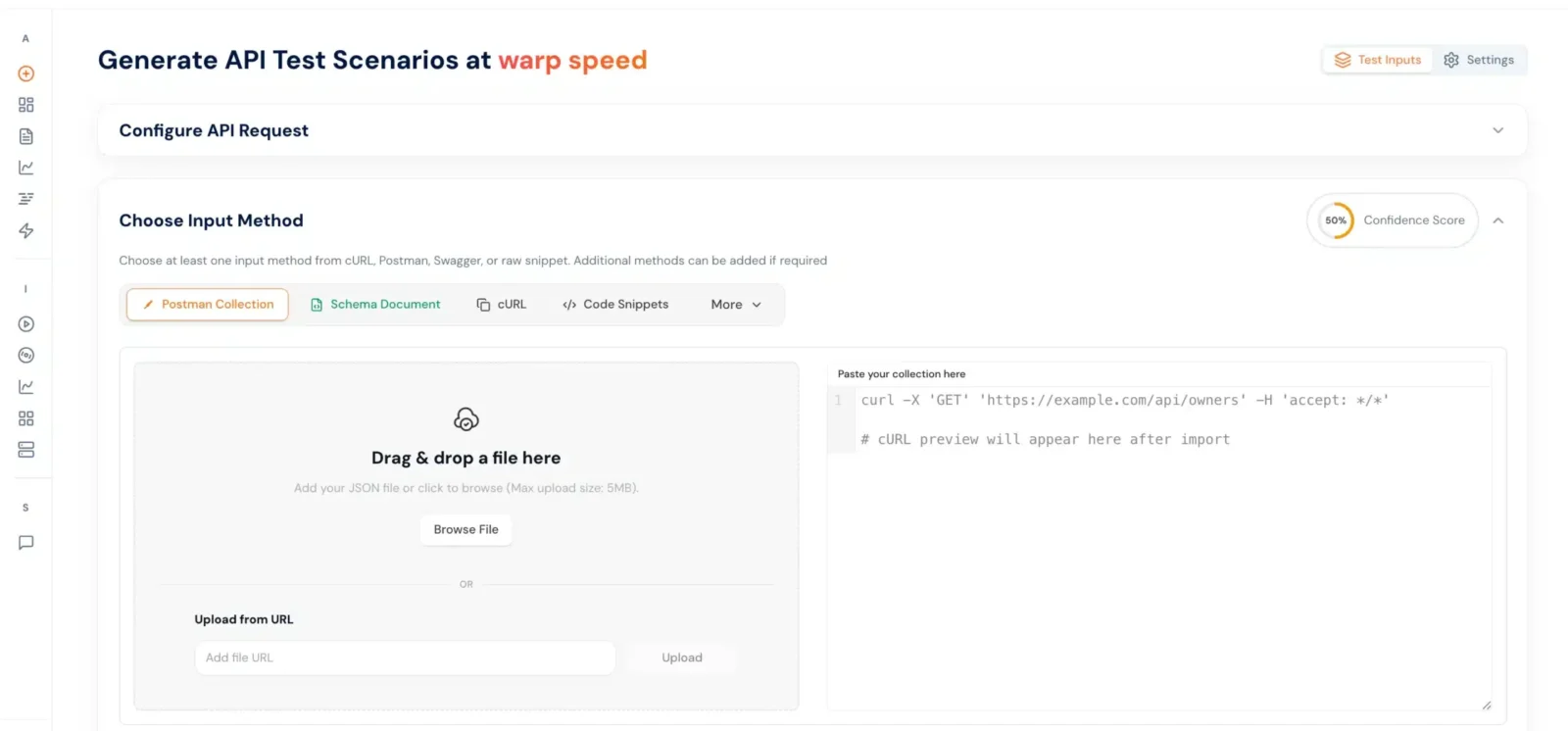
So, why wait? Go to app.keploy.io to create your test cases. Trust me, you will definitely like it.
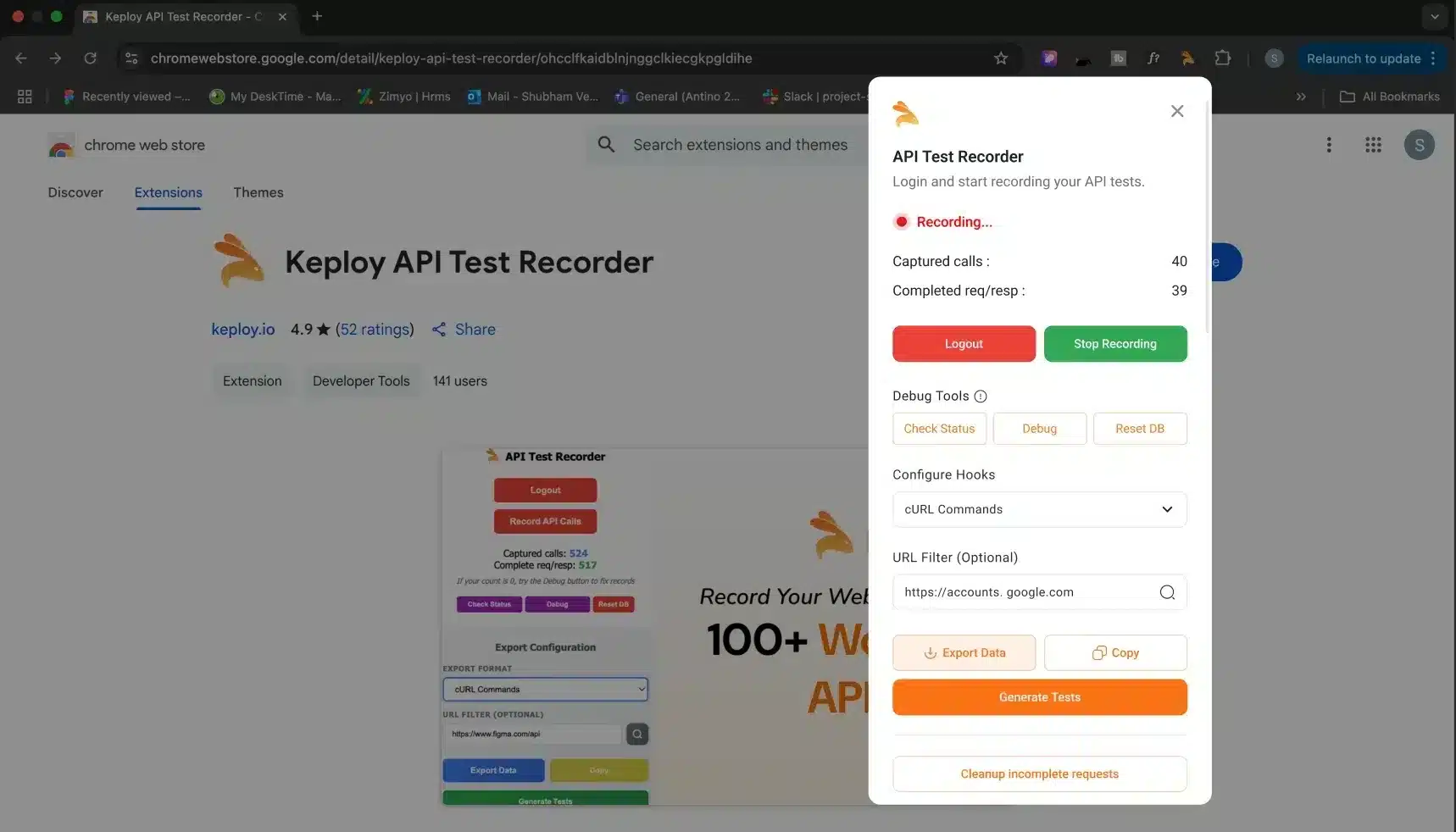
Also, there is another way to create test cases by actually recording them. Yes, with the Keploy Chrome extension, you can record the API calls and create test cases to test them all without writing any code.
To Know more about Keploy Chrome Extension:Check out here
Katalon Studio vs Selenium
Lot of peoples frequently ask how Katalon Studio compares to Selenium and how it is different. here is my take on it: they address slightly different needs.
Selenium provides maximum flexibility and control, but it requires more technical expertise and more time to setup. Essentially, you are building your testing framework from the ground up. In opposite, Katalon Studio sacrifices some flexibility for the sake of convenience and quicker implementation.
If you have experienced developers who want the complete control over their testing framework, So selenium might be the better option. However, if you want to implement automation swiftly with a mixed skill team, katalon Studio could be more practical.
Conclusion
Katalon Studio offers a structured and accessible approach to test automation, particularly for teams looking to get started quickly without building custom frameworks. Its all-in-one design and low-code capabilities make it appealing for many QA-driven workflows.
At the same time, the testing landscape continues to evolve. Modern teams increasingly combine multiple tools to cover UI, API, and backend testing effectively.
Choosing the right testing setup depends less on a single tool and more on understanding what problems need to be solved at each layer of the system.
Frequently Asked Questions
1. Is Katalon Studio free?
Yes, there is a free version of Katalon Studio that includes basic features, but more advanced capabilities require a paid subscription. The free version is adequate for small projects and evaluation purposes.
2. Can Katalon Studio and Keploy be used together?
Yes. Many teams use Katalon Studio for UI automation and Keploy for backend and API testing to cover multiple layers of the application.
3. How is Keploy different from Katalon Studio?
Keploy focuses on backend and API testing by generating test cases from real application traffic, whereas Katalon Studio emphasizes test creation through a UI-driven workflow.
4. What type of testing is Katalon Studio best at?
Katalon Studio is commonly used for UI testing (web and mobile) and functional API testing where tests are explicitly defined and maintained.
5. Is Katalon Studio open source?
No. Katalon Studio is a proprietary tool. While it offers a free tier, advanced features are available only through paid plans.
6. Which tool is better for microservices-based systems?
For microservices and API-heavy architectures, Keploy is often preferred for backend validation, while Katalon Studio may still be used for validating user-facing flows.

Leave a Reply