Modern software teams are shipping faster than ever. Microservices, APIs, cloud-native architectures, and CI/CD pipelines are now standard, but they’ve also made testing far more complex. Manual testing and traditional automation struggle to keep up with frequent releases, brittle scripts, and growing maintenance overhead.
This is where AI testing tools are changing how QA and development teams ensure software quality.
AI-powered testing tools use machine learning, predictive analysis, and self-healing mechanisms to create, maintain, and execute tests with minimal human effort. Instead of breaking whenever a UI element or API changes, these tools adapt automatically, reducing flaky tests, improving coverage, and delivering faster feedback inside CI/CD pipelines.
In this guide, we’ll cover the best AI testing tools in 2026, including open-source, free, and enterprise solutions. You’ll learn how these tools work, how they compare, and which options fit different teams from startups to large engineering organizations.
What Are AI Testing Tools?
AI testing tools are software solutions that use artificial intelligence and machine learning to enhance, automate, and scale software testing. Unlike traditional automation frameworks that rely heavily on fixed scripts, AI testing tools adapt to application changes and learn from test execution data over time.
An AI-powered testing tool can:
-
Identify UI and API elements dynamically, even when locators or schemas change
-
Self-heal broken tests when the application UI, API, or workflow is modified
-
Analyze historical test data to improve coverage and reduce flaky failures
-
Prioritize high-risk test cases based on usage patterns and failure trends
Example: How AI Testing Works in Practice
In a traditional automation setup, if the CSS ID of an “Add to Cart” button changes, existing test scripts often fail and require manual updates.
An AI-based testing tool can recognize that the button is still functionally the same by analyzing its context, position, labels, and historical behavior, allowing the test to continue without breaking.
This ability significantly improves the resilience and reliability of automated tests.
Why AI Testing Tools Matter
The core goal of AI testing tools is to enable continuous testing within CI/CD pipelines while reducing manual effort. By delivering faster and more accurate feedback to developers, these tools help teams release software more reliably and at higher speed.
The change to AI-enabled QA is occurring because of:
-
Slow manual testing – Humans cannot keep pace with daily releases.
-
Brittle traditional automation – Scripts break when there are any UI (or API) changes.
-
AI supplies intelligence – Tools can now adapt, learn, and get smarter over time.
For example:
-
AI models can generate tests automatically from requirements or traffic.
-
AI helps find visual discrepancies that a human tester may miss.
-
Some tools can run predictive analysis, identifying the areas that are most likely to fail.
This combination of automation and intelligence is why ai powered test automation tools are now essential in 2026.
Why Do We Need AI Testing Tools in 2026?
Software development in 2026 is defined by rapid releases, distributed systems, and continuous delivery. Traditional manual testing and script-based automation are no longer sufficient to maintain quality at scale.
AI testing tools have become necessary because they address the core limitations of conventional testing approaches.
1. Manual Testing Cannot Keep Up with Release Speed
Modern teams deploy code daily—or even multiple times a day. Manual testing is slow, repetitive, and prone to human error, making it impossible to validate every change within tight release cycles.
AI testing tools automate test creation and execution, allowing teams to validate changes continuously without slowing development.
2. Traditional Automation Is Brittle and Costly to Maintain
Script-based automation breaks whenever:
-
UI elements change
-
APIs evolve
-
workflows are slightly modified
This leads to high test maintenance costs and flaky test suites.
AI-powered testing tools use self-healing mechanisms and contextual understanding to adapt to changes automatically, reducing test failures and maintenance effort.
3. Applications Are More Complex Than Ever
Modern applications rely on:
-
microservices
-
APIs
-
third-party integrations
-
cloud-native infrastructure
AI testing tools analyze patterns across distributed systems and test data, making them more effective at identifying issues that traditional tools often miss—especially in API and integration testing.
4. Faster Feedback Is Critical in CI/CD Pipelines
CI/CD pipelines require fast and reliable feedback to prevent defective code from reaching production.
AI testing tools:
-
prioritize high-risk test cases
-
detect anomalies earlier
-
reduce noisy or flaky failures
This helps developers fix issues sooner and release with confidence.
5. AI Improves Accuracy and Test Coverage
By learning from historical test executions and real application usage, AI testing tools can:
-
expand test coverage automatically
-
detect visual, functional, and behavioral anomalies
-
highlight failure-prone areas before defects occur
This leads to higher software quality with less manual effort.
In Simple Terms
AI testing tools are needed in 2026 because they enable faster, more reliable, and scalable software testing in modern CI/CD-driven development environments.
How AI Testing Tools Work
AI testing tools combine machine learning, data analysis, and automation to create, execute, and maintain tests with minimal manual effort. Instead of relying solely on fixed scripts, these tools learn from application behavior and test execution data.
Most AI testing tools follow a similar workflow:
1. Test Creation Using AI
AI testing tools can generate tests automatically using:
-
application traffic
-
user behavior
-
API requests and responses
-
requirements or code changes
This reduces the need for manual test scripting and speeds up test coverage creation.
2. Intelligent Element and API Recognition
Instead of relying on static locators or fixed schemas, AI testing tools identify:
-
UI elements based on context, position, and behavior
-
APIs based on request patterns and payload structuresThis allows tests to remain stable even when UI layouts or API structures change.
3. Self-Healing and Adaptive Maintenance
When an application changes, AI testing tools:* detect broken tests
-
update locators or validation logic automatically
-
prevent unnecessary test failuresThis self-healing capability significantly reduces flaky tests and ongoing maintenance work.
4. Intelligent Test Execution and Prioritization
AI models analyze historical data to:* prioritize high-risk test cases
-
reduce redundant test runs
-
optimize execution time in CI/CD pipelinesThis ensures faster feedback without compromising coverage.
5. Failure Analysis and Insights
After execution, AI testing tools:* group similar failures
-
identify root causes
-
highlight patterns and recurring defectsThis helps QA and development teams debug issues faster and improve overall test quality.
Simple Workflow Summary
AI testing tools work by generating tests from application data, adapting to changes using self-healing mechanisms, and continuously optimizing test execution through machine learning.
How to Choose the Right AI Testing Tool in 2026
Not all AI testing tools are built for the same purpose. The right tool depends on your application architecture, team structure, and testing goals. Before selecting an AI testing tool, consider the following factors:
1. Type of Application
-
API-first or microservices-based apps require strong API testing and mocking capabilities.
-
UI-heavy web or mobile apps benefit from visual AI and self-healing UI tests.
2. Team Skill Level
-
Developer-led teams often prefer open-source or code-first tools.
-
QA-driven teams may benefit from low-code or no-code AI testing platforms.
3. CI/CD and DevOps Integration
Choose tools that integrate seamlessly with:
-
GitHub Actions
-
GitLab CI/CD
-
Jenkins
-
CircleCIContinuous testing is critical for fast feedback and stable releases.
4. Test Maintenance and Stability
Look for tools with:* self-healing test capabilities
-
intelligent wait mechanisms
-
flaky test reduction features
5. Licensing and Cost
Open-source tools provide flexibility and no vendor lock-in.
- Commercial platforms offer enterprise support and advanced analytics.
In short
The best AI testing tool is the one that aligns with your application type, CI/CD workflow, team skills, and long-term scalability needs.
Top AI-Powered Testing Tools in 2026
There is no single best AI testing tool for every team. Some tools focus on API and microservices testing, others specialize in visual UI testing, while some offer low-code automation for faster adoption.
Below is a curated list of the top AI-powered testing tools in 2026, covering open-source, free, and enterprise-grade solutions. Each tool is evaluated based on its core capabilities, AI features, and ideal use cases.
| Tool | Best For | AI Capabilities | CI/CD Support | Open Source |
|---|---|---|---|---|
| Keploy | API & Microservices | AI test generation, self-healing, data filtering | Yes | Yes |
| Applitools | Visual UI Testing | Visual AI, layout anomaly detection | Yes | No |
| Testim | UI Automation | Self-healing locators | Yes | No |
| Testsigma | Low-Code Automation | NLP-based test creation | Yes | No |
| Selenium (AI) | Web Automation | AI locators, healing plugins | Yes | Yes |
1. Keploy
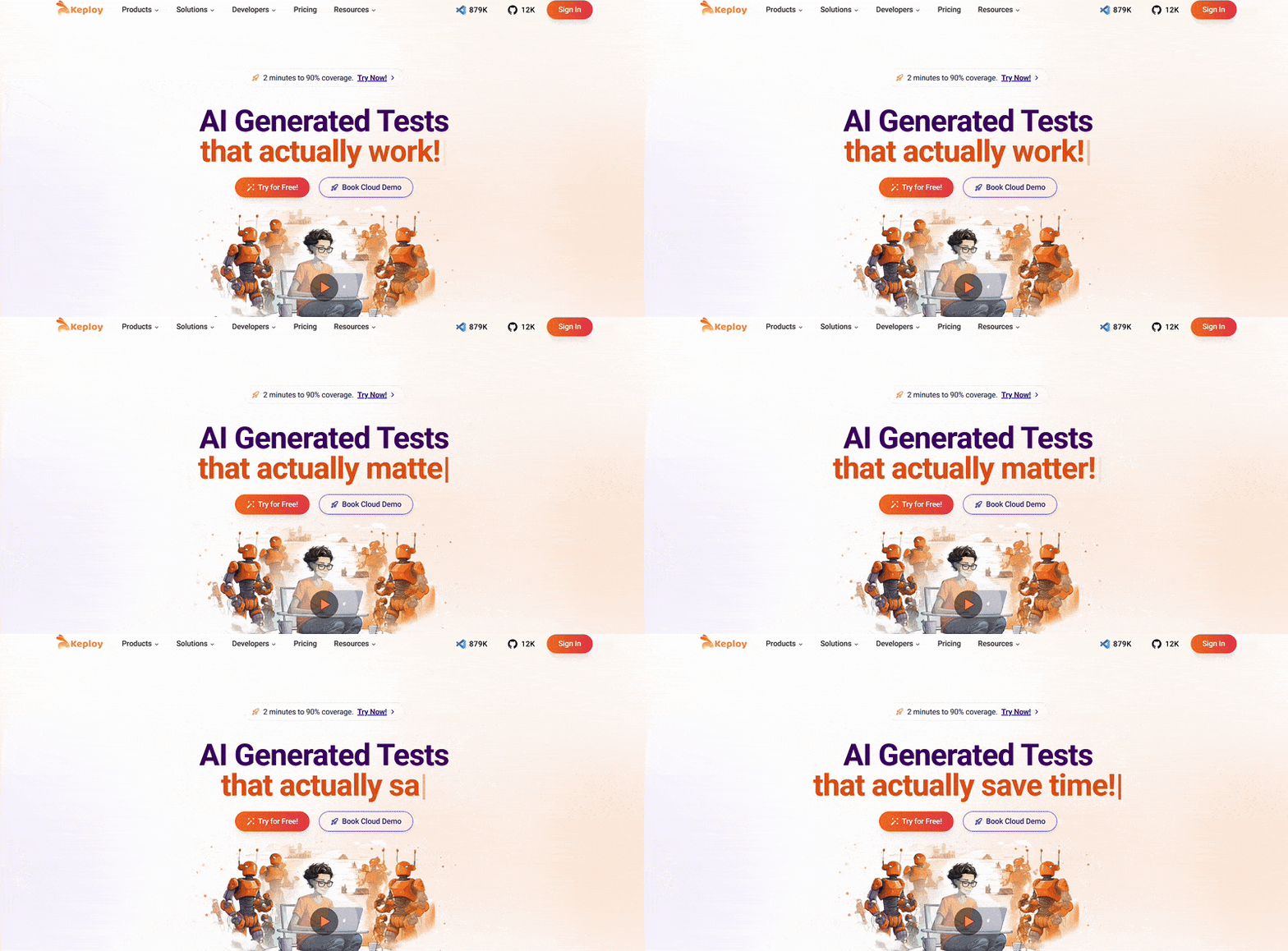
Keploy is a developer-first, open-source AI testing tool for API, unit, and end-to-end testing.
-
Key Features: It captures real API traffic and turns it into test cases. It also checks coverage and makes sure tests aren’t flaky.
-
How It Works: Keploy uses AI to filter out bad data and fix tests. It also predicts issues before they happen.
-
Use Cases: Great for API-heavy apps, microservices, and CI/CD pipelines.
-
Why It Stands Out: Keploy is one of the few ai testing tools open source. It gives developers flexibility and freedom from vendor lock-in.
2. Selenium with AI Integrations
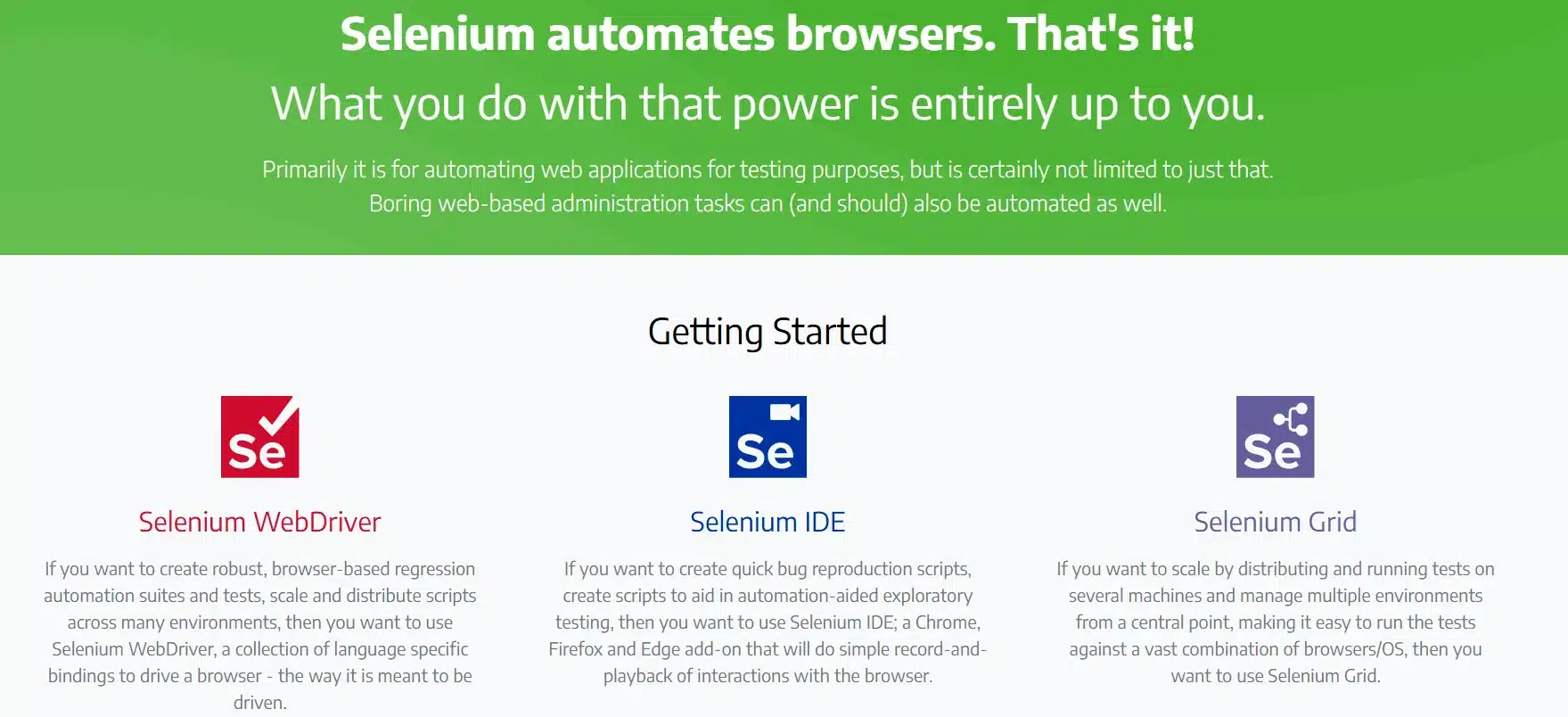
Selenium is the most used test automation framework. With AI plugins, it gets even better.
-
Features: It automates web testing with AI-based locators and self-healing.
-
AI Benefits: It recognizes elements smarter, reducing script breakage.
-
Best For: Teams already using Selenium who want to add AI without changing frameworks.
3. Testcraft
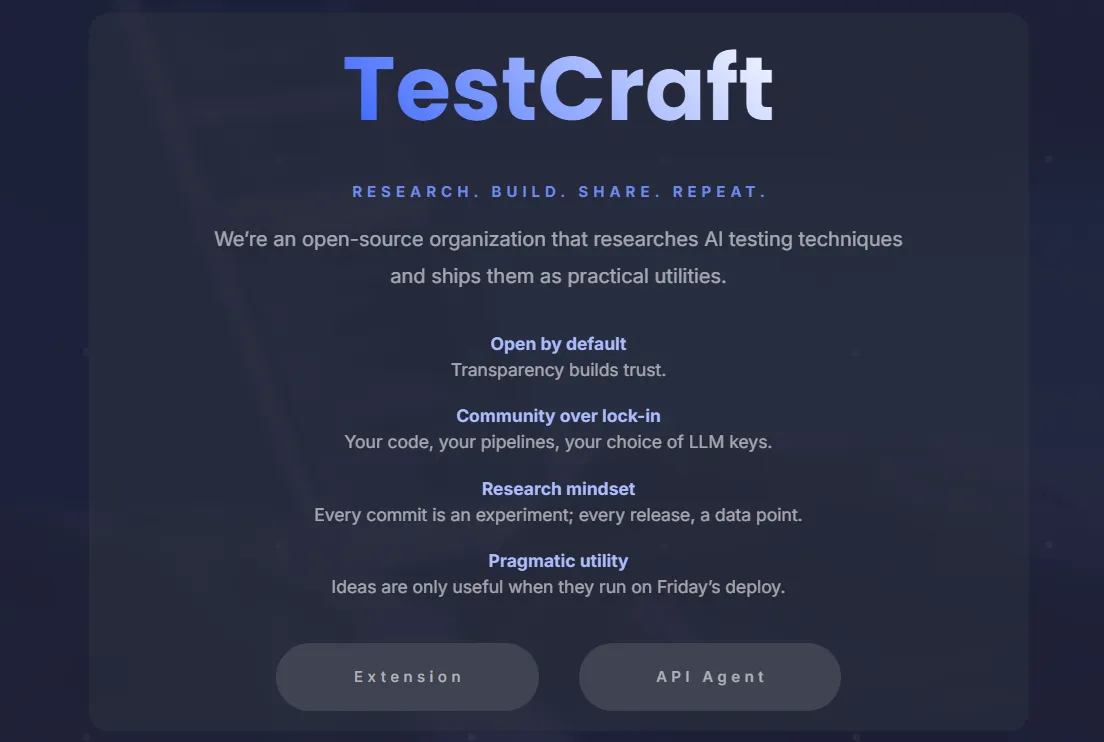
Testcraft is a no-code test automation tool with AI.
-
Features: It lets you create and maintain tests easily with drag-and-drop.
-
AI Benefits: It learns from test failures and adjusts scripts automatically.
-
Best For: Non-technical teams or startups without dedicated QA engineers.
4. Applitools
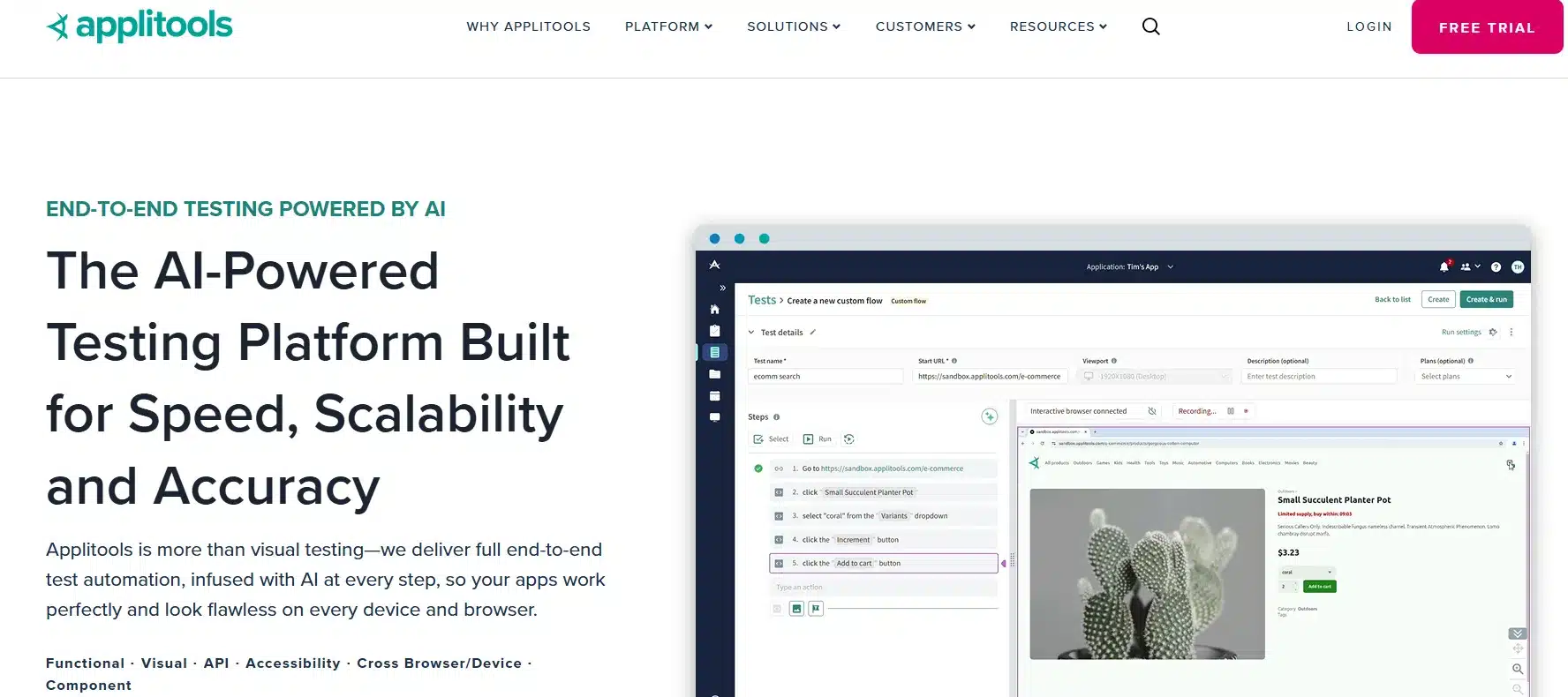
Applitools is the market leader in visual AI testing.
-
Features: Visual testing engine that detects pixel-level anomalies.
-
AI Benefits: Goes beyond functional testing by ensuring UI consistency across browsers.
-
Best For: Applications where user interface quality is critical.
5. Eggplant
Eggplant takes a user-centric AI testing approach.
-
Features: Simulates real user interactions.
-
AI Benefits: Predicts performance issues and UX bottlenecks.
-
Best For: UX and performance testing across complex systems.
6. Test.ai
Test.ai specializes in AI-driven mobile app testing.
-
Features: Learns app behavior to detect bugs in UI flows.
-
AI Benefits: Identifies mobile-specific issues faster than traditional tools.
-
Best For: Mobile-first companies.
7. Appium with AI Enhancements
Appium is the most popular open source mobile automation tool, and AI plugins make it smarter.
-
Features: Cross-platform automation for Android and iOS.
-
AI Benefits: Self-healing locators and smarter recognition of UI changes.
-
Best For: Mobile teams seeking open source AI based test automation tools.
8. ReportPortal
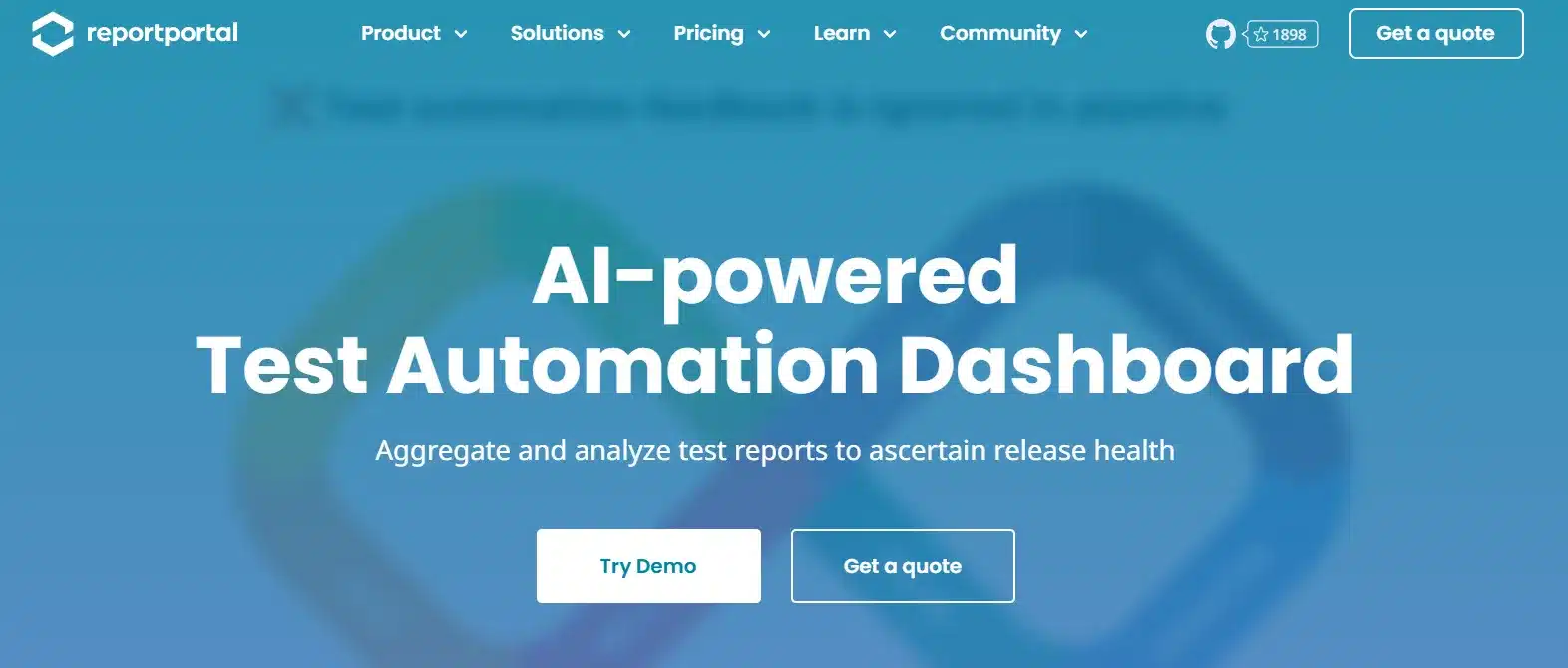
ReportPortal is an AI-powered reporting platform.
-
Features: Centralized test reporting and analytics.
-
AI Benefits: Groups, analyzes, and predicts test failures.
-
Best For: QA teams focusing on test reporting and insights.
9. Parasoft
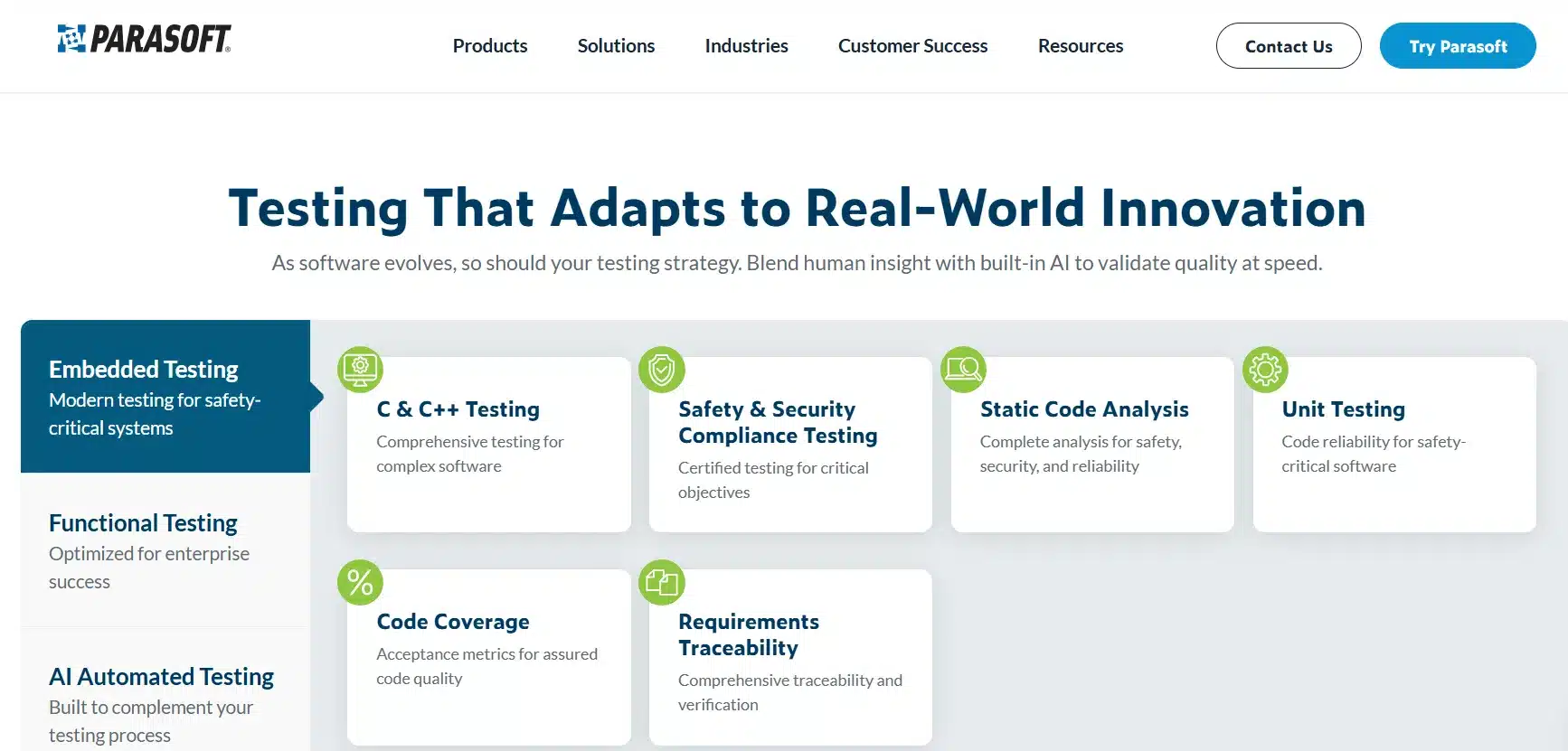
Parasoft uses AI to enhance static code analysis and automation.
-
Features: Finds potential bugs before tests are written.
-
AI Benefits: Reduces technical debt and enforces coding standards.
-
Best For: Enterprises focusing on both code quality and testing.
10. CircleCI with AI Integration
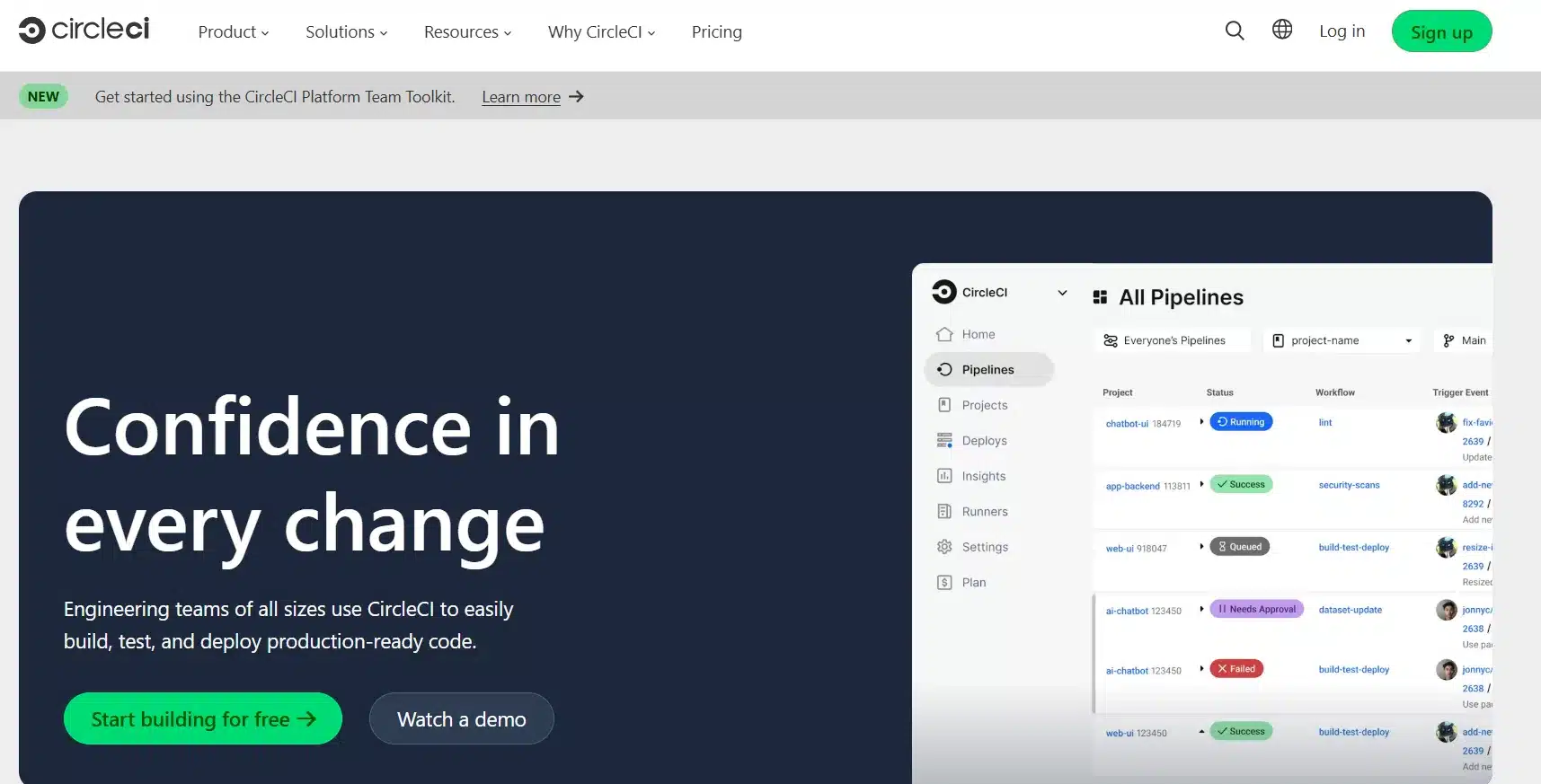
CircleCI is a popular CI/CD platform now enhanced with AI.
-
Features: Orchestrates builds and test pipelines.
-
AI Benefits: Identifies bottlenecks and optimizes workflows.
-
Best For: DevOps teams embedding AI into delivery pipelines.
11. Sauce Labs
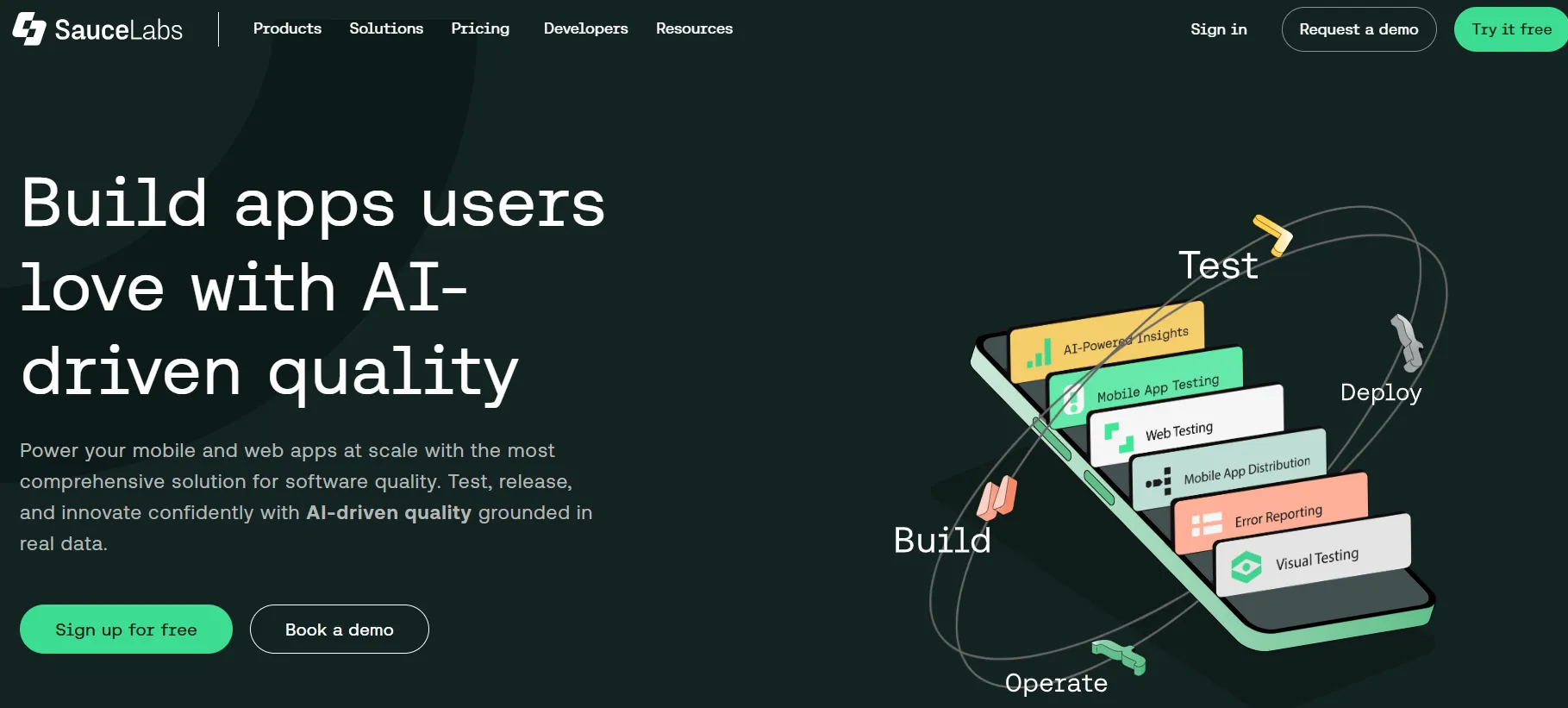
Sauce Labs provides cloud-based cross-platform testing.
-
Features: Test across thousands of browser/device combinations.
-
AI Benefits: Real-time AI predictions for failures.
-
Best For: Enterprises with large-scale automation needs.
12. SmartBear TestComplete
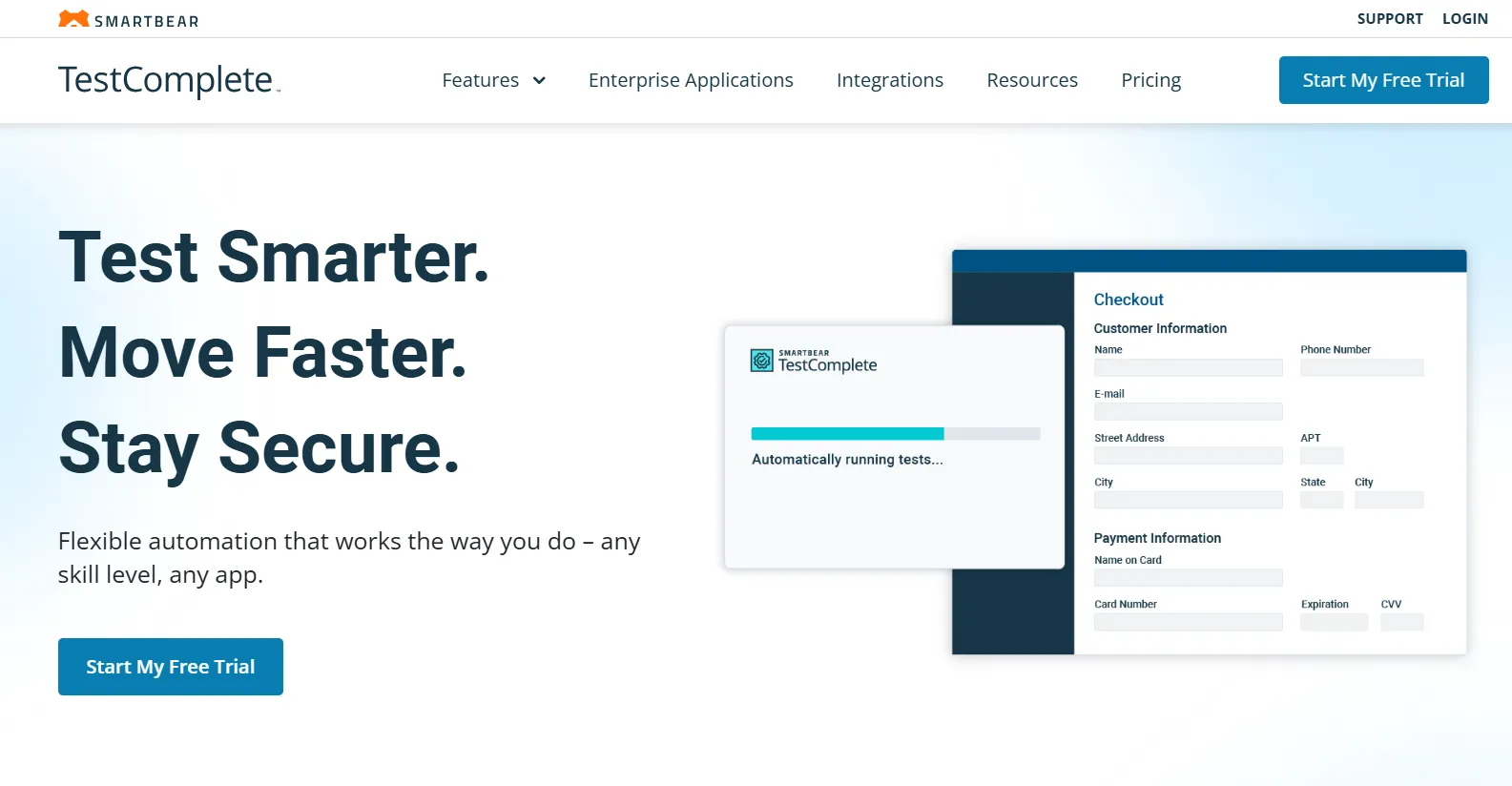
SmartBear’s TestComplete is a multi-platform AI testing solution.
-
Features: Desktop, mobile, and web automation.
-
AI Benefits: Self-healing tests and predictive execution.
-
Best For: Enterprises testing across multiple technologies.
13. Bitbar
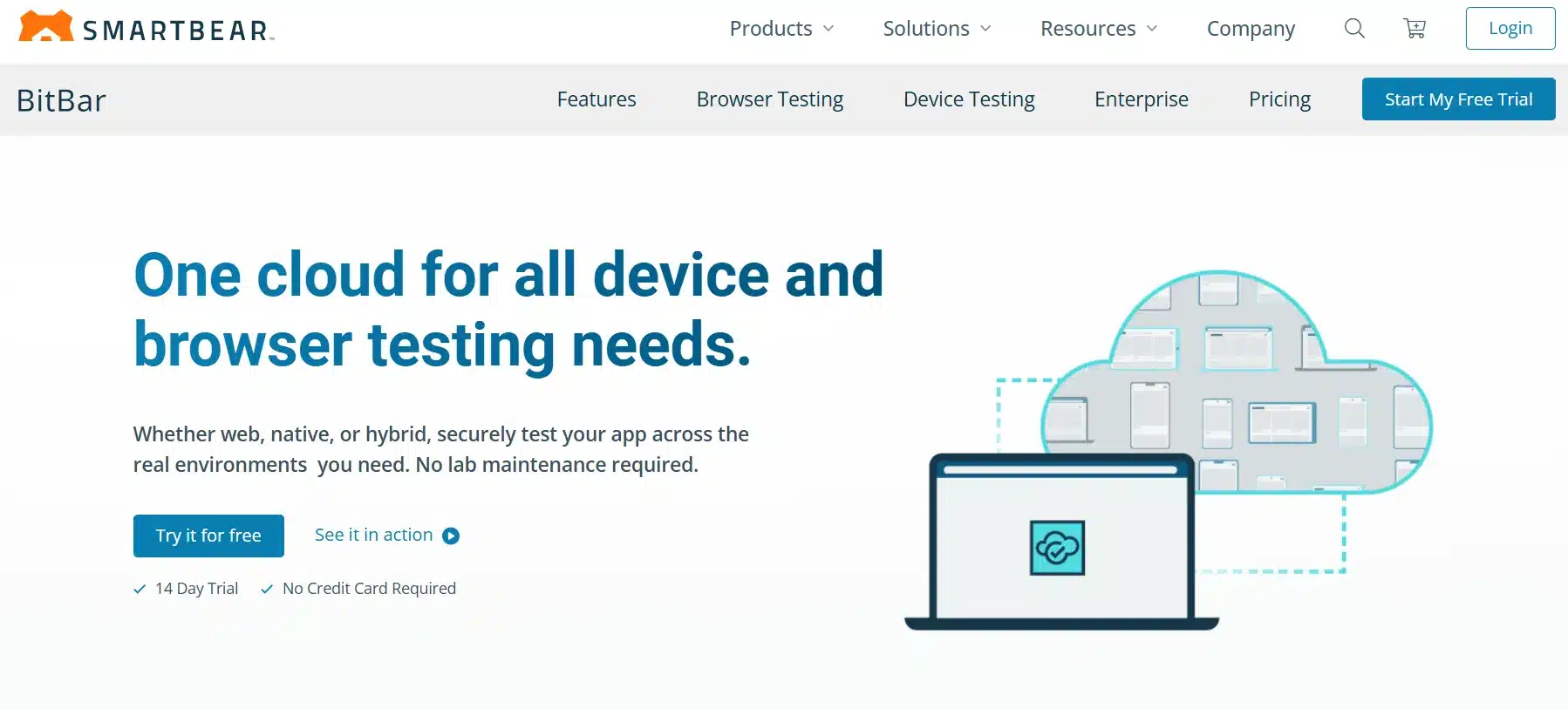
Bitbar brings AI automation to mobile and IoT.
-
Features: Cloud-based device testing.
-
AI Benefits: Identifies performance issues and anomalies.
-
Best For: Mobile and IoT developers.
In summary: API-focused teams benefit from tools like Keploy and Postman, UI-heavy teams rely on visual AI platforms like Applitools, while enterprises often adopt full-stack testing suites.
Top Free AI Test Automation Tools
- Keploy (Open Source Edition)
Keploy is a community-driven, open-source AI testing tool designed for API, microservices, and unit testing. It is ideal for developers and teams looking for free AI testing tools without commercial licensing or vendor lock-in.
BugBug.io
BugBug offers a forever-free plan for small teams and startups. Its no-code interface makes it beginner-friendly, while AI-powered features help simplify test creation and maintenance.
Benefits of AI Test Automation Tools
Improved Test Automation and Efficiency
AI-powered testing tools accelerate test execution and significantly reduce manual effort. They integrate seamlessly with CI/CD workflows, enabling faster and more reliable releases.
Self-Healing Capabilities
AI testing tools automatically adapt to UI or API changes. This minimizes broken tests and reduces the ongoing maintenance burden on QA teams.
Predictive Issue Detection
By analyzing historical test data, AI can identify high-risk areas in the application and detect potential failures before they impact production.
Visual Testing and Analytics
Tools such as visual AI testing platforms detect UI inconsistencies and layout issues across browsers and devices that are difficult to catch with traditional automation.
CI/CD Integration
AI test automation tools are designed for continuous execution and fit naturally into modern DevOps and agile release cycles.
AI for Lower Test Maintenance
Visual Assistance and Adaptive Healing
AI-powered tools adjust automatically to UI changes, reducing the need for manual locator updates and improving test stability.
Intelligent Wait Mechanisms
AI dynamically estimates load times and application behavior, preventing false failures caused by slow-loading components.
How Low-Code and AI Are Changing the Developer-to-QA Ratio
Low-Code Integration
Low-code and no-code AI testing tools enable closer collaboration between developers and QA engineers by reducing reliance on complex scripting.
Future Trends
As AI automation adoption increases, QA professionals are shifting focus toward test strategy, quality governance, and AI oversight rather than manual script maintenance.
Building AI Skills for Software Testing
Training and Upskilling
QA professionals should learn how to work with AI-powered testing tools to stay relevant in modern testing environments.
Certifications and Courses
Many platforms, including Katalon and Applitools, offer structured training programs for AI-powered test automation tools.
Get Started with Keploy AI Testing Tools
Keploy makes AI-based testing accessible with both open-source and enterprise-grade options.* Free & Open Source: Keploy’s community edition is one of the leading open-source AI testing tools.
- Flexibility: Supports API, microservices, unit, and end-to-end testing workflows.
👉 Explore Keploy’s AI Testing Platform
Conclusion
AI testing tools are transforming software quality assurance in 2026 by reducing costs, improving test reliability, and accelerating release cycles.* Startups can begin with free AI testing tools such as Keploy or BugBug.
-
Developers benefit from open-source AI-based test automation tools like Keploy.
-
Enterprises can scale testing efforts using advanced platforms such as Keploy, Applitools, and SmartBear.
Frequently Asked Questions (FAQ)
Quick summary: AI testing tools use machine learning to automate, maintain, and scale software testing, making them essential for modern CI/CD-driven development.
1. What are AI Testing Tools?
AI testing tools are software solutions that use artificial intelligence and machine learning to enhance automated testing. They can generate test cases automatically, self-heal broken tests, detect defects more accurately, and predict potential failures.
2. Why are AI-based testing tools important in 2026?
Modern applications are highly complex and release cycles are shorter than ever. Manual testing cannot keep pace, making AI testing tools essential for reducing maintenance effort, improving accuracy, and accelerating time to market.
3. Are there any free AI automation tools?
Yes. Popular free AI testing tools include:
Keploy (Open Source Edition) – AI-driven API and unit testing
BugBug.io – No-code AI testing tool with a forever-free plan
These tools are ideal for startups and developers looking for AI testing tools without upfront costs.
4. What are the best open-source AI testing tools?
Some of the top open-source AI testing tools include:
Keploy – AI-based test generation for APIs and microservices
Appium (with AI plugins) – Open-source mobile automation with self-healing
Selenium (with AI integrations) – Web automation enhanced by AI capabilities
These tools offer flexibility and freedom from vendor lock-in.
5. How do AI-powered test automation tools reduce flaky tests?
AI test automation tools use self-healing locators, intelligent wait mechanisms, and contextual analysis to adapt tests automatically when applications change, significantly reducing flaky test failures in CI/CD pipelines.
6. Can enterprises use Keploy?
Yes. While Keploy is open source, it also supports enterprise-grade use cases with scalable testing, reporting, and integration capabilities, making it suitable for large organizations.
7. How do AI testing tools integrate with CI/CD pipelines?
Most AI testing tools integrate with CI/CD platforms such as Jenkins, GitHub Actions, GitLab CI/CD, and CircleCI, enabling continuous testing on every build.
8. Do AI testing tools replace human testers?
No. AI testing tools assist human testers by automating repetitive tasks and reducing maintenance effort. Human testers remain essential for exploratory testing, UX validation, and test strategy definition.
9. What are the limitations of AI testing tools?
AI testing tools may produce false positives, require human review, and depend on quality training data. Teams should combine AI automation with human oversight to ensure accuracy and reliability.
10. How do I choose the right AI testing tool?
The right AI testing tool depends on application type (API vs UI), team skills, CI/CD requirements, and budget. Open-source tools suit developer-led teams, while enterprise platforms offer advanced analytics and support.

Leave a Reply