AI testing uses machine learning, NLP, and computer vision to generate and maintain tests, replacing static scripts with models that adapt to how the application behaves. Self-healing selectors and predictive selection cut the overhead that breaks traditional automation with every UI or API change. Keploy acts as an API testing agent, generating and validating tests directly from real traffic.
Testing is a very important and necessary step in the SDLC, but most teams ignore it or don’t care much about it, while some teams spend most of their time on testing instead of building features. AI is really changing the way we write code, but most people use it mainly for writing test cases, and we still end up doing it manually.
This shift is already going mainstream. Gartner expects 80% of enterprises to have adopted AI-augmented testing by 2027, up from 15% in 2023, and the category is moving fast toward agentic testing, where AI agents decide what to test, generate the tests, and maintain them on their own.
So in this blog, let’s see what AI testing is, how AI helps in testing our software, what AI tools are available, and which tools help with which part of testing. So let’s dive in!
What is AI testing?
AI testing applies artificial intelligence to all or part of the software testing process to automate, optimize, or improve testing itself.
AI testing systems can:
- Auto-generate test cases
- Automatically heal broken tests (using UI/API elements)
- Recognize patterns and anomalies
- Identify potential high-risk areas
- Analyze testing failures in context
- Recommend tests with expected impact
- Increase coverage with little human engagement
Unlike traditional test automation, where we build static scripts, AI testing favors dynamic models based on application and user behavior. This helps teams cut repetitive work, reduce overhead, and catch defects earlier.
The importance of AI testing (traditional testing limitations)
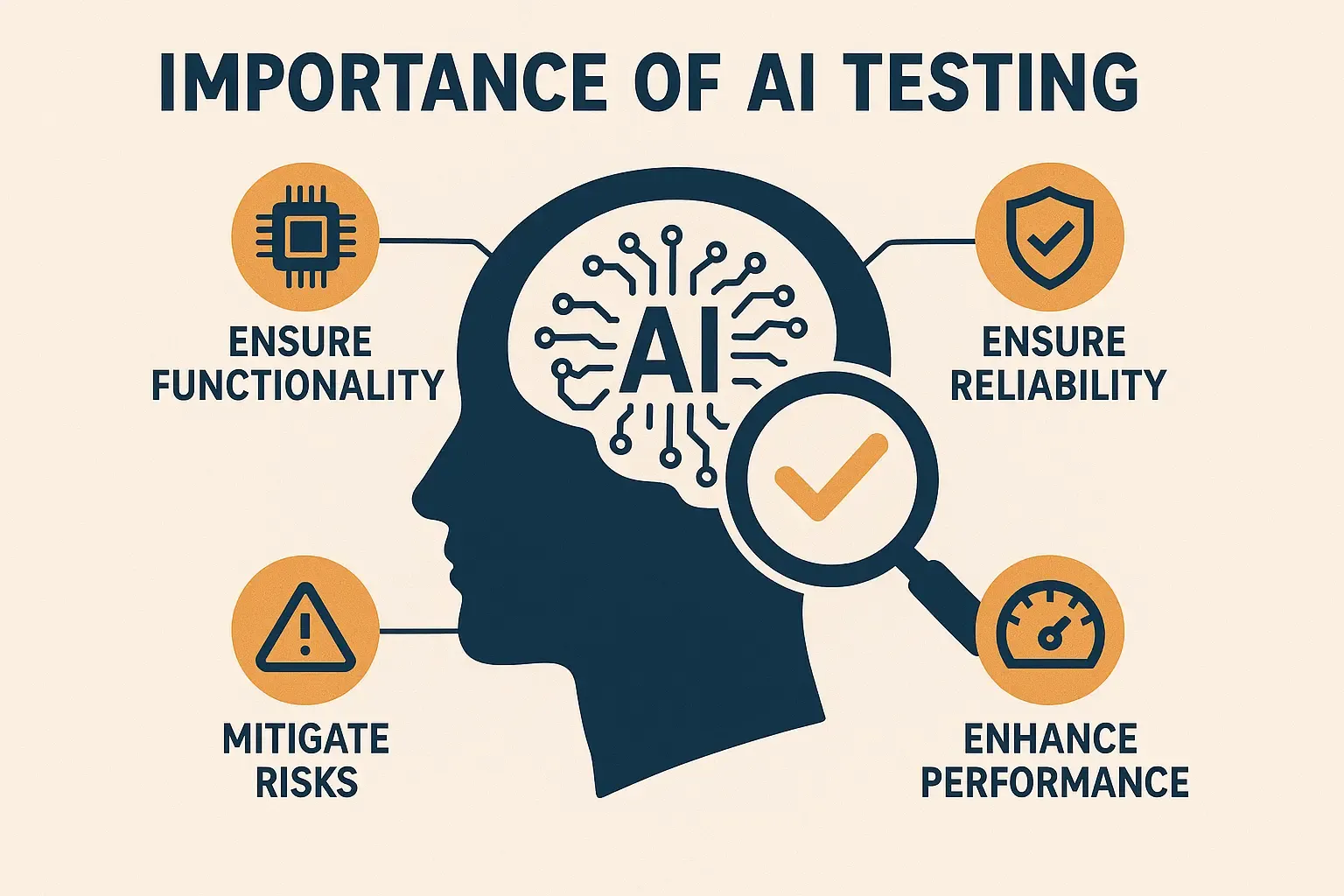
As applications evolve, the limitations of traditional automation become more apparent:
High maintenance overhead
Scripts frequently break due to UI changes, API updates, and DOM alterations. It takes significant engineering hours to maintain locators and flows.
Limited testing
Testers write scenarios for happy paths, but rarely for edge cases, uncommon scenarios, and complex interactions.
Repetitive, manual jobs
Creating tests, configuring data, and resolving test issues can take a considerable amount of time and delay release calendars.
Flaky tests
UI tests are flaky by nature. They are prone to failure due to timing, element-selection issues, or infrastructure noise.
Lack of scalability
As test suites grow, execution time grows with them, creating further delays in the CI/CD pipeline.
Reactive, not proactive
Most automation frameworks test after development. AI flips this narrative toward being proactive and predictive about quality.
These gaps highlight why AI testing matters for contemporary QA, DevOps, SRE, and engineering teams.
How AI testing works
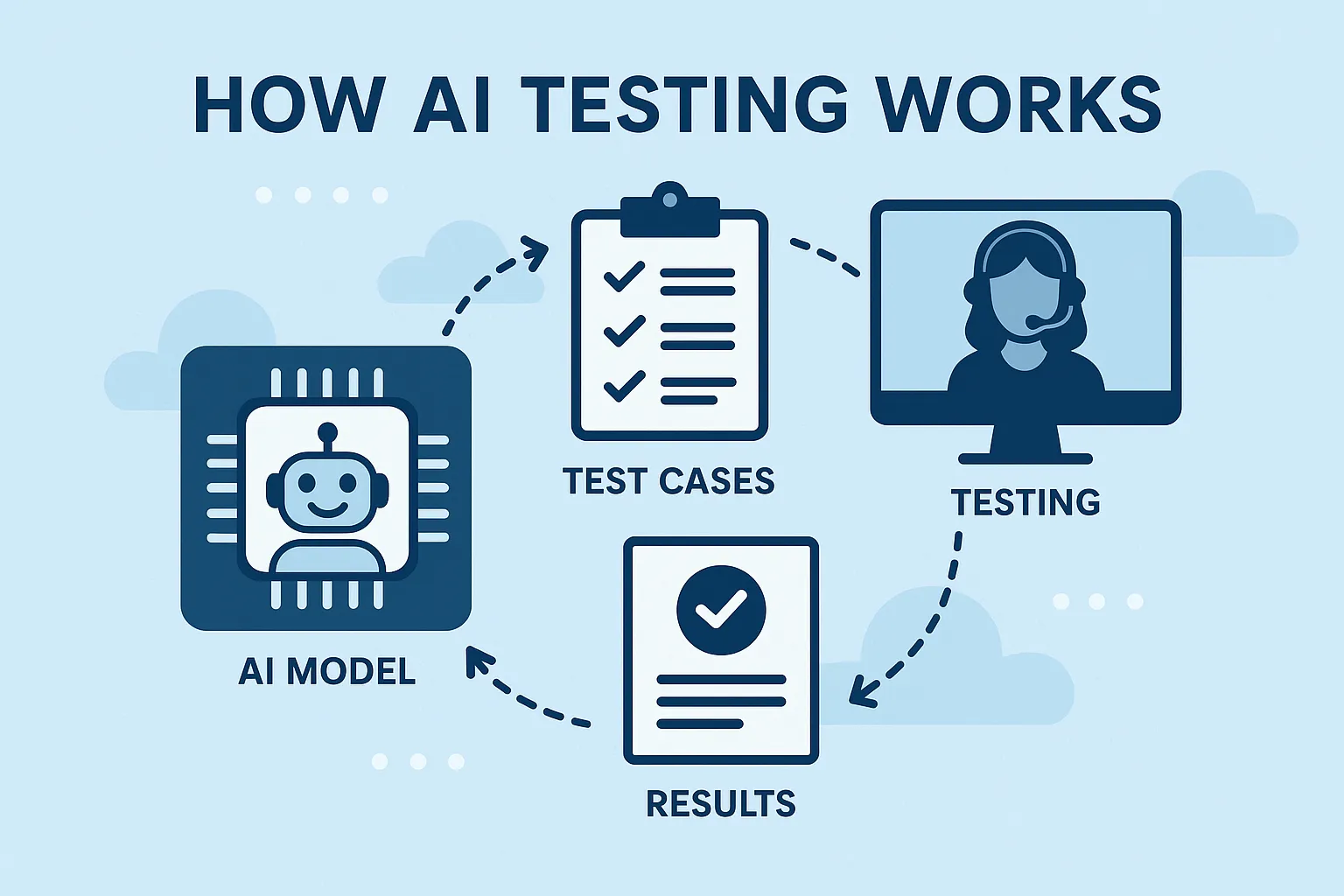
AI testing tools are built on these technologies:
Machine learning (ML)
ML models learn from test history, logs, defect history, and user interaction. The ML model learns over time to recognize failure patterns, predict flakiness, and find optimal test paths.
Natural language processing (NLP)
NLP turns human-written scenarios into executable tests. It also helps interpret acceptance criteria, documentation, and user stories.
Computer vision
Computer vision reads UI elements visually instead of through fragile selectors. UI tests become more stable and less dependent on the DOM structure.
Predictive analytics
AI predicts which areas of the application are more likely to fail, allowing for intelligent regression selection and faster pipelines.
Autonomous test generation
AI reads logs, network calls, API responses, and user behavior to automatically create tests and mocks.
Self-healing automation
Rather than failing when an element’s selector changes, AI dynamically updates selectors or finds another path to continue.
Together these create a new testing paradigm: adaptive, data-driven, and more efficient.
Categories of AI in software testing
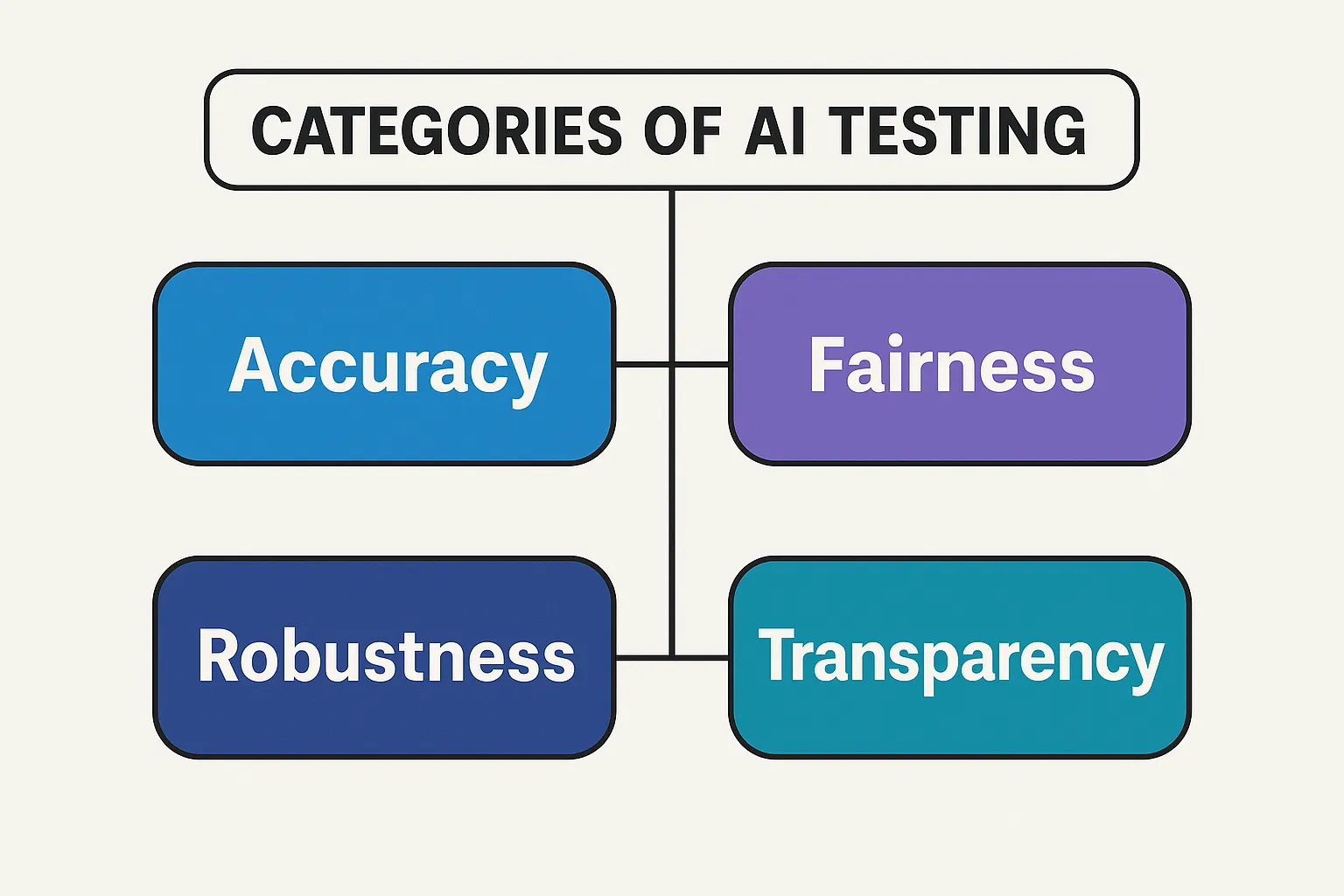
Based on industry standards, platform documentation, and market adoption trends, AI testing can be grouped into these types:
AI-powered test case generation
AI analyzes production logs, real user traffic, code behavior, system events, and data patterns to automatically create test cases. This is especially useful for API-first systems and microservices.
Self-healing test automation
Rather than failing when an element’s selector changes, AI dynamically updates selectors or finds another path to continue.
Visual testing using computer vision
AI compares screenshots, layouts, animations, and other visual aspects to find subtle UI issues that traditional testing misses.
Predictive test selection
Machine learning models use data on risk, flakiness, and dependencies to pick the best tests to run after a code change.
Intelligent API and microservices testing
AI creates mocks, observes request and response behavior, maps dependency patterns, and stabilizes applications in complex architectures.
AI-assisted performance testing
AI performs root-cause analysis to identify bottlenecks by observing pattern changes and analyzing traffic, server metrics, and logs.
AI in security testing
An emerging category: AI helps identify vulnerabilities, unusual patterns, and potential attack vectors.
Advantages of AI testing
The technical and operational advantages AI testing brings include:
More coverage
AI-built tests uncover hidden paths and scenarios that human testers often miss.
Less maintenance
Self-healing tests require less of your team’s time to maintain repetitive scripts.
Quicker releases
Automation plus decision intelligence helps clear the bottleneck in your CI/CD pipeline.
Better failure analysis
AI categorizes failures as flaky, genuine, environmental, or dependency-related.
More reliable
Less flakiness means a more stable pipeline and fewer false negatives.
Cost-effective
Your team spends time building features rather than redoing the same QA tasks.
Data-driven decision-making
Machine learning insights let teams prioritize testing the higher-risk areas.
Concerns of AI testing
Despite its advantages, AI testing comes with certain complexities:
- Needs clean, structured testing data.
- ML can struggle with highly dynamic interfaces.
- AI needs continuous training, adjustment, or feedback.
- Tools come with different levels of maturity and accuracy.
- Over-automation may miss usability tests or issues.
- Cost of tooling, licensing, or infrastructure for enterprise tools.
Human oversight remains essential, especially for exploratory and UX testing.
How to start using AI in testing (step by step)
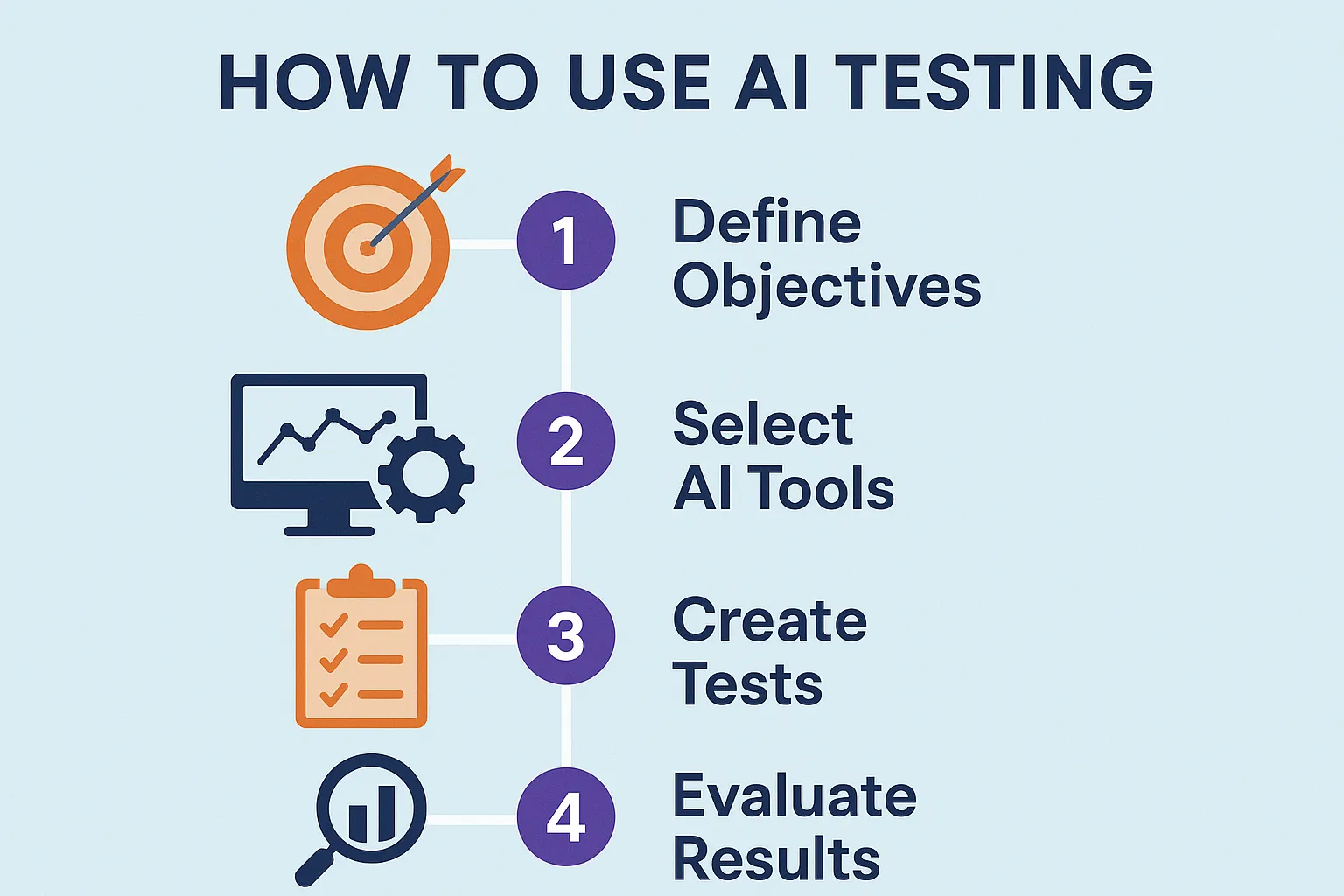
1. Identify your existing testing pain points
Before using any AI testing tools, identify your existing pain points and understand which phase eats most of your testing time. Common examples: flaky tests, sluggish regression setups, too much test maintenance, and gaps in test coverage.
2. Select an AI testing tool
Choose an AI testing tool based on your needs, then experiment with it.
3. Train AI models (if you need to)
You can train your own AI models for your testing workflows, or use one of the many AI testing tools available, such as Keploy.
4. Integrate into CI/CD and test
Integrate AI testing into your CI/CD pipeline, then validate how well it fits and how much it’s helping your workflows.
5. Validate AI recommendations
Once you complete your POCs or initial validation, check how well the AI is performing, review its recommendations, and validate the AI testing tools.
Best AI testing tools
These are a few representative tools across different parts of AI testing. For a fuller breakdown, see our dedicated guide to AI testing tools.
1. Keploy
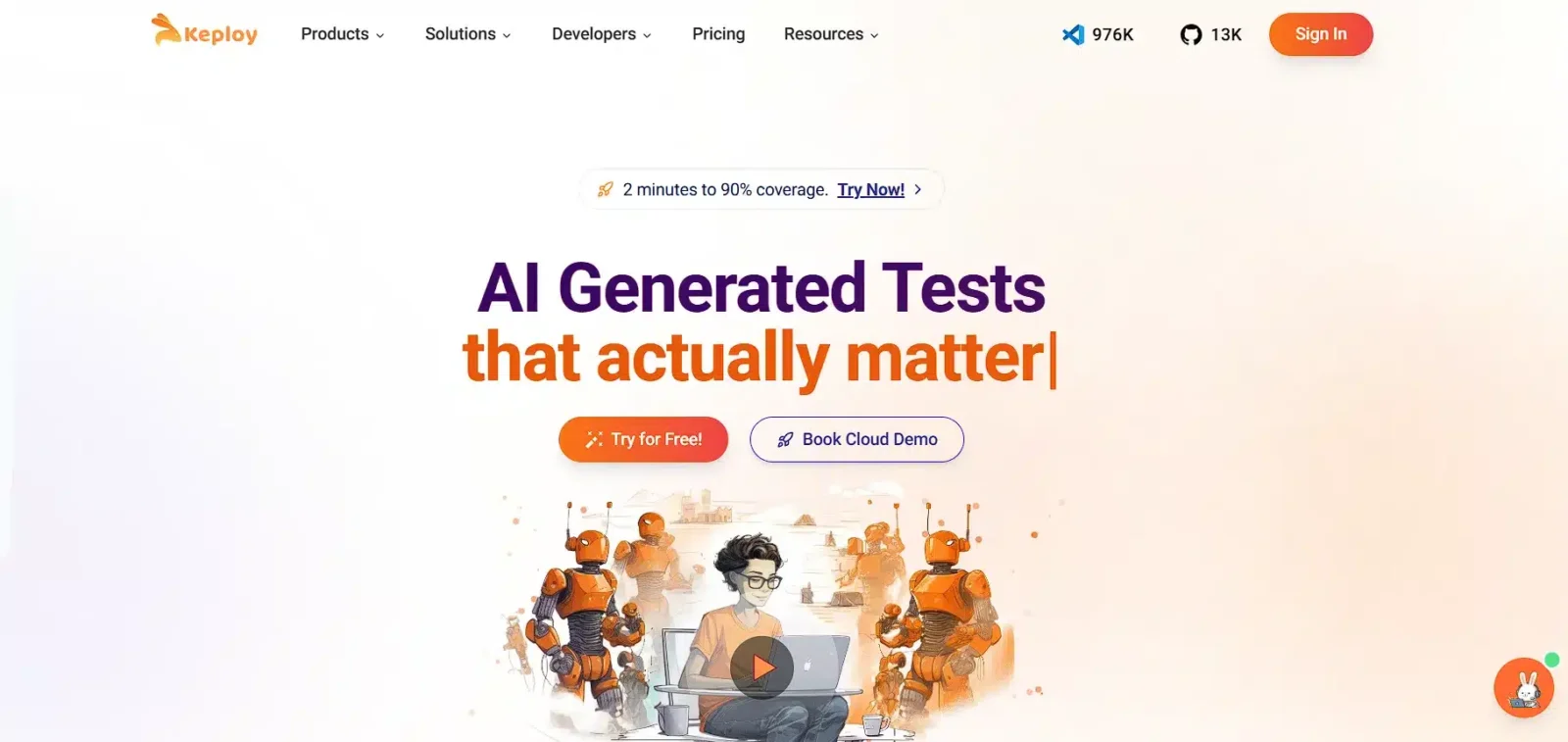
Keploy AI helps you test your APIs effortlessly. Instead of manually creating and testing APIs yourself, it acts as an agent, automatically generating API test cases and validating them against your application. One platform to write verified tests using AI. Not just another ChatGPT wrapper.
Keploy integrates seamlessly into CI/CD pipelines and improves efficiency by reducing the time spent manually writing tests.
Keploy AI is especially useful if you’re looking for AI-based API testing and contract testing.
2. BrowserStack
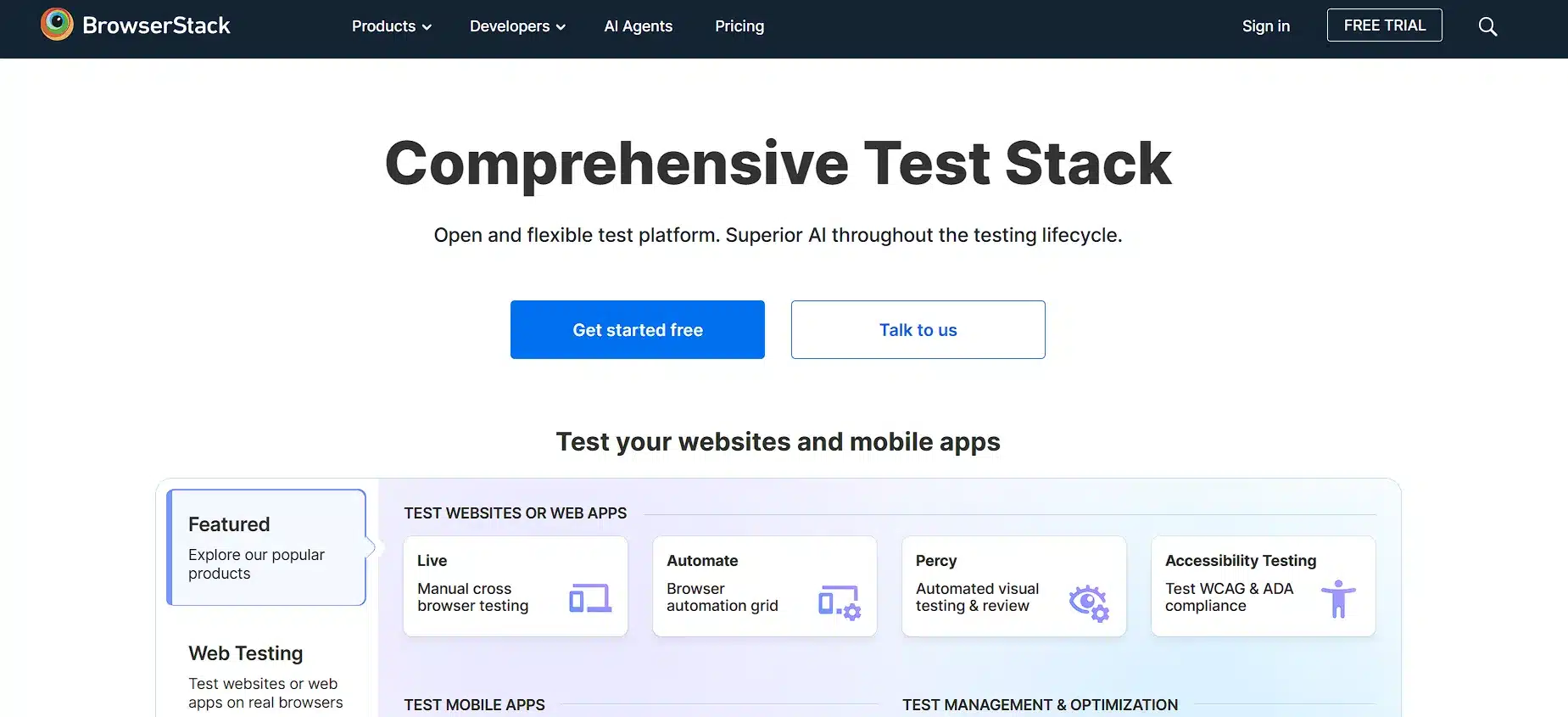
BrowserStack provides a smart low-code testing layer for cross-browser and device validation. It combines smart locators, adaptive element identification, and AI-assisted debugging to reduce flakiness across environments. The platform also integrates visual testing that uses machine learning and computer vision to catch minor UI regressions.
3. LambdaTest
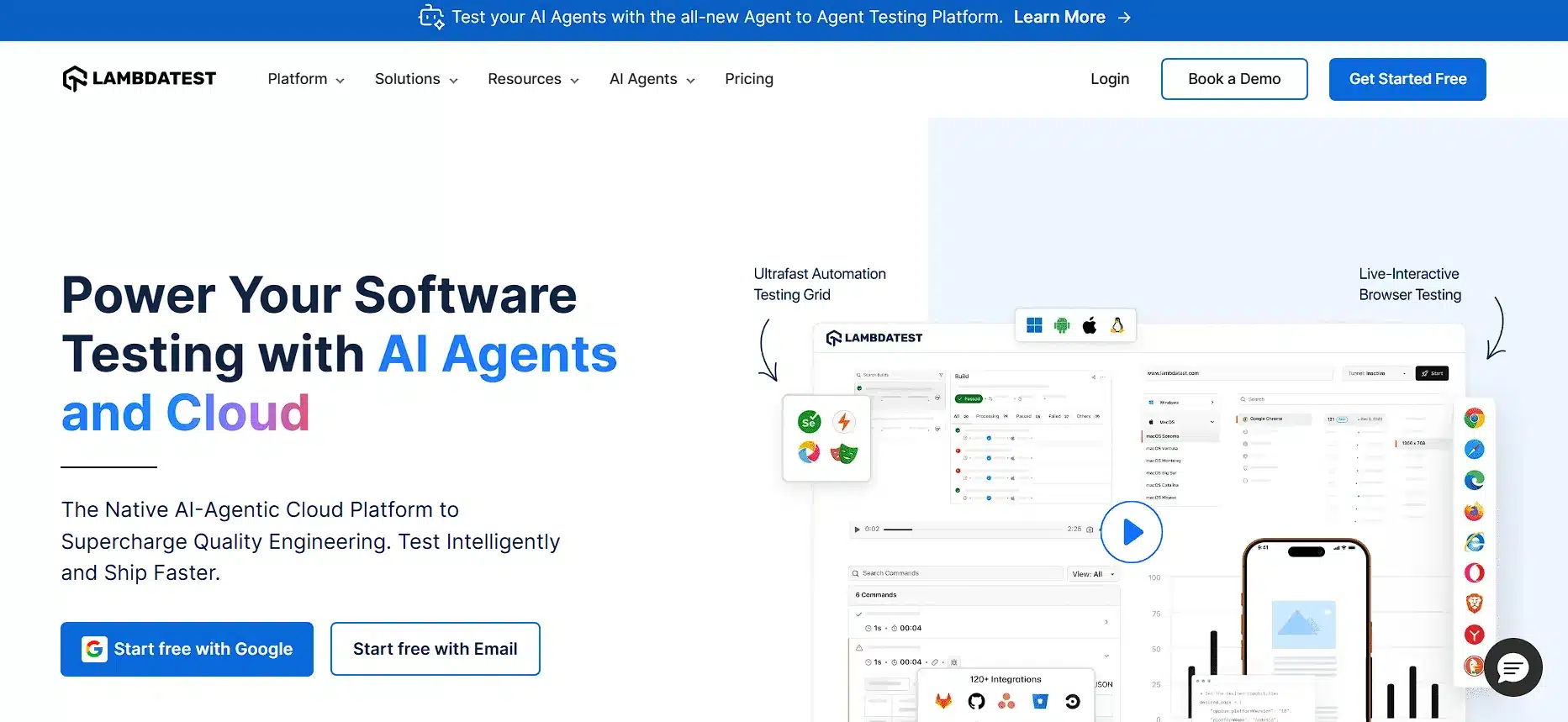
LambdaTest adds intelligence-driven capabilities to traditional cloud testing, including smart test execution, flakiness detection, and insight dashboards that surface problem areas. Its AI engine weighs run history, environment changes, and code changes to help prioritize the critical tests that mitigate regression.
4. Applitools
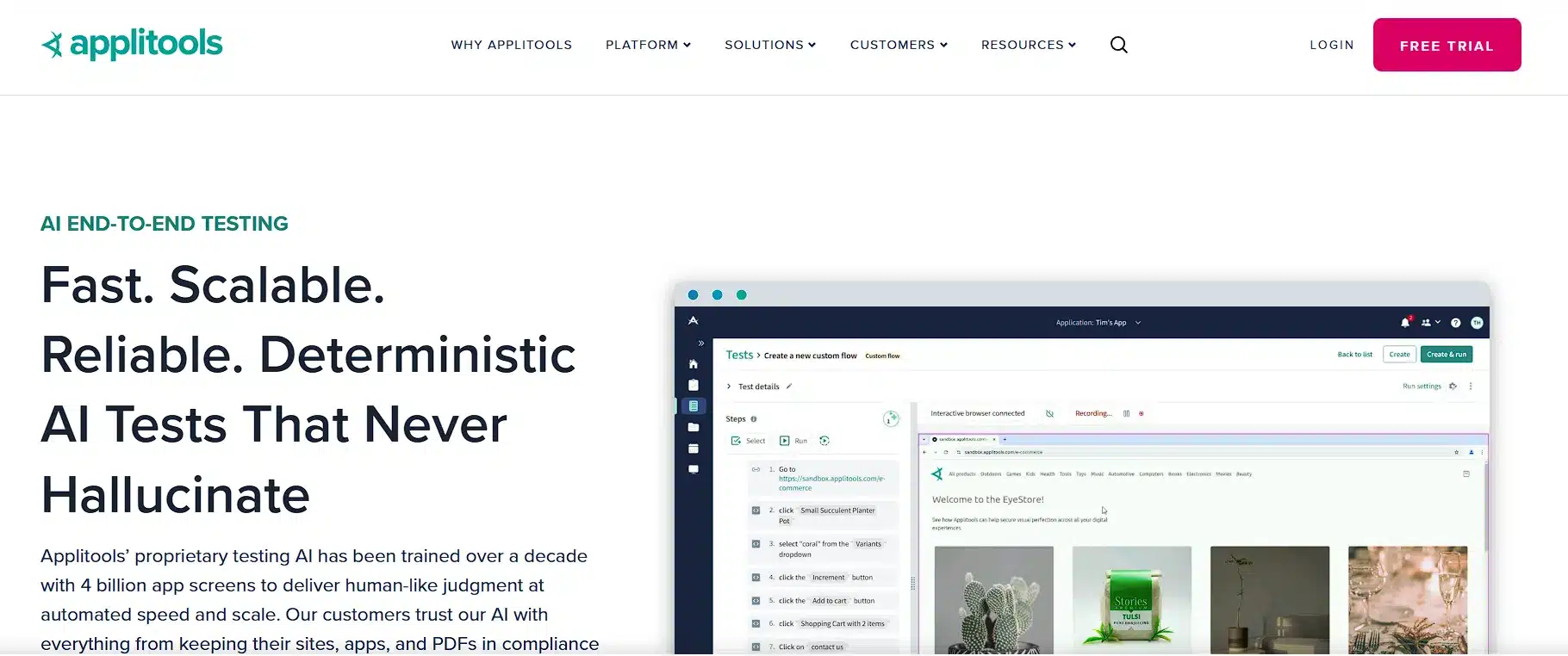
Applitools uses advanced computer vision for visual regression testing with high accuracy. Instead of pixel-by-pixel comparison, its AI engine recognizes layout changes, visual hierarchy, dynamic content, and rendering differences across browsers. This makes it strong at catching UI issues traditional automation misses, such as misalignments, color differences, overlapping content, and responsive breakpoints across mobile and desktop.
5. Testim
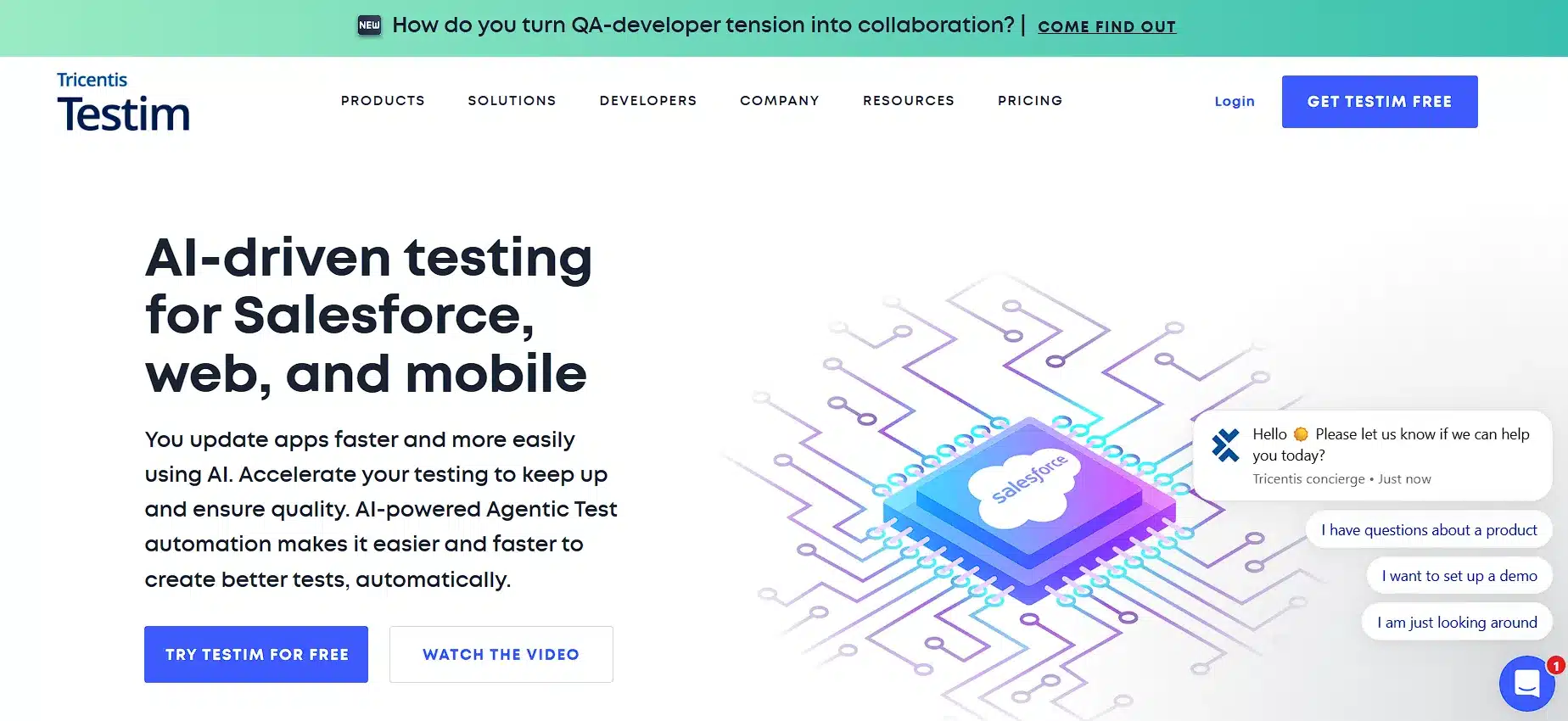
Testim lets teams build, run, and maintain UI tests with minimal effort using its AI engine. When a test runs, the AI independently identifies which DOM structures have changed, which reduces test fragility and maintenance effort. It also offers smart grouping, reusable components, and flow-based test creation to cut authoring time.
Put AI to work on your APIs. Keploy acts as an API testing agent, generating and validating tests and mocks from real traffic, straight into your CI/CD pipeline. Try Keploy for API testing
Emerging AI testing trends
Self-testing systems
AI will produce, execute, and maintain tests autonomously.
AI-based debugging
Models will recommend root causes and fixes from history.
Adaptive CI/CD pipelines
Pipelines will adjust in real time based on risk, code changes, and quality gates.
Reinforcement learning for test optimization
Systems will learn optimal execution approaches on the fly.
Deeper security testing role
AI will detect threats using behavior patterns and anomaly signals.
Agent-based QA
Multiple agents will analyze logs, code, UX behavior, and performance together.
Conclusion
In this blog, we explored what AI testing is, the process, advantages and disadvantages, emerging trends, and some AI testing tools including Keploy for AI-based API testing. First, identify the issues that are taking a long time and see which tools can help you automate them. One final thing I would say is: experiment and try as many tools as possible. The AI space is growing every single day, and the more you explore, the easier it becomes to find the right set of tools.
Frequently Asked Questions
1. What kind of AI capabilities does Keploy have?
Keploy AI is mainly built for testing your APIs without writing any code or prompts. It acts as an API testing agent – automatically analyzing your OpenAPI schema and Postman collections, generating API test cases, and validating them against your application.
Keploy AI offers a complete no-code API testing platform, making API testing faster, smarter, and fully automated.
2. How do I become an AI tester?
To become an AI tester, you’ll want to learn the fundamentals concepts of software testing, automation frameworks and write some simple programs in Python/Java, study some baseline machine learning concepts and practice with AI-enabled testing tools.
3. Can AI do manual testing?
AI can perform automation and automate some of the more repetitive parts of manual testing. However, AI cannot yet replace the human being behind exploratory testing or human driven usability testing.
4. How is AI used in QA?
AI can be utilized within Quality Assurance (QA) to do things such as generate tests, predict defects, provide smart regression choice, visual validation, discover undetected test case failures and/or improve CI/CD pipelines.
5. Which is the best AI testing tool for QA?
There is no definitive answer to the best AI testing tool -it depends on your use case. Different teams have different needs. Several tools can be useful, including Keploy, Testim, Applitools, and others. Each tool brings its own strengths, so the right choice depends on what you are trying to achieve.

Leave a Reply