Modern software development is continuously operating in a high-paced environment with high-pressure expectations to produce quality applications. To meet this expectation, open source automation tools help provide a faster, smoother testing process for today’s applications by providing a single tool to test all layers, including web, mobile, API, and performance. Therefore, testing is now accessible to companies regardless of the licensing price tag of the tool; however, selecting the most efficient tool from an overcrowded ecosystem can often be overwhelming. Understanding how these open source tools fit into modern testing practices helps teams navigate this complexity with greater clarity.
What are Open Source Automation Tools?
Open source automation tools are software applications that enable automation of repetitive tasks, including software development, workflow processing, and software testing that occur during the software development cycle. These software applications are freely available for use, modification, distribution, and integration into customised software workflow processes.
They can be used for many types of automation, including:
-
UI Automation – Simulate user actions for web/mobile applications.
-
API Automation – Validate API Endpoints, Responses, and Integration Flows.
-
Performance Testing – Measure how an application performs when under a heavy workload.
-
Workflow Automation – Allow users to create workflows that connect multiple applications together.
By taking advantage of these features, organisations can improve the speed at which they develop their applications, increase the quality of the software, and decrease the amount of manual effort required in the development process.
Why Select Open Source Automation Testing Tools Instead of Commercial Testing Tools?
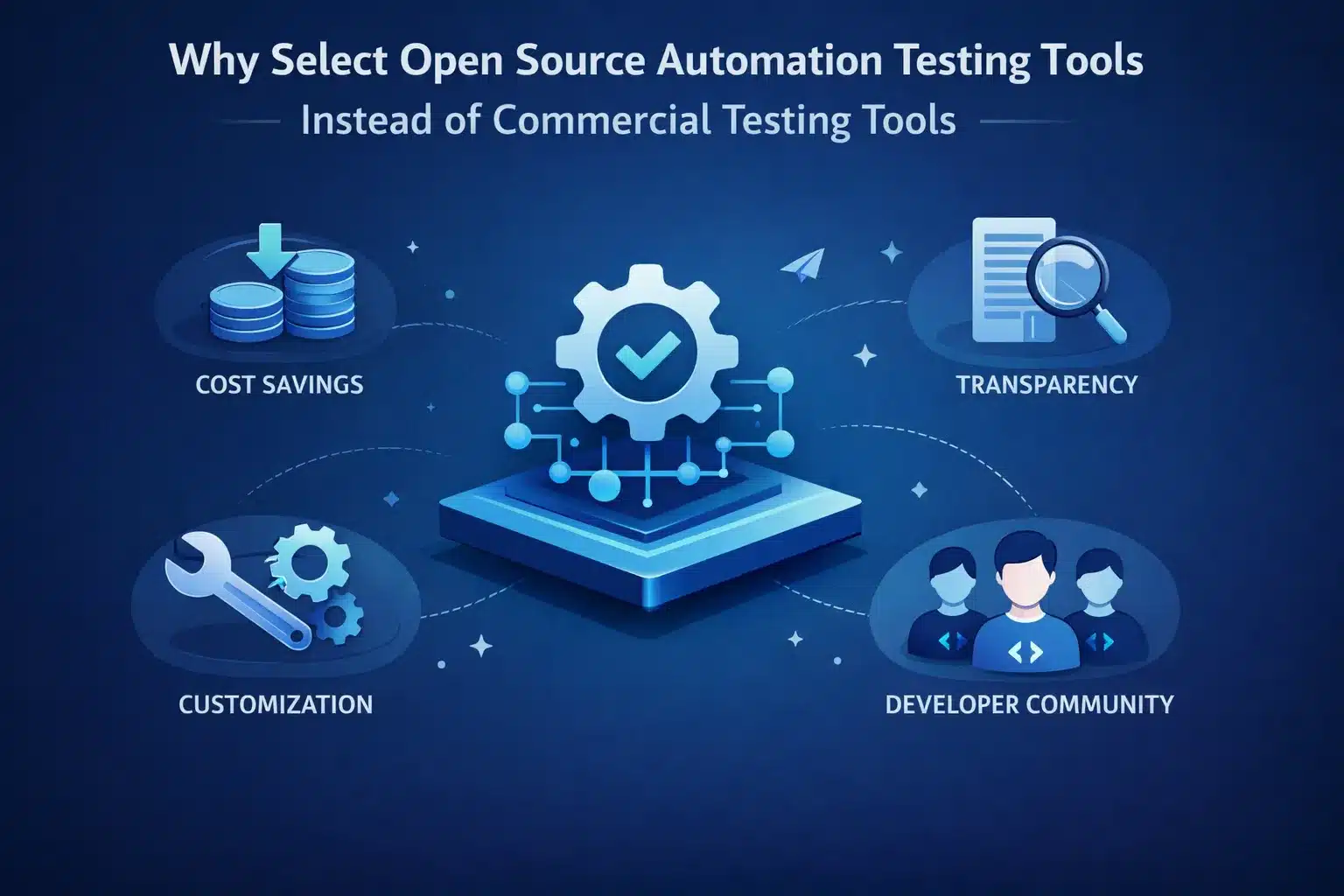
Open-source software testing tools provide numerous advantages to users:
-
Cost savings – eliminating the need to pay licensing fees provides an opportunity for other investments in initial setup costs.
-
Customization – ability to change the source code for any specific need(s).
-
Access to a community – having an abundance of developers using open-source tools provides opportunities for plugin contribution and the ability to provide assistance to others.
-
Visibility – having access to all aspects of the way a tool is built gives everyone confidence in the reliability and safety of the tool.
The right balance of open-source tools will enable users to obtain the maximum advantages of automation testing and to minimize the potential hazards associated with the use of open-source tools.
10 Open Source Automation Tools to Help Businesses of Every Scale
Here’s a curated list of the most effective open source automation testing solutions to help you evaluate each as per your requirement:
1. Keploy

Category – API Automation and Integration.
-
Key Features: Replay and record API calls, auto-generate test cases, mock dependencies, and support for continuous integration.
-
Use Case: Helps test microservice and API-driven applications, as well as regression tests.
-
How to Use: Integrates into your continuous integration/continuous deployment (CI/CD) pipeline with a quick and easy installation process.
-
Testing Type: API testing, contract testing and integration testing.
2. Selenium

Category – Web Automation and User Interface (UI) Testing.
-
Key Features: Broad browser compatibility with extensive support for multiple programming languages (Java, Python, C#) and a strong community, as well as providing parallel testing.
-
Use Case: Web Application UI Testing by Automating across numerous browsers.
-
How to Use: Write your automated scripts in whichever programming language you prefer and then link to your existing continuous integration tools.
-
Testing Type: Functional UI Testing and Regression Testing.
3. Cypress

Category: Front-End Automation
-
Key Features: Fast test execution, built-in wait/retry, JavaScript-based, live reload.
-
Use Case: Modern web apps with dynamic content.
-
How to Use: Install via npm, write tests in JavaScript or TypeScript.
-
Testing Type: UI automation, end-to-end tests.
4. Playwright

Category: Web/UI Automation
-
Key Features: Multi-browser support, auto-waiting, screenshots & video recording.
-
Use Case: Cross-browser functional testing and visual regression.
-
How to Use: Integrates easily with Node.js projects and CI/CD pipelines.
-
Testing Type: End-to-end automation.
5. Appium

Category: Mobile Automation
-
Key Features: Native, hybrid, and mobile web app testing, multi-platform support (iOS/Android), language-agnostic.
-
Use Case: Automating mobile application testing for Android and iOS.
-
How to Use: Write tests in Selenium WebDriver protocol, configure mobile devices/emulators.
-
Testing Type: Mobile functional testing.
6. Robot Framework

Category: Generic Automation Framework
-
Key Features: Keyword-driven, supports libraries for UI, API, and database testing.
-
Use Case: Teams seeking reusable, readable test automation scripts.
-
How to Use: Define keywords for test actions, run tests via command line or CI/CD.
-
Testing Type: UI, API, integration testing.
7. SoapUI

Category: API Automation
-
Key Features: SOAP and REST API testing, assertions, load testing, security scans.
-
Use Case: Testing API functionality and performance.
-
How to Use: Create test suites with a drag-and-drop interface; optional scripting.
-
Testing Type: API functional & load testing.
8. K6

Category: Performance & Load Testing
-
Key Features: Scriptable performance tests, CI/CD integration, cloud and local execution.
-
Use Case: Simulate traffic on APIs and services to identify bottlenecks.
-
How to Use: Write JavaScript scripts, run tests locally or in the cloud.
-
Testing Type: Performance/load testing.
9. Apache JMeter

Category: Performance Testing
-
Key Features: Multi-protocol support (HTTP, FTP, JDBC), GUI and CLI mode, extensive reporting.
-
Use Case: Stress testing and load testing web apps and APIs.
-
How to Use: Create test plans in GUI, run via CLI for automation.
-
Testing Type: Load and performance testing.
10. OpenTest

Category: Full-Stack Automation (UI + API + Mobile)
-
Key Features: Unified platform for UI, API, and mobile testing, supports distributed execution, Docker-ready.
-
Use Case: Small to mid-sized teams seeking all-in-one automation solution.
-
How to Use: Configure YAML-based test scripts, run via CLI or CI/CD pipelines.
-
Testing Type: UI, API, mobile testing.
What is Free in Open-Source Automation Testing Frameworks?
Most open source test automation tools are free to use, modify, and distribute. Some may offer paid enterprise features such as:
-
Fastest response time/customer service SLA
-
Cloud-Based Executions/Dashboard
-
Enhanced Reporting/Analytics
By knowing the licenses and community support offered by these open-source automation test solutions, you can minimize unanticipated costs and maximize returns on investments from your open-source automation testing solutions.
Are Open Source Automation Tools Worth It?
Open source automation tools can help teams to:
-
Speed up testing cycles, with no huge licensing costs.
-
Custom-fit automation frameworks to the team’s specific workflows.
-
Take advantage of community hr/automation plugins and integrations.
When used properly, open source automation tools generally have greater flexibility than commercial products when it comes to customisation and scalability.
How to Choose the Right Open Source Automation Tool?
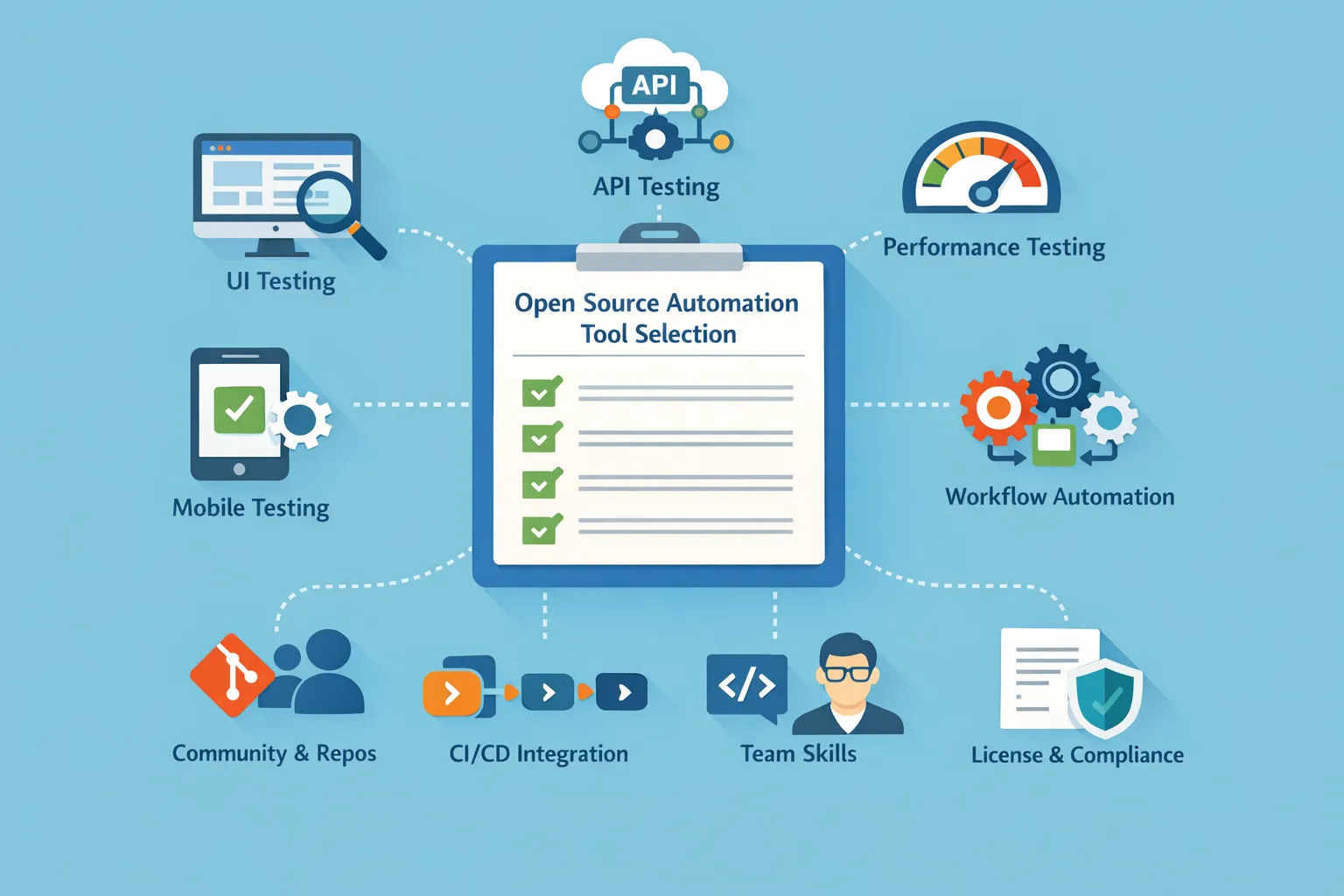
When selecting open source automation tools, consider the following factors:
-
Understand your Key Areas of Testing: UI, API, Performance, Mobile, and Workflow Automation Supported
-
Assess Activity of the Community: Active Repositories (Repos), Level of Support Available, Frequency of Updates.
-
Consider Integration into a CI/CD Process: To Make Sure Automated Execution Is Seamless.
-
Existing Skills Within Your Team: Must Match Existing Language/Framework Knowledge.
-
Licensing Structure and Roadmap: Is the Open Source License in Compliance with Your Business Policies?
By considering these factors, you can maximize your return on investment.
Conclusion
Automation tools can revolutionize your entire testing processes, from the method used to automate workbench software UI and API testing, load Testing, to full-stack testing. The tools presented above provide many different types of tools for all size businesses at an affordable price, whether you are a start-up trying to find the best out of many open source Automation tools, or an enterprise-level company evaluating what the best option on the market is, this guide has provided you with the insight and experience necessary to make it all happen faster and with less effort.
FAQs
1. Can open source automation tools be used in regulated or enterprise environments?
Yes, open-source automation tools are being used by several organizations in regulated industries through the use of their internal governance, performing security reviews, creating controlled CI/CD pipelines, and ensuring the use of tools that meet all licensing compliance requirements. Implementing auditing processes and role-based access controls will help ensure that an organization’s enterprise compliance and regulatory requirements are met.
2. How do open source automation tools scale as teams and test suites grow?
The scalability of open-source automation testing tools depends upon many factors, including whether or not it has the capability to execute tests in parallel, if it is compatible with CI/CD pipelines, and how the infrastructure for supporting the tests has been set up. When these tools are combined with the use of containerization, cloud runners, and distributed execution, they can be effectively scaled to support the large and complex test suites.
3. What skills are required to successfully adopt open source automation testing tools?
Teams need to have minimally each team member have a foundational programming knowledge, an understanding of testing concepts, and experience/knowledge of working with CI/CD workflows. Effective collaboration between the Developers and QA Engineers significantly increases the success of effectively implementing and maintaining open-source automation frameworks.
4. How do open source automation tools fit into a shift-left or DevOps testing strategy?
Open-source automation testing tools effectively support both the shift-left and DevOps methodologies by enabling testing to be performed earlier, performing automated regression testing continuously through CI/CD pipelines, and providing real-time feedback on the results of those automated regression tests to the development and QA teams. As a result, organizations can detect defects earlier and execute their release cycles more quickly and reliably.

Leave a Reply