Software development has never been more dynamic. With rising complexity, fast deployment cycles, and AI reshaping every stage of the lifecycle, developers now rely heavily on powerful software development tools to stay productive and ship faster. From writing and testing code to deploying and managing applications, the right tools can mean the difference between shipping fast and drowning in technical debt.
According to the Stack Overflow 2025 Developer Survey – which collected responses from over 49,000 developers across 166 countries – 84% of developers are already using or planning to use AI tools in their workflows, up from 76% the previous year. The tools powering this shift have also evolved dramatically. In this guide, we cover the 15 best software development tools of 2026, organized by category, with pricing, ratings, pros & cons, and real-world recommendations.
What is a Software Development Tool?
Software development tools are programs or platforms that assist developers in building, testing, deploying, and maintaining software applications. These tools are designed to automate repetitive tasks, reduce human error, and improve collaboration across teams, making the entire development process faster and more reliable.
Modern software development tools span every stage of the development lifecycle. Code editors like VS Code help you write cleaner code faster. Testing tools like Keploy and Selenium catch bugs before they reach production. Containerization platforms like Docker and Kubernetes ensure your app runs consistently across every environment. CI/CD tools like Jenkins automate your entire build and release pipeline. Choosing the right combination of tools for your stack is one of the highest-leverage decisions any engineering team can make.
What are the Main Types of Software Development Tools?
Software development tools come in various forms, each designed to simplify specific aspects of the software lifecycle:
| Category | What It Does | Examples |
|---|---|---|
| Code Editors & IDEs | Write, edit, and debug code with syntax highlighting, auto-complete, and built-in suggestions | Visual Studio Code, IntelliJ IDEA, PyCharm |
| Version Control Systems | Track changes in code over time and enable team collaboration without overwriting each other’s work | Git, GitHub, GitLab |
| Testing Tools | Catch bugs before they reach production through automated unit, integration, and regression testing | Keploy, Selenium, JUnit |
| CI/CD Tools | Automate the process of building, testing, and deploying code to speed up delivery | Jenkins, GitHub Actions, CircleCI |
| Containerization Tools | Package applications and their dependencies into containers for consistent deployment across environments | Docker, Kubernetes, Podman |
| Project Management Tools | Help teams plan, organize, and track development progress through tasks and workflows | JIRA, Trello, Asana |
| API Testing Tools | Test and validate RESTful APIs to ensure stable communication between services | Keploy, Postman, Swagger |
| AI-Powered Tools | Boost developer productivity with intelligent code suggestions, error detection, and automation | Keploy, GitHub Copilot, Amazon Q |
| Design & Prototyping Tools | Collaborate on UI/UX design, wireframes, and developer handoffs | Figma, Adobe XD |
Best Software Development Tools
Below are the 15 best software development tools in 2026, organized by use case – each with key features and guidance on when to use it.
1. Visual Studio Code
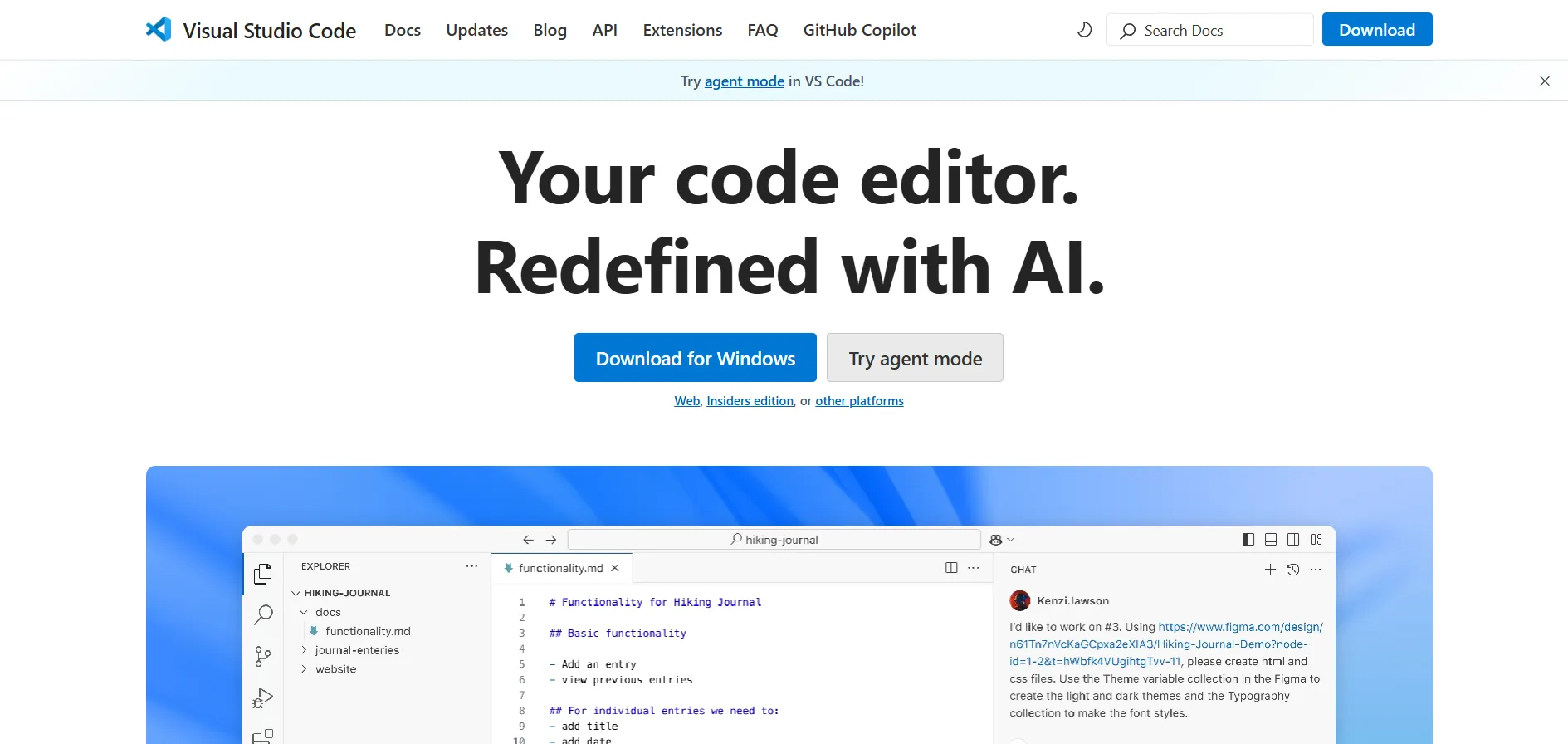
Visual Studio Code (VS Code) is a lightweight, open-source code editor from Microsoft. It’s known for speed, flexibility, and a rich ecosystem of extensions.
Features:
Lightweight editor that launches quickly and runs smoothly:
VS Code is designed to be minimal and fast, consuming fewer system resources.
It opens projects and files quickly, making it ideal for everyday development tasks.
Offers rich extensions for debugging, Git, and language support:
The extension marketplace provides tools for linting, live debugging, and version control.
It supports multiple languages like JavaScript, Python, and C++ through add-ons.
Learn in-depth about how to run a test in vs code
When to use:
- Ideal for front-end, back-end, and full-stack development across virtually any language.
- It’s the best starting point for developers who want a fast, customizable editor without the overhead of a full IDE.
2. Git
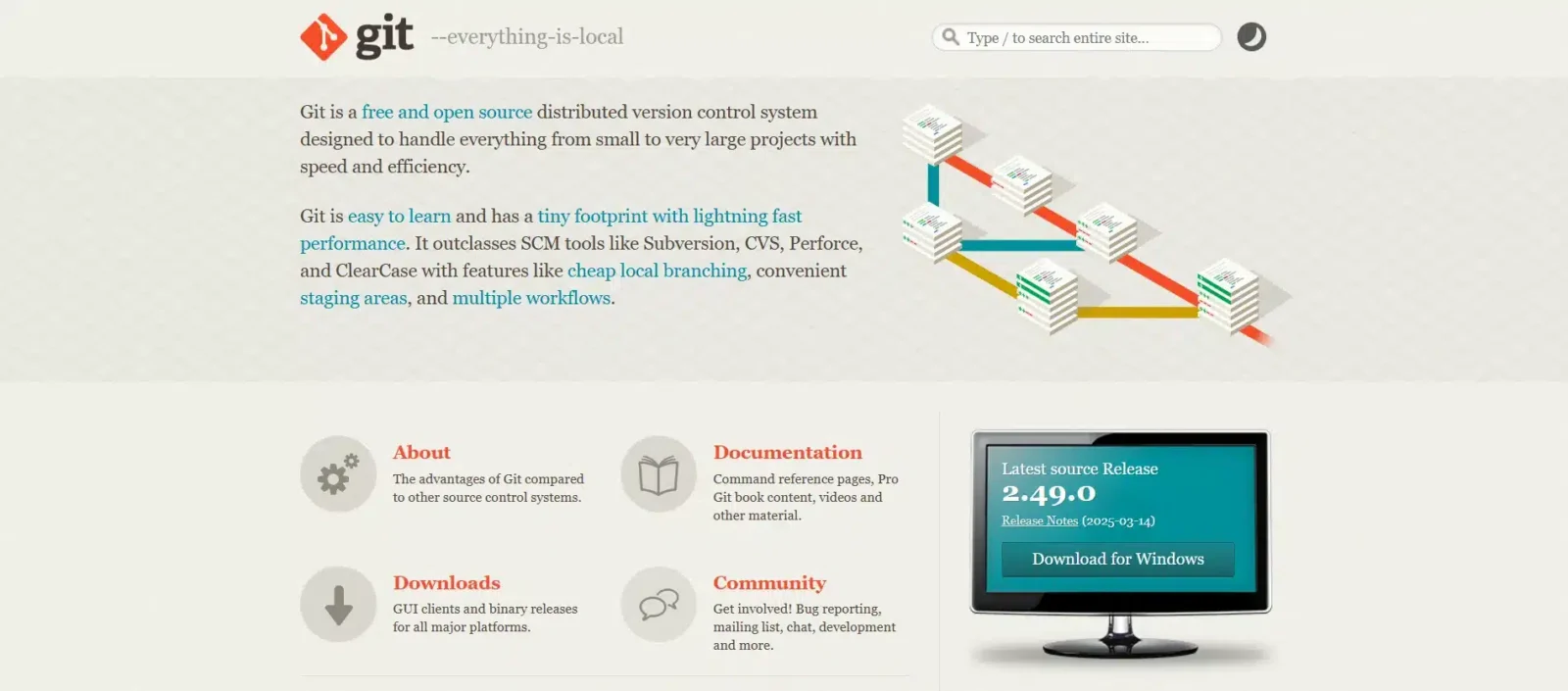
Git is a distributed version control system used to track changes in code and enable team collaboration.
Features:
Tracks changes in code over time:
Git stores snapshots of your codebase, allowing you to review and revert changes.
This helps in maintaining a clear history of what changed, when, and by whom.
Enables collaboration via branching and merging:
Developers can work on isolated branches without affecting the main code.
Merging brings these changes together, enabling smooth teamwork and parallel development.
When to use:
-
For all software projects, regardless of size
-
When collaborating with others
-
To manage feature branches, bug fixes, and releases
3. Keploy
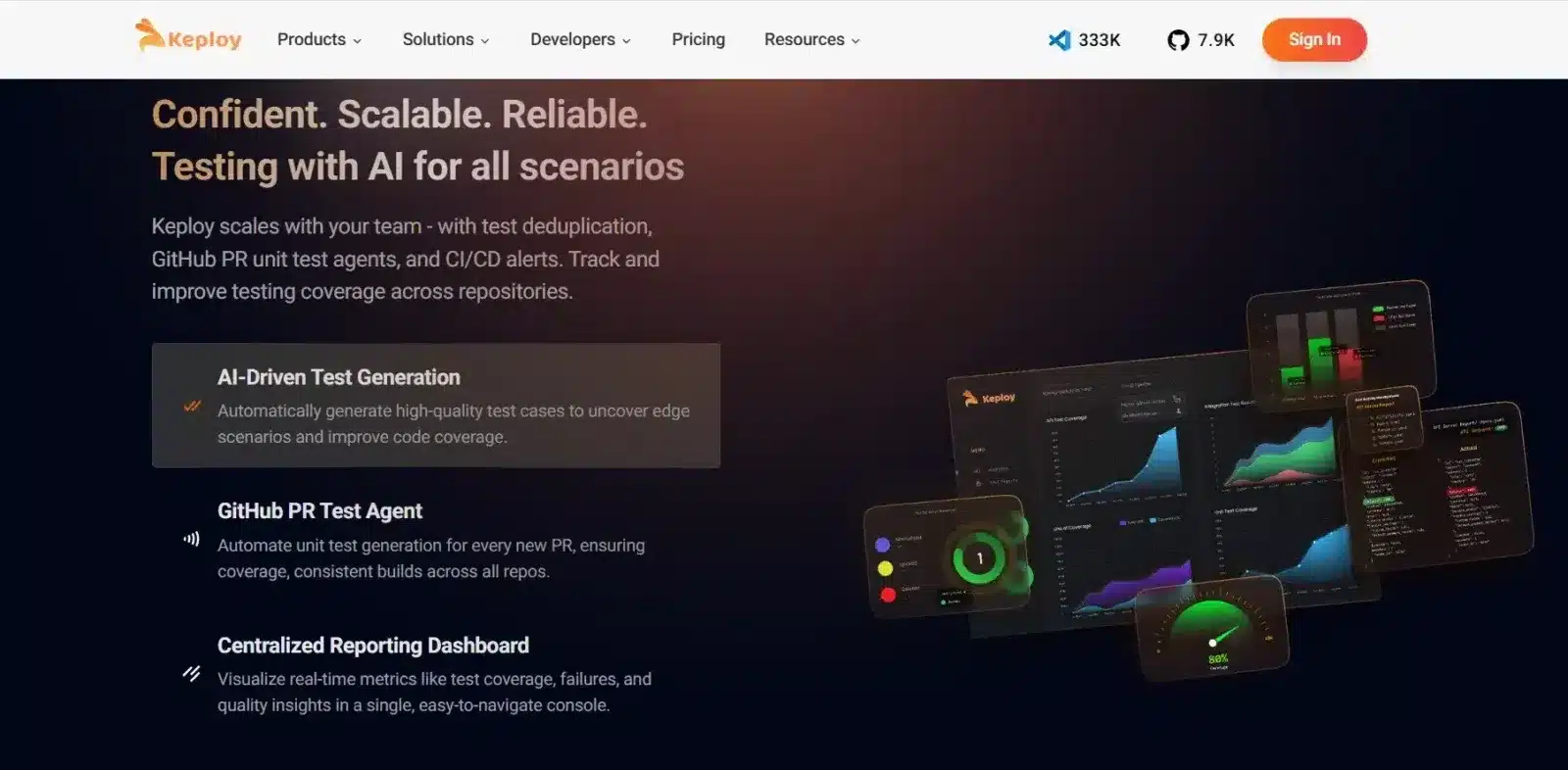
Keploy is an open-source tool that helps developers generate unit and API tests using AI, and performs integration testing by capturing real API traffic with the help of eBPF (Extended Berkeley Packet Filter). It transforms user interactions into automated test cases and mocks, significantly reducing the time spent writing tests manually.
Features:
-
AI-Powered Unit and API Testing
Keploy uses AI to convert actual API responses into unit tests and mock data, enabling faster and smarter test creation without developer intervention. -
eBPF-Based Integration Testing
By using eBPF, Keploy can observe real API traffic without modifying the application code. It captures the exact input/output during runtime and turns it into reliable regression tests.
When to use:
-
When you need to automatically generate test cases from real user behavior.
-
When performing integration testing across microservices or APIs without instrumenting your code.
4. Jenkins
Jenkins is an open-source automation server used for building, testing, and deploying software using continuous integration and delivery (CI/CD).
Features:
Automates build, test, and deployment workflows:
Allows automatic execution of tasks on every code push or merge.
Helps maintain code quality and speed up releases.
Integrates with hundreds of plugins for flexibility:
Supports tools like Git, Docker, Maven, and Slack for extended automation.
Easily adaptable to any project setup.
When to use:
-
To implement CI/CD pipelines
-
In DevOps or Agile projects
-
When automating repetitive tasks
5. Postman
Postman is a collaboration platform for API development, used for testing, documenting, and automating APIs.
Features:
Easy-to-use interface for sending and testing API requests:
Allows developers to construct, save, and reuse HTTP requests.
Supports various request types like GET, POST, and PUT.
Enables test automation, monitoring, and collaboration:
Builds test collections that run automatically for regression testing.
Works well for team-based API development.
When to use:
-
During backend and API development
-
For testing third-party APIs
-
To document and share API collections
6. GitHub
GitHub is a cloud-based platform for hosting Git repositories and facilitating team collaboration on software projects.

Features:
Hosts and manages code repositories online:
Provides tools for branching, pull requests, and issue tracking.
Supports open-source and private repositories.
Built-in CI/CD, code review, and collaboration tools:
Includes GitHub Actions for workflow automation.
Enables secure and scalable software delivery.
When to use:
-
For open-source contributions
-
Team-based software development
-
Managing code with integrated CI/CD
7. Selenium
Selenium is a popular open-source tool for automating web browser testing.
Features:
Automates browser interactions for UI testing:
Mimics user actions like clicks, typing, and navigation.
Ensures websites work correctly in different scenarios.
Supports multiple languages and frameworks:
Works with Java, Python, C#, and integrates into CI pipelines.
Test scripts can run across Chrome, Firefox, Safari, and more.
When to use:
-
For UI and end-to-end testing of web apps
-
When cross-browser compatibility is required
-
To automate regression tests
New to Selenium? Check out our beginner’s guide to getting started with Selenium IDE
8. IntelliJ IDEA
IntelliJ IDEA is a powerful integrated development environment (IDE) for JVM-based languages like Java and Kotlin.

Features:
Smart code completion, refactoring, and navigation tools:
Offers deep code analysis and auto-complete features.
Improves development speed and code accuracy.
Integrated testing, build tools, and version control:
Supports frameworks like Spring, Maven, and Gradle.
Manages projects efficiently within one environment.
When to use:
-
For enterprise-grade Java/Kotlin development
-
When building scalable backend systems
-
In Spring-based applications
9. Docker
Docker is a containerization platform that packages applications with all dependencies into portable containers.
Features:
Containerizes applications along with all dependencies:
Docker bundles everything an app needs – libraries, runtime, and configs – into one container.
This guarantees the same behavior on local machines, servers, and cloud platforms.
Lightweight and fast deployment of microservices:
Containers start quickly and use fewer resources compared to virtual machines.
This makes Docker ideal for microservices architecture and agile delivery.
When to use:
-
For consistent deployment across environments
-
When building microservices
-
To simplify testing and debugging
10. JIRA
JIRA is a project management tool used for issue tracking and Agile sprint planning in software development teams.

Features:
Tracks bugs, features, and project tasks in workflows:
Customizable boards and workflows to match your process.
Provides detailed reporting on progress and performance.
Supports Agile methodologies like Scrum and Kanban:
Allows sprint planning, backlog grooming, and burndown tracking.
Ideal for iterative development cycles.
When to use:
-
For managing large or distributed teams
-
In Agile development projects
-
To track bugs, features, and team performance
11. Trello
Trello is a visual task management tool that uses boards, lists, and cards to organize workflows.

Features:
Simple Kanban-style boards for task tracking:
Offers a drag-and-drop interface for ease of use.
Supports labels, deadlines, attachments, and comments.
Flexible for personal, team, or project management:
Works well for both technical and non-technical workflows.
Customizable with automation and integrations.
When to use:
-
For small teams or personal project tracking
-
When you need a lightweight task board
-
For brainstorming or content planning
12. PyCharm
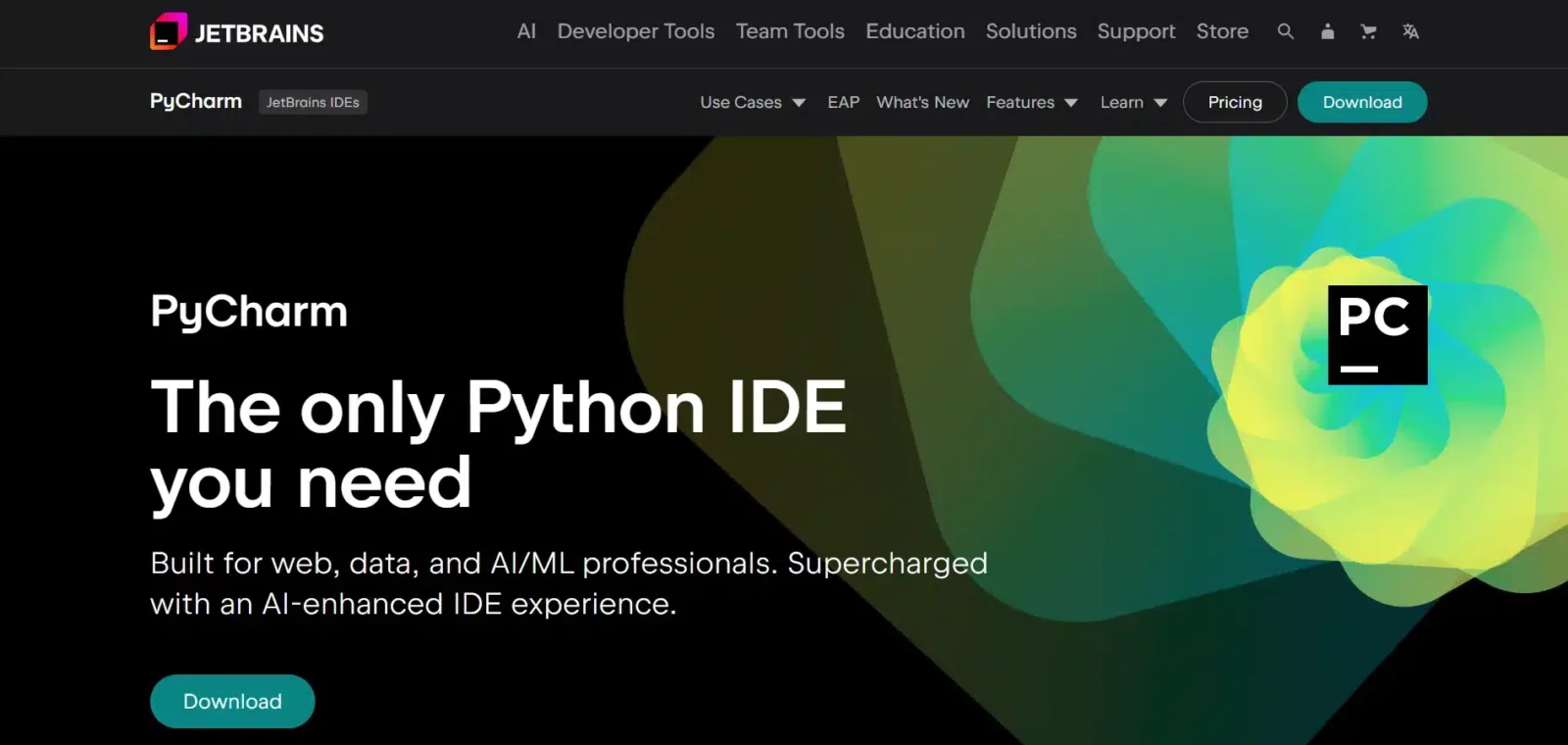
PyCharm is a Python-focused IDE that supports web development, data science, and automation tasks.
Features:
Smart code navigation, testing, and debugging for Python:
Includes code intelligence, linting, and real-time error detection.
Supports unit testing and frameworks like pytest.
Supports Django, Flask, and scientific libraries:
Built-in tools for database access, Jupyter, and version control.
Excellent for data analysis and web backends.
When to use:
-
For professional Python and Django projects
-
When working with data science libraries
-
To debug and test Python apps
13. Swagger (OpenAPI)
Swagger is a suite of tools for designing, building, documenting, and consuming RESTful APIs using the OpenAPI standard.
Features:
Creates interactive and auto-updated API documentation:
Allows users to explore endpoints with real input/output examples.
Improves collaboration between frontend and backend.
Auto-generates client SDKs and server stubs:
Reduces boilerplate and ensures consistency.
Speeds up integration and prototyping.
When to use:
-
To design and document RESTful APIs
-
For testing APIs with live inputs
-
When working with third-party API consumers
14. Figma
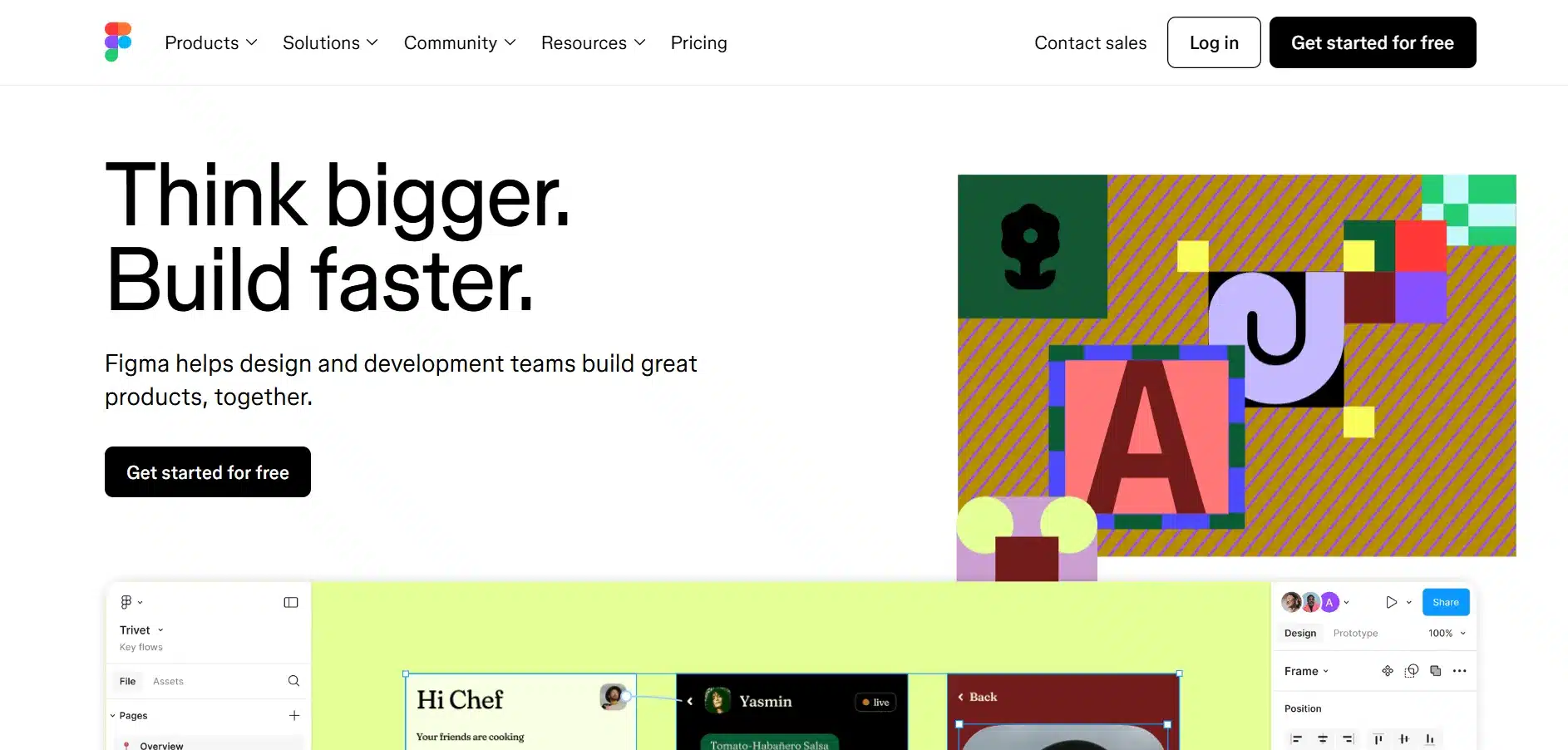
Figma is a collaborative design tool for UI/UX teams that runs in the browser.
Features:
Real-time collaboration for teams on design files:
Designers, developers, and stakeholders can work together.
Supports comments, versions, and live editing.
Includes prototyping and design systems support:
Helps create interactive mockups with reusable components.
Great for maintaining consistency across projects.
When to use:
-
For UI/UX design and prototyping
-
In design handoffs between dev and design teams
-
When remote teams need to collaborate on visuals
15. Kubernetes
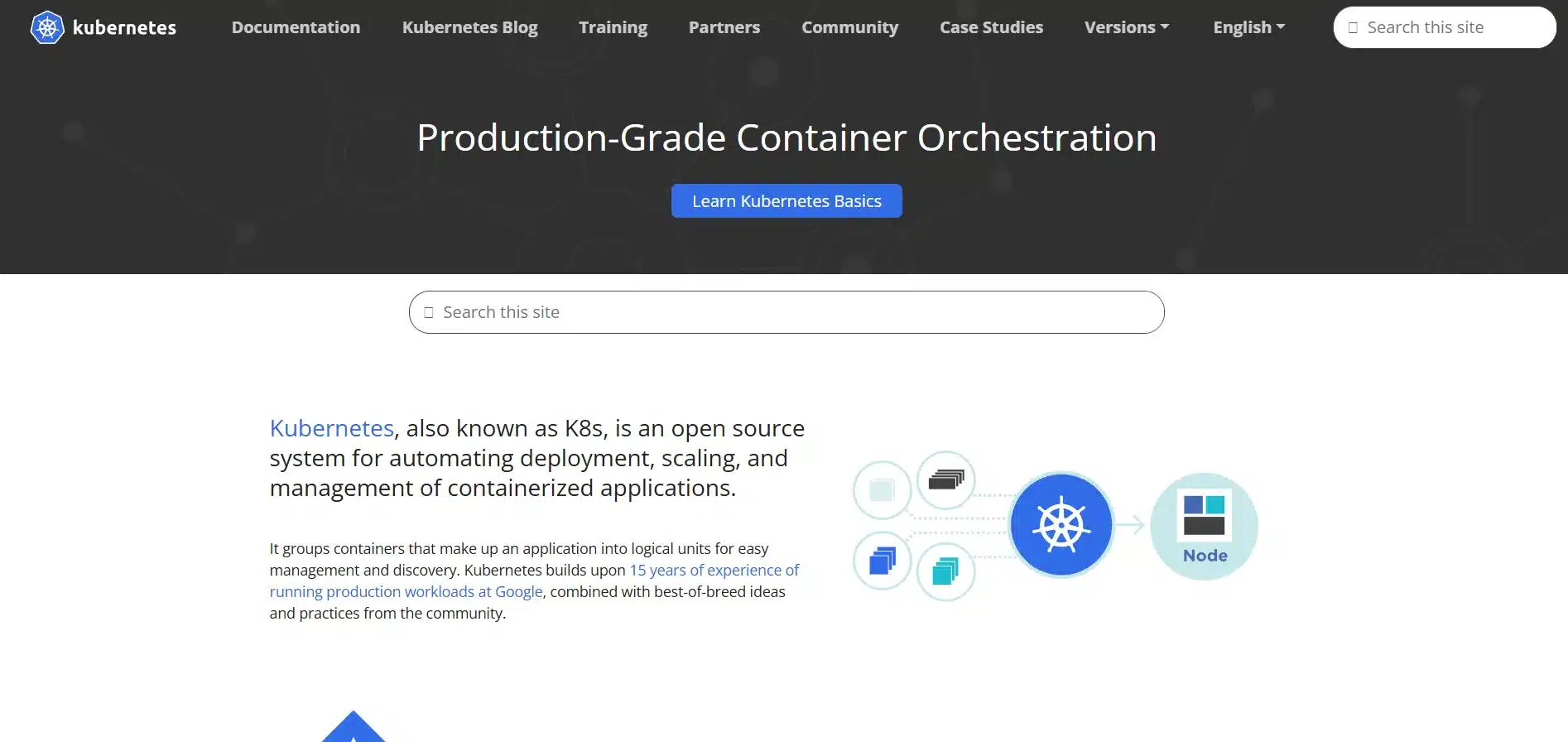
Kubernetes is an open-source platform for automating deployment, scaling, and management of containerized applications.
Features:
Manages clusters of containers and orchestrates workloads:
Distributes app components across nodes efficiently.
Handles failover, load balancing, and self-healing.
Automates scaling and rollout of updates:
Deploys changes without downtime using rolling updates.
Ensures app stability even under high traffic.
When to use:
-
For large-scale, container-based applications
-
To ensure high availability and fault tolerance
When managing microservices in production
Best AI Tools for Software Developers
AI is revolutionizing how we write and debug code. Here are some top AI tools making waves in 2026:
1. Keploy
Keploy brings the power of AI to automated testing. It helps developers generate unit tests using AI, reducing the manual effort required to write boilerplate code. With tools like its PR Agent, Keploy reviews pull requests and generates relevant test cases automatically, helping teams catch bugs early in the development cycle. The Keploy VS Code extension further streamlines this process by enabling test generation directly within the editor – no need to switch tabs or write repetitive test logic manually.

Best for: Developers looking to automate unit test creation and improve testing coverage with minimal effort.
2. GitHub Copilot
GitHub Copilot acts like an AI pair programmer, suggesting entire functions, completing lines of code, and even writing boilerplate from simple comments. It adapts to your coding style over time and speeds up routine tasks.
In 2026, GitHub Copilot has evolved significantly beyond autocomplete. The agent mode shipped in late 2025 turns it into a full coding partner capable of handling multi-step tasks, reviewing pull requests, and generating test cases automatically – making it one of the most adopted AI coding tools among enterprise development teams.
Best for: Developers looking for quick code suggestions and hands-on AI assistance directly in their IDE.
3. Amazon Q
Amazon Q is Amazon’s AI coding assistant designed to support AWS development. It generates code suggestions, automates repetitive tasks, and integrates with services like Lambda and S3. It also includes built-in security scanning.
Best for: Developers building on AWS or needing cloud-native coding suggestions.
4. Cursor
Cursor is an agentic IDE built on top of VS Code that has emerged as one of the most widely adopted AI coding environments in 2026. Unlike GitHub Copilot which works as a plugin layer, Cursor builds AI directly into the editor at a deeper level. It can understand your entire codebase, make multi-file edits from a single instruction, and reason through complex refactoring tasks without losing context across files.
Key capabilities:
- Multi-file editing from a single natural language instruction.
- Codebase-wide context awareness, not just the current file.
- Tab-based autocomplete that predicts entire code blocks.
- Built-in chat that references your actual project files.
- Compatible with all VS Code extensions and settings.
Best for: Developers who want an AI coding environment that goes beyond autocomplete to handle multi-file changes, codebase-wide reasoning, and context-aware code generation across large projects.
What are the Benefits of Using Developer Tools?
-
Improved Productivity: The right software development tools eliminate repetitive manual work from your daily workflow. A CI/CD pipeline that auto-deploys on every commit, or a testing tool like Keploy that generates tests automatically from real API traffic, can save engineering teams dozens of hours per sprint – time that goes directly back into building features that matter.
-
Fewer Bugs in Production: Testing tools, static analysis, and automated code review platforms create multiple quality checkpoints before code ever reaches production. Teams with automated testing pipelines consistently report lower production incident rates and faster resolution times when issues do occur. Catching a bug at the coding stage costs a fraction of what it costs to fix in production.
-
Faster Deployment Cycles: CI/CD tools like Jenkins and GitHub Actions compress release cycles from days to hours. In 2026, high-performing engineering teams deploy multiple times per day – a cadence that is only achievable through automated build, test, and deployment tooling. Without these tools, every release becomes a manual, error-prone process that slows the entire team down.
-
Better Collaboration: Platforms like GitHub, JIRA, and Figma give distributed teams a shared source of truth – whether for code, tasks, or design files. This is especially critical as remote and hybrid work remains the norm for most engineering teams globally. When everyone works from the same platform, communication gaps shrink and handoffs between design, development, and QA become significantly smoother.
-
Higher Code Quality: Linters, AI assistants, and automated testing tools catch issues at the point of writing – not weeks later when they have compounded into production incidents. Teams using AI-powered tools like Keploy and GitHub Copilot report measurable improvements in code consistency, test coverage, and pull request review speed. Better tooling does not just make you faster – it makes the software you ship fundamentally more reliable.
Conclusion
The software development landscape is rich with tools that make coding more efficient, testing more robust, and collaboration smoother. Whether you’re writing code, managing APIs, or deploying apps, there’s a tool that can help. Keploy, along with AI-powered assistants like GitHub Copilot, represent the future of smart development practices. Choosing the right mix of tools for your workflow is the key to building better software faster.
FAQs
1: What is the most popular software development tool in 2026?
Visual Studio Code continues to dominate due to its speed, flexibility, and vast plugin ecosystem.
2: Is Keploy free to use?
Keploy offers a free tier and open – source version. You can check its official site for full pricing and features.
3: How do I choose the right tools for my tech stack?
Consider your project size, language, team needs, and future scaling potential.
4: Are AI tools replacing developers?
No. AI tools assist developers by enhancing productivity, but human judgment is still essential.
5: Can I use multiple development tools together in one project?
Yes, most development tools are designed to integrate well with each other. For example, you can use VS Code with Git, Docker, and Keploy in the same workflow, creating a seamless development, testing, and deployment pipeline.
🔗 Recommended Blogs on Software Development Tool
1. Top 5 AI Tools Developer Should Must Try
This article explores five cutting-edge AI-powered coding tools that are revolutionizing software development in 2026. It provides insights into how these tools enhance productivity, automate testing, and assist in writing better code.
2. Best Practices and Tools for Software Unit Testing
This comprehensive guide discusses top unit testing tools like Keploy, Jest, and JUnit. It emphasizes best practices to boost bug detection, collaboration, and overall productivity in software development.
3. Best AI Coding Tools for Developers
Discover the best AI tools for coding that enhance productivity, automate repetitive tasks, and improve code quality. This blog provides a detailed overview of the top AI coding tools making waves in 2026.
4. Best Test Automation Tools in 2026: Complete Comparison
This article lists seven essential test automation tools that are pivotal in 2026. It offers insights into how these tools can streamline testing processes and enhance software quality.

Leave a Reply