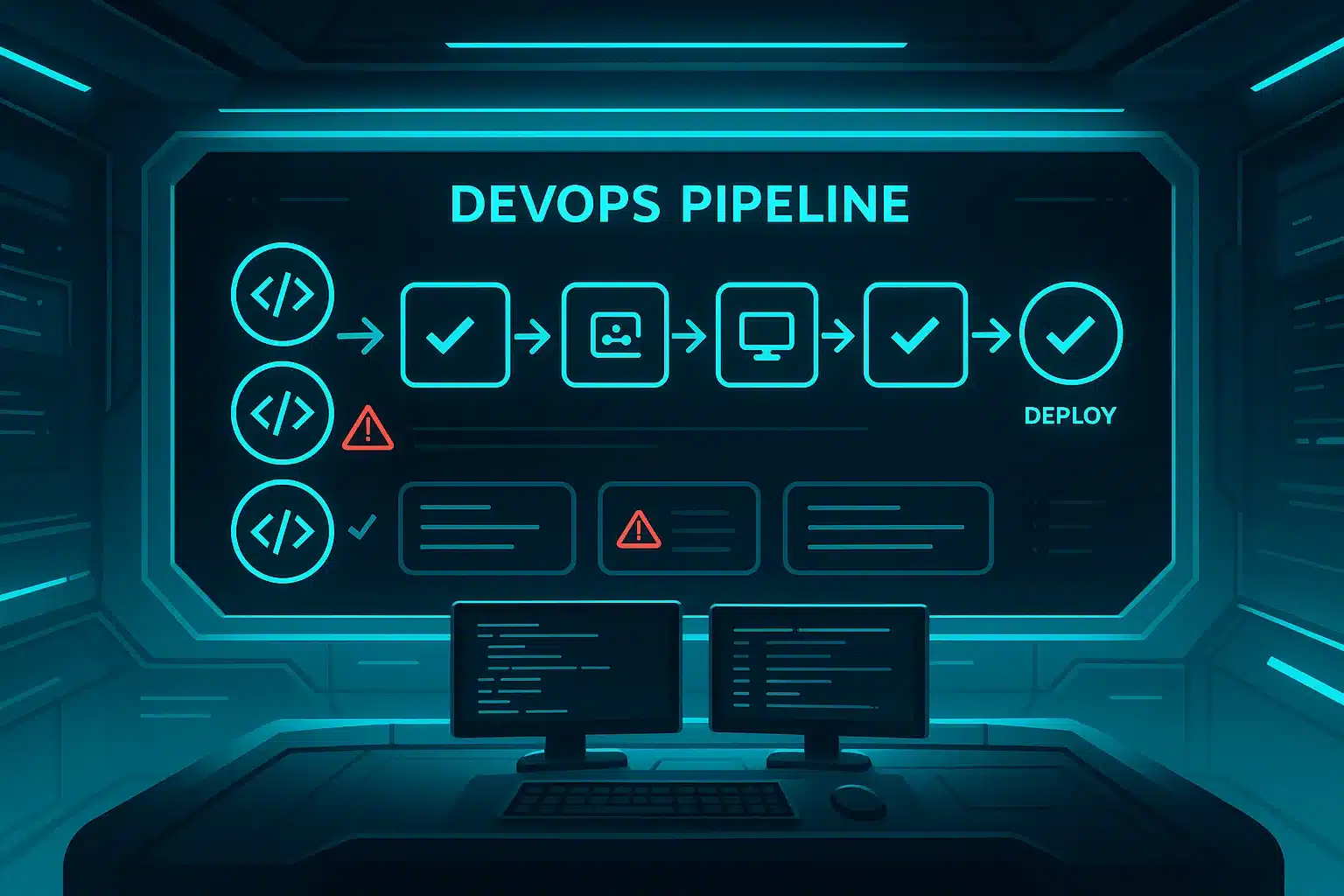
In today’s fast-paced software environment, getting product features out the door quickly is the minimum. Getting features out the door quickly + with reliability is what separates high performing teams opening up larger opportunities. This is where DevOps testing comes into play, testing not just at the endpoint of the development + operations lifecycle but as an integrated process throughout every step of the life of the product.
According to industry sources, DevOps testing means, integrating testing in every phase, iteration, and piece of feedback that exists in relation to a product’s lifecycle, vs. spending huge portions of your time checking that the software works at the end.”
What is DevOps Testing?
DevOps testing is the practice of embedding continuous, automated testing in each phase of the DevOps lifecycle – code commit, build, test, software deployment, operations, and feedback. It allows for the common ownership by developers, QA, and operations of product quality. In modern companies, DevOps testing uses AI to speed test execution, find anomalies, analyze failures, and provide real-time insights, which will all result in a much faster, reliable and more efficient pipeline.
In this model:
-
Testing is done early (shift-left) and done continuously.
-
Automated tests (unit, integration, API, UI, performance) run within pipelines.
-
Environments are as close to production as possible.
-
Test data, mocks, stubs, service virtualization is utilized to allow fast feedback even on dependencies.
-
The tools are integrated to include code repos, pipelines, dashboards, quality gates.
Why DevOps Testing Matters
Here are key reasons why it’s essential:
-
Quicker feedback and shorter cycle times.
In a DevOps environment, you want to minimize the lead time from commit → deploy. If testing is built into the pipeline, defects are detected sooner when they’re cheaper to eliminate.
-
Increased release velocity with reliability.
Teams will only release regularly (daily/weekly) when they have assurance in their tests. DevOps testing will help ensure the reliability curve keeps pace with your velocity.
-
Quality becomes everyone’s responsibility.
No longer is “QA does the final check”. Developers, testers, and ops all work together in your pipelines and everyone is responsible for quality.
-
Alignment around business & user outcomes are improved.
Testing no longer becomes “does this function work?” but “can this feature be reliably delivered and used in the production environment?” Especially for SaaS, where uptime, integrations and customer experiences is that matter, this is a huge step forward.
-
Cost savings & risk reduction.
Detecting defects sooner, automating tests, reducing manual test overhead all reduce cost and minimizes the risk of failures in production, which especially means something for SaaS and the risk of losing customers and good branding and money.
Core Components of a DevOps Testing Strategy
Here’s how to structure a DevOps-friendly testing strategy:
A. Shift-Left Testing
Test as soon as you can: unit tests, static analysis, security scans in the commit/build stage. Move testing earlier in order to not let defects accumulate.
B. Continuous Testing
Automate tests later in the delivery pipeline with a fast feedback loop. For example, use test automation suites that run on every build or deployment.
C. Test at Multiple Levels
-
Unit tests (smallest unit)
-
Integration/API tests
-
End-to-end tests (user flows, integrations)
-
Non-functional tests (performance, security, reliability)
-
DevOps testing covers all of these areas.
D. Infrastructure / Environment Automation
Provision test environments automatically (Infrastructure as Code) and service virtualization or mocks for external dependencies, therefore making the tests faster and reliable.
E. Toolchain & Pipeline Integration
Testing cycle needs to be part of CI/CD: tools, frameworks, dashboards, and alerts. Each commit can run tests; if the tests fail, the pipeline doesn’t continue until the issues are fixed. Atlassian says this in their DevOps automation playbook.
F. Monitoring & Feedback from Production
Even after you deploy a service, monitoring telemetry, observability data, and user feedback, give you the opportunity to catch any issues that may have evaded your tests. That information finds its way back into establishing test cases.
How Keploy Assists DevOps Testing
Because you are interested and involved in SaaS, here is how, in terms of DevOps testing, Keploy fits.
-
Keploy is an open-source, AI-Powered tool that automatically creates tests and mocks/stubs from real user/API traffic.
-
It fits nicely within CI/CD pipelines and enables continuous testing without an elevated level of manual work.
-
For SaaS products that are driven by API’s or microservices (which many DevOps teams have), Keploy helps create tests that are based on real user/API flows — this reinforces your DevOps testing at the integration/ end-to-end level.
-
In environments like SaaS, where speed, coverage, and coverage matter, by using Keploy you are able to speed the test creation, support shift-left, while keeping high quality at speed upon release process.
So, if you are working on automation, pipeline builds, SaaS features, possibly integrating Keploy or similar tools will certainly give you an edge in developing your DevOps testing strategy.
Types of Tests in DevOps & When to Use Them
Here are test-types often used in DevOps environments, and when they should run:
-
Unit Tests: Developers run on each commit locally or in CI build stage; fast feedback.
-
API / Integration Tests: Run in CI after build, before deployment; validate service interactions.
-
End-to-End (E2E) Tests: Run in staging environment; simulate user flows through UI or API.
-
Smoke / Sanity Tests: Lightweight tests run immediately after deployment to ensure system health. (Related to smoke testing concept)
-
Performance / Load / Stress Tests: Run in dedicated pipelines or nightly builds; validate non-functional requirements.
-
Security / Compliance Tests: Could be built into delivery pipelines (shift-left security) or done in a dedicated pipeline; applies primarily to SaaS.
-
Canary / Monitoring Tests: Execute tests after deployment with a production context or review production monitoring data for real user behaviour.
DevOps testing strategy has an ability to blend the automated execution of tests for functional + non-functional risk continuously.
Best Practices for DevOps Testing
Here are some specific actionable best practices:
-
Automate as much as possible: You should automate your builds, deploys, environment setup, tests, rollbacks, everything. Manual steps are the cause of bottlenecks.
-
Make sure tests are fast and reliable: Slow tests or flaky tests are the cause of blocked pipelines and reduced trust.
-
Use real test data and environments: Environments must resemble production; dependencies must be stubbed and/or virtualized if they are unstable.
-
Prioritize tests in order of business value and risk: Only spend time testing what matters. Customer-facing features and integrations (cross business elements) are always a priority. Avoid test explosion.
-
Build quality in early: Developers should not just “pass it off to QA.” Quality is built into the code itself; quality is built into the code and tests, which then flow through the pipeline.
-
Monitor pipelines and production data for feedback: Track metrics like test coverage, failure reports, deploy frequency, and recover time average.
-
Testing artefacts and infra: All of them – Infrastructure as code (IaC), the definitions of tests, test data and mocks – need to be under version control. You need to be able to version it!
-
Teamwork with teams: Development, QA, and Ops should be working as one. Shared responsibility for release, quality, and feedback loops.
-
Practice continuous improvement and review: Periodically review what tests actually run, remove redundancy, update brittle tests, and identify where actual faults are.
-
Integrate tools such as Keploy if and where possible: Keploy provides high coverage, faster tests, and/or tests derived from real traffic, all of which helps scale your DevOps testing.
Common Challenges & How to Address Them
Challenge-Mitigation pairs:
| Challenge | Mitigation |
|---|---|
| Test suite too slow / pipeline bottleneck | Parallelise tests, use faster levels (unit/API) rather than heavy UI for all. |
| Unreliable or flaky tests erode confidence | Review test design, isolate dependencies, use mocks or stubs, and review regularly. |
| Could be a partially complete environment or missing dependencies | Consider service virtualization, docker-based test environments, or mocks. |
| Poor test data or unrealistic data | Use representative data, anonymised production-like data, data-versioning. |
| Lack of culture shift (Dev vs QA vs Ops silos) | Promote shared ownership, involve teams early, train and align incentives. |
| Maintenance overhead of tests | Remove redundant tests, prioritise high-value tests, automate test management. |
Implementing DevOps Testing: A Step-By-Step Workflow
Here is how you could adopt DevOps testing in a SaaS/team context:
1. Establish and precise the stages of your pipeline: Commit → Build → Test → Deploy → Monitor
IAt the ‘Test’ stage:
-
Run your unit tests immediately.
-
Run your API/integration tests.
-
Run your automated security/scan tests.
2.Pre-deploy:
-
Run E2E flow tests (using tests or recordings based on real user-scenarios – Keploy can provide these types of tests).
-
Run smoke tests in staging environment to validate major flows.
3.Post-deploy (Production):
-
Run your monitoring tests or log health checks.
-
Collect up telemetry and failures and feedback into the test suite.
4.And then take a continuous/ongoing review approach:
-
After each release, look at the failures, any covered avenues of testing and your overall coverage and update your tests accordingly.
-
Remove or fix flaky tests.
-
Look at the metrics from your pipeline (such as, deployment frequency, change failure rate).
5.Toolchain:
-
Your CI tools (Jenkins, GitHub Actions, GitLab CI)
-
Your testing tools (Keploy, Selenium, Playwright)
-
Your infrastructural automation (Terraform, Kubernetes)
6.Culture & communication:
- Teams share dashboards, teams run retrospectives on poor and failed pipelines, dev/ops/qa aligned.
Metrics & Measuring Success
Some important metrics for DevOps testing health:
-
Deployment Frequency: Frequency of deployment to production.
-
Lead Time for Changes: Duration from commit to deployment.
-
Change Failure Rate: Percentage of deployments that caused a failure or rollback.
-
Mean Time to Recovery (MTTR): Speed of how fast you can fix failure in production.
-
Test Coverage (unit/API/E2E): Quality of tests.
-
Pipeline Pass/Fail Rates: Reliability of pipeline.
-
Flaky Test Rate: Number of tests that fail intermittently.
-
Test Execution Time: The duration of your test suite; lower is better.
-
Production Incidents: Number and severity of issues reported following the release.
Tracking these helps you show ROI of DevOps testing and continuous improvement. For a broader framework that connects these delivery and stability indicators, read our guide on DORA metrics.
DevOps Testing Trends for 2025 & Beyond
-
Testing Support with AI: AI technologies such as Keploy that can automatically generate tests based on real traffic will increase in popularity.
-
Shift Left Security (DevSecOps): Adding security tests early into your pipeline.
-
Testing at Scale for Microservices / Cloud / APIs: Testing will need to take on smarter strategies of testing (for example service virtualization and chaos-testing) as systems become more distributed.
-
Observability + Test Feedback Loops: Production telemetry feeds test updates and scenarios.
-
Continuous Testing as a Service: Cloud-native test platforms embedded into your DevOps toolchain
Conclusion
Testing in DevOps is not an “add-on,” but rather, it is essential to delivering fast and reliable software. As a SaaS professional (like you) involved in automated software testing and automation, being well underway in DevOps testing, allows you to support fast-release cycles, include tools like Keploy, and ensure the product you deliver stays high-quality under less-stable conditions. Start by putting testing in early, automating testing when you can, getting dev/ops/QA aligned and feeling more confident for better and faster builds.
Frequently Asked Questions (FAQs)
-
What is DevOps testing?
DevOps testing is the process of continuously integrating testing throughout the lifecycle of software delivery — from code commit through build, test, deploy, and into operation — versus leaving testing as an independent final phase.
-
How is DevOps testing different from traditional QA testing?
In traditional QA testing techniques testing is mostly conducted after development has mostly occurred, in DevOps testing testing is embedded, automation-enabled, and happens early and often (shift-left) across multiple testing levels (unit, integration/API, end-to-end) in a CI/CD pipeline.
-
Which types of tests should be part of a DevOps testing strategy?
Common test types are unit tests, integration/API tests, end-to-end workflow tests, non-functional tests (performance, security, etc.), and smoke/sanity tests.
-
Can DevOps testing be fully automated?
Many parts of DevOps testing need to be automated – especially where the workflow is repeatable and stable – but not everything can/needs to be automated or should be automated; exploratory tests, very complex user interaction tests, and tests on certain integrations might still require manual effort.
-
What role does a tool like Keploy play in DevOps testing?
Keploy reduces manual tests for the testers by capturing real user or API interactions, automatically creating test cases and mocks, and is built to be able to integrate with CI/CD pipelines.
-
What is “shift-left” testing in the DevOps context?
Shift-left testing means moving testing activities earlier in the lifecycle (leftwards on the timeline) — for example, unit/API tests in the build stage, static code analysis early, so defects are caught sooner.

Leave a Reply