Delta testing validates only the changes between software versions, not the entire application, making it faster than full regression for frequent CI/CD releases. It runs after smoke testing gates the build, focusing specifically on what changed. For API-driven systems, Keploy supports this by recording real traffic from one version and replaying it against the next to catch behavioral differences automatically.
Delta testing is a critical approach for validating software changes without slowing down releases. In modern development environments where updates ship frequently, running full regression tests for every change is inefficient and time-consuming.
By focusing only on the modified components, delta testing enables faster feedback, reduces testing effort, and helps teams maintain release velocity without compromising software quality. This makes it especially valuable in CI/CD pipelines and microservices-based architectures.
What is Delta Testing?
Delta testing is a software testing approach that focuses on validating only the changes made in a new release to ensure they function correctly without impacting existing features.
Unlike regression testing, delta testing focuses only on the specific changes introduced between versions, making it faster and more efficient for frequent releases in CI/CD environments.
Note: in some product management contexts, "delta testing" also refers to continuous user feedback testing. This guide covers the engineering and QA definition used in CI/CD and DevOps environments.
Software development teams utilize Delta Testing to do the following:
-
Quickly check for changes that cause impact to the application.
-
Minimize or reduce the amount of effort needed to perform a large-scale regression test.
-
Gain confidence in their released version prior to production.
Delta Testing is commonly used in environments that have continuous and incremental releases of updates (examples – Cloud-based Applications, SaaS Applications).
In practice, it is often combined with regression testing to balance speed and overall system reliability.
Why Delta Testing Matters in Modern Software Development?
With the fast-paced and continuous nature of modern software development and the ever-increasing amount of applications being updated through the use of CI/CD, new code is quickly reaching end-users.
As release frequency increases, relying only on full regression testing becomes inefficient, making delta tests essential for maintaining both speed and stability.
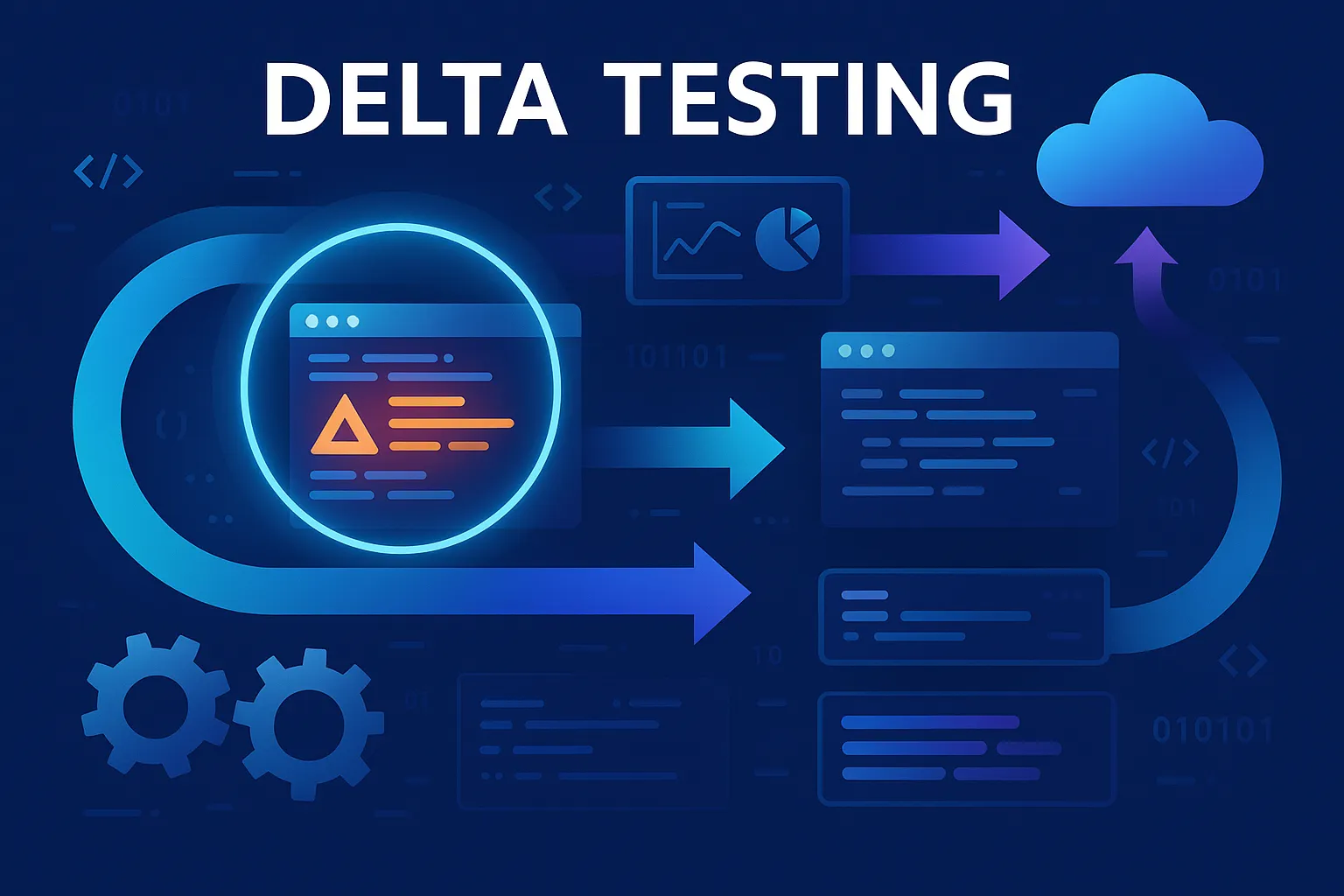
But updating code introduces an element of risk associated with the updates being made. Delta testing ensures that:
-
Testing is done only in those areas that were affected by a recent code change, saving a lot of time in the testing process.
-
Issues related to a recently updated portion of code can be identified early on in the development process.
-
The ability to maintain the velocity of releases without sacrificing the stability of the application.
-
The efficiency of testing can keep pace with the speed of development.
Thus, delta testing is directly related to increasing the level of operational efficiency and quality of releases in DevOps pipelines.
Key Benefits of Delta Testing
Delta Testing provides many benefits as listed below:
-
Allows shorter test cycles by restricting the testing of all areas to only those that have changed.
-
Reduces the costs associated with testing and helps reduce infrastructure load.
-
Provides a targeted approach to testing by focusing on risk vs the entire application.
-
Increases overall production stability and user satisfaction.
-
Enables the early identification of defect(s) introduced as a result of feature updates.
-
Improves the use of QA resources and better facilitates the collaboration between software development and QA.
This makes delta testing particularly effective in CI/CD pipelines, where rapid validation of changes is required before every deployment.
How Delta Testing Works?
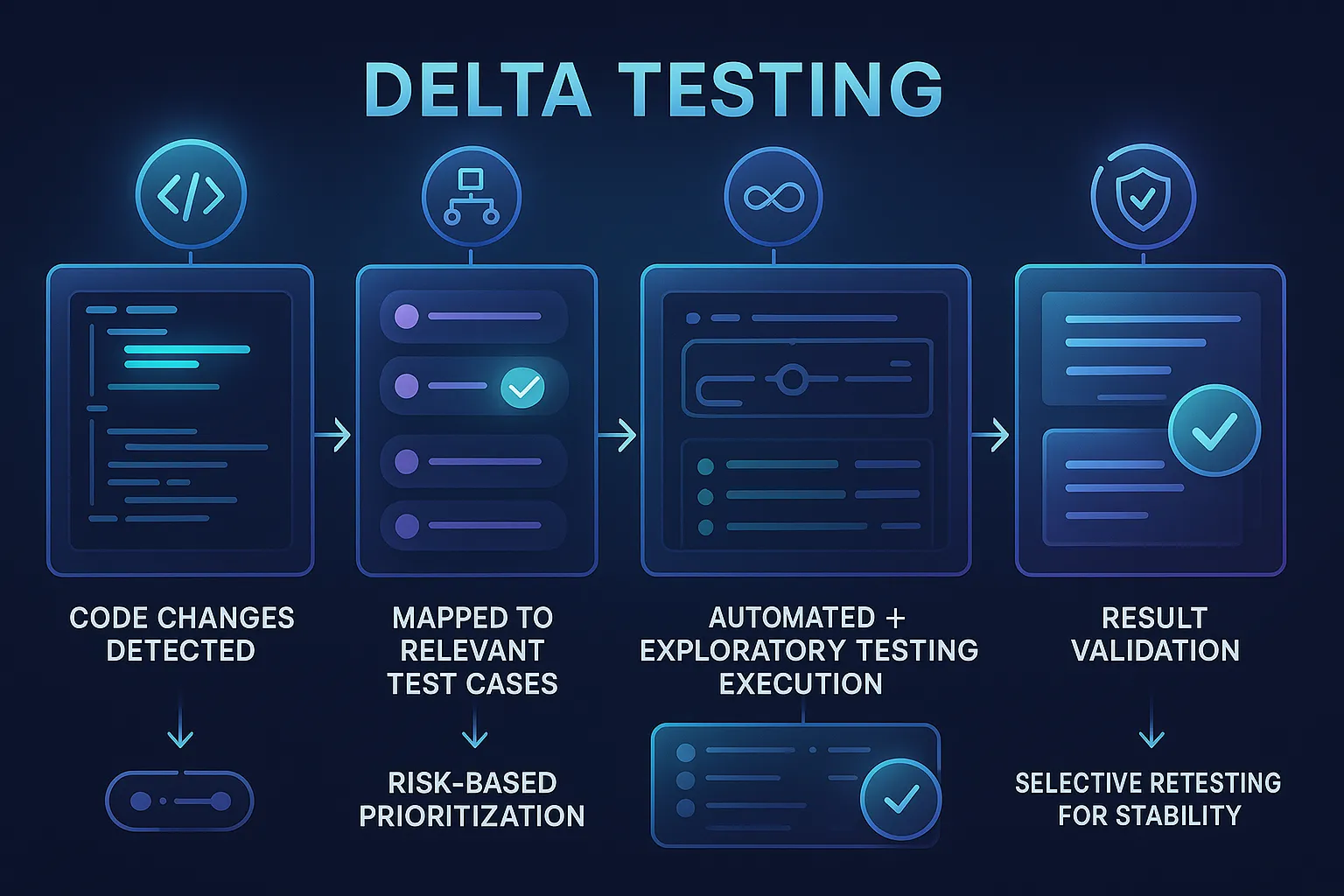
The typical workflow for delta testing is as follows:
-
Find any new and modified code, features and modules that were introduced into your new build.
-
Create a list of existing test cases that will be affected by the changes made to these items
-
Determine which critical testing scenarios are more likely to fail and therefore should be executed first
-
Perform all required automated and exploratory testing for the identified scenarios
-
Review the reports generated from your testing to ensure the new code functions as intended
-
After performing fixes on some of the scenarios, re-run those tests to ensure the code remains stable
Delta Testing in a CI/CD Pipeline
In a GitHub Actions workflow, delta testing can be implemented by combining test impact analysis with your existing test suite. Here is a pattern teams commonly use:
name: delta-test
on:
  pull_request:
jobs:
  delta:
    runs-on: ubuntu-latest
    steps:
      - uses: actions/checkout@v4
        with:
          fetch-depth: 0
      - name: Identify changed files
        id: changes
        run: |
          git diff --name-only HEAD~1 HEAD > changed_files.txt
          cat changed_files.txt
      - name: Run tests for changed components only
        run: |
          npx jest --findRelatedTests $(cat changed_files.txt)
      - name: Upload results
        if: always()
        uses: actions/upload-artifact@v4
        with:
          name: delta-test-results
          path: test-results/
This runs only the tests related to files changed in the pull request, not the full suite. The --findRelatedTests flag automatically determines which tests are impacted by each changed file. For API and integration-level delta testing, tools like Keploy record real traffic from one version and replay it against the new version, automatically identifying behavioral differences without manually mapping changes to test cases.
The use of advanced automated tools will also enable you to use automation techniques such as Test Impact Analysis to quickly and accurately determine which tests are affected by new changes in your application code.
This targeted approach enables faster feedback loops, which are critical in continuous delivery environments.
Delta Testing vs Regression Testing
| Aspect | Delta Testing | Regression Testing |
|---|---|---|
| Scope | Only changed areas | Entire application |
| Execution Time | Faster | Slower |
| Use Case | Frequent updates | Stability validation |
| Goal | Validate recent changes | Ensure no breakage overall |
Both approaches are complementary, with delta testing improving speed and regression testing ensuring overall system stability.
Role of Delta Testing in the Software Release Lifecycle
Delta Testing occurs between the end of Integration Testing and prior to releasing to Production and is generally placed in the Software Release Lifecycle as follows:
- Development → Unit tests → Integration tests → Delta testing → Limited rollout → Production release
Delta Testing helps maintain growth in your Continuous Delivery (CD) process and reduces your Regression Debt. It is also sometimes performed in conjunction with periodic/cyclic full regression cycles that may occur monthly (or other specific interval) to ensure all areas of your software are completely reliable when they’re ready to be released. It helps reduce regression overhead while maintaining confidence in frequent releases.
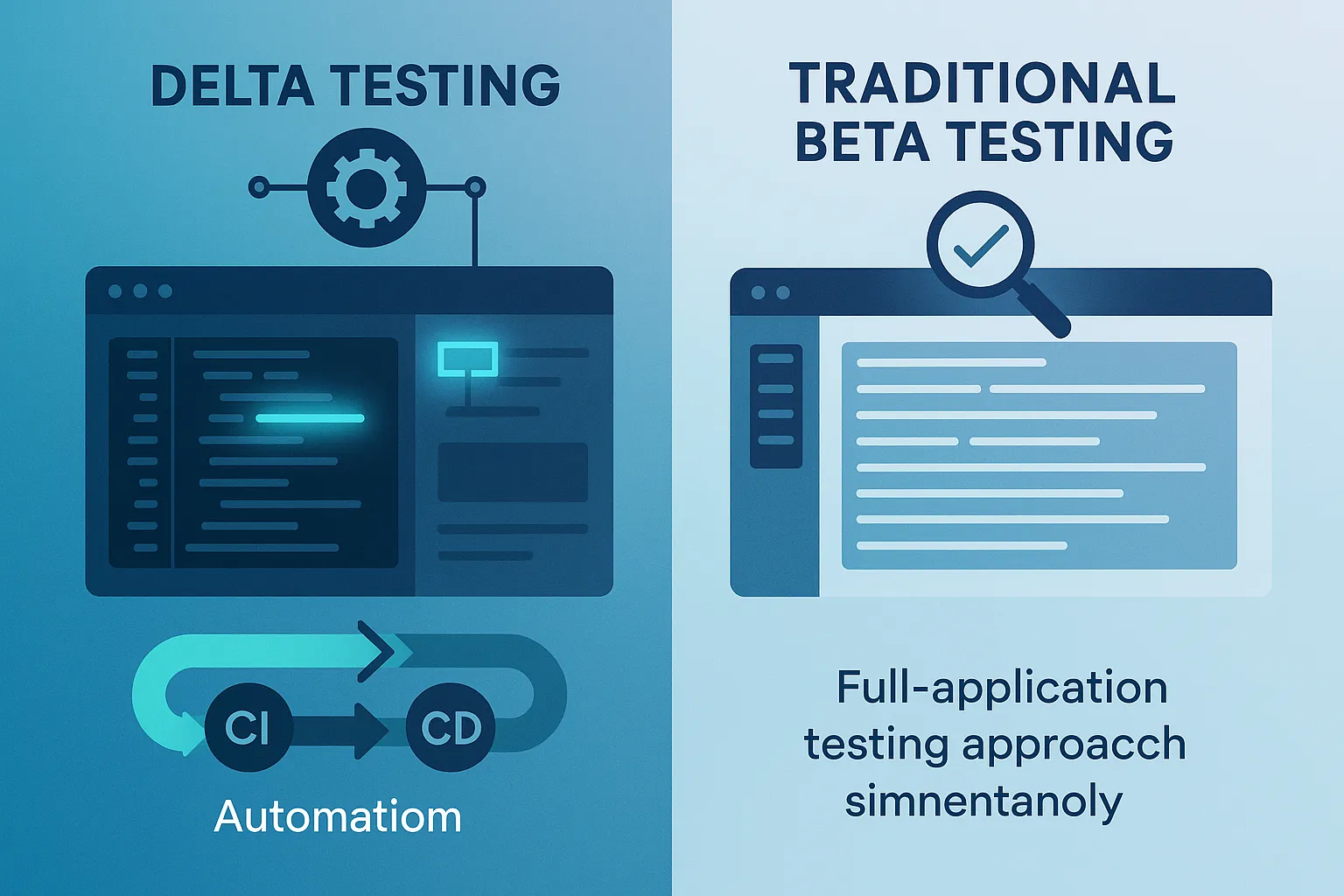
Delta Testing vs Traditional Beta Testing
| Factors | Delta Testing | Traditional Beta Testing |
|---|---|---|
| Scope | Only new or affected changes | Entire product or release |
| Testing location | Internal teams | External or real users |
| Release timing | During ongoing development | Pre-release stage |
| Feedback speed | Very fast | Slower, user-dependent |
| Purpose | Validate incremental improvements | Validate full readiness for release |
Unlike beta testing, which relies on external users, delta testing is performed internally as part of the development and release cycle.
Delta Testing vs Smoke Testing
Delta testing and smoke testing are both focused and efficient but serve different purposes at different points in the pipeline.
| Aspect | Delta Testing | Smoke Testing |
|---|---|---|
| Scope | Only changed components | Critical build functionality |
| Trigger | Code change between versions | Every new build |
| Goal | Validate what changed | Confirm build is deployable |
| Depth | Moderate, covers change impact | Shallow, covers basic health |
| Duration | Varies by change size | Under 5 minutes |
Smoke testing answers "is this build worth testing?"
Delta testing answers "did this specific change break anything?"
In a well-structured CI/CD pipeline both run in sequence. Smoke tests gate the build first. Delta testing validates the change impact after the build passes.
Common Use Cases of Delta Testing
Delta Testing is commonly used in the following scenarios:
-
Ongoing, iterative changes to a product
-
Platforms using the SaaS model that regularly release new products/rereleases as small (incremental) updates
-
Systems using APIs and having a modular architecture
-
Solutions using staged rollouts (controlled by means of feature flags)
-
Mobile applications regularly releasing quick "patch" versions.
It is especially useful in microservices architectures, where isolated changes can be validated independently without affecting the entire system.
Best Practices for Performing Delta Testing
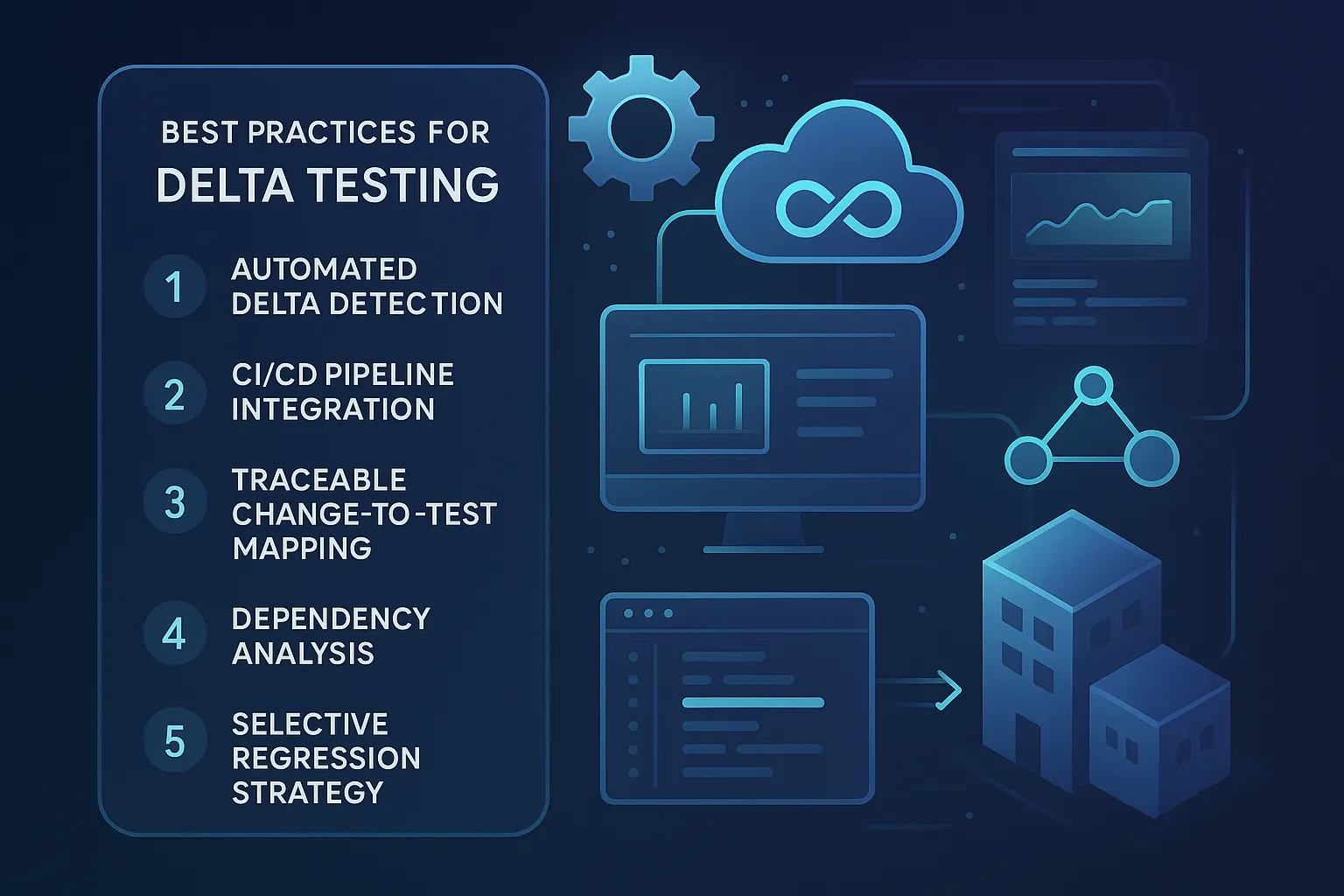
To effectively carry out Delta Testing the following should be considered:
-
Automate the delta detection along with the testing of the selected cases.
-
Integrate the runs for delta testing directly within the integration/continuous delivery (CI/CD) workflows.
-
Maintain a traceable system from the code change to the test coverage.
-
Review dependent systems to ensure the identification of any hidden negative impacts.
-
Test in production or a replica of production, ensuring completely valid results.
-
Alternate between delta testing and periodic complete regression cycles.
Delta testing is exponentially more efficient with higher degrees of automation. Using automated testing tools further enhances the effectiveness of delta tests in large-scale systems.
Tools That Support Delta Testing
Test impact analysis tools: These automatically map code changes to affected tests, removing the manual effort of determining which test cases to run.
- Key requirements: integration with Git, support for your language and framework, and CI/CD pipeline compatibility.
API and integration testing tools: For service-based architectures, validating API behavior between versions is the core of delta testing.
- Keploy fits here specifically. It records real API traffic from one version and replays it against the next, automatically flagging behavioral differences. This makes it effective for delta testing in microservices environments where changes in one service can have subtle effects on others.
CI/CD orchestration: GitHub Actions, GitLab CI, Jenkins, and CircleCI all support conditional test execution, running only tests triggered by specific file changes.
- This is the foundation of pipeline-level delta testing.
Feature flag platforms: Tools like LaunchDarkly allow teams to release changes to a subset of users first, effectively running a delta test in production with controlled exposure before full rollout.
Challenges of Delta Testing & Tips to Overcome Them
While delta testing has clear advantages, it also introduces certain challenges:
| Challenge | Resolution |
|---|---|
| Overlooking indirect dependencies | Run regression suites occasionally to ensure overall system health |
| Manual effort in identifying impacted areas | Use automated test impact analysis |
| Limited real-world feedback | Combine with beta testing and production monitoring |
| Risk of rollback delays | Maintain feature flags and quick restoration strategies |
Delta testing should not be used in isolation, as it may miss issues outside the modified components. A smart hybrid approach helps overcome these limitations effectively.
Conclusion
The importance of delta testing in Agile/DevOps development practice for engineering teams is gaining recognition as an essential part of quality assurance (QA). Delta testing focuses on what has changed and can therefore facilitate faster delivery and increased reliability. Delta testing provides time savings during the test phase, improved productivity for software developers, and ensures uniform/stable releases when used in conjunction with automation and CI/CD (Continuous Integration/Continuous Delivery) support. As the evolution of software continues to accelerate rapidly, delta testing is becoming a necessity within the software release process.
FAQs
1) What types of applications benefit the most from delta testing?
Delta testing is most beneficial on any application that frequently receives slender/new releases. Examples include:
-
SaaS applications,
-
Mobile applications that provide versioned updates
-
API-based applications with modular components
-
Microservice architectures, where small changes can affect specific services without impacting the whole system.
2) How does delta testing support the software release lifecycle?
Delta testing allows for faster versions of code changes to be validated before they are released, as they can be validated more quickly after being developed without requiring that every version of code undergo a complete regression validation.
3) Is delta testing suitable for CI/CD pipelines?
Delta testing fits well within a continuous delivery framework because the only tests that need to be run for a new version of code are directly related to the version being released, and it allows for quick feedback on the testing of a specific version.
4) Can delta testing fully replace regression testing?
While delta testing will never fully replace regression testing, it is a great way to speed up the process of validating the functionality and performance of a software application. It is important to supplement delta testing with complete regression testing periodically to ensure the continued stability of the overall system
5) Which tools support automated delta testing?
Automated delta testing can be supported by tools that allow you to map automated tests to the corresponding version of the software you want to validate, using either actual production traffic or simulated traffic to validate the functionality and performance of a specific version of the software. Keploy is an excellent example of an automated testing solution that you can use real traffic & mocks to test new builds and rapidly release stable versions of a software application with less work than traditional manual testing.
6) What is the difference between delta testing and smoke testing?
Smoke testing checks whether a new build is stable enough to test. Delta testing validates whether a specific change works correctly and has not broken related functionality. Smoke tests run first to gate the build. Delta testing runs after to validate the change impact.
7) How does delta testing work with microservices architectures?
Each service can be validated independently. When a change is deployed to one service, delta testing validates that service’s API contracts and integration points without requiring a full end-to-end test of the entire system. This keeps validation fast while catching breaking changes at service boundaries.
8) Does delta testing work for database changes?
Yes, but schema changes and migration scripts must be included in the change scope. Tests should validate both application logic and data layer behavior. Pairing delta testing with integration tests that run against a containerised database replica ensures realistic validation without affecting shared test data.

Leave a Reply