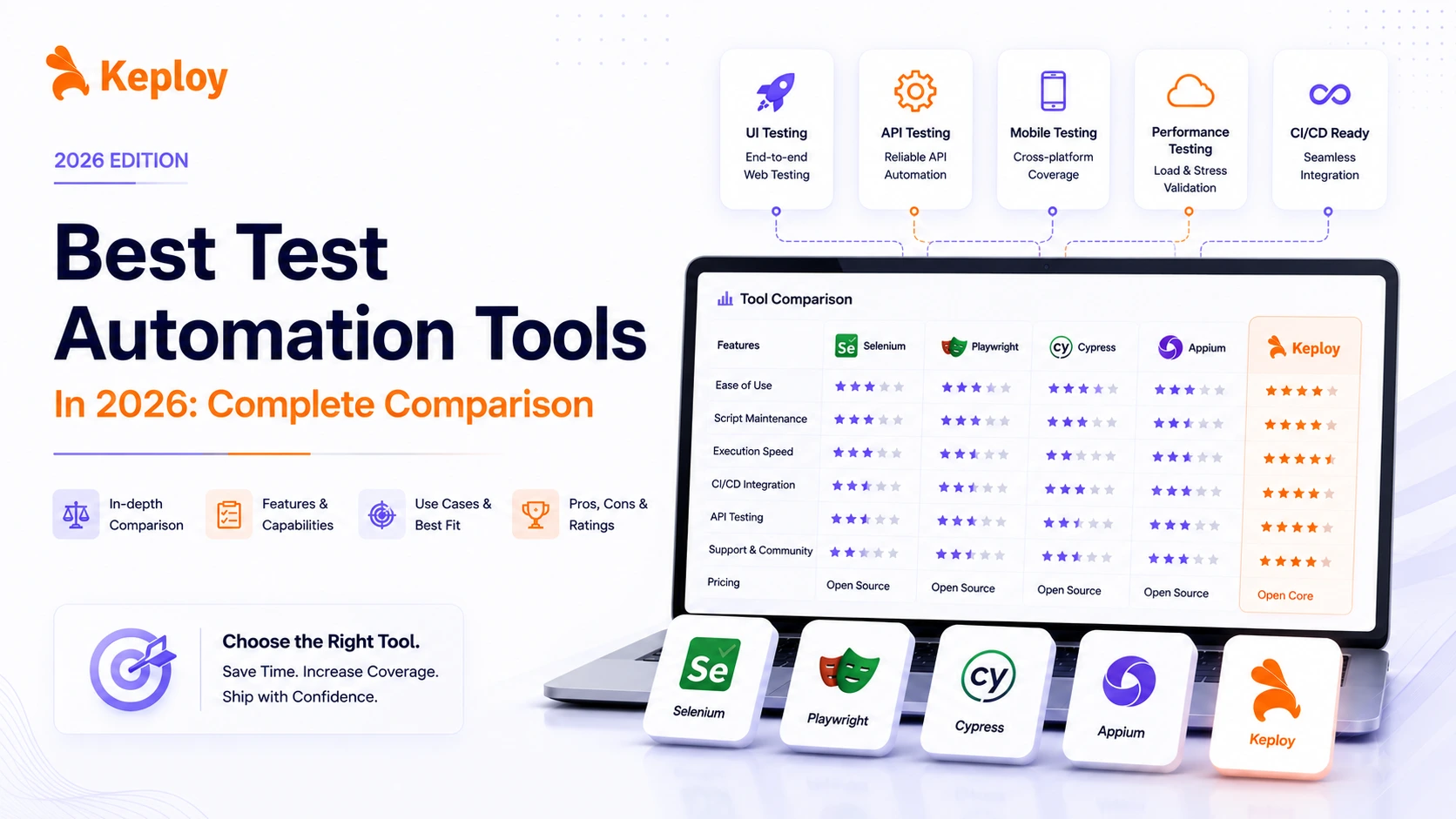
Test automation tools have become essential for modern development teams looking to release faster without compromising quality. In fact, teams that adopt test automation often deploy code significantly faster and reduce bugs compared to manual testing alone. But with so many tools available, choosing the right one can be challenging.
Let’s explore the top test automation tools, along with their key features and ideal use cases, so you can select the right tool based on your project requirements and testing goals.
What Are Test Automation Tools?
Test automation tools are software applications that automatically execute test cases, compare actual outcomes with expected results, and report findings – without manual intervention. They replace or supplement repetitive human testing tasks across web, mobile, API, and performance testing layers. Instead of a QA engineer manually clicking through an application before every release, an automation tool runs those same checks in minutes, on every code change, consistently and without error.
Why Test Automation is No Longer Optional in 2026?
In today’s fast-paced tech landscape, where software complexity is increasing and release cycles are shrinking, test automation is no longer optional. It plays a critical role in ensuring speed, accuracy, and scalability in modern development workflows. Here’s why:
1. Speed Meets Precision
CI/CD pipelines now ship code multiple times a day. Manual testing simply cannot keep up – a single regression test suite that takes a human team two days to run can be executed by an automation framework in under 15 minutes. For teams practicing continuous deployment, this isn’t a nice-to-have. It’s the difference between catching a bug before it hits production and getting a 2 AM incident alert.
2. Handling Complex Testing Scenarios
As applications evolve into complex systems involving microservices, APIs, and cross-platform requirements, automation helps teams scale testing efficiently. It can handle repetitive regression tests, validate distributed systems, and simulate real-world load conditions with ease.
-
Repetitive regression tests across multiple browsers and devices
-
API reliability validation for distributed systems
-
Performance testing under load (e.g., simulating thousands of concurrent users)
Without automation, executing these scenarios manually becomes inefficient and time-consuming.
3. Reducing the Possibility of Human Errors in High-Stakes Scenarios
Even experienced QA engineers make mistakes during repetitive, high-volume checks -it’s not a skill problem, it’s a human limits problem. Automation removes that variable entirely for scenarios where consistency is critical:
- Payment gateway integrations where a missed edge case means failed transactions
- Data privacy compliance checks (GDPR, HIPAA) that must run on every build
- Security regression tests that verify no new vulnerabilities were introduced
4. Lower Long-Term Cost of Quality
The initial setup investment in test automation pays dividends at scale. A manual QA cycle for a mid-sized application can cost much higher when factoring in engineer hours. A well-maintained automation suite reduces that cost after the first year.
The key phrase is "well-maintained" – which is why choosing the right tool for your team’s skill level matters as much as the tool’s feature set.
How to Choose the Right Test Automation Tool?
The right tool depends on what you’re testing, who’s testing it, and what your pipeline looks like. Here’s the fastest way to narrow it down:
| Primary Need | Best Tool | Why It Works |
|---|---|---|
| Auto-generate API tests | Keploy | Records live traffic, zero scripting |
| Cross-browser web UI | Selenium | Widest browser and language coverage |
| Fast E2E for JS teams | Cypress | Runs in-browser, instant feedback |
| E2E with Safari and multi-language | Playwright | True cross-browser including WebKit, supports Python, Java, C# |
| Mobile iOS and Android | Appium | Open-source cross-platform standard |
| Desktop, web and mobile | TestComplete | Covers all three in one platform |
| All-in-one low-code | Katalon | GUI-driven with built-in reporting |
| API exploration and automation | Postman | Familiar interface, Newman CLI for CI/CD integration |
| Load and performance testing | k6 | Developer-friendly JavaScript scripting, CI/CD native |
| AI-driven test generation | Mabl | Auto-healing tests, no scripting required |
For most teams, the answer isn’t one tool – it’s a combination. A common stack looks like:
- Keploy for API coverage
- Cypress or Playwright for frontend E2E
- Appium for mobile
- k6 for performance
The sections below will help you evaluate each tool in depth.
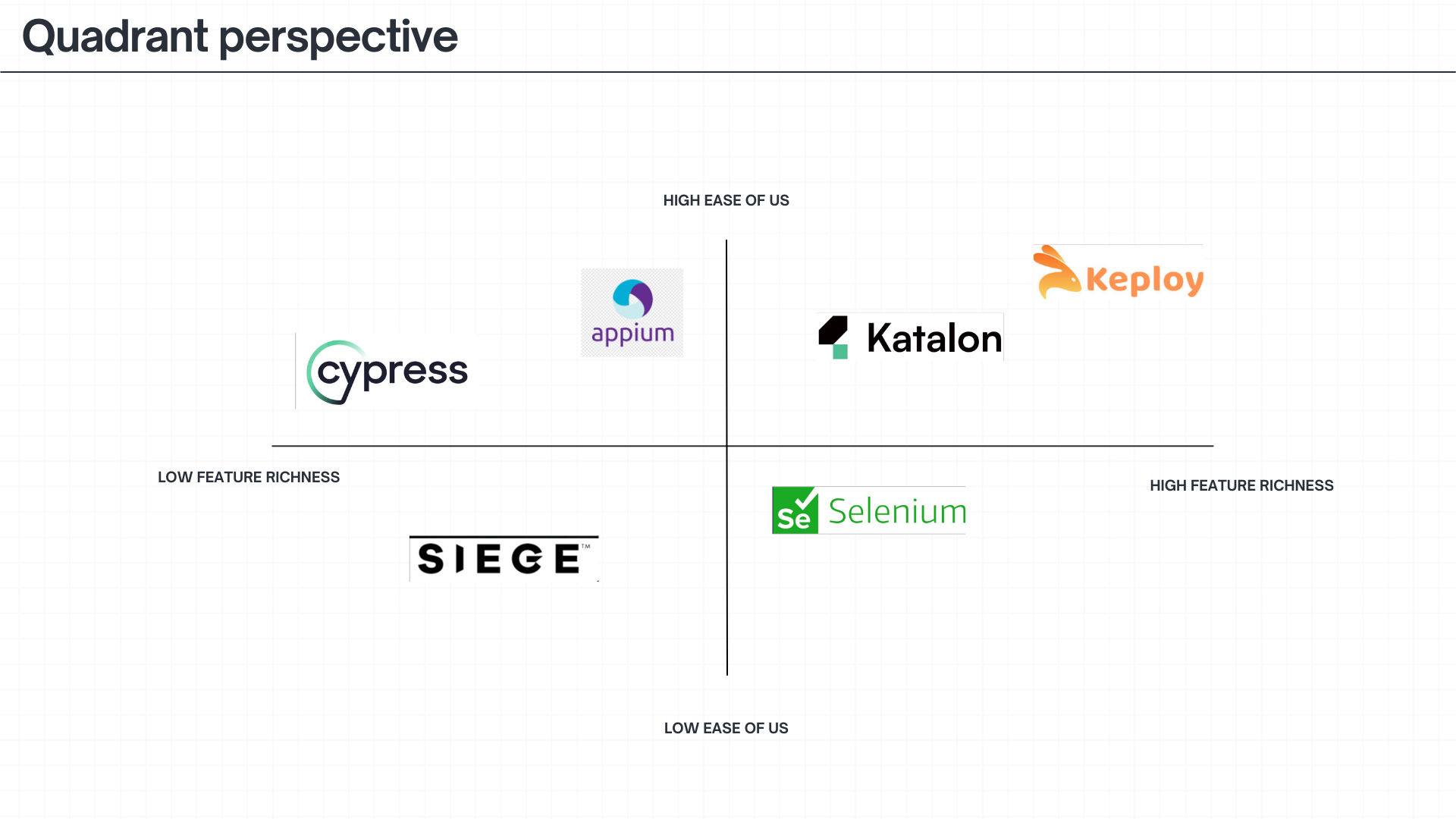
Best Test Automation Tools in 2026
The following tools are widely used for automating web, API, mobile, and performance testing based on different project needs.
| Feature | Keploy | Katalon | Selenium | Appium | TestComplete | Cypress | Playwright | Postman | k6 | Mabl |
|---|---|---|---|---|---|---|---|---|---|---|
| Application Under Test | Web/API | Web/API/Mobile/Desktop | Web | Mobile (Android/iOS) | Web/Mobile/Desktop | Web | Web | API | Web Servers/APIs | Web |
| Supported Platform(s) | Windows/macOS/Linux | Windows/macOS/Linux | Windows/macOS/Linux/Solaris | Windows/macOS | Windows | Windows/macOS/Linux | Windows/macOS/Linux | Windows/macOS/Linux | Windows/macOS/Linux | Cloud-based |
| Setup and Configuration | Easy | Easy | Coding Required | Coding Required | Easy | Coding Required | Coding Required | Easy | Easy | Easy |
| Low-code and Scripting Mode | Both | Both | Scripting Only | Scripting Only | Both | Scripting Only | Scripting Only | Both | Scripting Only | Both |
| Supported Language(s) | Go, Java, Python, JavaScript | Java and Groovy | JavaScript, Ruby, PHP, Perl, Java, C#, Python | Java, C#, Python, JavaScript | JavaScript, Ruby, VBScript, JScript, Delphi, C++, C# | JavaScript | JavaScript, TypeScript, Python, Java, C# | JavaScript | JavaScript | No-code / JavaScript |
| Advanced Test Reporting | Yes | Yes | No | No | Yes | No | Yes | Yes | Limited | Yes |
| Pricing | Free | Free and Paid | Free | Free | Paid | Free and Paid | Free | Free and Paid | Free and Paid | Paid |
| Reviews | 4.9/5 | 4.4/5 | 4.5/5 | 4.4/5 | 4.2/5 | 4.7/5 | 4.7/5 | 4.6/5 | 4.8/5 | 4.4/5 |
1. Keploy
Keploy is an open-source, AI-powered test automation platform built specifically for backend and API testing. Unlike traditional tools that require you to write test scripts manually, Keploy records real API traffic using eBPF-based tracing and automatically converts those interactions into deterministic test cases – complete with mocks for all external dependencies like databases and third-party services.
This means developers can achieve high regression coverage without writing a single line of test code. Keploy integrates with popular CI/CD pipelines and supports multiple languages and frameworks including JUnit, PyTest, Jest, and Go-Test. With over 16,000 GitHub stars and 1M+ installs, it is one of the fastest-growing testing tools in the developer community.
Key Features
-
AI-Powered Test Generation: Captures live API interactions and converts them into reusable, deterministic test cases automatically.
-
Automatic Mock Generation: Mocks all external dependencies including databases, APIs, and message queues so tests run in isolation without a live environment.
-
Regression Testing: Replays recorded interactions to detect regressions across API versions with no manual re-scripting needed.
-
Noise Filtering: Automatically detects and removes flaky or redundant test cases, keeping the suite clean at scale.
-
CI/CD Integration: Native support for GitHub Actions, Jenkins, GitLab CI, and CircleCI.
-
Multi-Language Support: Works with Go, Java, Python, and JavaScript/TypeScript applications.
Pros
- Zero manual test scripting required
Open-source core is completely free - High test coverage generated from real production traffic
- Fast onboarding for API-first teams
- Self-healing mocks reduce maintenance overhead significantly
Cons
- Primarily focused on API and backend testing-not a web UI or mobile tool
- Initial eBPF setup has a learning curve
Pricing: Free — open-source core. Enterprise plans with advanced features and priority support are available.
Check Keploy Pricing for more details.
Best For: Development teams that need fast, scalable API regression coverage without the overhead of writing and maintaining manual test scripts.
Website: https://keploy.io/
Docs to get started: https://keploy.io/docs/server/installation/
2. Katalon
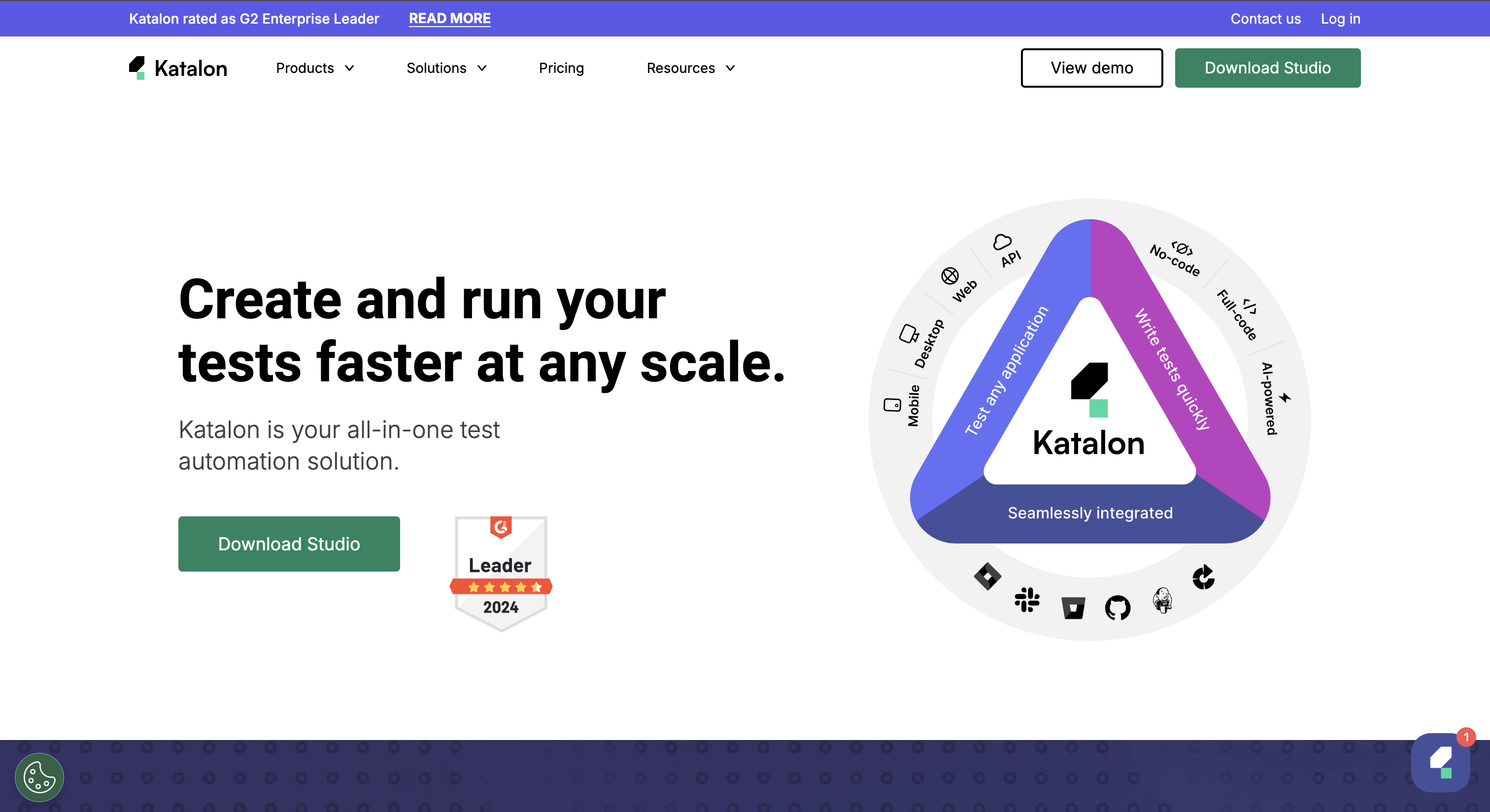
Katalon is a comprehensive test automation tool that supports web, API, mobile, and desktop testing. It has robust reporting features and support for continuous integration.
Katalon is well-suited for teams looking to accelerate their testing cycles.
Key Features:
-
Multi-Platform Support: Supports testing of web, API, mobile, and desktop applications.
-
Low-Code & Scripting Modes: Offers both low-code options for non-technical users and scripting capabilities for advanced users.
-
Built-in Reporting: Provides detailed reports and analytics for test results.
Pros
- Covers web, API, mobile, and desktop in one platform
- Accessible to non-engineers through low-code interface
- Strong built-in reporting without additional setup
Cons
- Large test suites can run slowly due to Eclipse IDE base
- Advanced features require a paid subscription
- Parallel execution needs a paid Runtime Engine add-on
Pricing: Free for individual use. Paid plans available for teams.
Best For: Mixed-skill QA teams needing one platform for web, mobile, and API testing.
3. Selenium
Selenium is a well-established test automation tool and has the ability to automate web browsers across different platforms. It offers scripting-only modes, providing testers and developers the flexibility to write complex test cases using various programming languages.
Key Features:
-
Cross-Browser Testing: Supports automation across different web browsers.
-
Language Support: Compatible with Java, C#, Python, Ruby, and more.
-
Integration: Easily integrates with other tools like Jenkins, Maven, and TestNG.
-
Community Support: Strong open-source community for continuous updates and support.
-
Flexibility: Provides a robust platform for custom test automation solutions.
-
Parallel Test Execution: Supports running tests in parallel across different environments.
Pros
- Free and open-source with no licensing cost
- Unmatched browser and language coverage
- Enormous community and plugin ecosystem
Cons
- No built-in reporting, test runner, or assertion library
- Slower than Cypress for sequential web tests
- No native mobile support — needs Appium separately
Pricing: Free – fully open-source.
Best For: Enterprise teams with multi-language developers or legacy test suites. Not the first choice for greenfield JavaScript projects.
4. Appium
Appium is an open-source tool that enables the automation of mobile applications. It supports a wide range of programming languages, making it a flexible choice for developers. Appium is particularly useful for teams needing to test mobile apps across different devices and operating systems.
-
Cross-Platform Mobile Testing: Supports automation of native, hybrid, and mobile web applications across iOS and Android.
-
Multiple Language Support: Works with various programming languages, including Java, Python, and JavaScript.
-
Device and Emulator Support: Allows testing on real devices and emulators.
Pros
- Free and open-source
- One codebase covers both iOS and Android
- Familiar API for teams already using Selenium
Cons
- Complex initial setup and configuration
- Requires ongoing maintenance as mobile OS versions update
- Slower execution on certain device and OS combinations
Pricing: Free – fully open-source.
Best For: Teams that need cross-platform mobile automation across iOS and Android with no vendor lock-in.
5. TestComplete
TestComplete is a commercial test automation tool that supports web, mobile, and desktop applications. It offers both low-code and scripting options, allowing testers of varying skill levels to use the tool effectively.
-
Multi-Platform Testing: Supports web, mobile, and desktop application testing.
-
Script and Scriptless Testing: Offers both scriptless test creation and scripting in various languages like Python, VBScript, and JavaScript.
-
AI-Powered Object Recognition: Uses AI-powered object recognition for stable and reliable tests.
Pros
- Best-in-class for desktop application testing
- Low-code options accessible to non-engineers
- Strong support for enterprise stacks including SAP and .NET
Cons
- Windows-only, no native macOS or Linux support
- High total cost compared to open-source alternatives
Pricing– Commercial, paid tool with module-based pricing. Free trial available
Best For: Enterprise teams with desktop application testing needs or those managing web, desktop, and mobile from one platform.
6. Cypress
Cypress is a modern test automation tool built specifically for web applications. It offers fast, reliable testing with real-time reloading, making it a favorite among front-end developers.
-
End-to-End Testing: Focuses on end-to-end testing of web applications.
-
Real-Time Reloading: Provides instant feedback on code changes with real-time reloading.
-
Automatic Waiting: Automatically waits for elements to appear, reducing the need for manual waits and sleeps.
Pros
- Best developer experience of any web testing tool
- Extremely fast feedback loop for JavaScript teams
- Built-in time-travel debugging Zero configuration to get started
Cons
- JavaScript and TypeScript only — not suitable for Java or Python teams
- Limited browser support – primarily Chromium, partial Firefox, no Safari
- Cannot handle multi-tab or multi-window flows
- Parallel execution requires paid Cloud plan.
Pricing– Open-source core is free. Parallel execution and advanced features require a paid Cloud plan.
Best For: Frontend JavaScript teams building modern SPAs who want fast reliable E2E tests with minimal setup.
7. Playwright
Playwright is an open-source end-to-end testing framework developed by Microsoft. It supports Chromium, Firefox, and WebKit (Safari) out of the box, making it one of the few tools with true cross-browser coverage. Unlike Cypress, it works across multiple programming languages and runs tests in parallel natively without requiring a paid plan.
Key Features
- Cross-browser support: Runs tests on Chromium, Firefox, and WebKit (Safari) from a single codebase.
- Multi-language support: Works with JavaScript, TypeScript, Python, Java, and C#.
- Auto-waiting: Built-in waiting for elements, no manual sleep() calls needed.
- Native parallel execution: Parallel test runs are included at no extra cost.
- Trace viewer: Built-in step-by-step execution traces for debugging failing tests.
- API testing: Built-in HTTP request testing alongside UI tests in the same suite.
Pros
- True Safari support via WebKit, which Cypress does not offer
- Native parallel execution without a paid cloud plan
- Works with teams using Python, Java, or C#, not just JavaScript
- Actively maintained by Microsoft with frequent releases
- Built-in test runner, no additional framework setup needed
Cons
- Steeper learning curve than Cypress for teams new to testing
- More setup overhead for simple single-browser projects
- Debugging experience is less visual than Cypress for beginners
Pricing: Free, fully open-source.
Best For: Teams that need cross-browser coverage including Safari, multi-language support, or native parallel execution without paying for a cloud plan.
8. k6
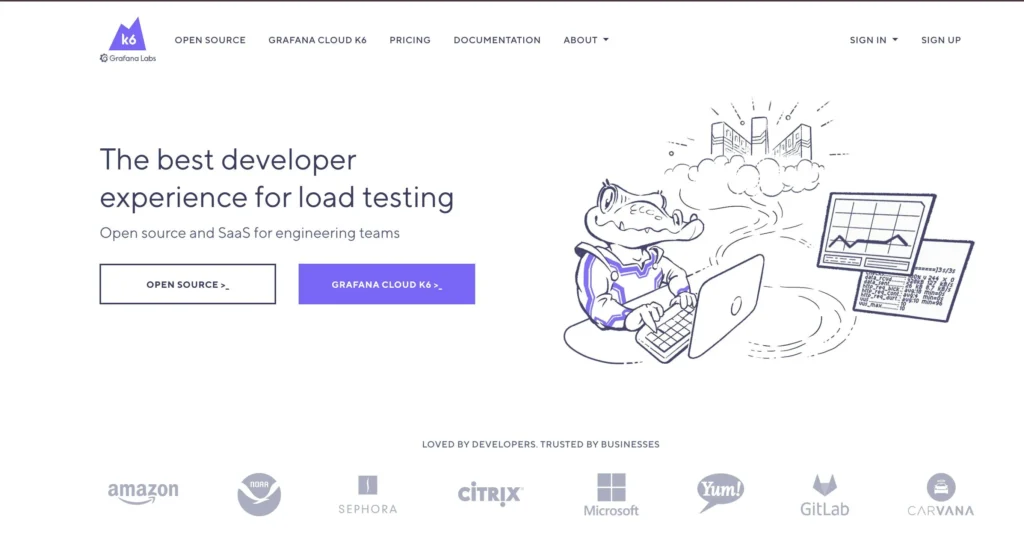
k6 is an open-source load and performance testing tool built for developers. Unlike legacy tools like JMeter that require XML configuration files and a GUI, k6 tests are written in JavaScript and run directly from the CLI or inside CI/CD pipelines. It integrates with Grafana for real-time metrics visualization and supports cloud-based distributed load tests via Grafana Cloud.
Key Features
- JavaScript scripting: Write load tests in JavaScript with no XML or GUI required.
- Virtual user simulation: Simulate concurrent users for load, stress, and spike testing scenarios.
- CI/CD integration: Native support for GitHub Actions, Jenkins, and GitLab CI with threshold-based pass/fail gates.
- Real-time metrics: Live output of response times, error rates, and throughput during test runs.
- Grafana integration: Connect to Grafana dashboards for detailed performance visualization.
- Cloud execution: Distributed load testing via Grafana Cloud k6 for high-scale scenarios.
Pros
- Developer-friendly JavaScript syntax compared to JMeter’s XML approach
- Lightweight CLI with near-zero setup overhead
- Threshold-based quality gates integrate cleanly into CI/CD pipelines
- Free open-source core covers most team needs
Strong ecosystem integration with Grafana and Prometheus
Cons
- No built-in visual dashboard in the open-source version
- Browser interaction testing is limited compared to UI-focused tools
- Distributed load tests at scale require a paid Grafana Cloud plan
Pricing: Free open-source core. Grafana Cloud k6 has a free tier and paid plans for distributed execution.
Best For: Backend and DevOps teams that need developer-friendly performance and load testing integrated directly into CI/CD pipelines.
9. Postman
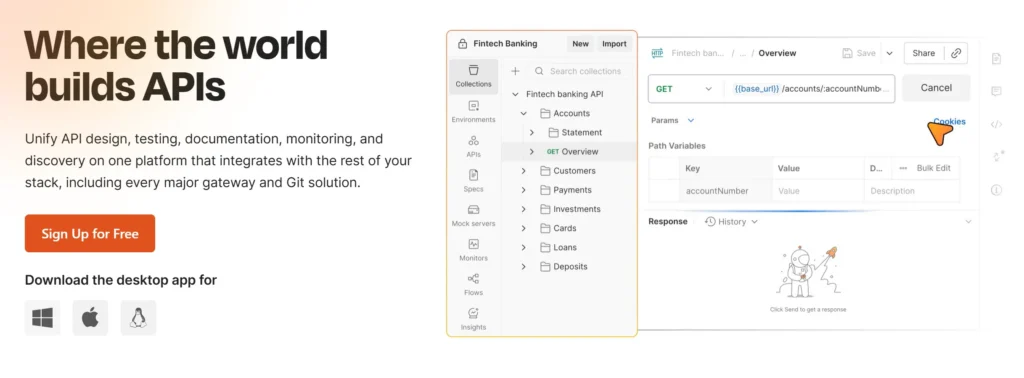
Postman is the most widely adopted API platform for building, testing, and documenting APIs. Beyond manual API exploration, Postman supports automated API testing through its Collection Runner and Newman CLI, which enables full CI/CD integration. For teams already using Postman for manual API work, it is the lowest-friction path to automating those same checks.
Key Features
- Collection Runner: Execute API test collections automatically against any environment.
- Newman CLI: Run Postman collections from the command line or inside CI/CD pipelines.
- Environment variables: Manage dev, staging, and production configurations from a single collection.
- Contract testing: Validate API responses against JSON schemas to catch breaking changes.
- Mock servers: Simulate API endpoints to unblock parallel frontend and backend development.
- Built-in reporting: Detailed pass/fail results per request with response time tracking.
Pros
- Familiar interface that most API developers already use for manual testing
- Low barrier to automation for teams moving from manual to automated API checks
- Newman CLI enables straightforward CI/CD pipeline integration
- Free tier covers individual and small team needs without cost
- Strong documentation and community support
Cons
- Not designed for UI or end-to-end testing
- Advanced collaboration and reporting features require paid plans
- Test scripting is JavaScript-only with limited framework flexibility
Pricing: Free tier available. Paid plans for team features.
Best For: Teams that want to automate API testing without significant scripting overhead, or that already use Postman for manual API exploration and want to extend those checks into CI/CD.
10. Mabl
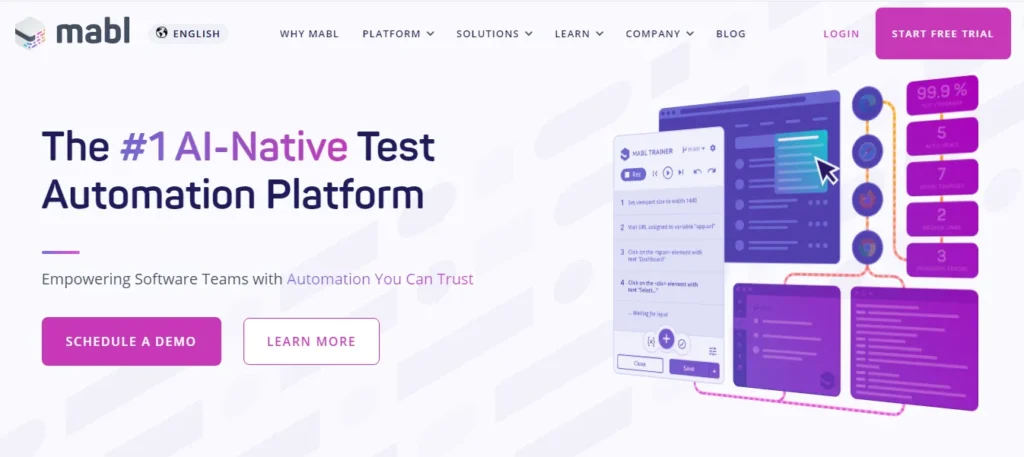
Mabl is an AI-native test automation platform that generates and maintains end-to-end UI tests automatically. Instead of requiring engineers to write or record test scripts, Mabl observes application behavior, generates test cases, and repairs broken tests automatically when the UI changes. It is designed for teams that need broad UI test coverage without dedicated automation engineers to maintain it.
Key Features
- Auto-healing tests: Automatically detects and fixes broken element locators when the UI changes, reducing maintenance overhead.
- AI-driven test generation: Suggests new test cases based on observed application behavior and usage patterns.
- Cross-browser execution: Runs tests across Chrome, Firefox, and Edge without separate configuration.
- CI/CD integration: Native support for GitHub Actions, Jenkins, and Azure DevOps.
- Built-in reporting: Detailed execution history with visual diffs highlighting exactly what changed in a failing test.
- Accessibility testing: Built-in WCAG compliance checks run alongside functional tests at no extra setup.
Pros
- Significantly reduces test maintenance time through auto-healing
- No scripting required for basic test creation, accessible to non-engineers
- Accessibility testing included without additional tooling
- Useful for teams where QA is done by people without automation backgrounds
Cons
- Higher cost than open-source alternatives
- Less flexible for complex custom scripting scenarios
- AI-generated tests can miss edge cases that an engineer would identify manually
Pricing: Paid. Pricing available on request. Free trial available.
Best For: Teams with limited automation engineering capacity that need broad UI test coverage with minimal ongoing maintenance.
How Test Automation Tools Are Evolving in 2026
The test automation landscape is shifting faster in 2026 than at any point in the past decade. Here are the trends that matter most for teams evaluating tools today.
AI-Native Test Generation Is Becoming the Default
Tools like Keploy now generate entire test suites from real application traffic without any manual scripting. This represents a fundamental shift -explored in depth across the latest AI testing tools entering the market.
- from: engineer writes test → test breaks → engineer fixes test
- to: tool observes behavior → tool generates test → tool maintains test.
Teams adopting AI-native tools are reporting dramatically lower test maintenance overhead
as a result.
Self-Healing Tests Are Reducing Maintenance Overhead
One of the biggest reasons test automation projects fail is maintenance debt – tests break every time the UI changes and nobody has time to fix them. Tools like TestComplete (AI object recognition) and Katalon (TrueTest) now detect broken locators automatically and apply fixes without manual intervention.
Shift-Left Testing Is Now Standard Practice
Teams are no longer treating testing as a post-development phase. Automation frameworks are being integrated at the unit, API, and component test level – running on every commit, not just before releases. Tools that integrate natively with developer workflows (Keploy) are benefiting most from this shift.
API Testing Is Taking Center Stage
With the dominance of microservices and distributed architectures, API testing has overtaken UI testing as the highest-value automation layer for most backend teams. Tools that specialize here – like Keploy – are seeing rapid adoption because they address the layer where most production bugs originate.
Conclusion
Choosing the right test automation tool in 2026 isn’t about picking the most feature-rich option – it’s about matching the tool to your team’s actual needs, skill level, and existing workflows.
-
For API-first and backend teams, Keploy stands out as the most efficient path to high coverage with minimal overhead.
-
For frontend web teams, Cypress delivers the fastest feedback loop for JavaScript projects, while Playwright is the stronger choice for teams that need Safari support or work across multiple languages.
-
For mobile, Appium remains the open-source standard. For performance testing, k6 has replaced older CLI tools as the developer-friendly default.
-
For teams wanting AI-driven coverage with minimal maintenance, Mabl reduces the scripting burden significantly.
-
For enterprises managing complex multi-surface testing, TestComplete and Katalon provide the governance and reporting that large teams require.
Most mature teams end up using 2-3 tools: one for APIs, one for UI, and one for performance. The goal is a layered test strategy, not a single universal tool.
Frequently Asked Questions
1. What exactly is a test automation tool?
Software that executes test cases against an application automatically – without human intervention. It validates UI behavior, API responses, and performance, then flags failures directly in your CI/CD pipeline. Unlike manual testing, automation runs the same test identically every time, at a speed and scale no human team can match.
2. What is the difference between a testing framework and a testing tool?
A tool is a standalone product you use directly (Cypress, Keploy, Katalon). A framework is a structural foundation for writing and organizing tests (JUnit, TestNG, Mocha). Many tools include frameworks – Cypress is both, while Selenium is a tool you pair with frameworks like TestNG or PyTest.
3. How does cost affect tool choice at different company sizes?
Startups benefit most from open-source tools (Keploy, Selenium, Cypress) – zero licensing cost means budget goes to engineering time. Mid-size teams may find commercial tools like Katalon worth the cost for faster onboarding and built-in reporting. For enterprises, the real cost isn’t the license – it’s maintenance hours. Consider both short-term test automation pricing setup costs and long-term maintenance effort.
4. Why is security a factor when choosing a test automation tool?
Automation tools interact with staging systems, test databases, and sometimes production-adjacent services. Before committing to a tool, ask:
- Are credentials stored securely?
- Is SSO/SAML supported?
- How is test data containing PII handled?
For fintech or healthcare teams, these are non-negotiable requirements.
5. When does test automation hurt rather than help?
When the app is changing faster than tests can be maintained, when the team lacks scripting skills, or when automation is applied to exploratory testing that needs human judgment.
- The fix: start with high-value stable flows (login, checkout, core APIs) before expanding to edge cases.
6. Can I use multiple test automation tools on the same project?
Yes – most production teams do. A common stack: Keploy for API testing, Cypress for web E2E, Appium for mobile, Siege or k6 for performance. Define clear ownership per layer to avoid duplication and conflicting results.
7. How do these tools integrate with CI/CD pipelines?
Most provide CLI interfaces and official plugins for GitHub Actions, Jenkins, and Azure DevOps. The flow:
code push → pipeline triggers → tests run → results reported back to the PR.
Failing tests block the merge, creating an automated quality gate.
8. Is ease of use worth trading off features?
Often, yes. A powerful tool nobody maintains is worse than a simpler tool the whole team uses. Ease of use drives coverage (teams write more tests), reduces maintenance time, and speeds up on-boarding. It’s why many mixed-skill teams choose Katalon over raw Selenium – not because Selenium is weaker, but because full team adoption produces better outcomes.

Leave a Reply