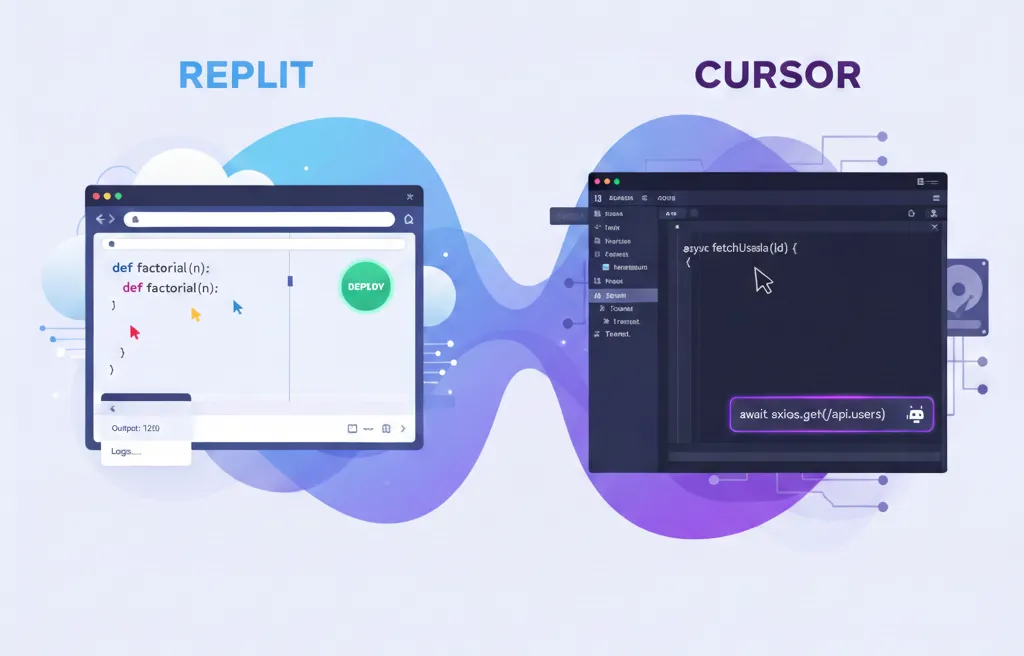
In an age where software developers are speeding up their code development to meet the demand of rapid application deployment, there are new tools being developed based on Artificial Intelligence (AI) technology. Replit and Cursor have received a lot of excitement for both of these platforms due to their use of artificial intelligence in assisting developers with coding. In the article below, we’ll take a look at the main differences between the two platforms, the advantages and disadvantages of each platform, and help you choose the platform that best meets your unique coding requirements.
What Are Replit and Cursor?
What is Replit?
Replit is a web-based Integrated Development Environment that provides developers the ability to create applications using their web browsers. With support for over 50 different languages, the platform provides quick-start functionality to help new and experienced programmers alike start learning and coding with minimal barriers to entry. In addition to offering tools to help teach, learn, and prototype applications quickly, Replit also offers features for facilitating collaborative development and allowing developers to quickly deploy the applications they create.
Key Features of Replit:
-
Instant Coding Without Setup or Download
-
Web-Based Interface Accessible On Any Device
-
Team Collaboration in Real Time
-
Web App Deployment Made Easy
What is Cursor?
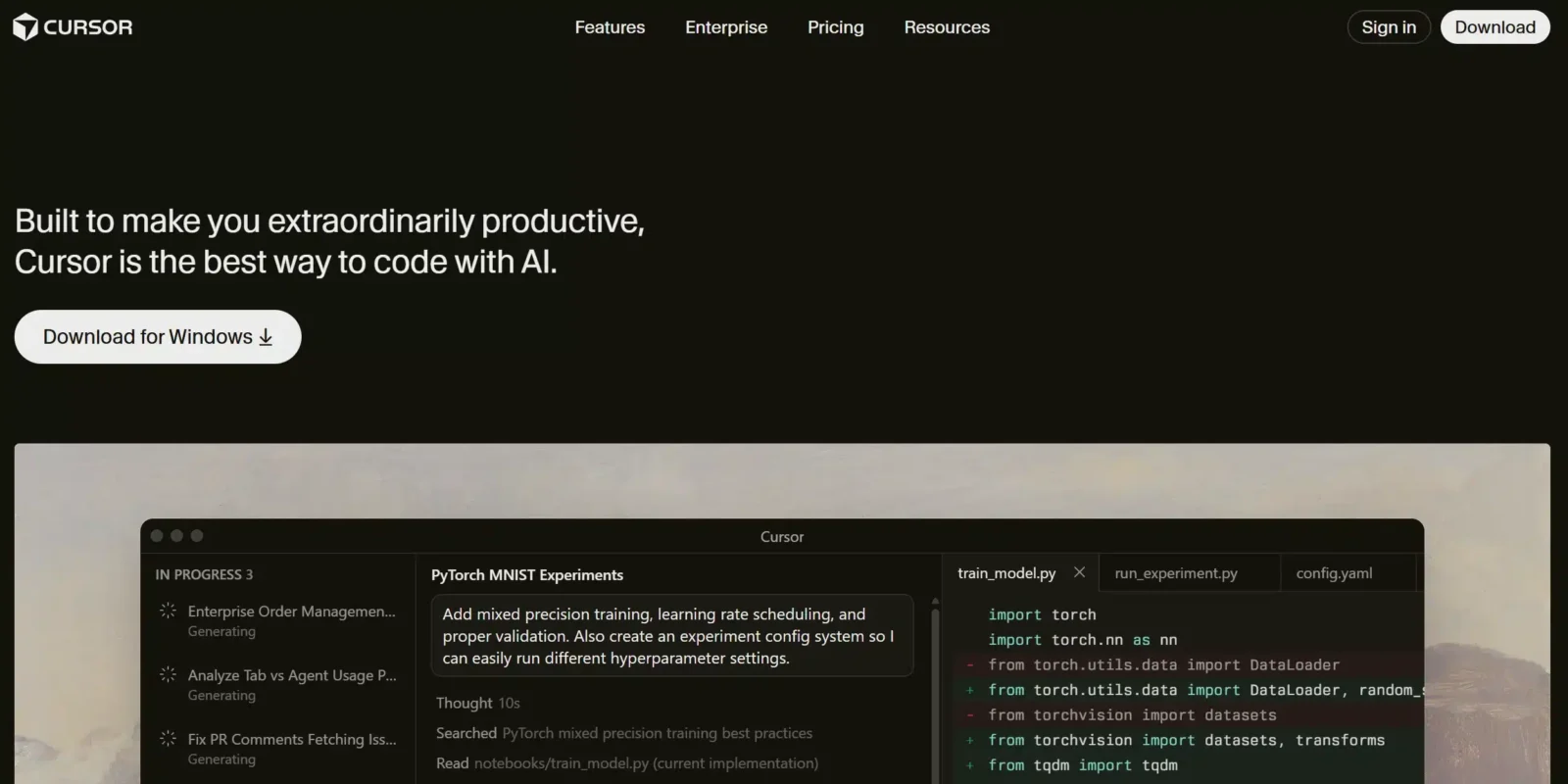
Cursor is a local development environment built with strong artificial intelligence integration, making it perfect for developers developing larger and more complex projects or code bases. Rather than being a web (cloud-based) application (like Replit), Cursor is an extension integrated into existing Integrated Development Environments (IDE) such as Visual Studio Code (VS Code). The most important function of Cursor is providing high accuracy, contextualised AI support for coding activities (e.g., providing guidance for developers when refactoring code) and to optimise their workflow. In addition, the highly experienced developer will use Cursor as an assistant in a more complex and larger-scale development environment.
Key Features of Cursor:
-
Refactoring with AI and code completion assistance
-
Within-current-IDE functionality supporting existing IDEs like VS Code
-
Version control capability through integration with Git
-
Providing contextualised recommendations according to project structure
Core Differences: Replit vs Cursor
1. Setting up an Environment
-
Replit provides easy access for developers to begin coding without having to worry about how to create their coding environment since it runs in the web browser. Developers can log onto Replit’s website, start coding immediately, and do not have to manually install their entire development environment or configure application settings or dependency requirements on their computers or local machines.
-
Cursor, however, requires developers to build their own local dev environment. Cursor works directly with the developer’s preferred code editor, which is usually Microsoft Visual Studio Code. While this approach means that a developer must invest more time in setting up their environment, it allows the developer to fully control how they set up their dev experience.
2. Capabilities of AI
-
Replit’s AI features have been designed to assist beginners in getting started with coding; as such they provide assistance when creating code through auto-completions, error detection and repair, as well as easy-to-follow explanations of basic errors that may occur when beginning to learn to code. Although these capabilities can be beneficial for a beginner who is just starting to practice with programming, they may not have the same level of effectiveness for assisting with advanced coding tasks due to their simplicity when contrasted with Cursor.
-
The AI capabilities available through Cursor are much more advanced than those available via Replit’s AI. For example, Cursor’s AI uses the developer’s entire project(s) when suggesting smarter code completions, giving deep refactoring suggestions, including suggestions based on the developer’s workflow, and even creating bridges between multiple files for the developer to make multiple changes at once. Cursor’s AI capabilities are suitable for developers building and managing much larger applications than the majority of beginner developers will be managing.
3. Collaboration
-
Replit’s real-time collaborative feature is probably Replit’s most useful feature. It allows multiple users to work on the same project simultaneously and is ideal for both educational and hackathon usage. The cloud-based solution of Replit eliminates any potential difficulties companies face in sharing and collaborating through version control options.
-
Cursor does not have a built-in real-time collaboration tool, but it easily integrates with Git for teams that are already using version control. Cursor is therefore better suited to teams building large applications that require advanced methods of collaborating, such as code reviews, merging, and branching.
4. Deployment & Lifecycle Management
-
Replit allows users to deploy applications directly from the IDE, which significantly reduces the time and effort spent on deployment for developers. Especially for simple prototypes and small projects, the ease of deploying directly from Replit creates fewer hassles for the developer since they can quickly see the results of their code.
-
With Cursor, developers must manually deploy their applications, which gives them more flexibility in managing code, but makes it more suitable for applications in production where optimization and scalability need to be a priority.
Pros & Cons: Replit vs Cursor
Benefits of using Replit:
-
The quick setup time makes it easier for new developers or those who want to quickly build a prototype.
-
Real-time collaboration allows developers to work together as a team, and is an effective learning environment.
-
Quick and easy deployment methods mean that users can publish their projects without having to worry about deployment issues.
Downside of using Replit:
-
Advanced features are not available in Replit’s cloud environment(SOE), so some users may find that they don’t have enough flexibility with larger, more complex applications.
-
The AI features were specifically designed for beginners, therefore experienced developers may not find them as beneficial.
Benefits of using Cursor:
-
Cursor provides developers with advanced AI support and provides contextual assistance in refactoring large codebases or completing difficult programming tasks.
-
Cursor allows developers to customize their workflow based on their specific requirements through the use of VS Code.
-
Cursor seamlessly integrates with Git so that teams who rely on version control and need advanced collaboration features will benefit from this integration.
Downside of using Cursor:
-
The steeper learning curve; because Cursor is a more advanced tool than others, it can be intimidating for the beginner. It can take time to set up your environment and learn the more advanced features.
-
The manual deployment; Cursor’s manual way of deploying differs from Replit’s automated process and requires a more manual approach which may not be ideal for building a quick prototype.
Use Case Scenarios
When to Choose Replit
-
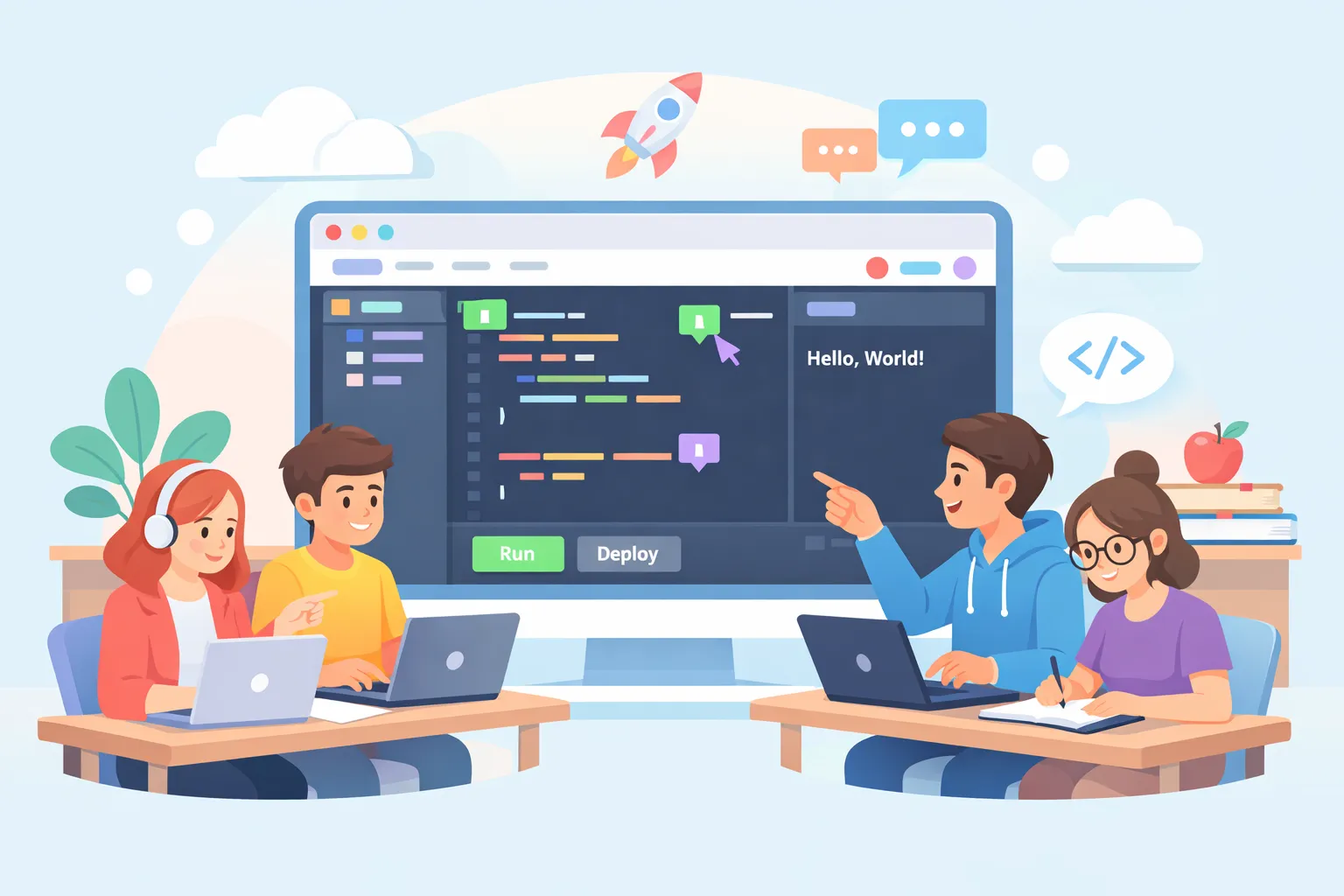
When Learning/Education: Replit is a great option when you’re new to coding or need a platform to use for education because it’s easy to use. Teachers can take advantage of the fact that students can collaborate with one another in real-time, making it the ideal environment for teaching coding.
-
When You Need a Fast Prototype: Replit is a very user-friendly platform that allows you to create a small app quickly and easily, with no need to worry about your infrastructure or about setting things up.
When to Choose Cursor
-
When You Have a Large Codebase: Cursor is the ideal option for professional developers who are working on complex projects that require the power of advanced AI capabilities and sophisticated refactoring of code bases. With Cursor, you have total control over your local development environment.
-
When You Want to Work as a Team: Cursor has integrated Git capabilities, enabling teams to work together on a shared codebase. Teams that build complex workflows and require high levels of control over their collaborative code and versioning processes should choose Cursor as their platform.
Replit vs Cursor Pricing & Value
Replit Pricing
The free plan of Replit enables users to create and manage projects at no cost; however, if a user requires the ability to create private repls, increase storage capacity and gain access to superior processing power, the various paid plans can be chosen by the user based on the needs of the user.
Cursor Pricing
Cursor is available through an ongoing subscription model that includes several levels of capabilities. While Cursor is more costly than Replit, Cursor provides significantly greater capabilities and is ideal for the larger projects and larger resource requirements of developers.
How These Tools Fit into Modern Engineering
AI-enabled software engineering development platforms like Replit and Cursor are essential components of the current software engineering environment. These platforms assist software developers to write fewer lines of code, perform repetitive tasks without requiring human intervention, and ensure the programme includes testing functionality as part of the overall development process.
In addition to being utilised within the DevOps model, Replit and Cursor are also integrated into a wide variety of other work flows, which means that they will support many different types of users. Regardless of whether you are trying to make it easy for novice developers to develop applications or you are building an enterprise-grade workflow that allows more complex processes to be streamlined, both platforms offer unique benefits to their users.
How Keploy Complements Replit and Cursor

While Tools such as Replit or Cursor enable developers to rapidly write AI-generated code, a modern developer must also rely on confidence that their new code will not break anything from previous versions of the application being developed. This is where an AI-based Testing Tool, such as Keploy, can be integrated into the developer’s workflow seamlessly.
Keploy is an AI-powered testing platform that automatically generates test cases by observing real API traffic. Instead of manually writing tests, developers can capture real requests and responses and turn them into reusable tests that run in CI/CD pipelines.
Using Keploy with Replit
Users of Replit can use Keploy for both educational purposes and the development of smaller applications. With Replit, Keploy can automatically generate a suite of tests for each of the API calls that were recorded while learning from the experience of actual developers. By doing this, Replit promotes testing to new developers, and it also gives those new developers a streamlined way to develop an API application.
Using Keploy with Cursor
Keploy is especially useful when integrating with Cursor since teams that utilize Cursor for large code bases may utilize AI to assist in refactoring and/or changing previously created code. Keploy allows teams to validate every refactor by replaying live API traffic thus providing confidence to ship quickly without causing regressions in the production environment.
The reasoning behind this methodology is as follows:
-
Cursor + Keploy: Enhanced AI-script Coding Automated Regression Testing On Large-Scale Systems With Keploy
-
Replit + Keploy: Development With No Effort Testing For Learning & Prototyping
-
DevOps-ready: Keploy integrates easily into CI/CD pipelines, complementing both tools in modern delivery workflows
By combining either Replit or Cursor and Keploy to perform Test Automation, it enables Integrated Engineering Process for acquiring efficient coding, automated test completion and assurance of product shipping confidence.
Conclusion
Your choice of an IDE between Cursor and Replit ultimately comes down to familiarity with each platform, as well as the complexity of your project. If you’re starting out or an educator, try Replit, but if you’re experienced and developing an advanced level of software, then try Cursor.
Both platforms have their benefits depending on where you are in your development phase so take some time to learn about both platforms to help you decide which best fits your current needs. Going forward, you can expect to see significant growth and development from AI-based IDE’s like these two IDE’s and they will absolutely be a major factor in how software development will be done going forward.
Frequently Asked Questions (FAQs)
1. What’s the easiest to start with: Replit or Cursor?
-
Replit is easier for beginners just starting out. Because it’s browser-based, you really don’t need to do any setup with it – you can go straight into coding in any of the supported languages. This is perfect for beginning to learn and prototype.
-
Cursor , on the other hand, needs local setup before you can use it, making it more suited for existing developers familiar with the features of IDE’s like Visual Studio Code.
2. Can Replit handle large projects?
The main purpose of Replit is for rapid prototyping, teaching/education, and smaller development projects. Replit could certainly be utilized for larger scale developments; however, the level of control one has over their development environment and dependency management is lower than with Cursor. If your intention is building larger, more complicated applications then we recommend using Cursor instead of Replit.
3. Does Cursor work well for teams?
Yes, with its integration to Git, Cursor is a good team development tool. Cursor provides advanced features for AI which allow teams to more efficiently optimize their existing codebase. However, unlike Replit, Cursor does not provide real-time collaboration capabilities, which could be a detriment for collaborative projects.
4. What is the main difference between Replit and Cursor’s AI?
-
Replit’s AI Technology is focused on the beginner developer and provides simple coding completion as well as error alerting. In addition, it also offers basic debugging elements for assistance.
-
Cursor’s AI Technology, on the other hand, provides the ‘professional’ or experienced developer with deep context awareness, multi-file refactoring, and detailed suggestions and is ideal for those who work with large-scale or complex coding projects.
5. Which platform is better for deployment: Replit or Cursor?
-
Replit facilitates easy deployment and is very user friendly, particularly for smaller applications and prototype development; therefore, it is ideal for developing quick prototype applications—and testing—and sharing them with others.
-
Cursor’s Deployment is more complex and requires configuration/setup by the developer, which ultimately gives the developer much more control over how the deployed application appears and functions (production-ready or complex applications).

Leave a Reply